





KIfan73
Members
-
Joined
-
Last visited
Everything posted by KIfan73
-
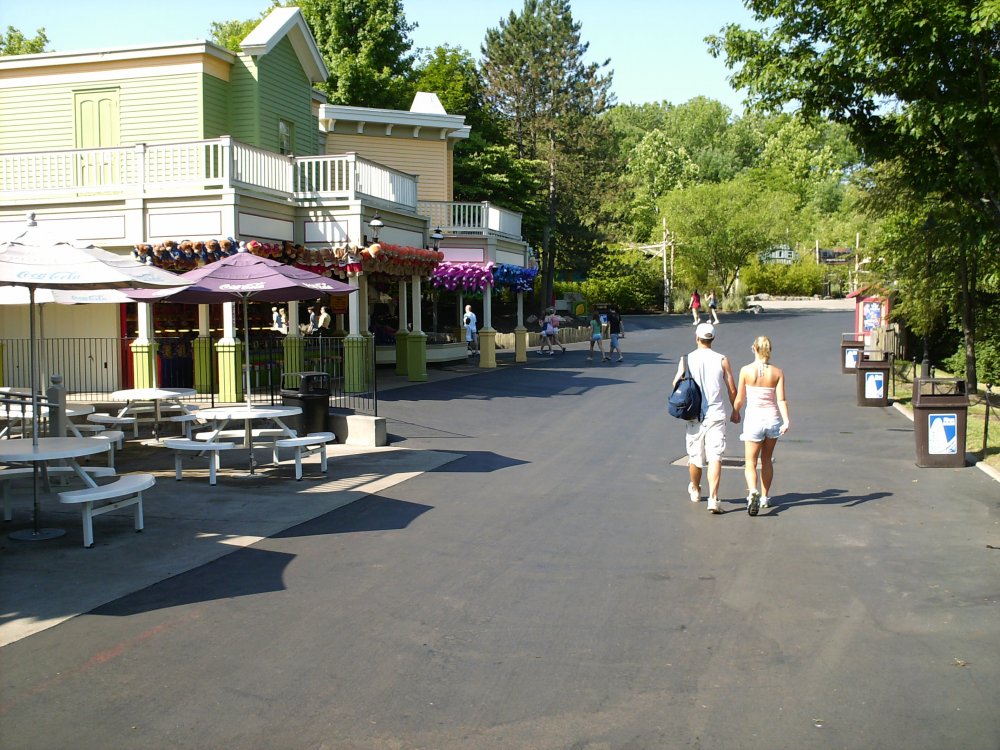
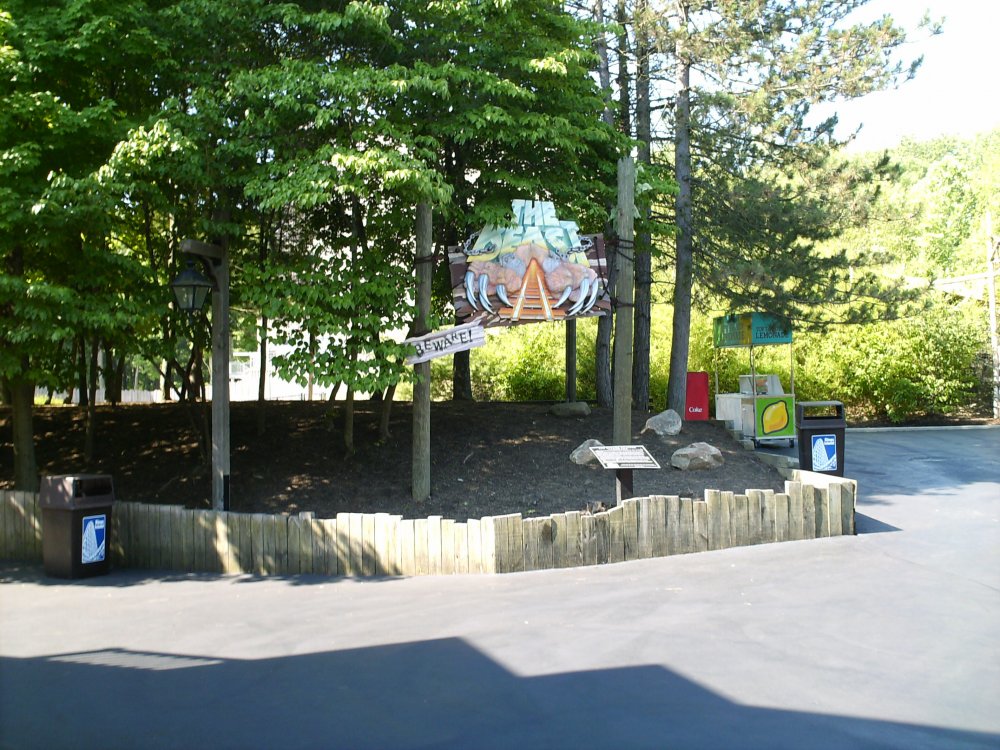
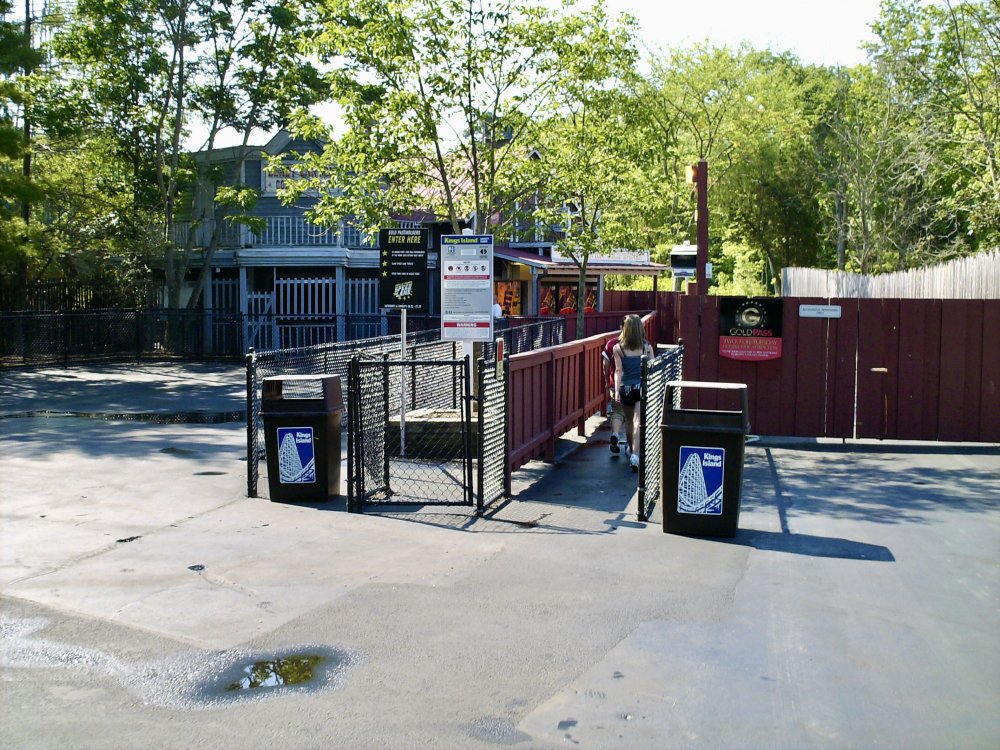
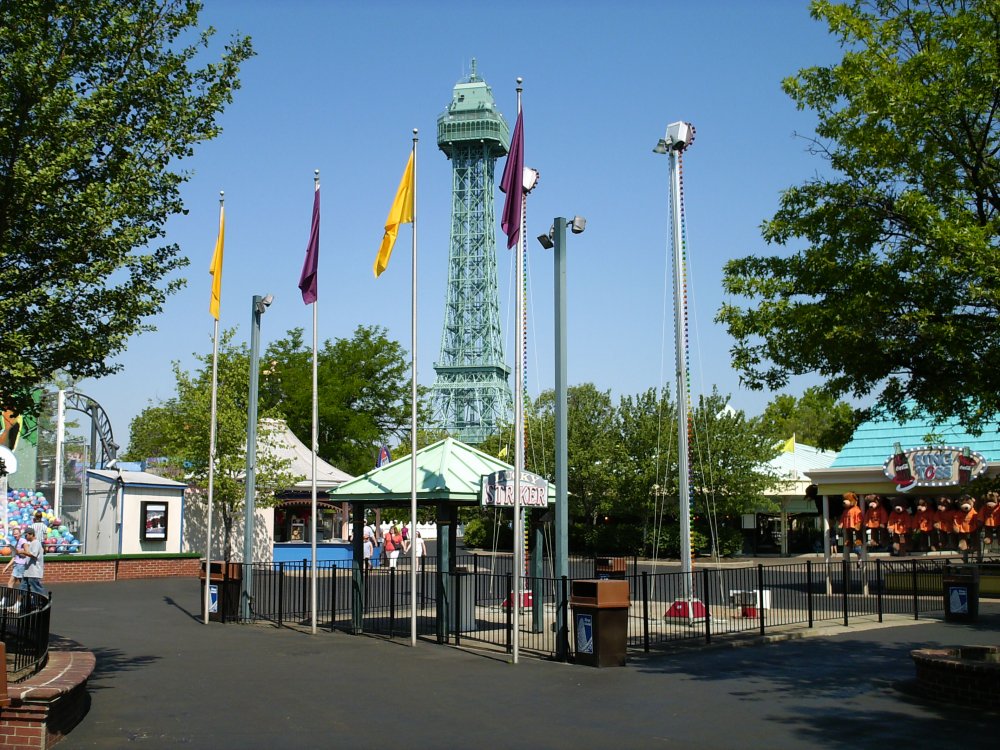
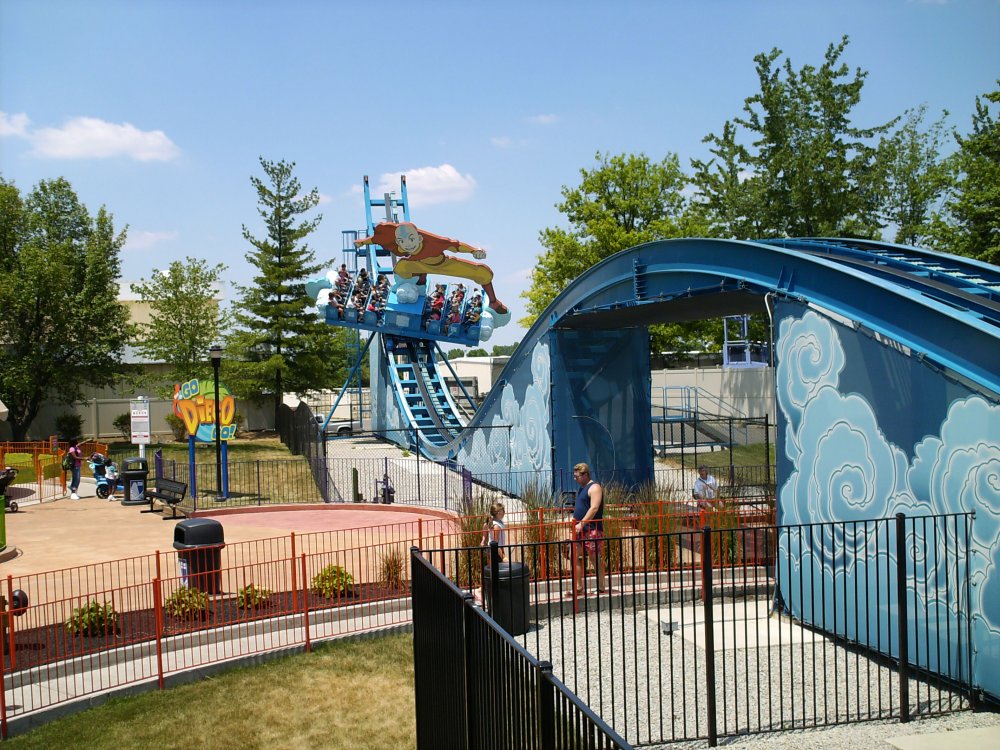
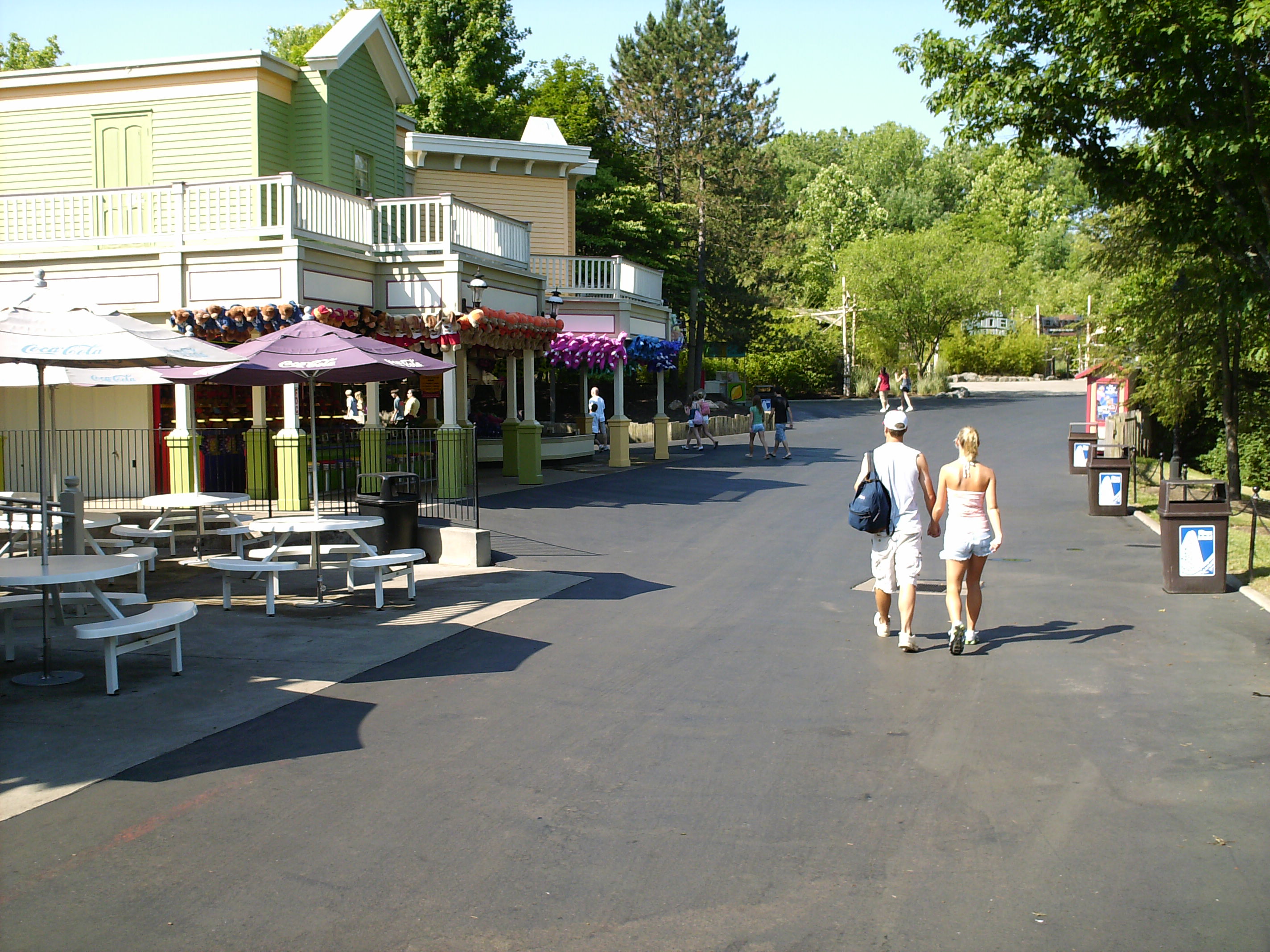
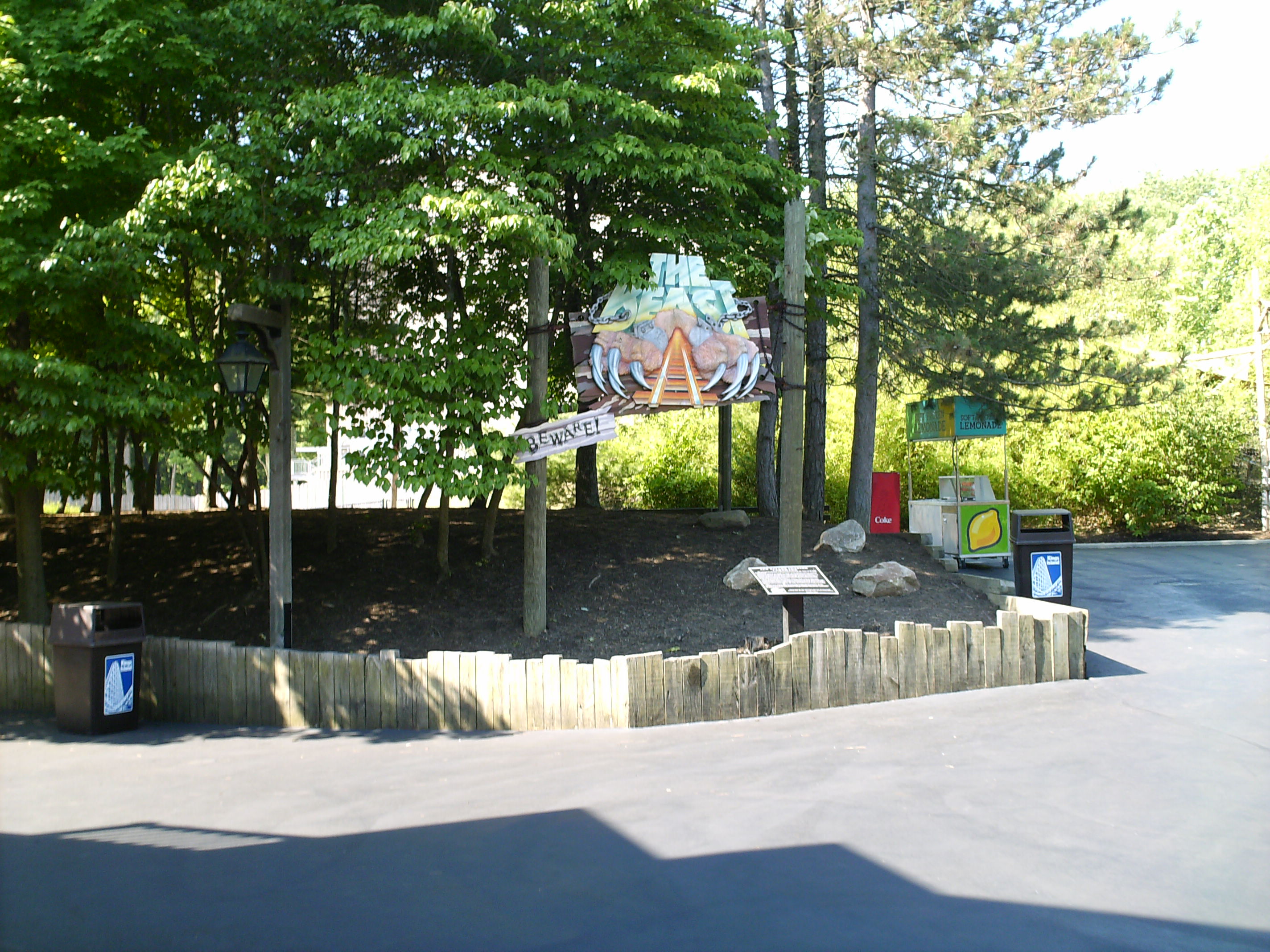
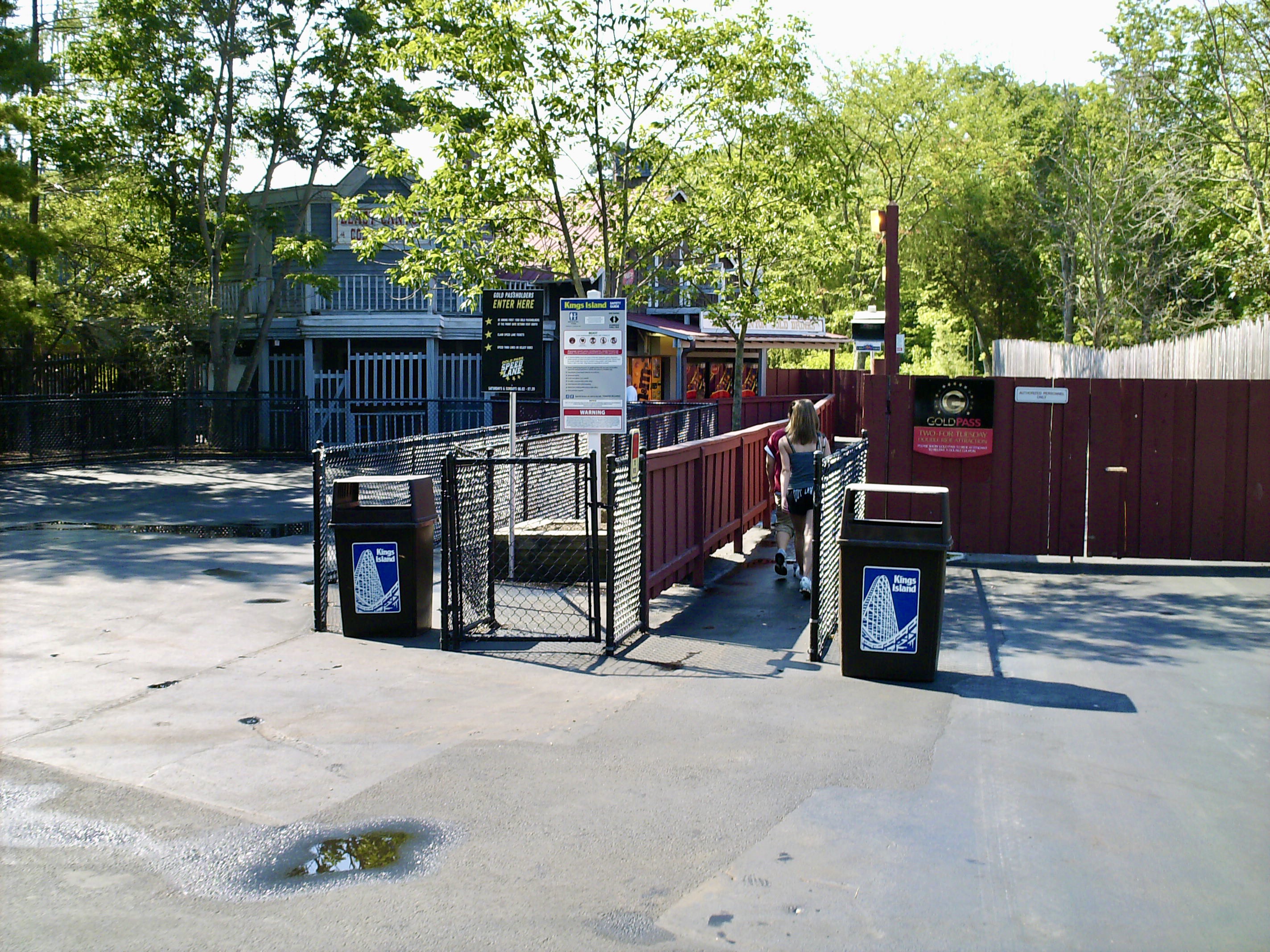
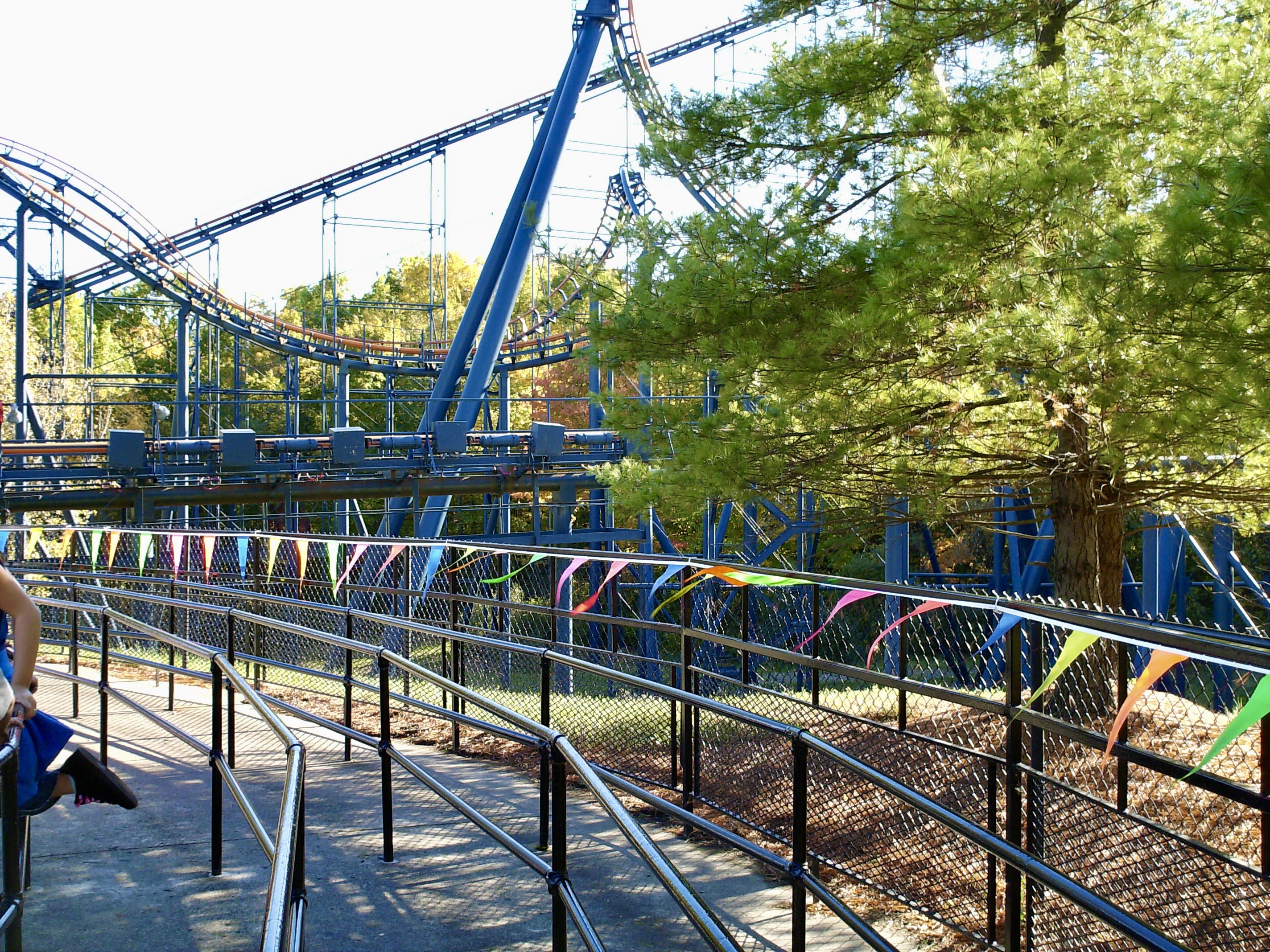
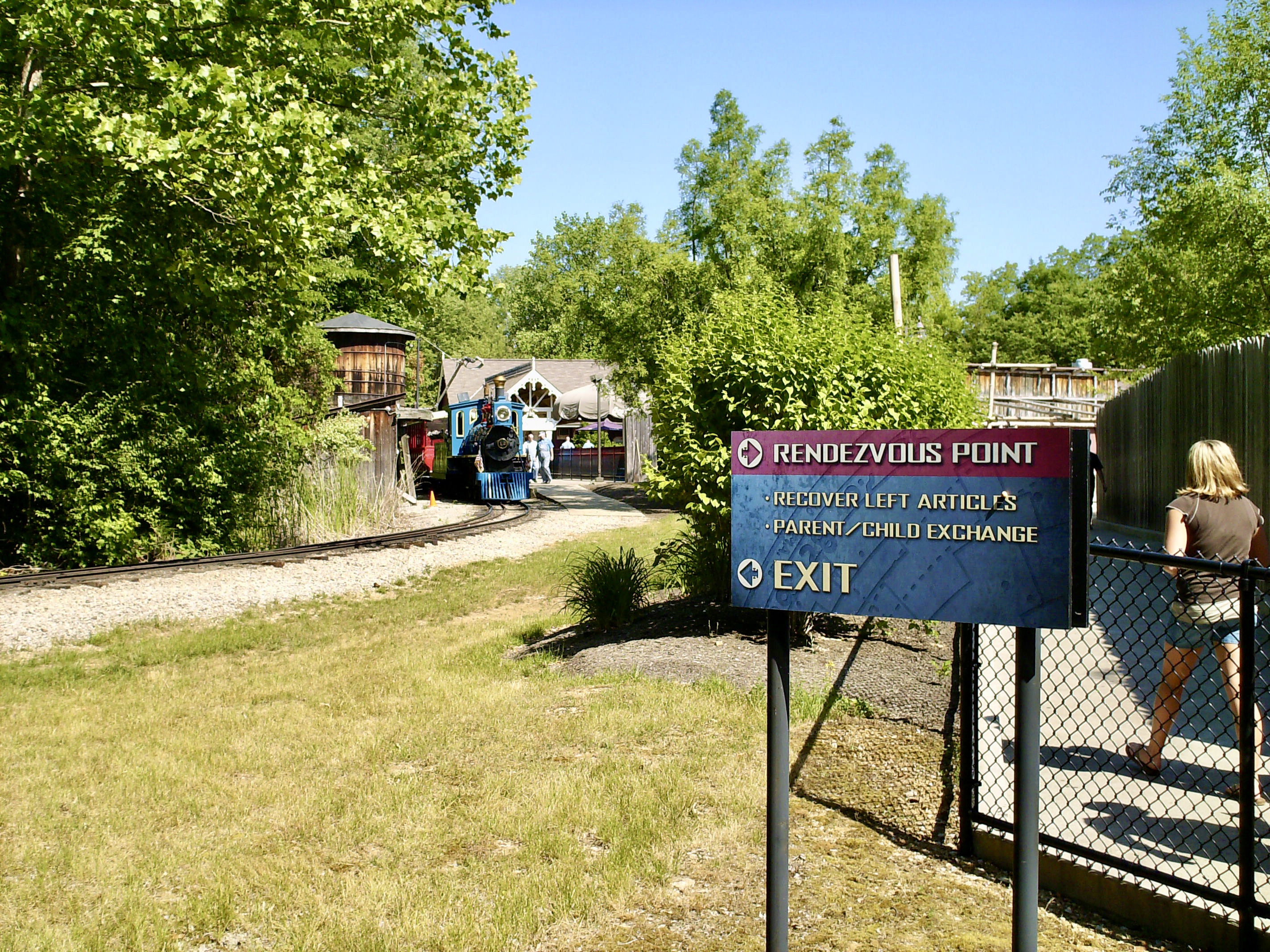
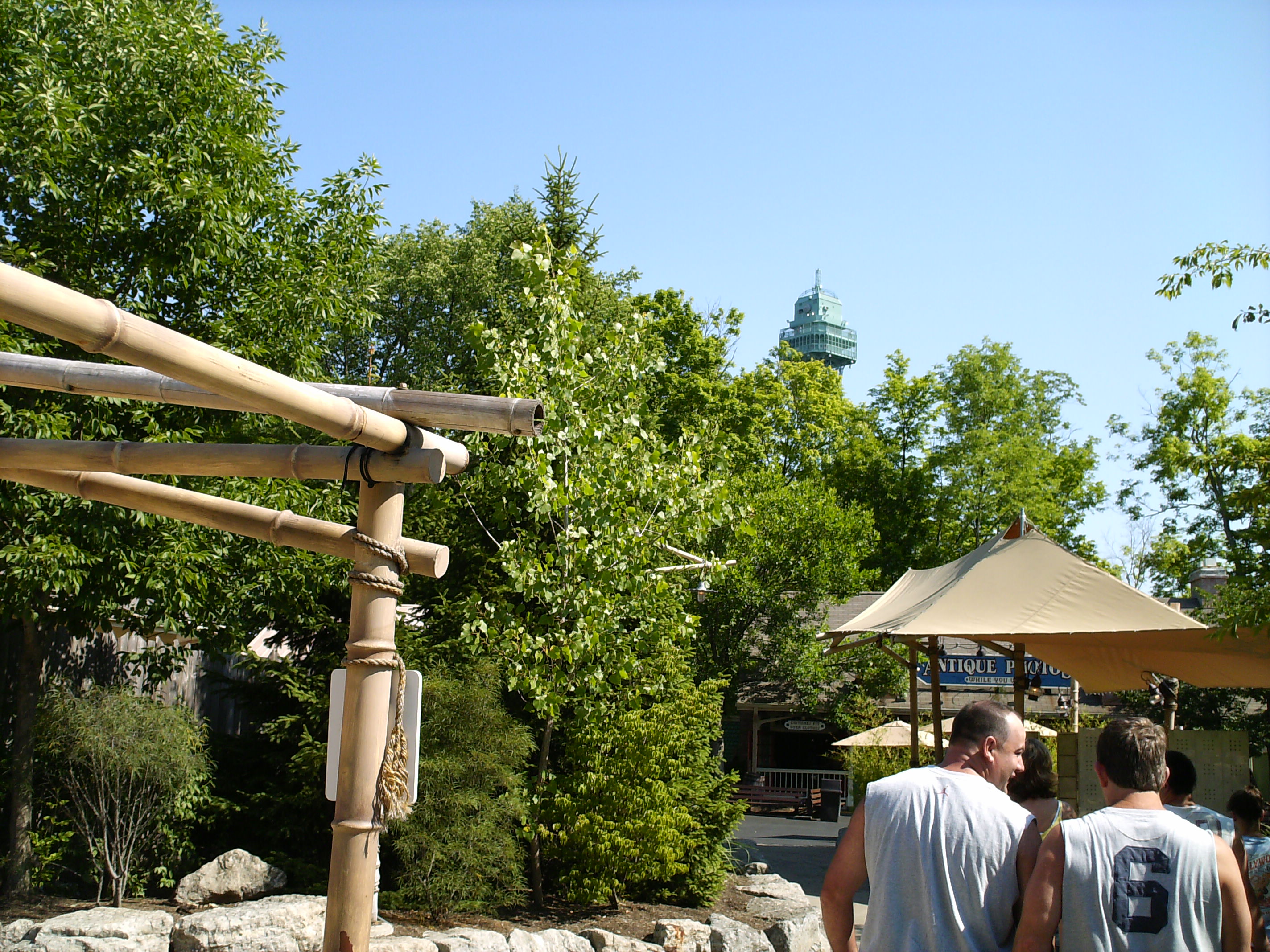
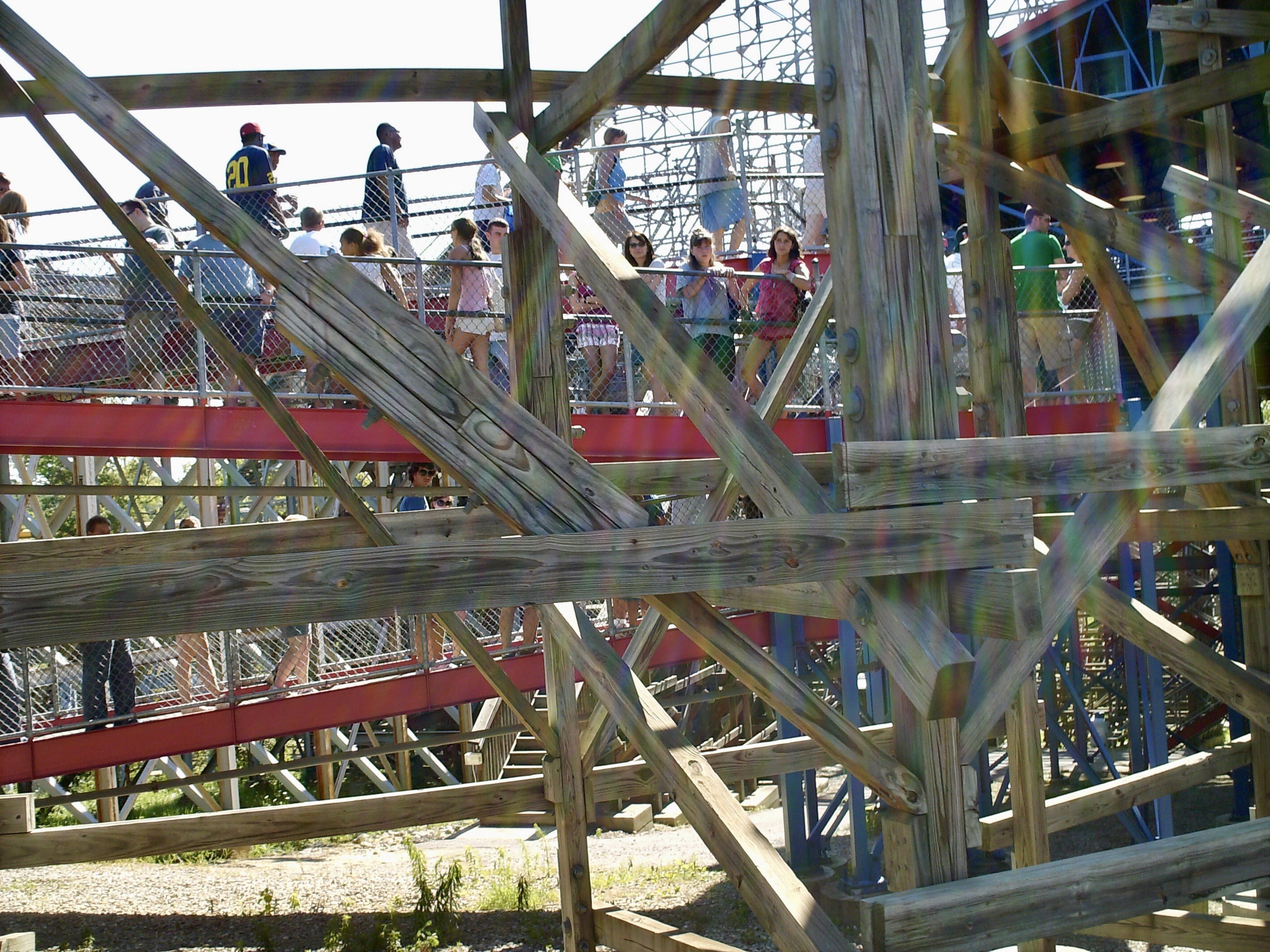
These are from 2007. There are a lot of trash cans!
-
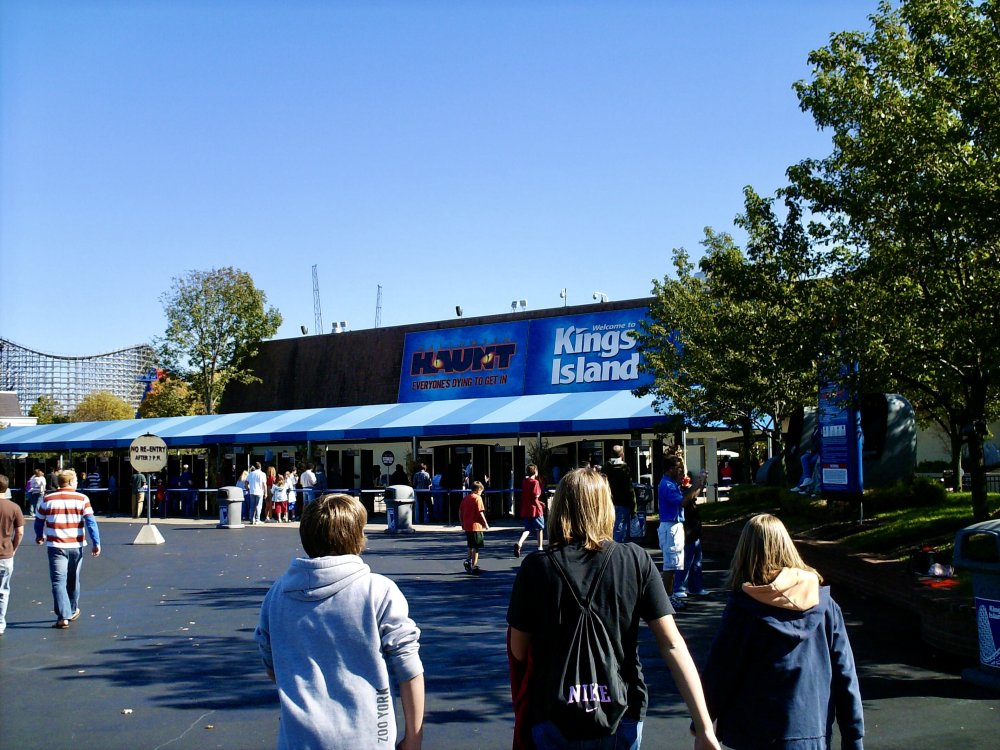
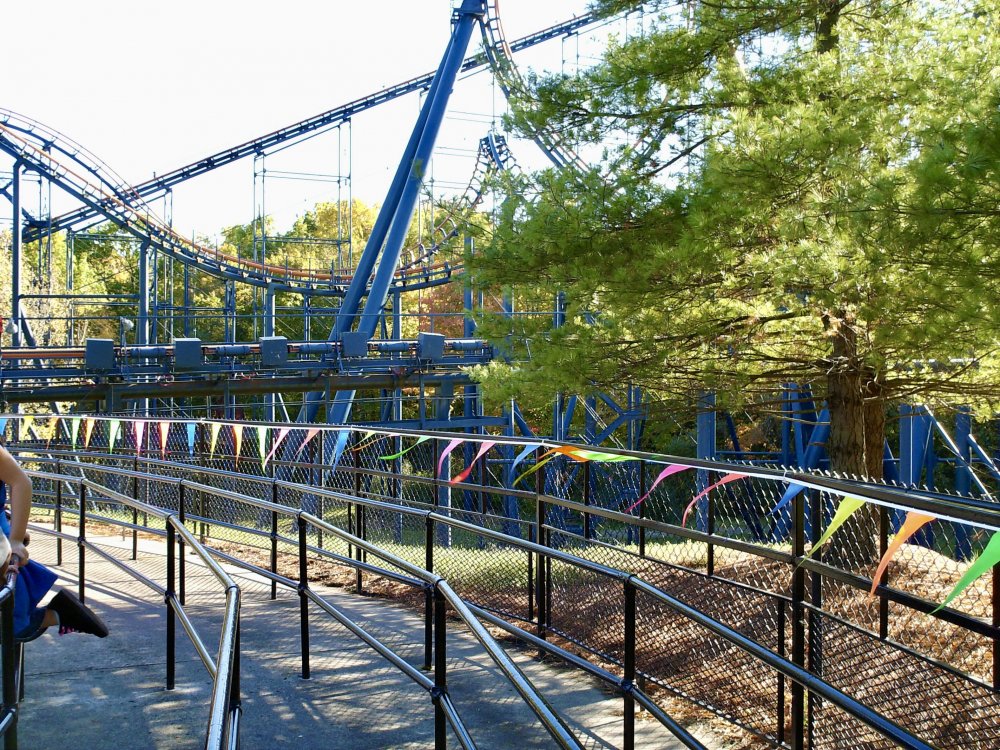
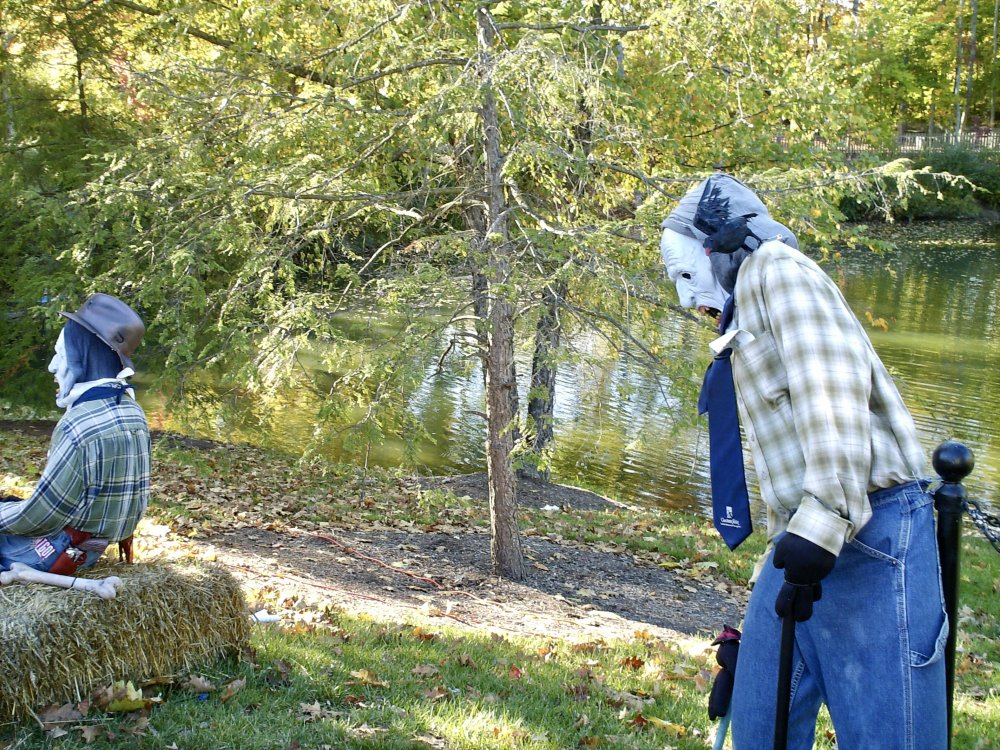
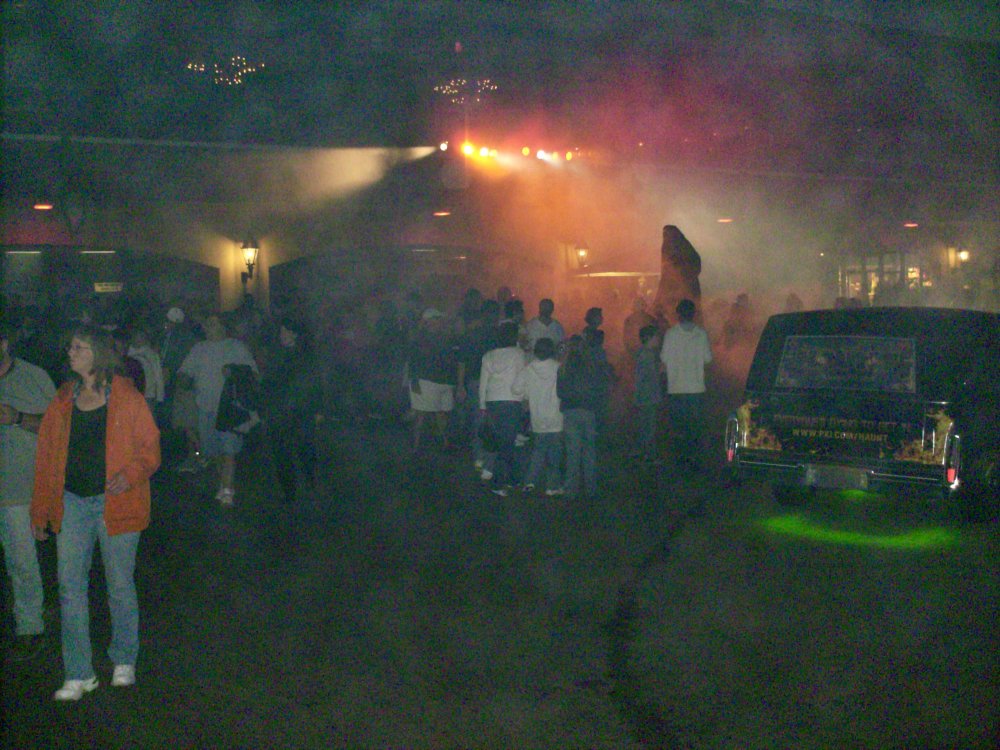
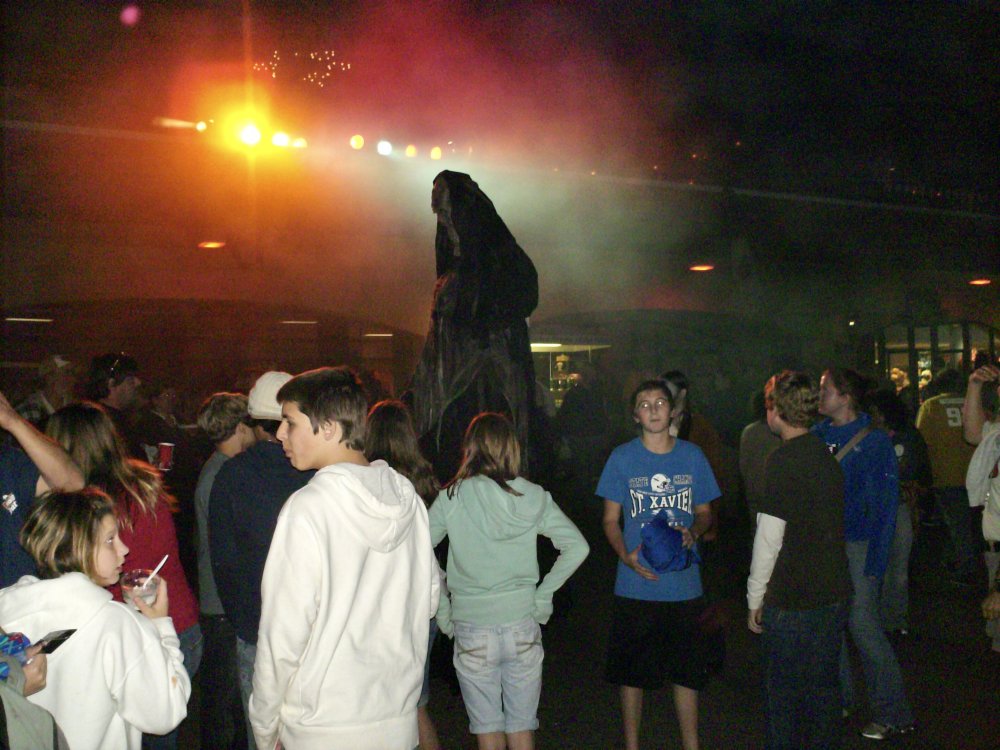
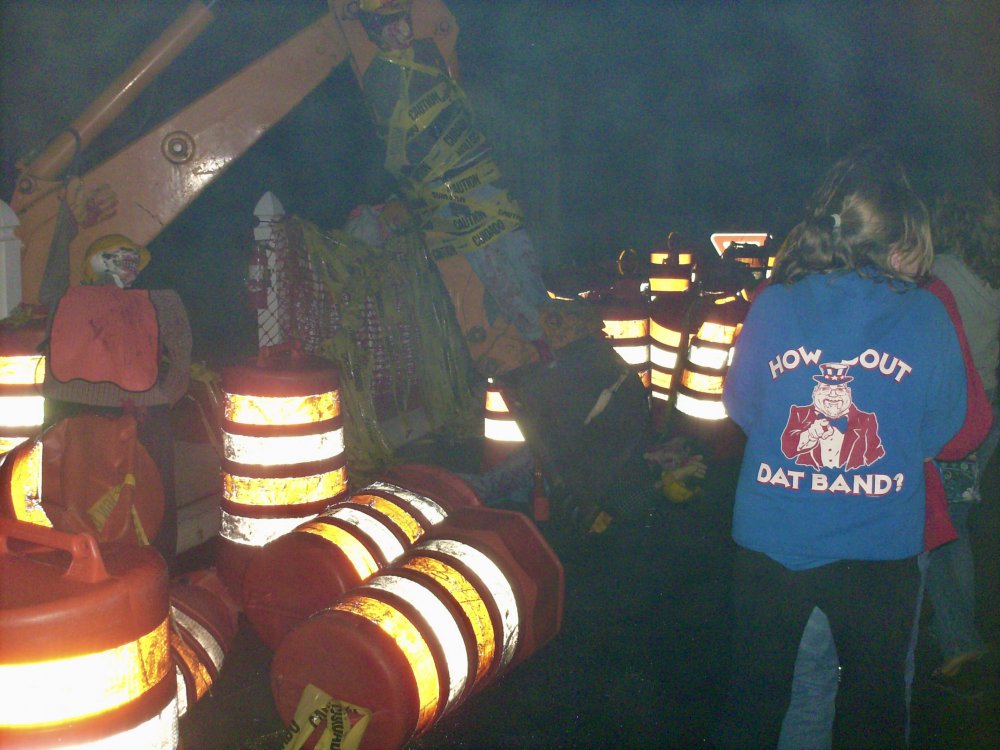
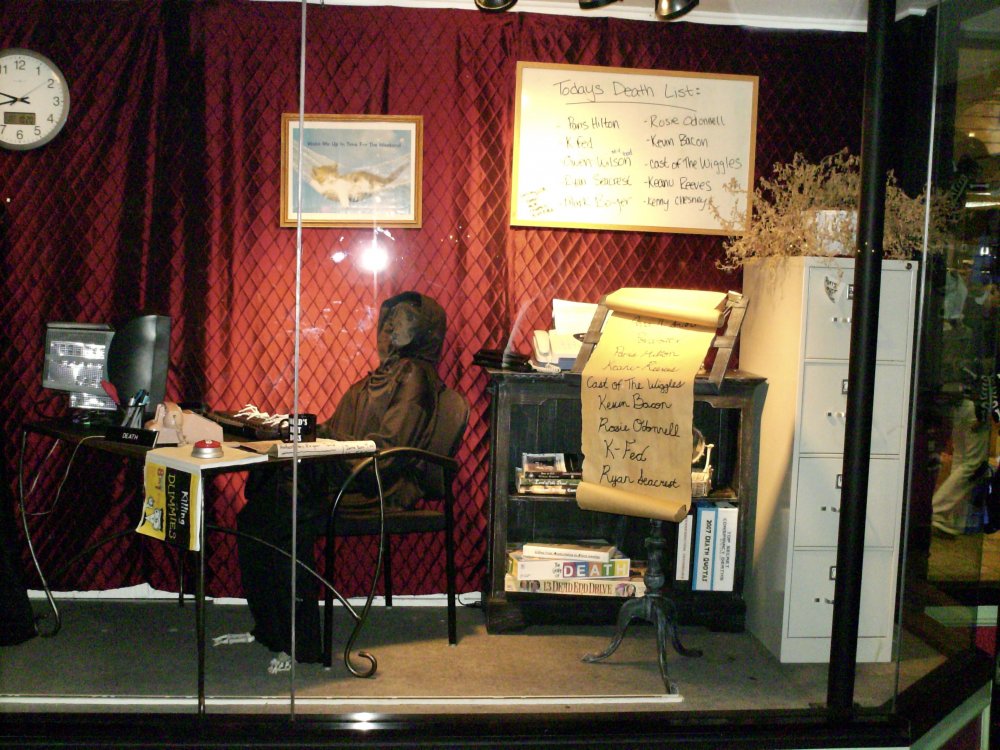
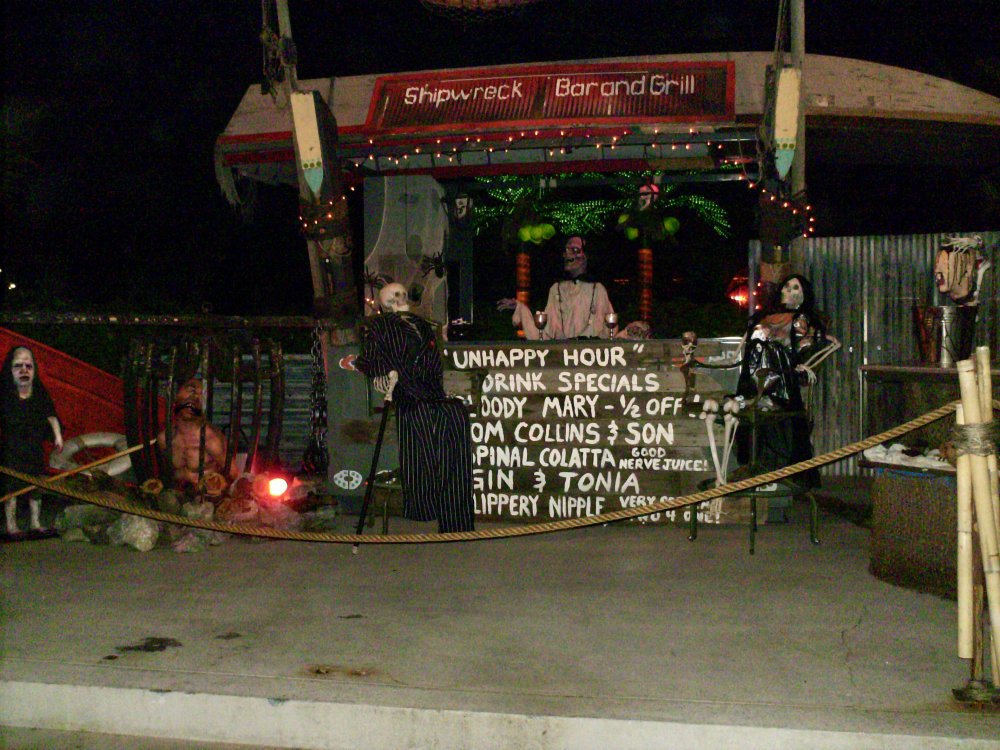
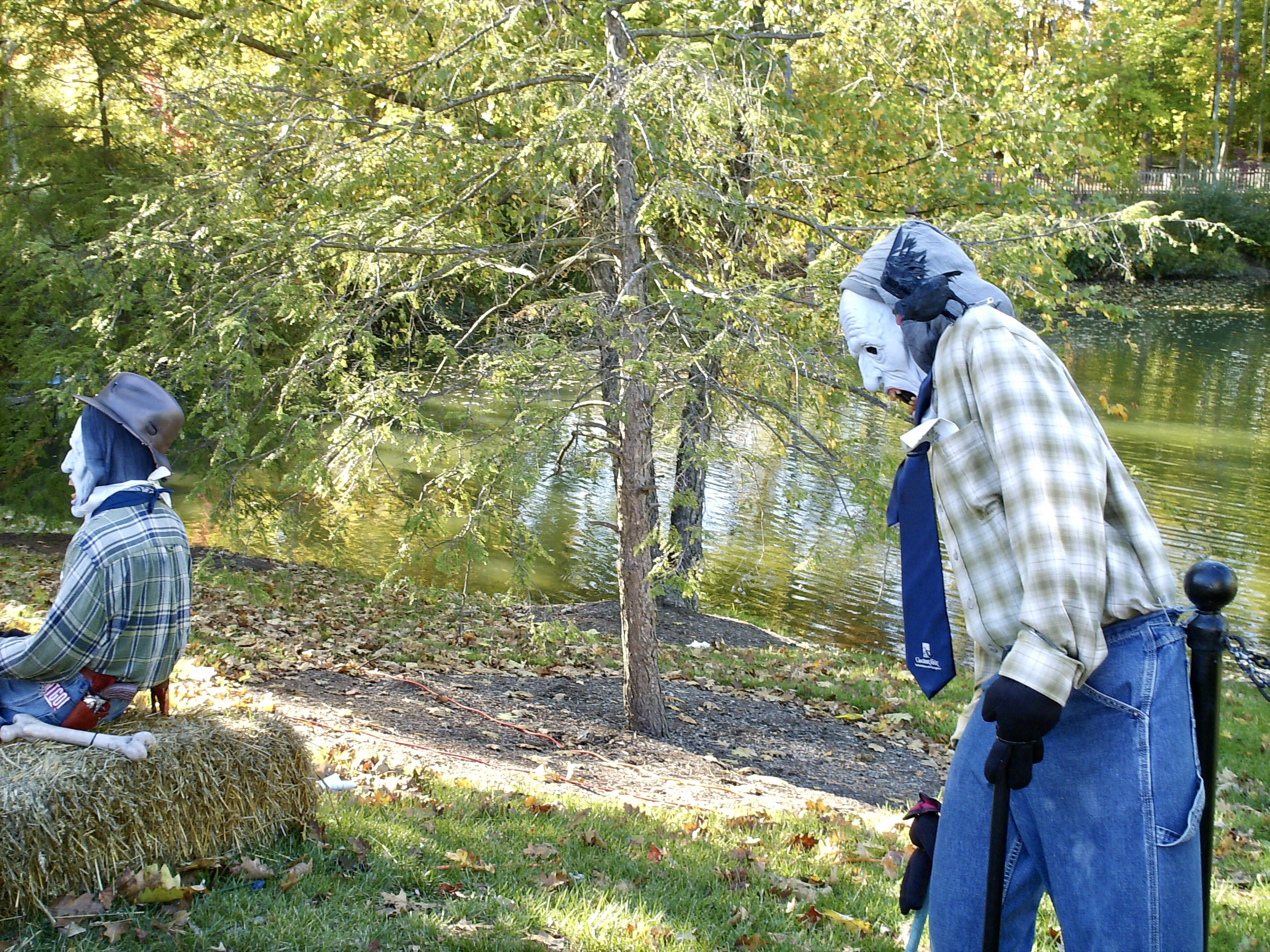
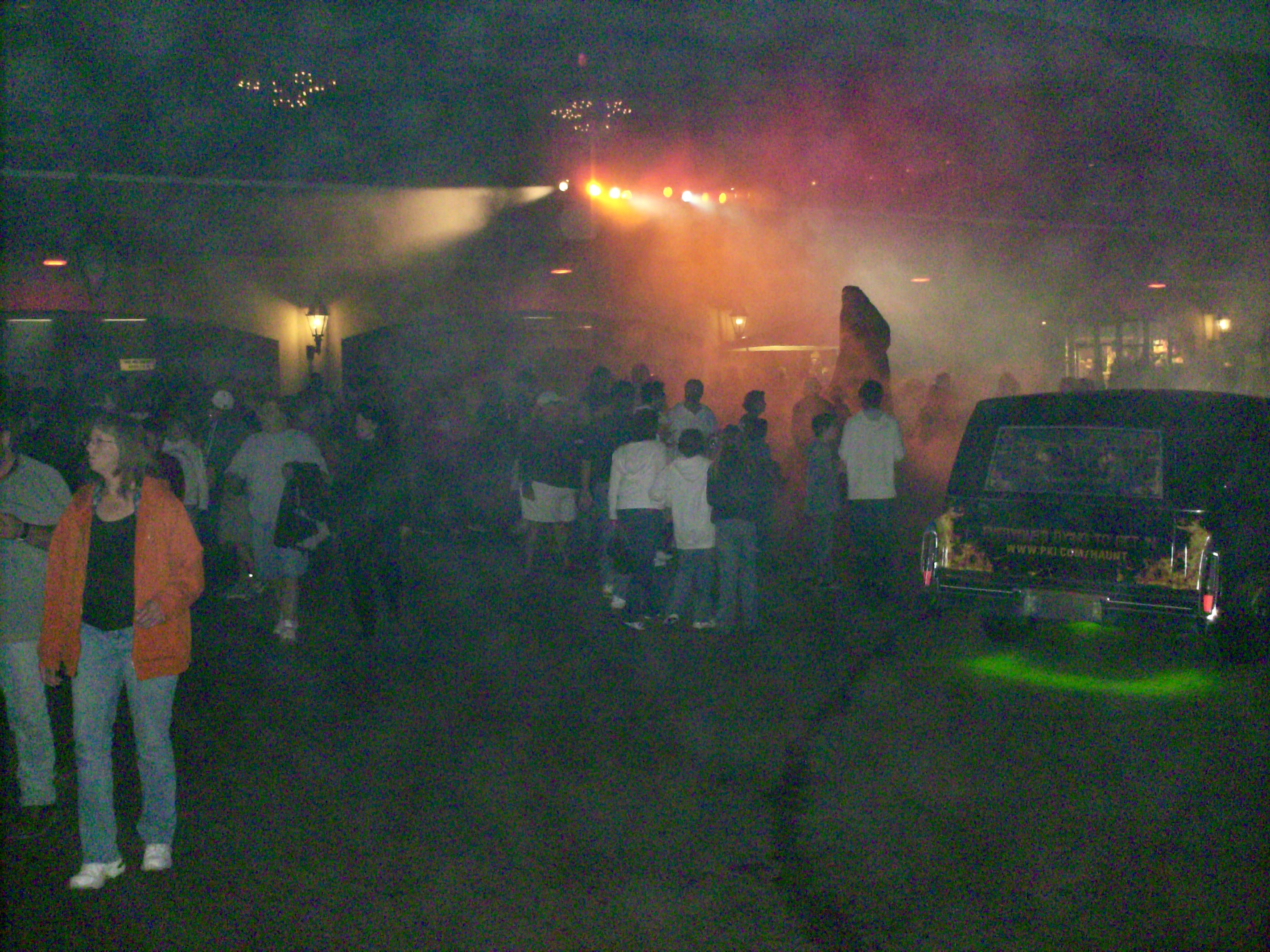
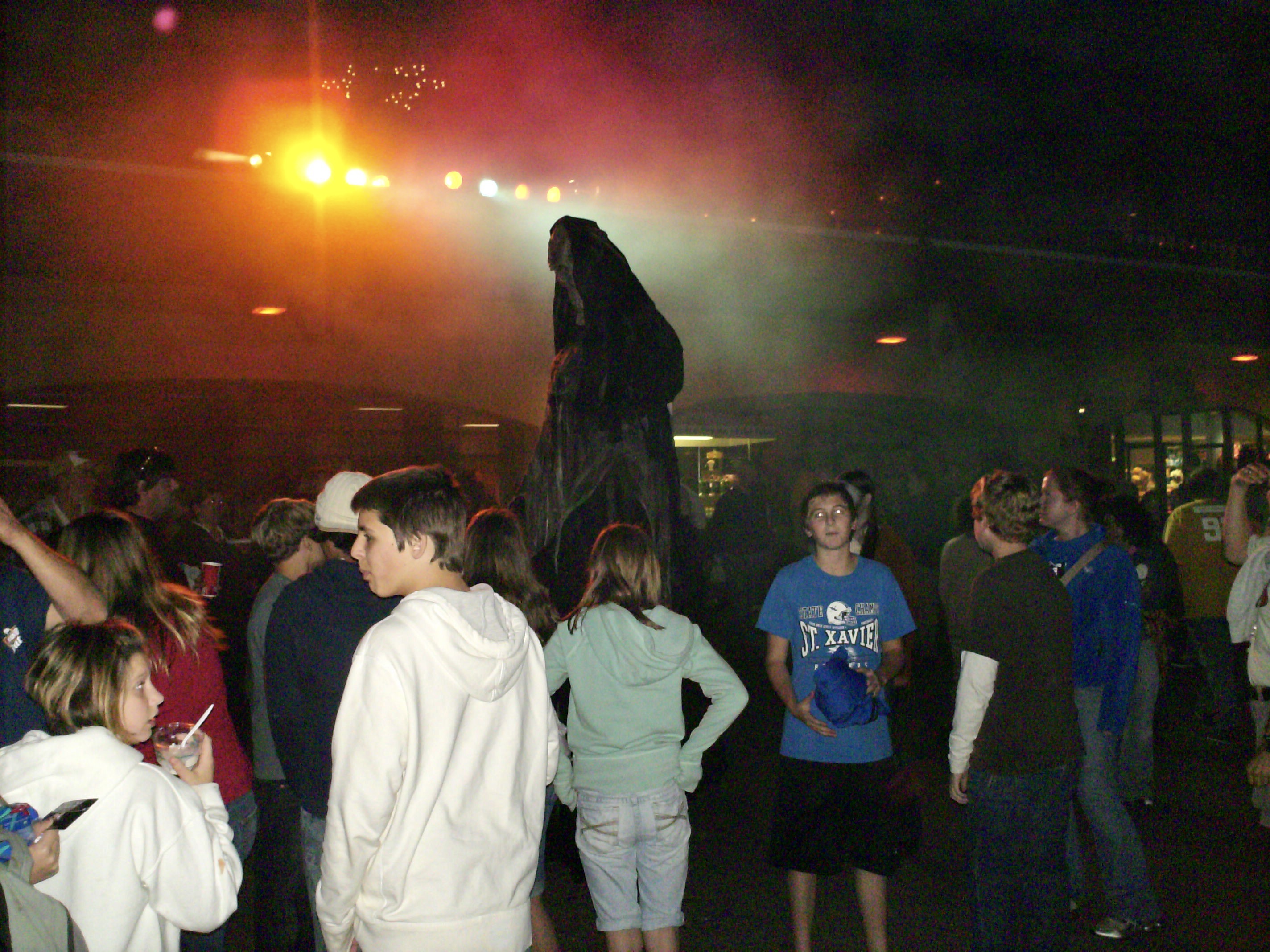
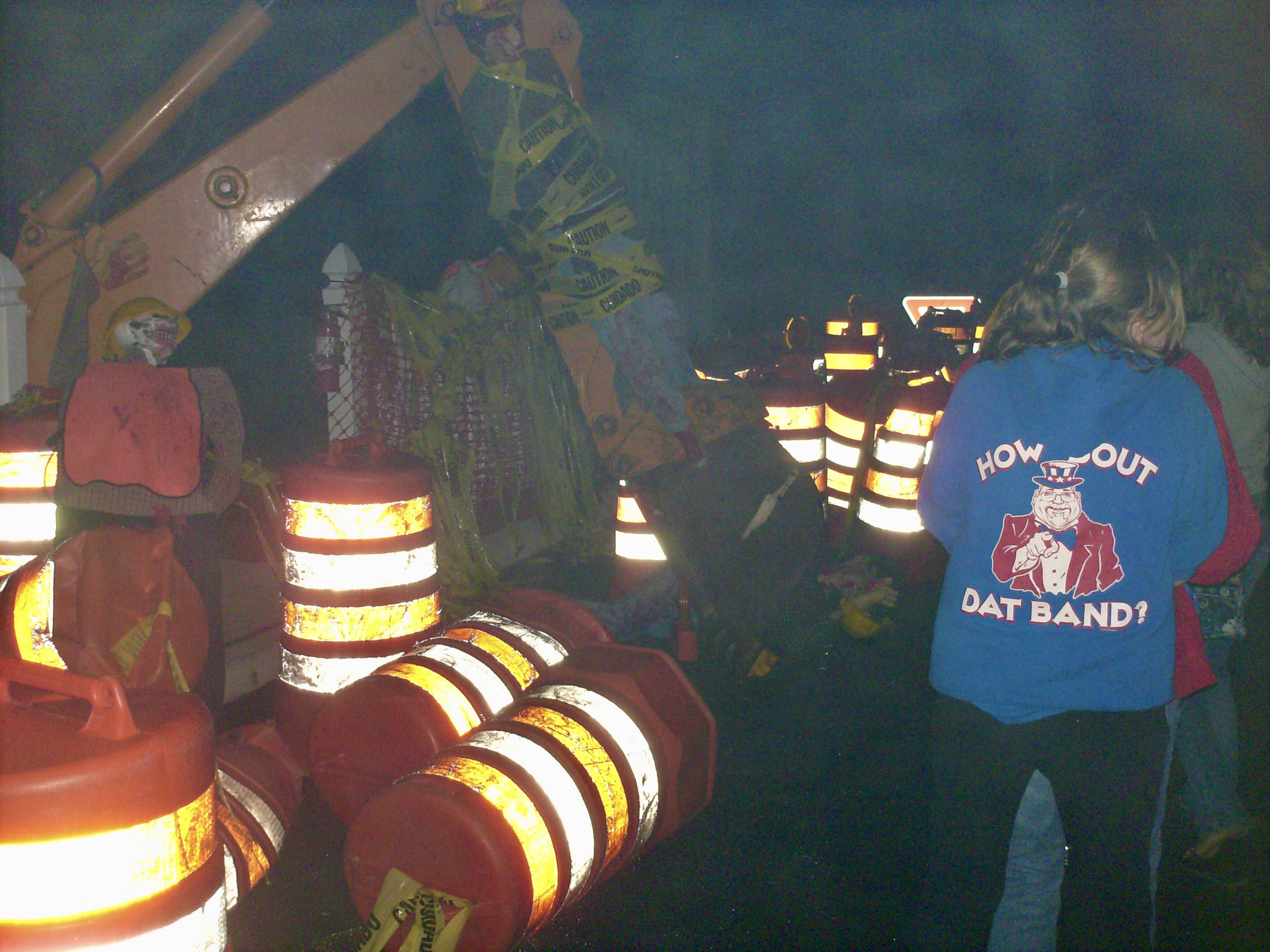
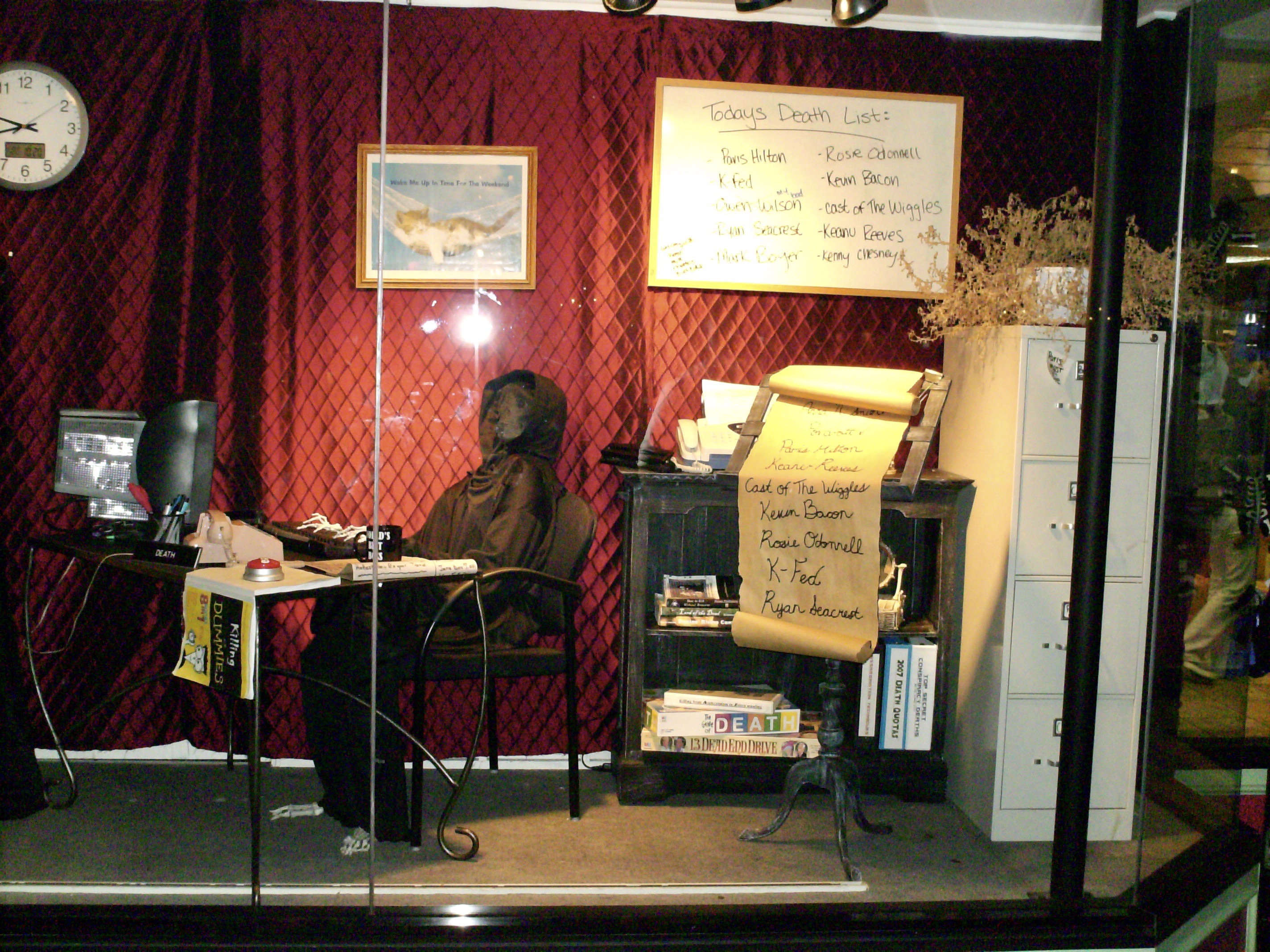
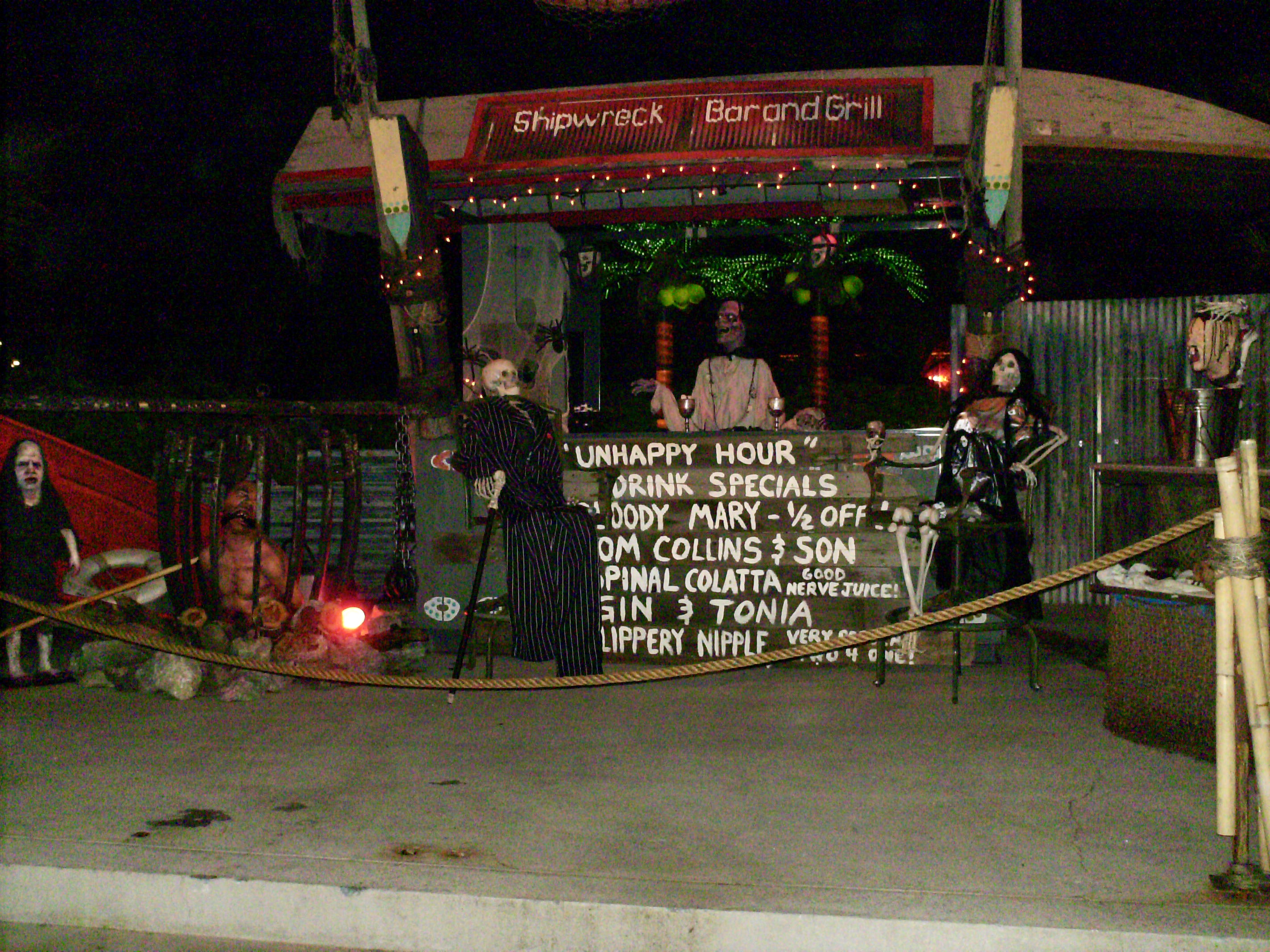
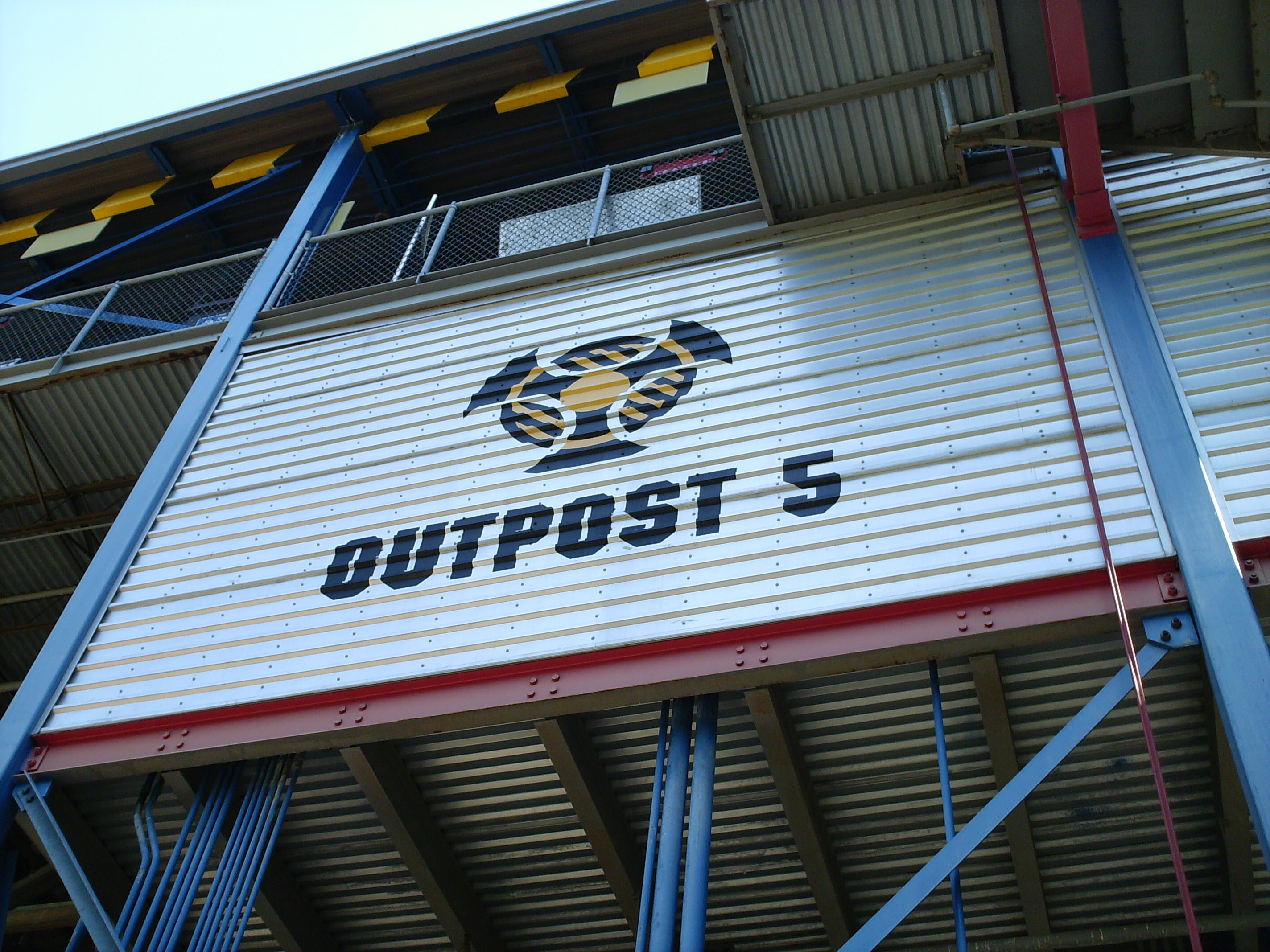
Here's some pics of the first Haunt (was FearFest), and first under CF ownership. October 2007.

-
Ha! I was going to post that pic! My mom took that photo while we were riding it in during my first ever visit to Kings Island, in 1975.It was a neat thing to check out for sure.
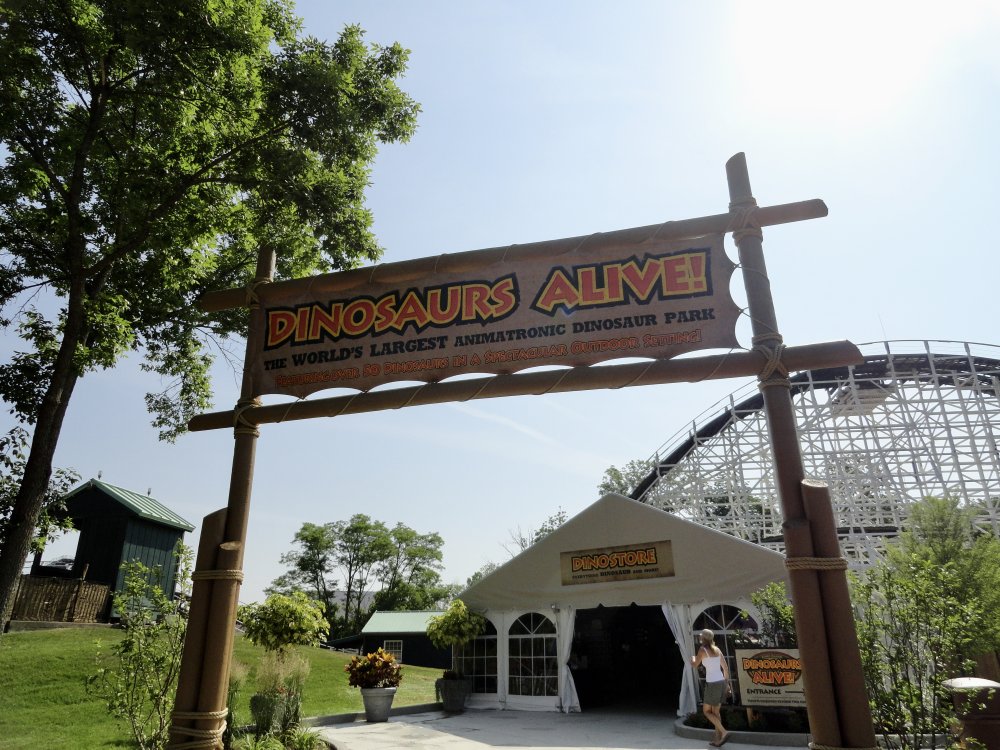
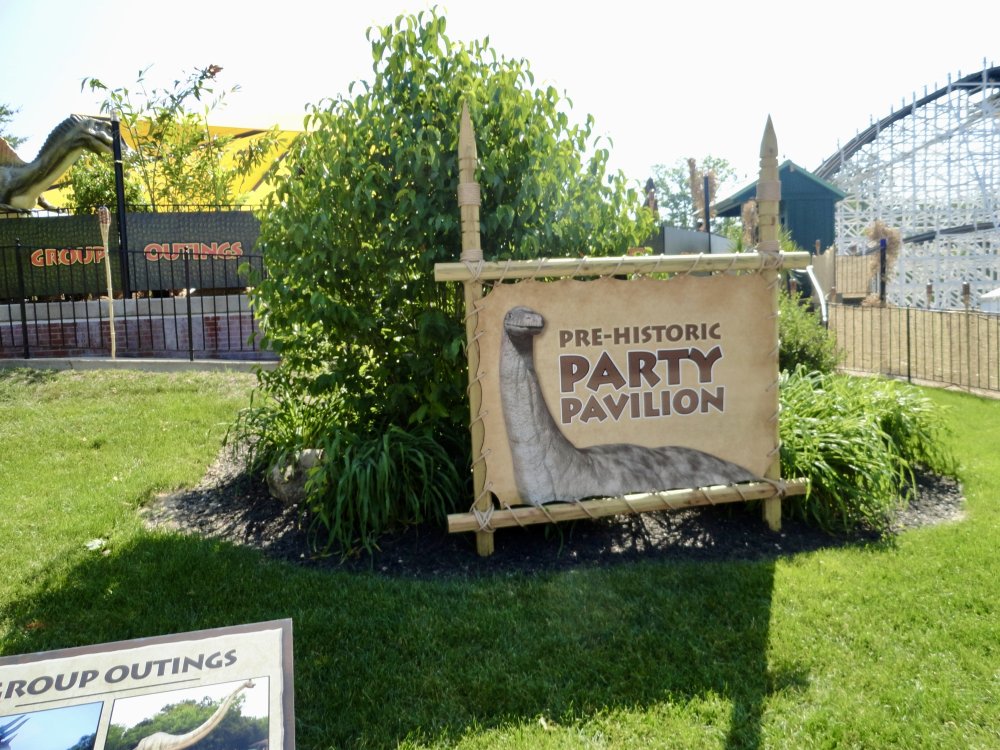

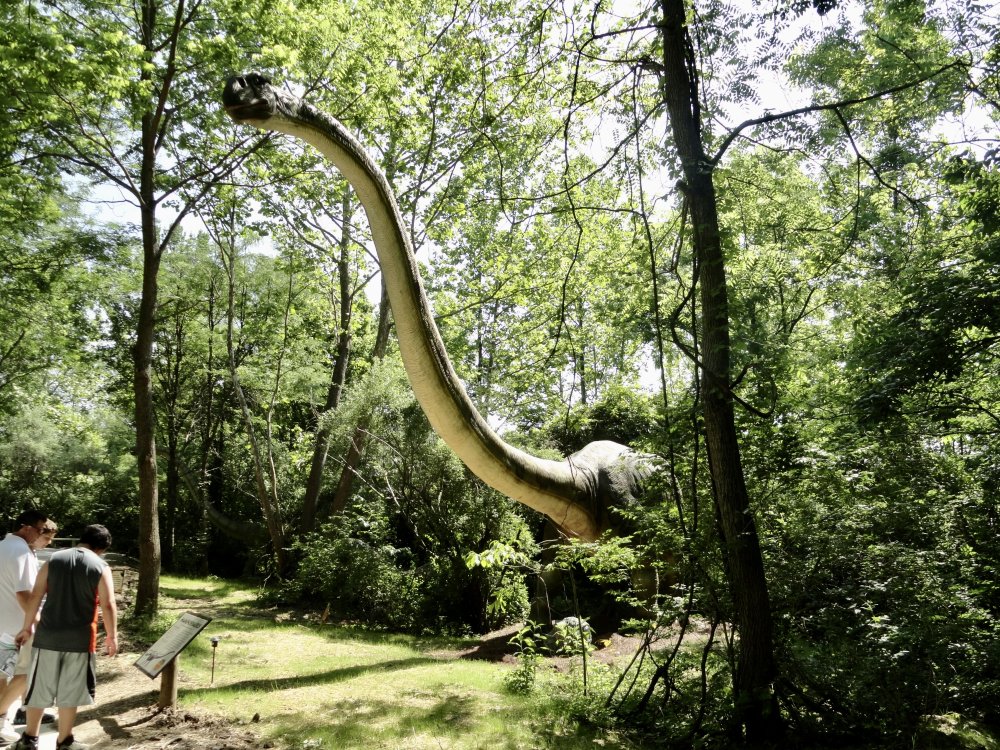

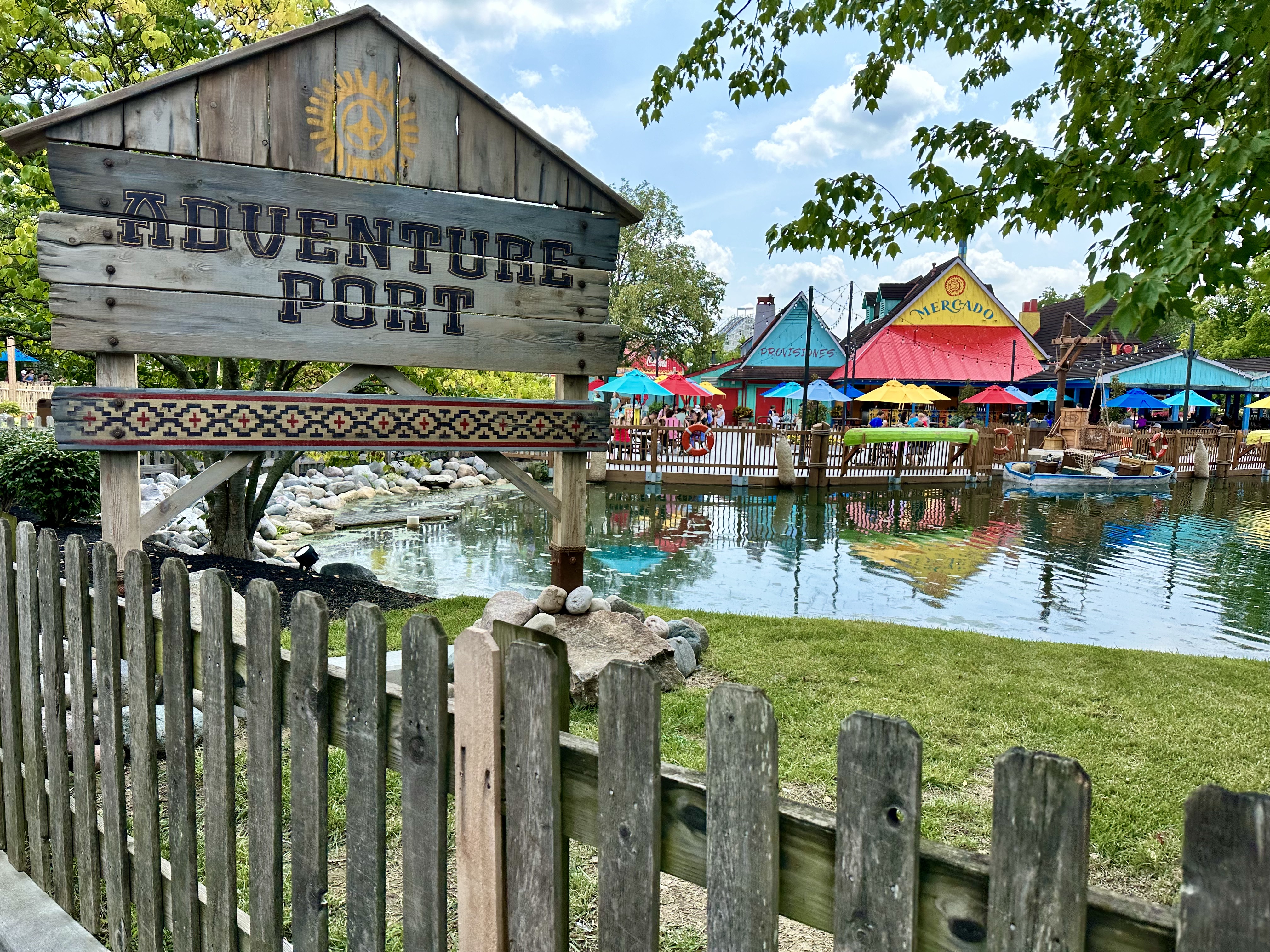
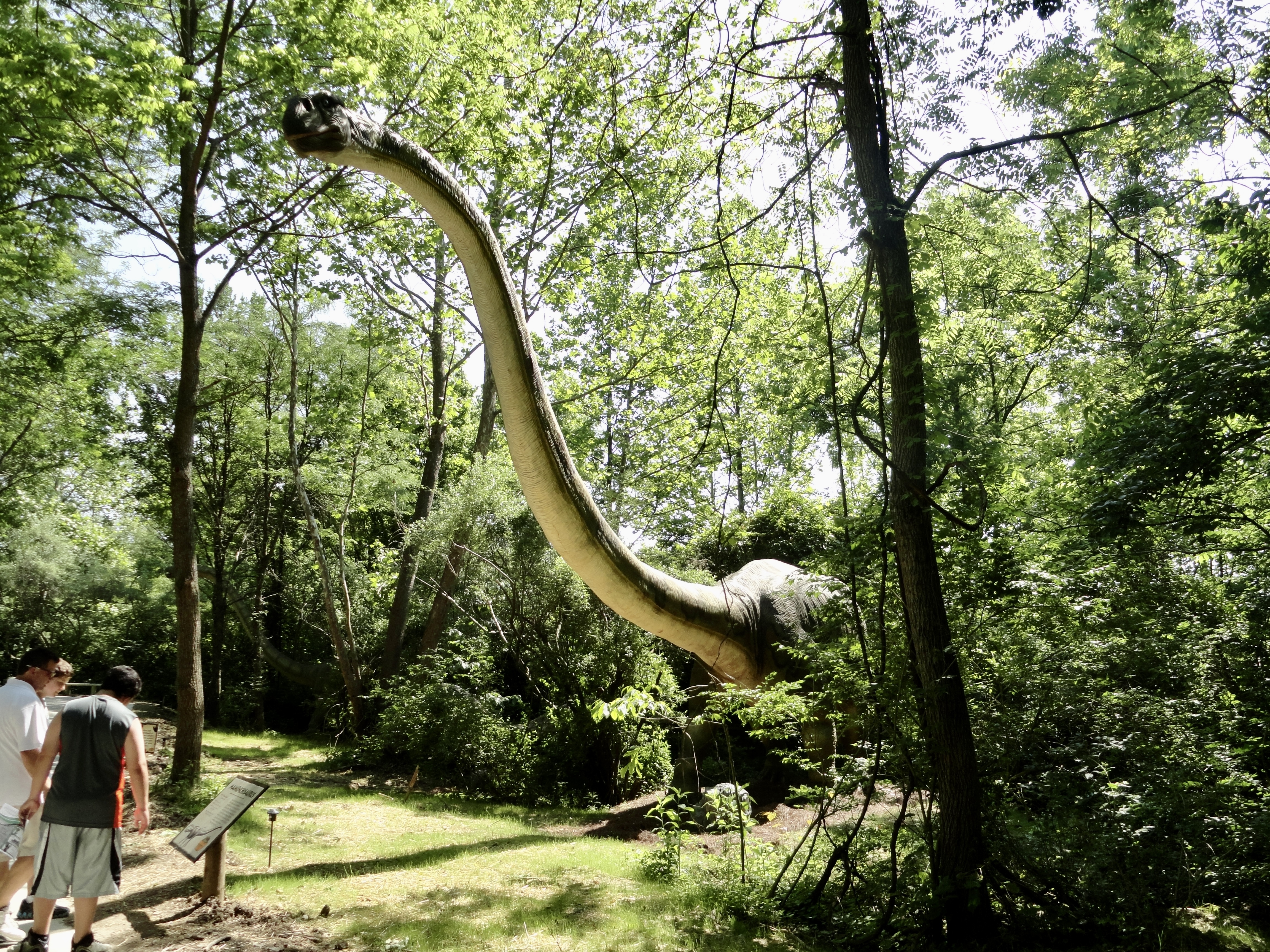
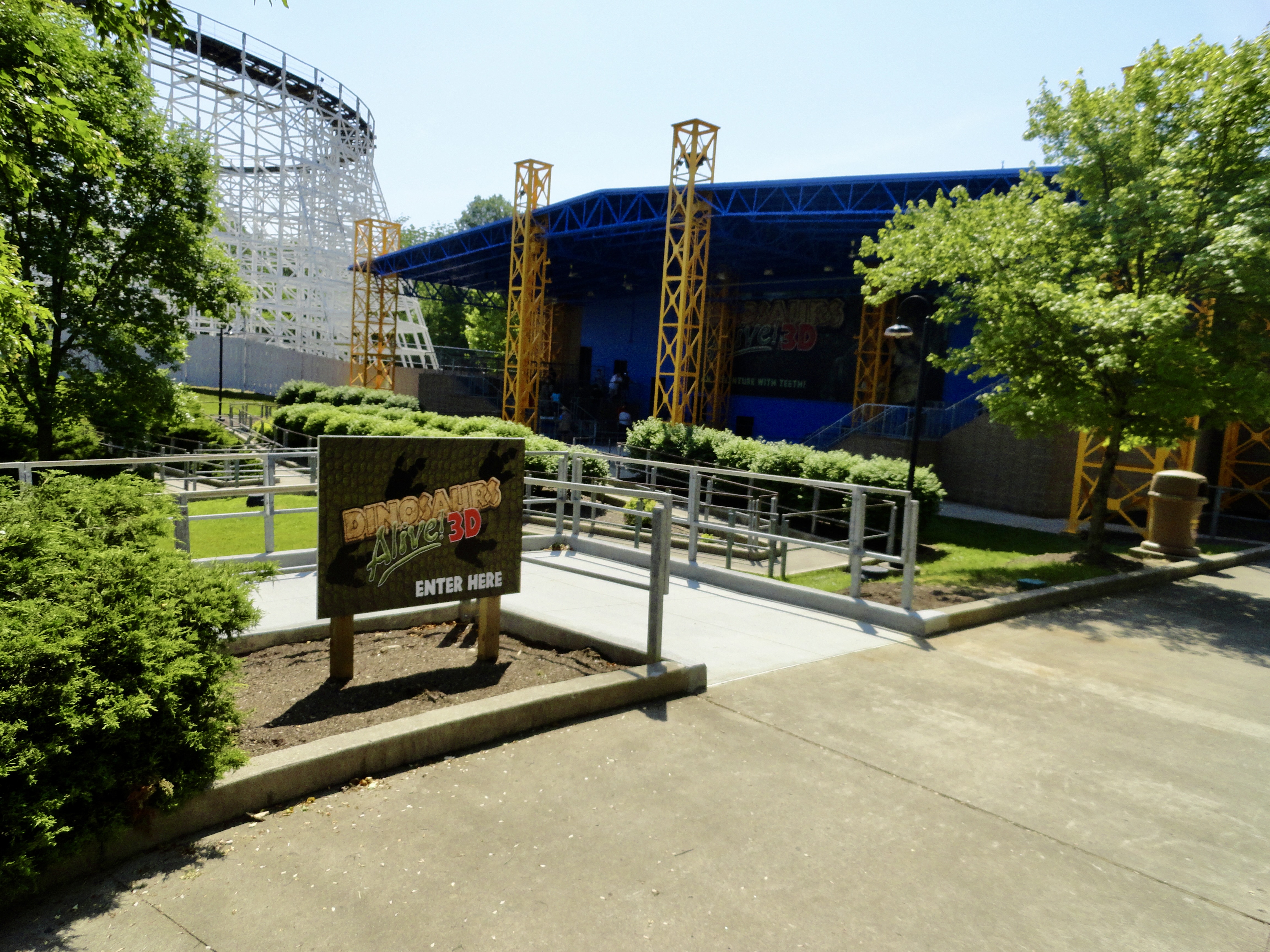
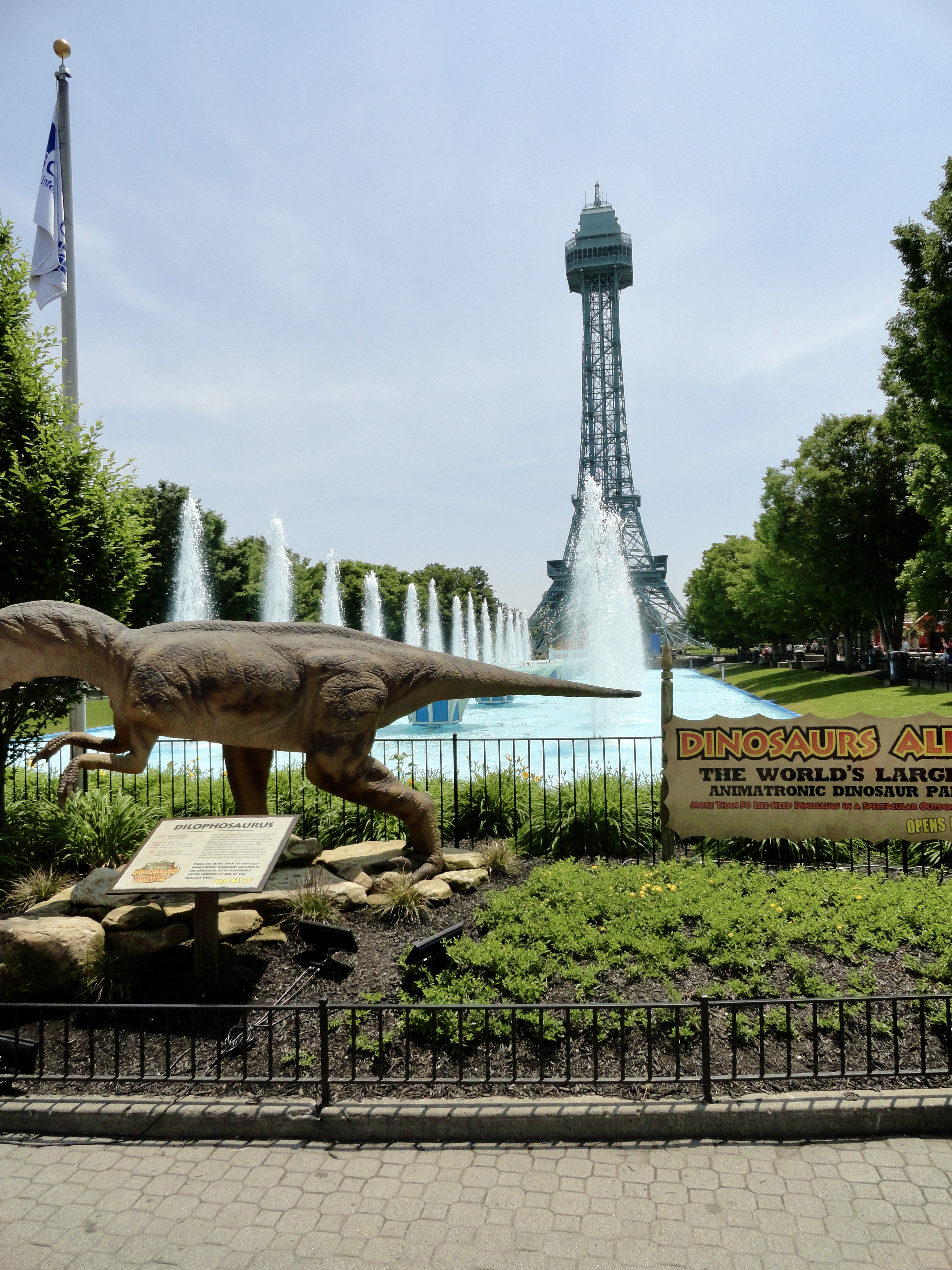
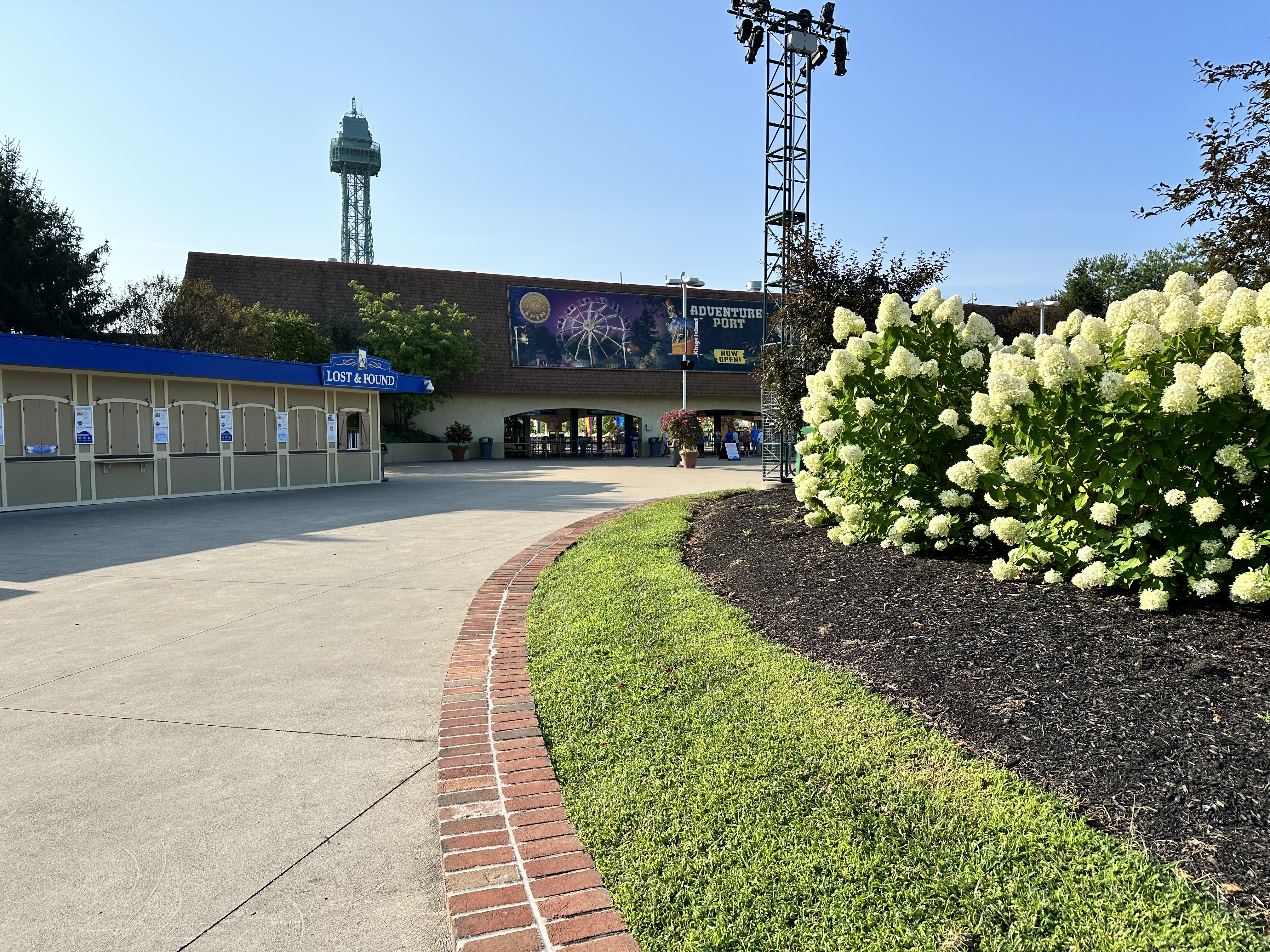
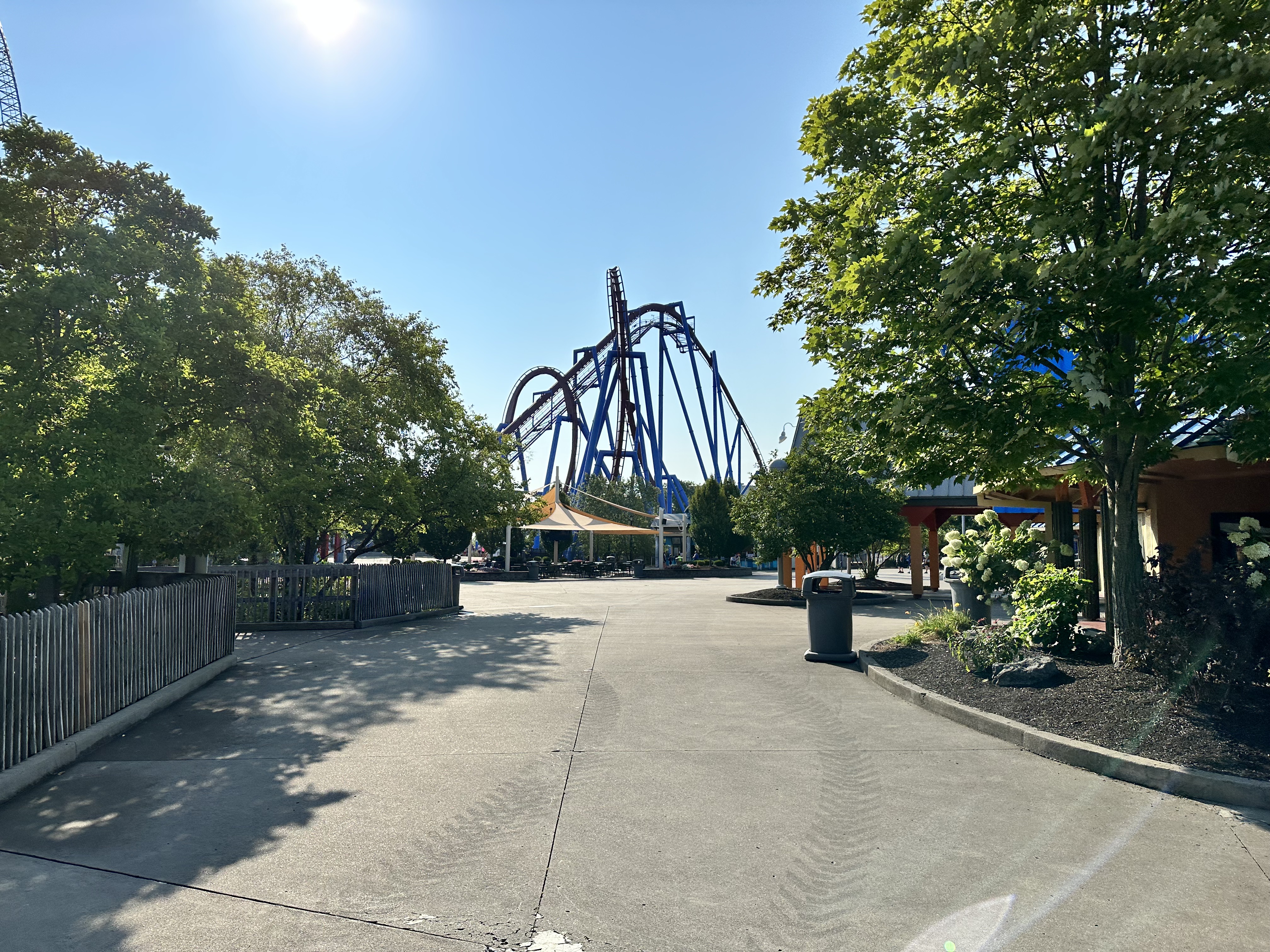
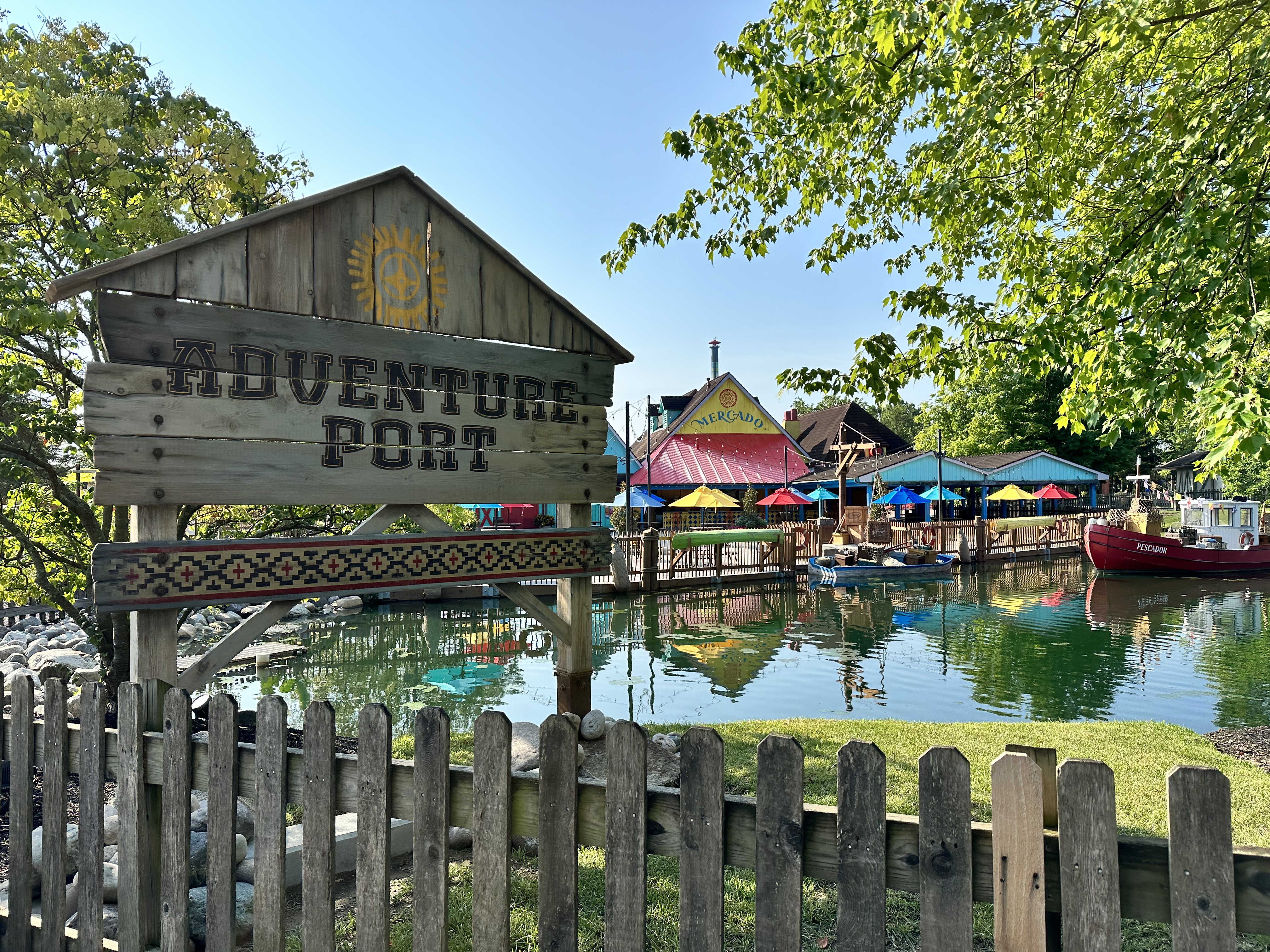
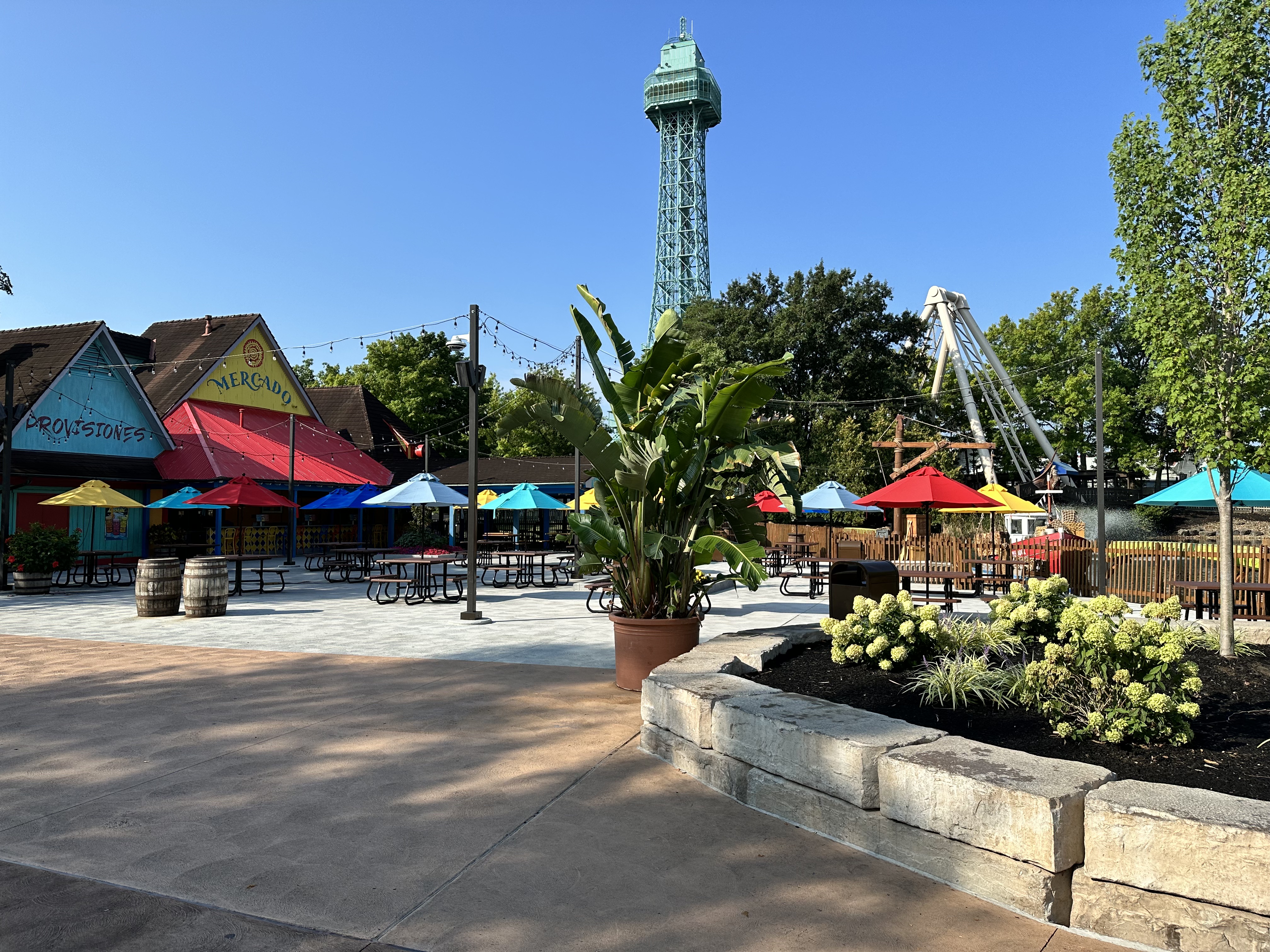
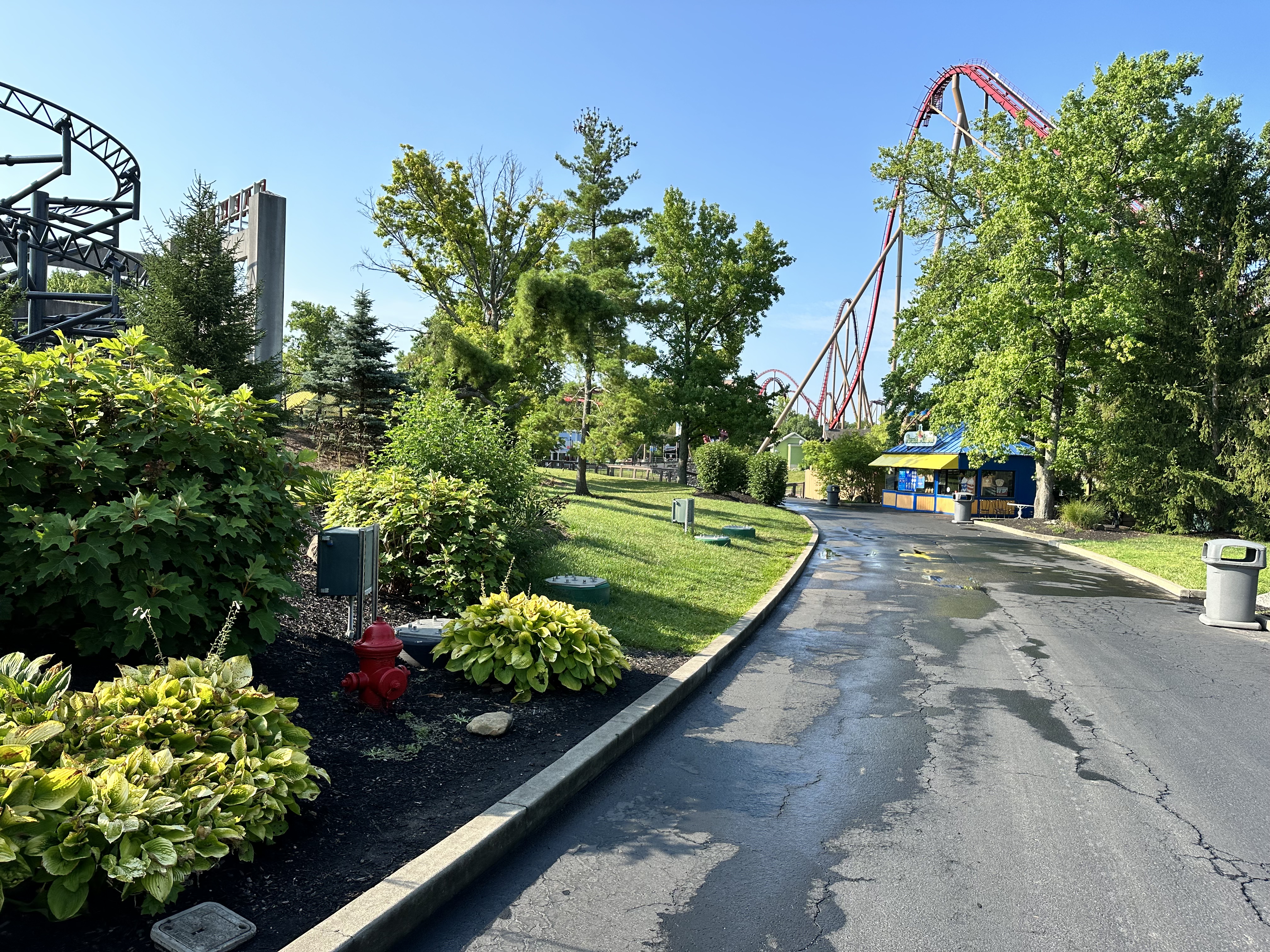
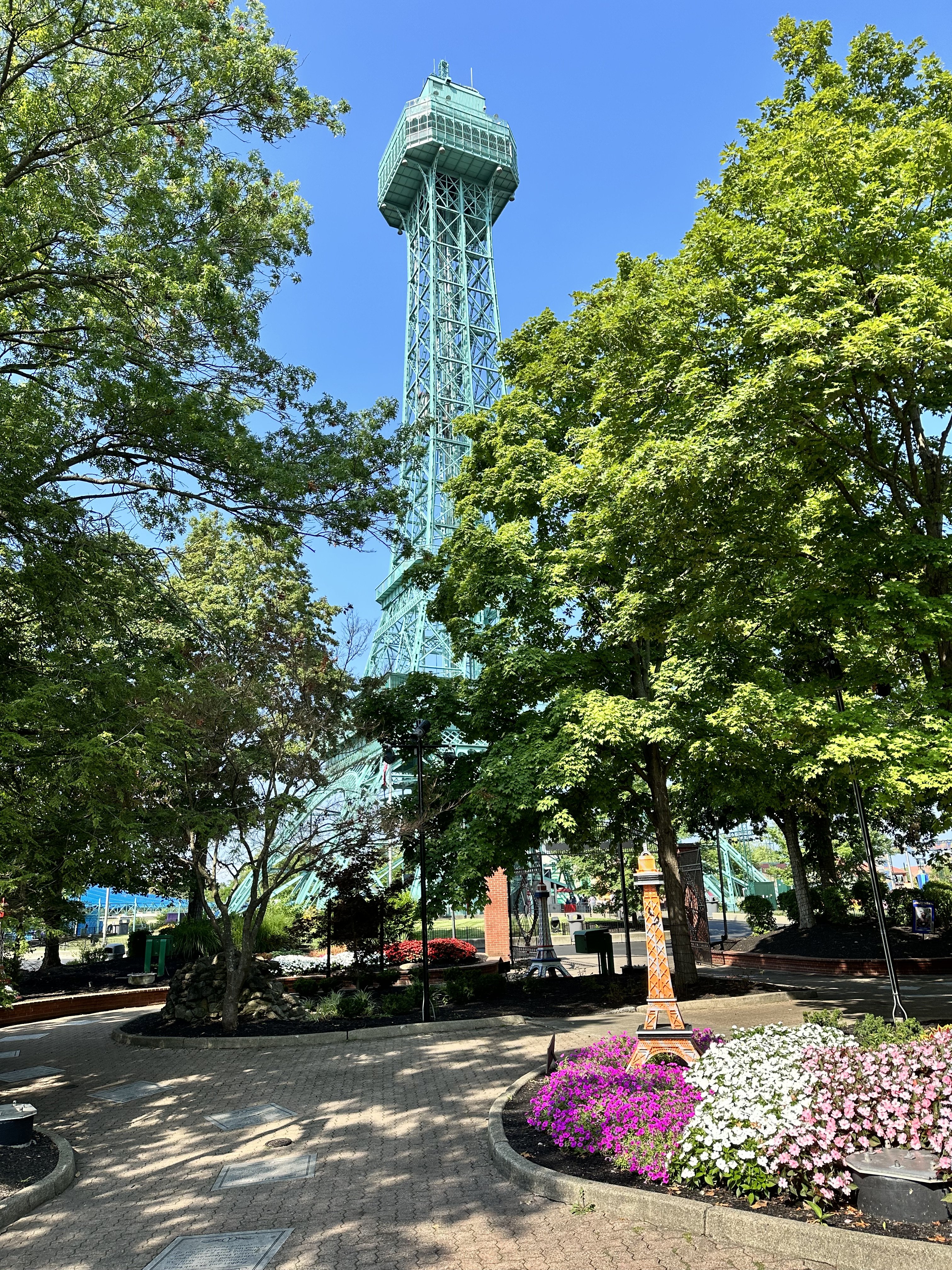
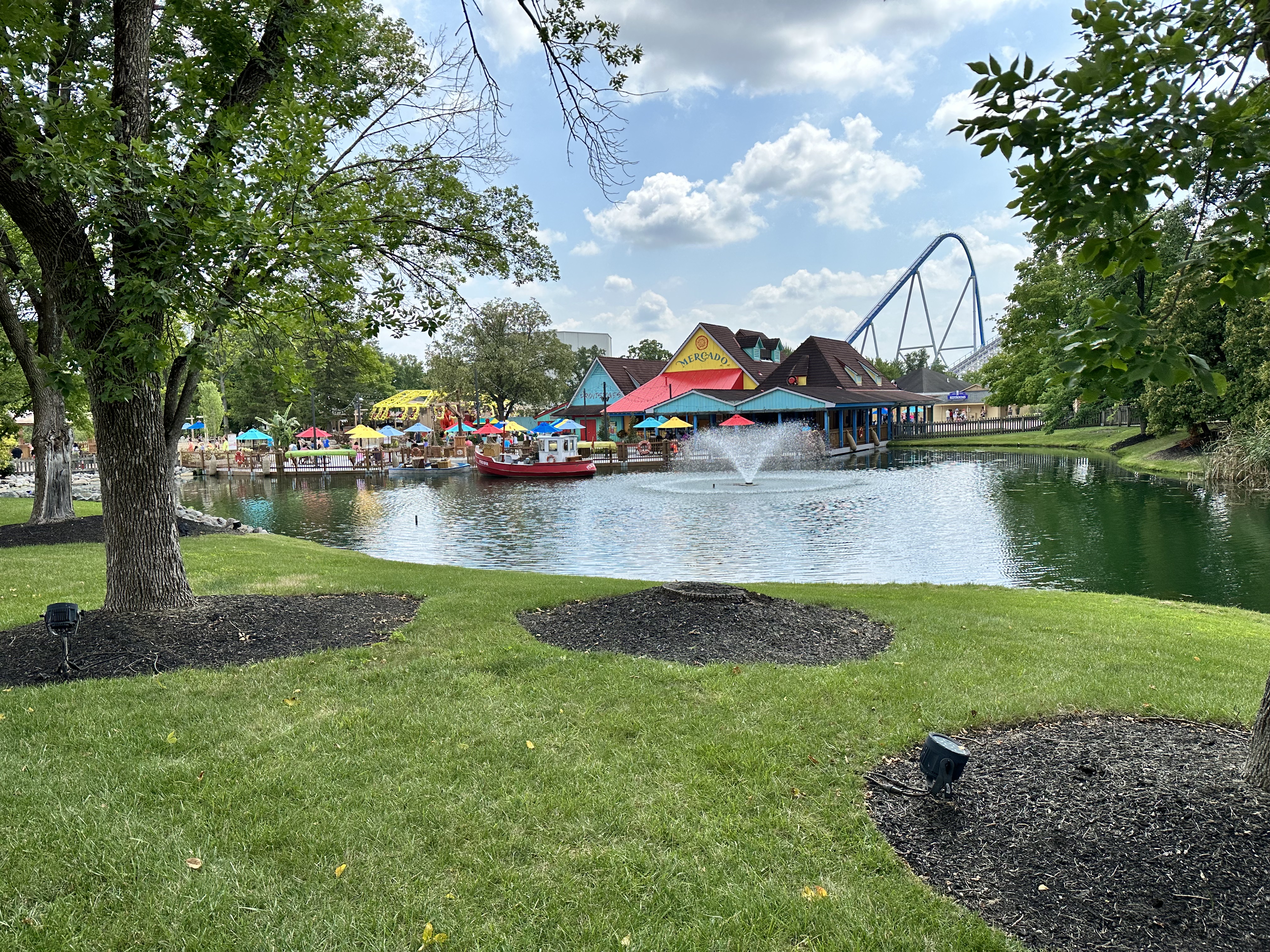
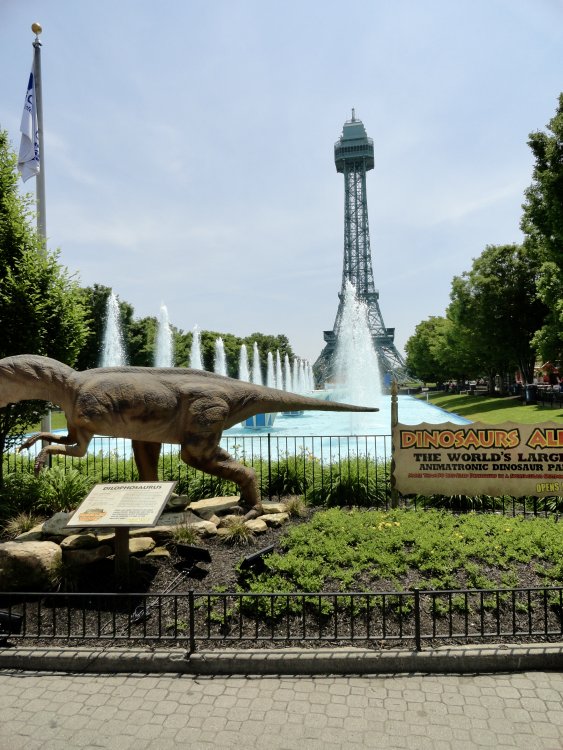 I would have been just a few weeks old when they filmed that. I grew up watching BB reruns - especially that episode - and I'm sure is a big part of why I still love going to Kings Island to this day.I really wasn't expecting to visit this late in the summer, or really, at all the rest of the year. But, when the '24 passes went on sale a couple days ago, I went for it. I'm really glad I went. Great day, great weather. The park looked fantastic. Got a few rides in, and also took in Off The Rails and Phantom Theater Encore. Had a great lunch at the Brewhouse. Adventure Port is a fantastic addition. It completely changed the atmosphere in an area that needed it, yet it also looks like it's always been there. Below are a few random photos from the day. Thanks for reading!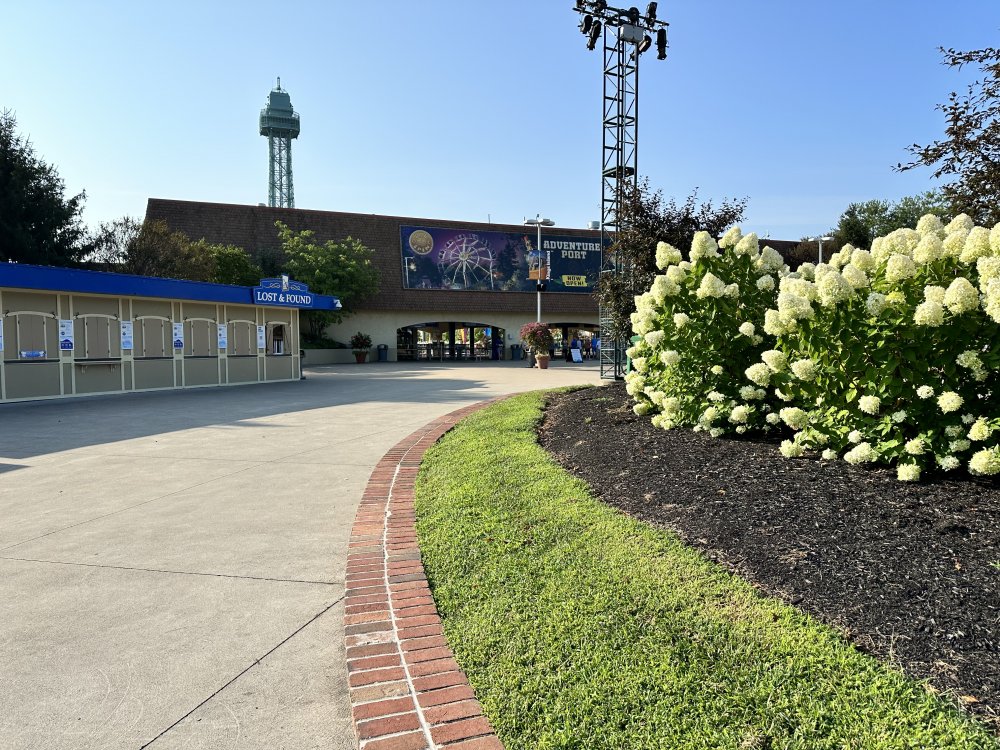

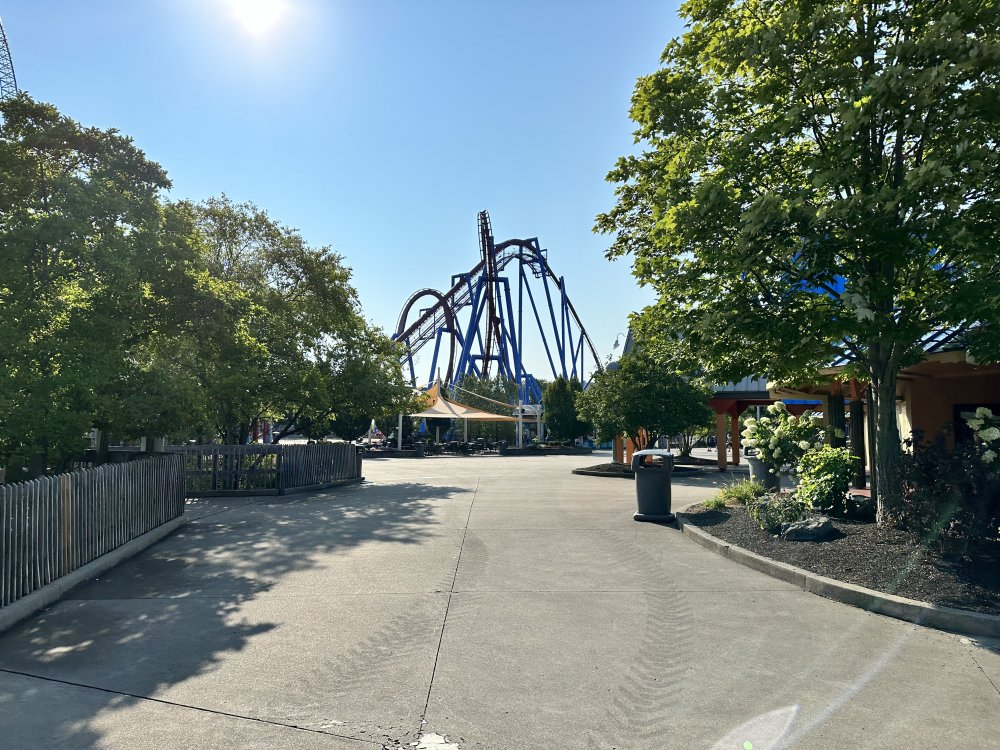
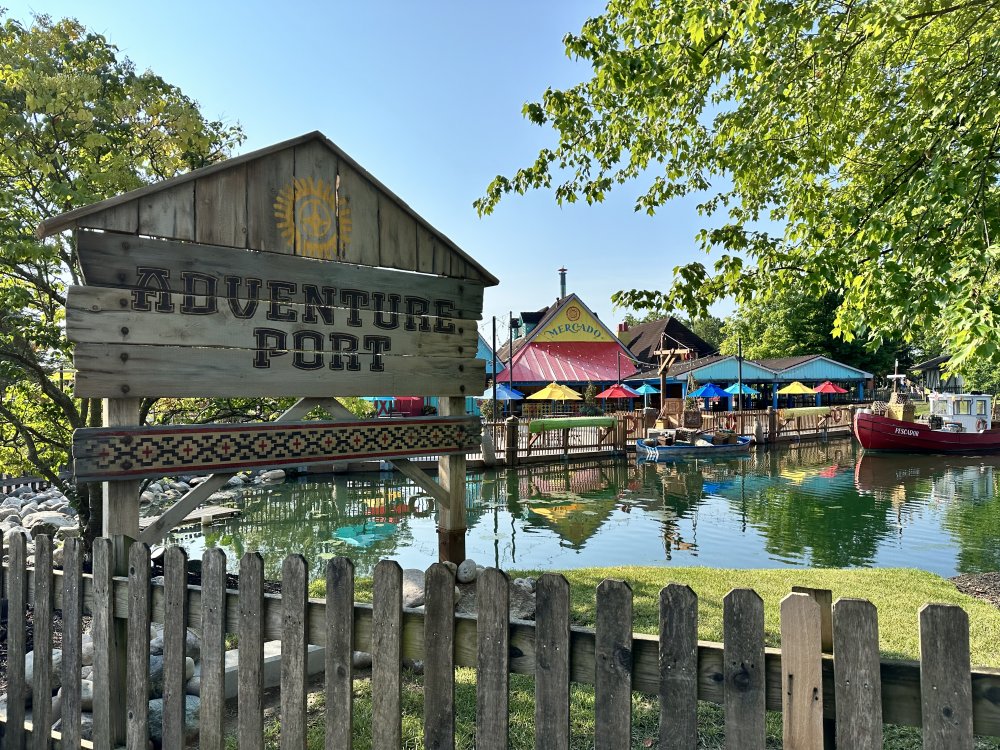

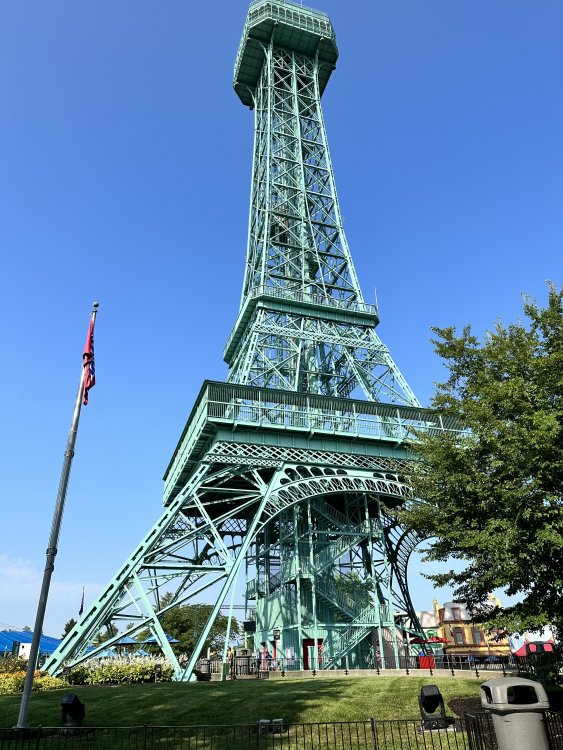
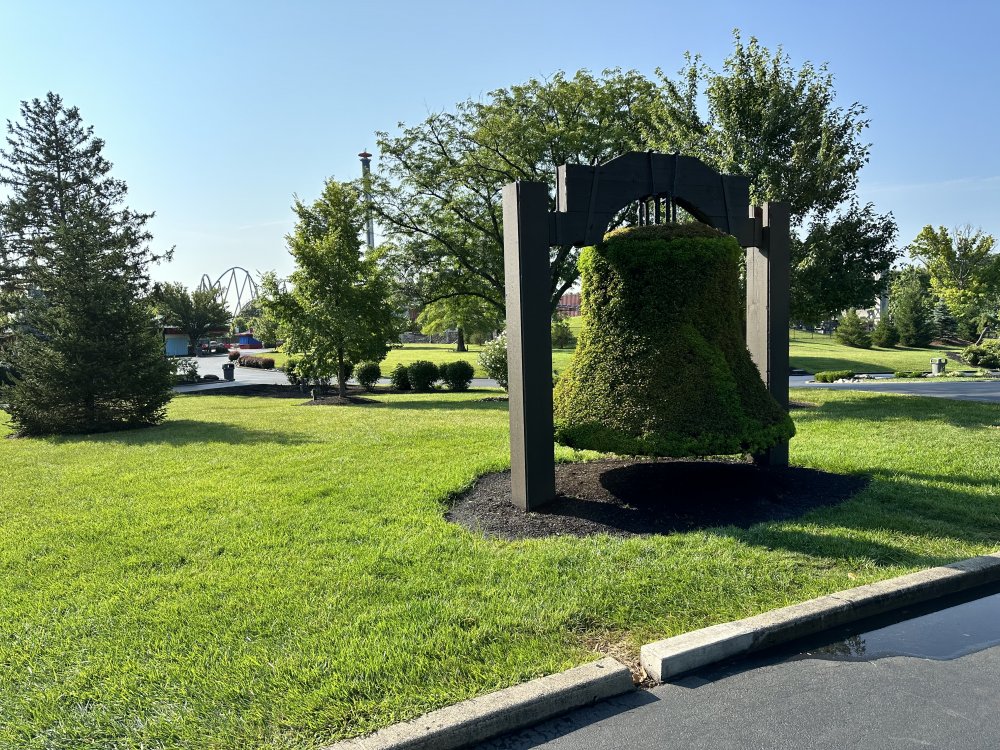
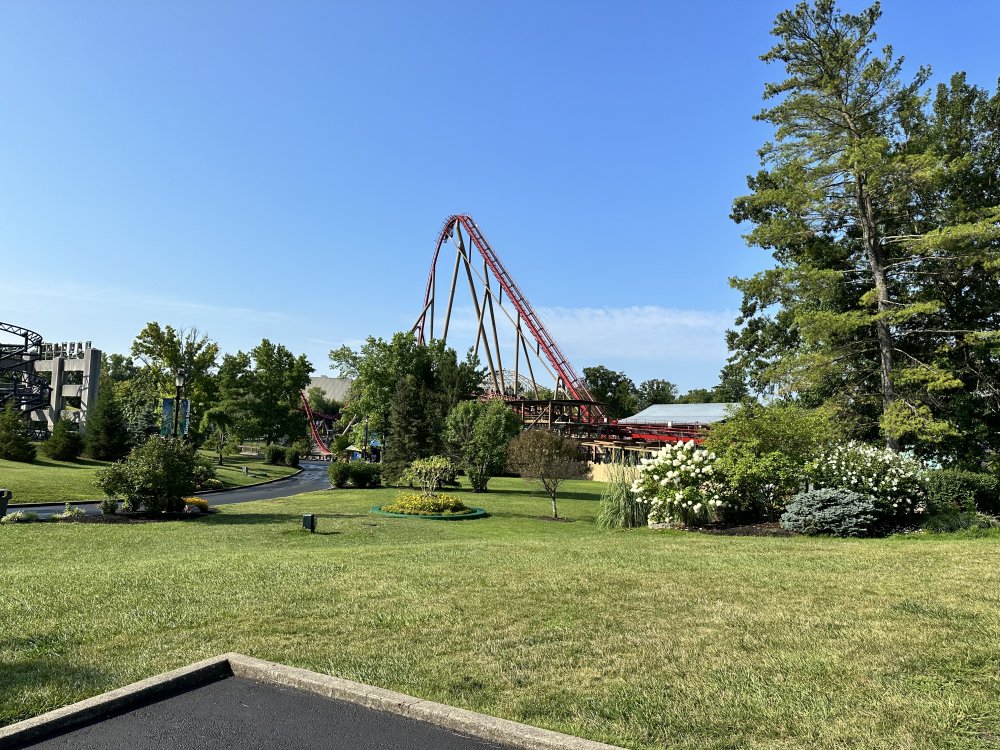

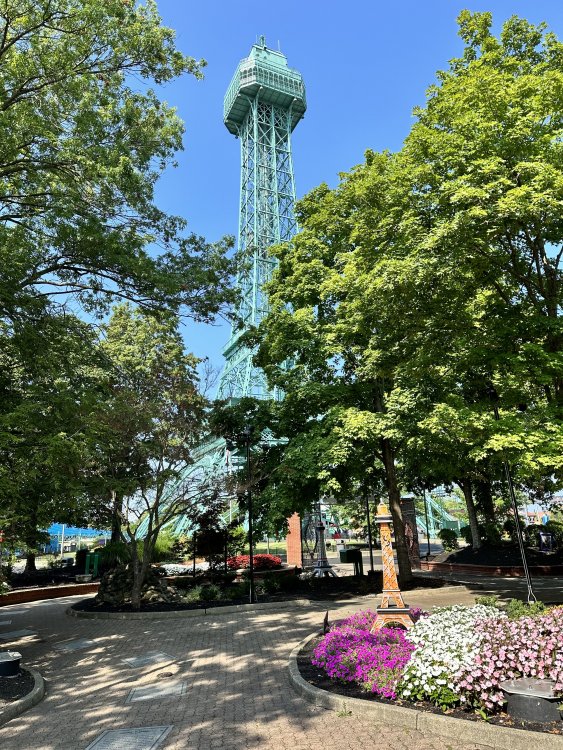
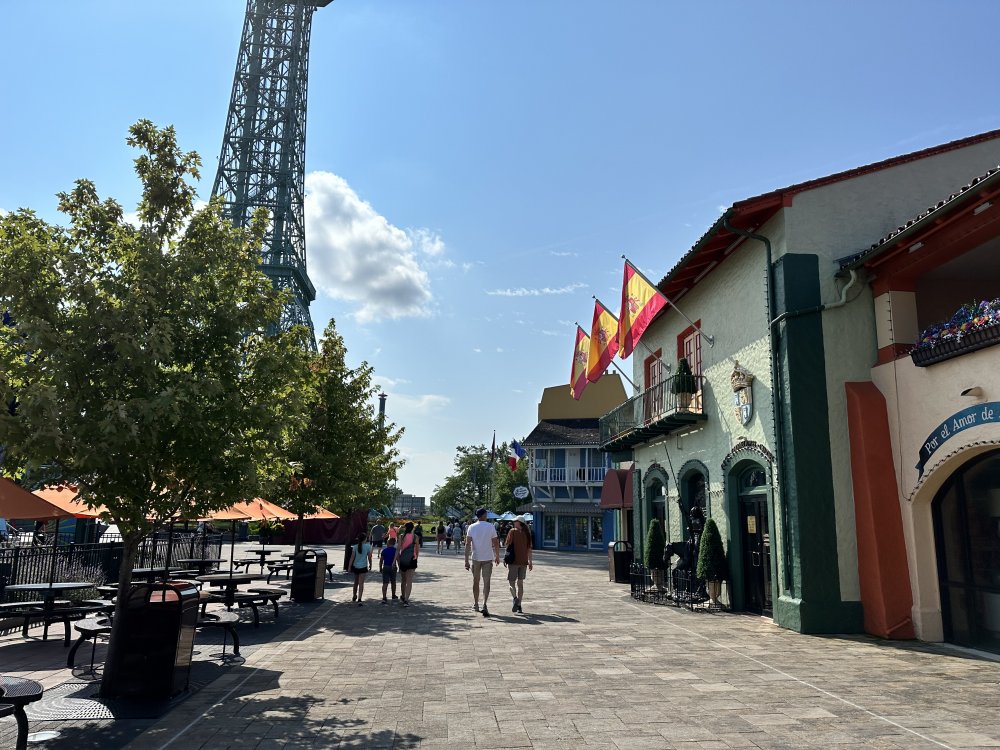


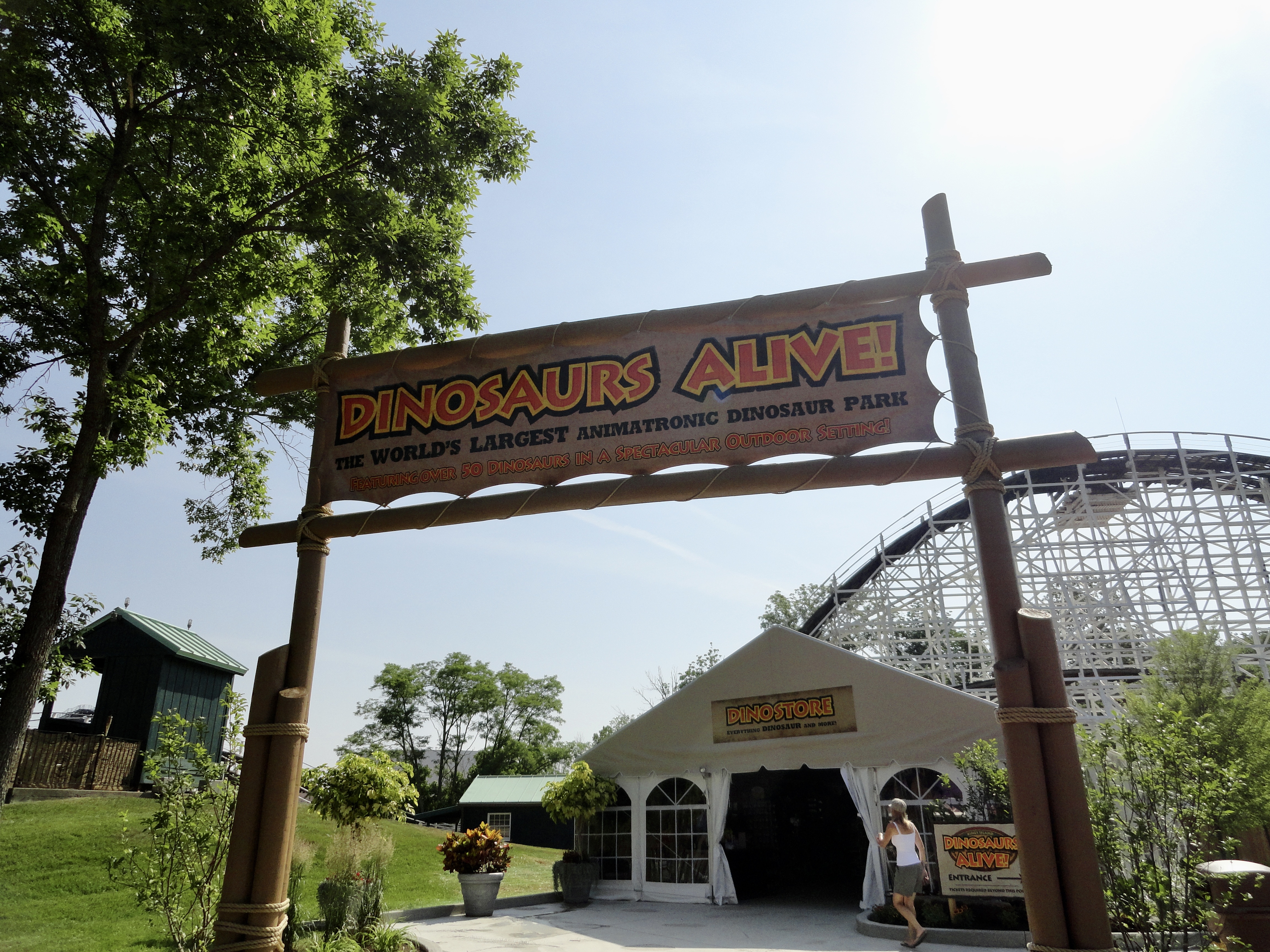
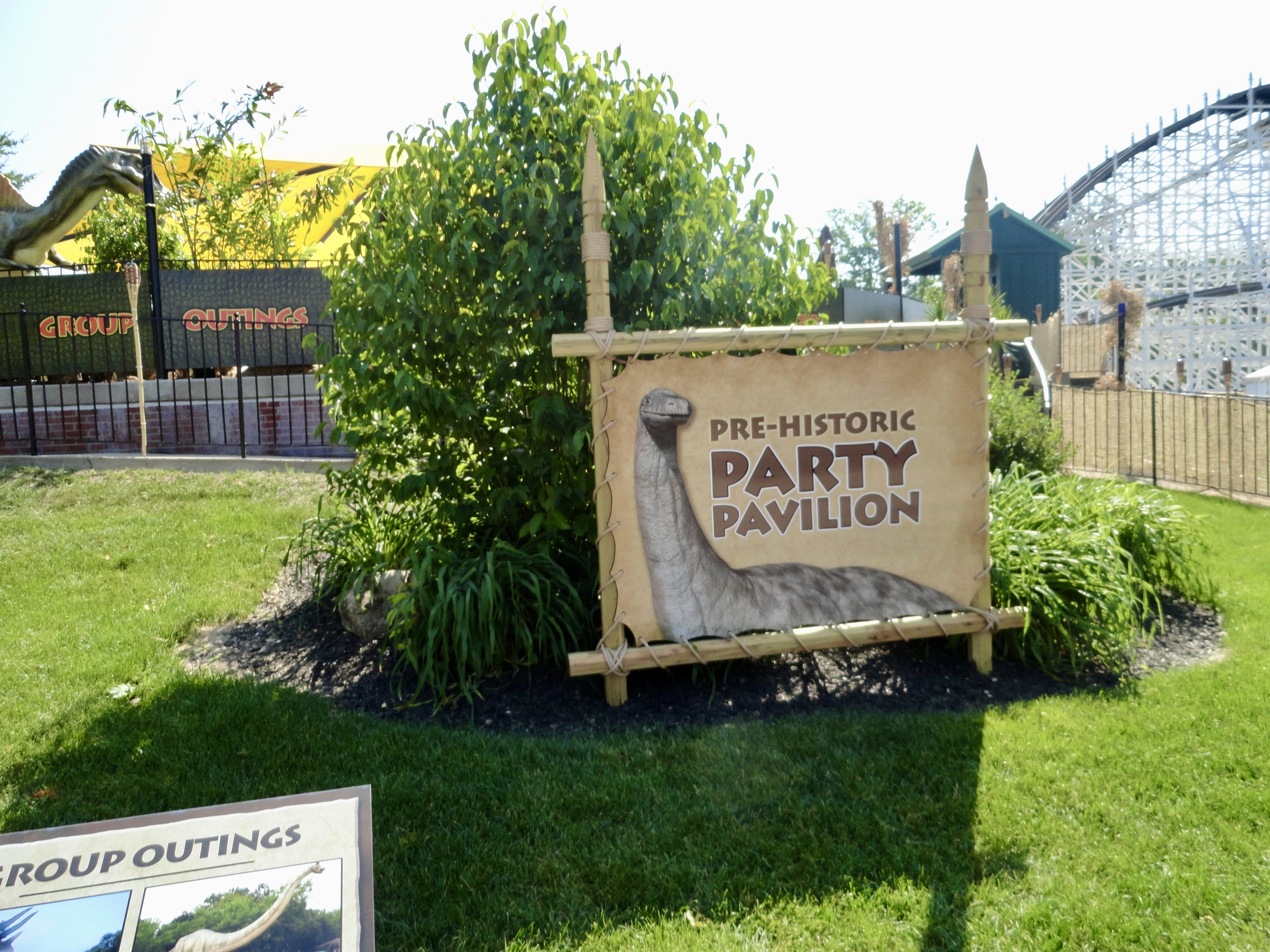
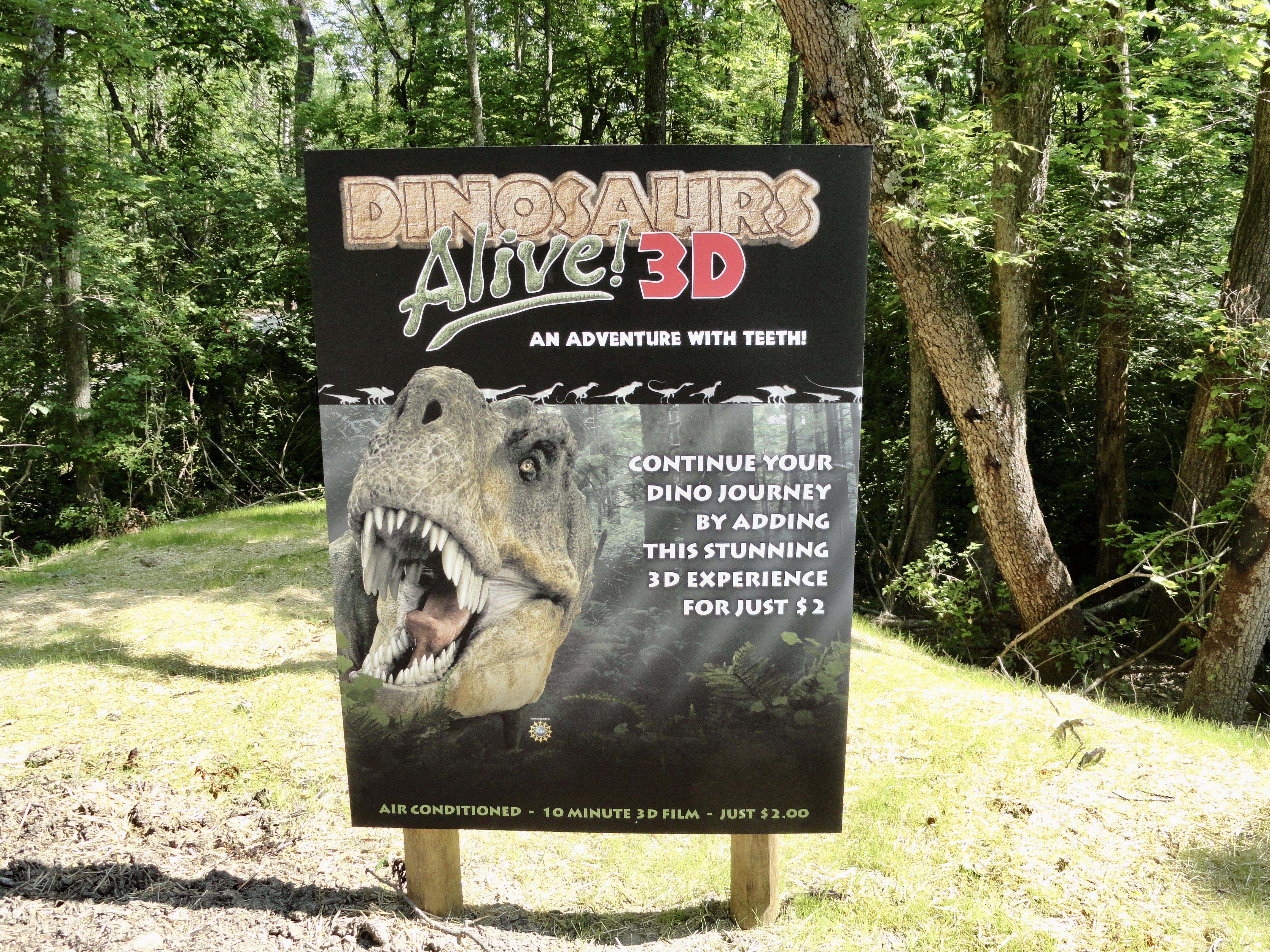
 Now I remember why I didn't renew in the fall. I kept debating between Prestige and Gold. I thought for sure there would be something big announced for Prestige that would get me to buy it.Just thought I'd add some vintage advertisements for perspective (I realize the first ad is actually for Firestone tires, but it's still good)There's only been five seasons I've missed since 1992 (including 2020). It feels really strange, I think I'm almost a little homesick, LOL. Just haven't been motivated to go this year for some reason.I haven't renewed my gold pass and I realized it's August already...do gold passes for the next season usually go on sale this month?Now I know what I noticed at Winterfest this past year. It was still beautiful, but something about it felt kind of empty. Kind of like going to a Christmas party and all the snacks and decorations are there, but the host had already left.What does it cost to get into Kings Island if you just drive there and buy a ticket at the gate?Just thought I'd share some views of that area circa 2008...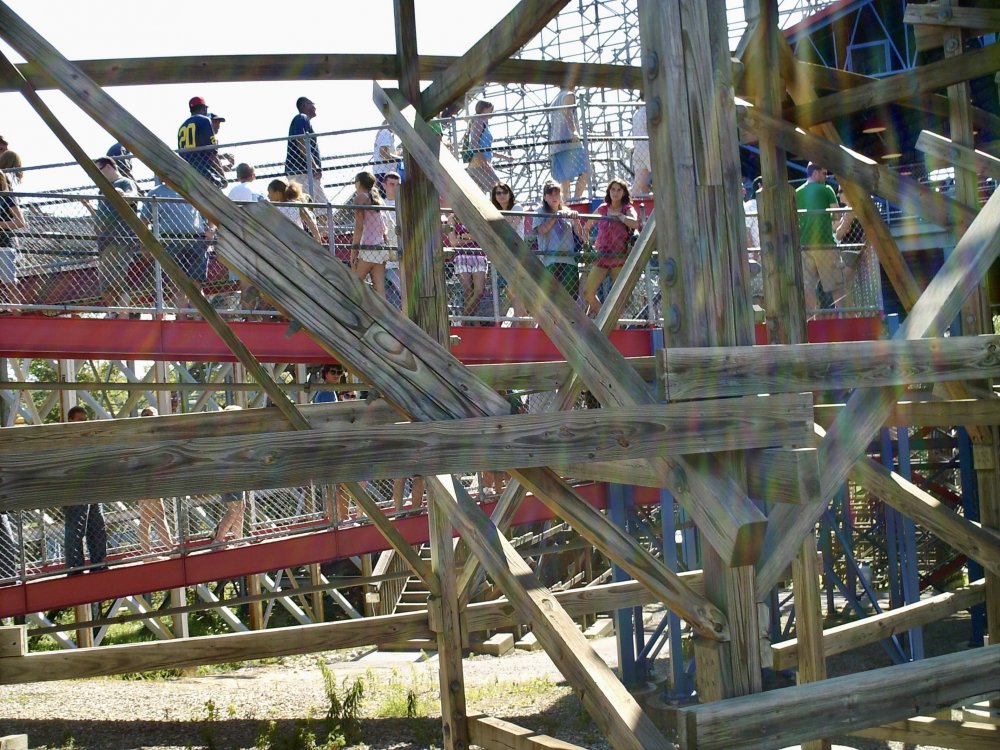

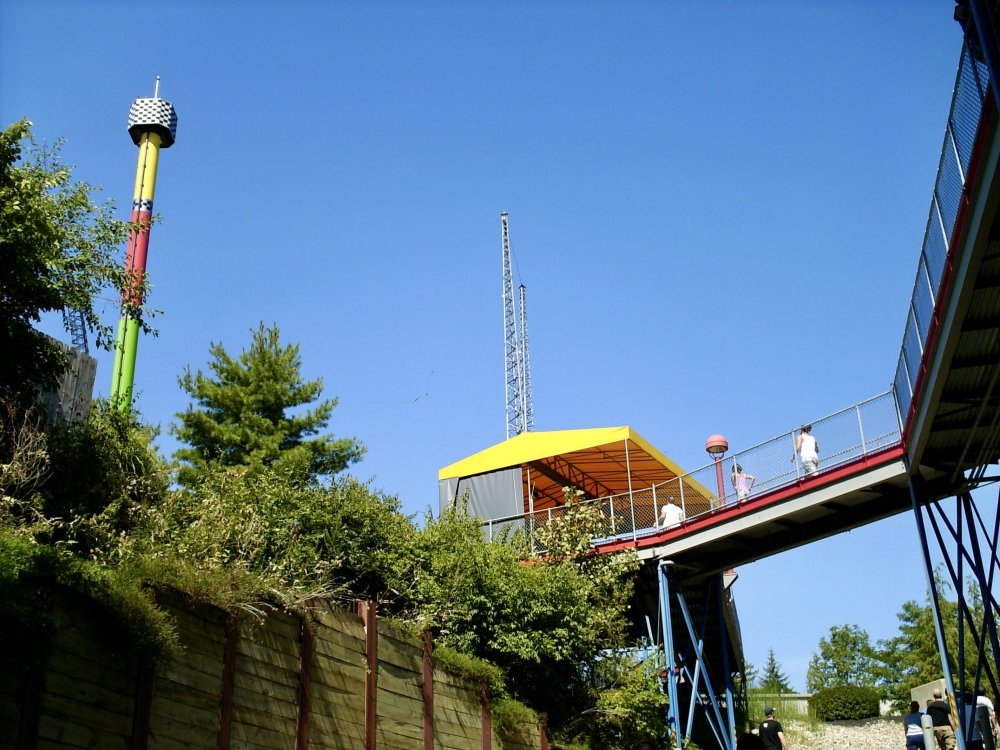 M4H00497 (1).movAre there any locations at KI that aren't on the meal plan?I really appreciate all of these pics that have been shared so far. I've been on the fence about renewing my pass, but I'm starting to think I'm not going to be able to resist!If you buy online, what do you do the first visit? Do you have to have a physical card?I can still remember how painful those original restraints were!I was able to get a few pics last Monday...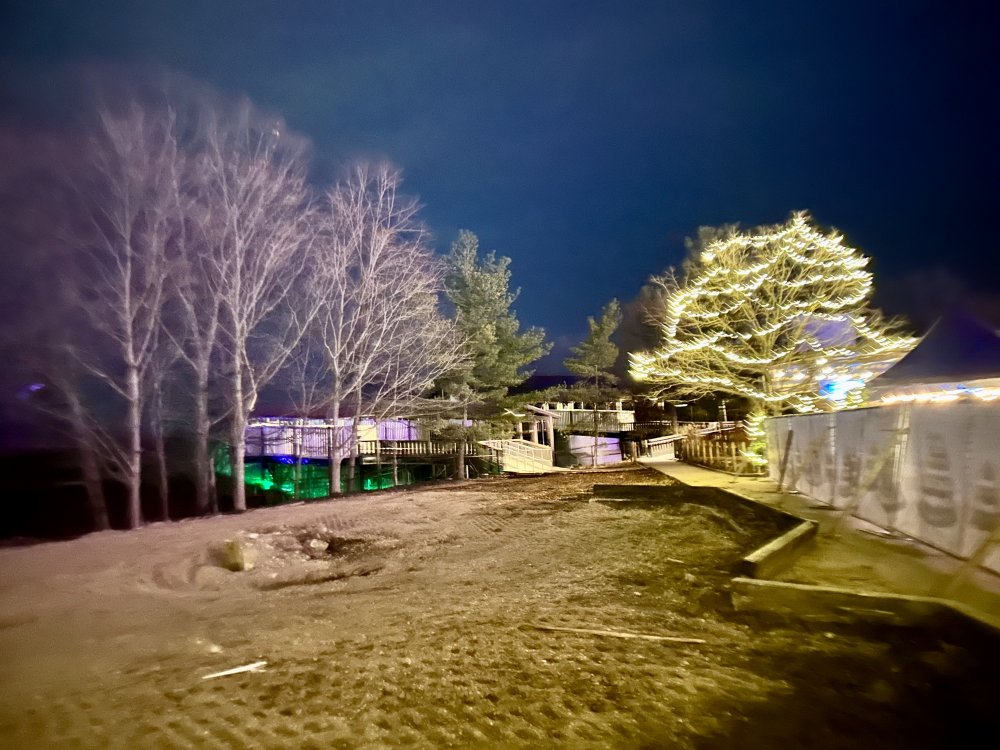


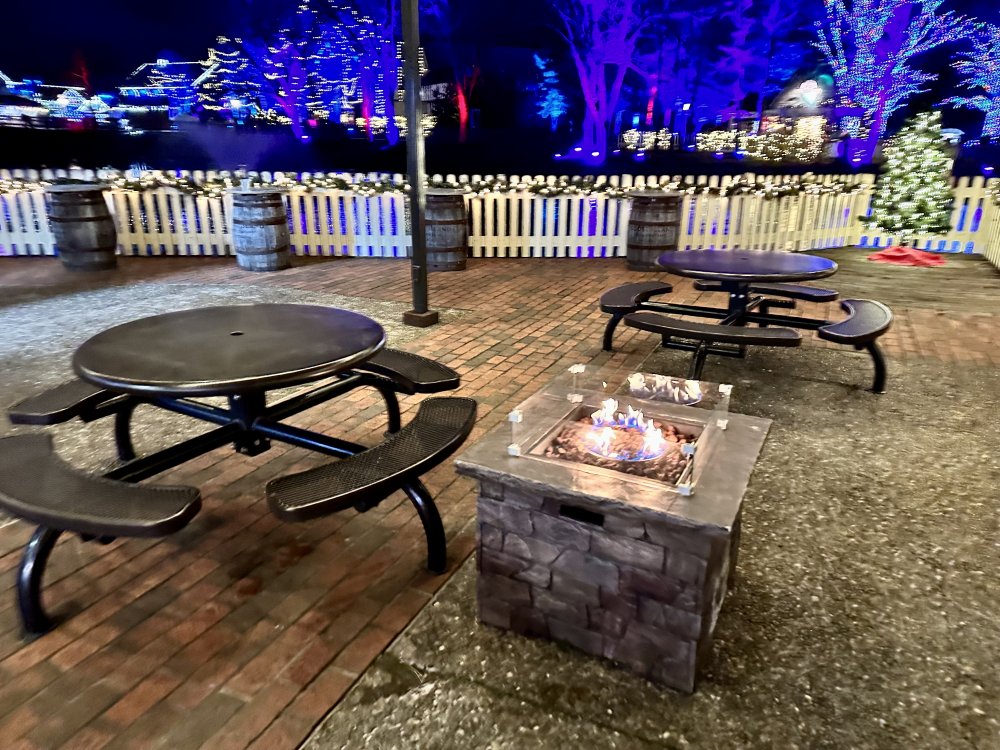
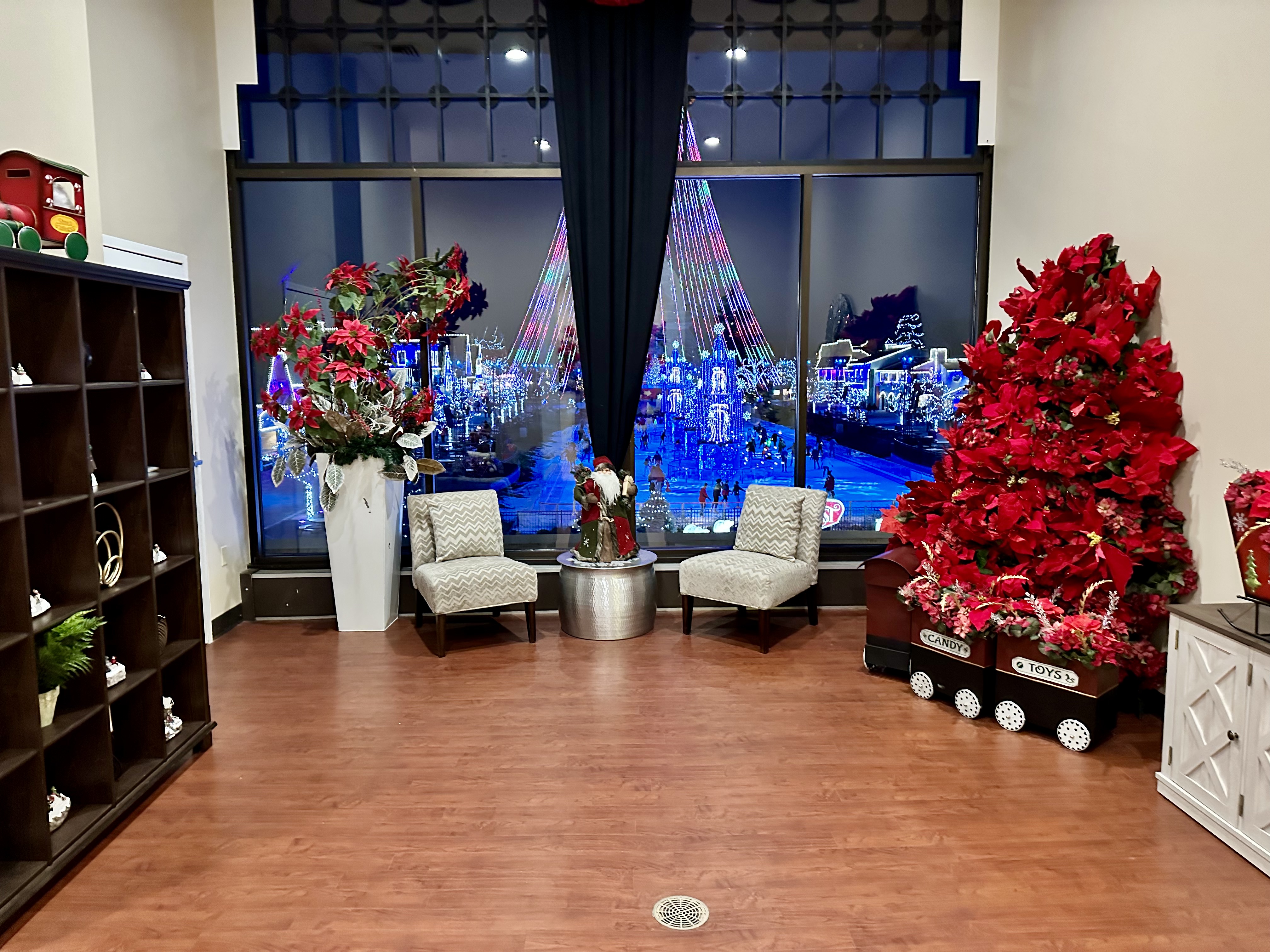
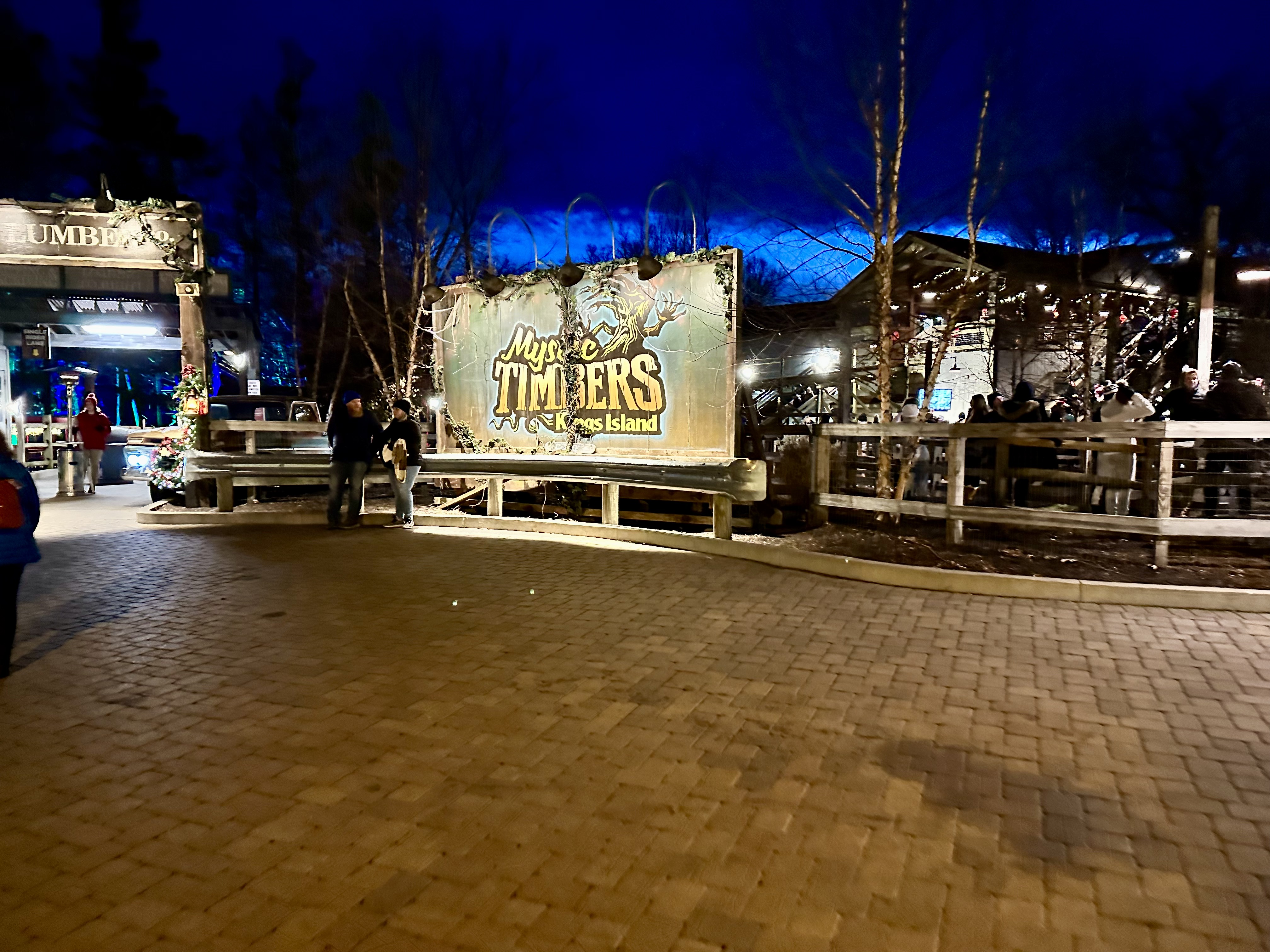
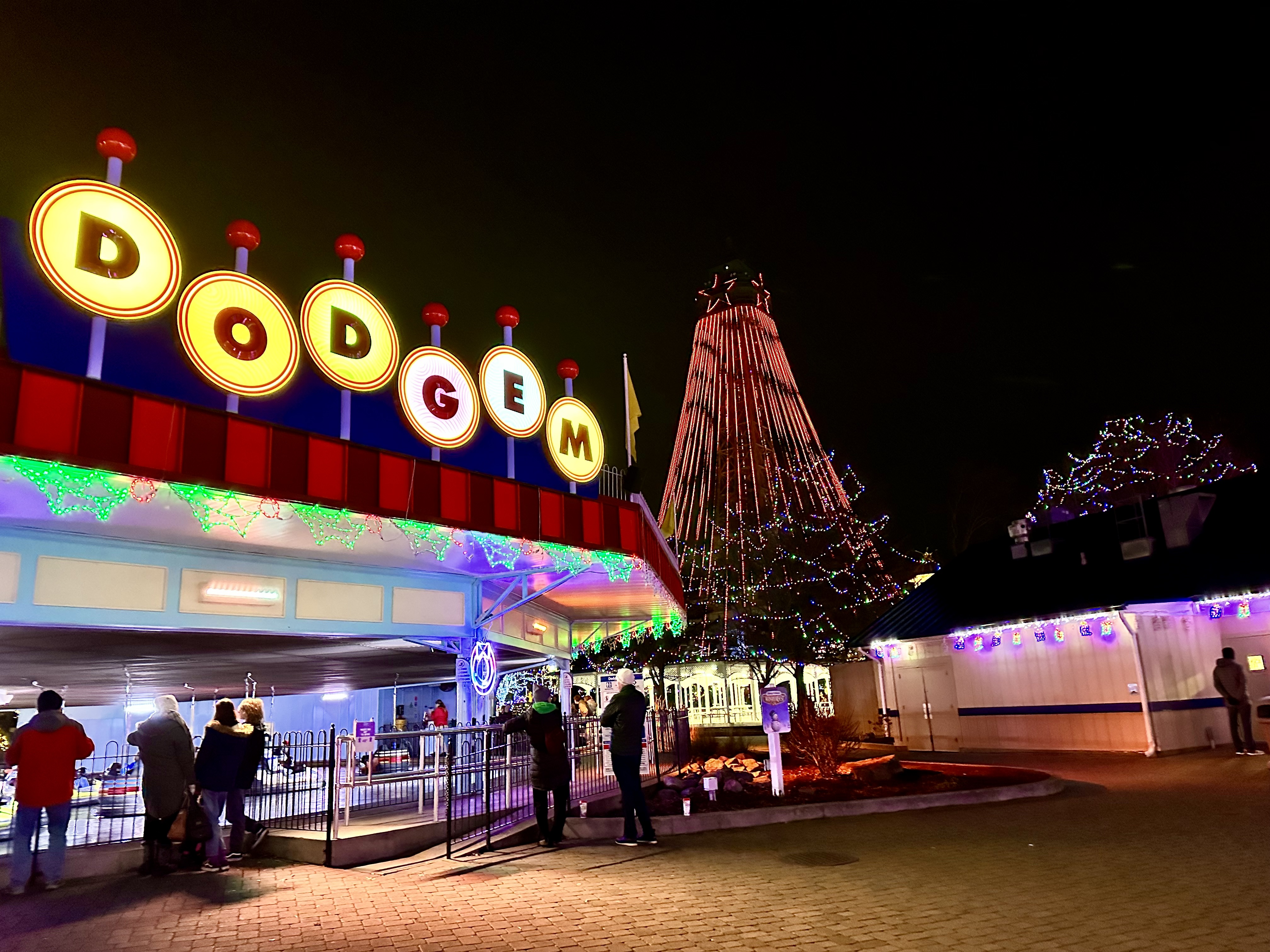
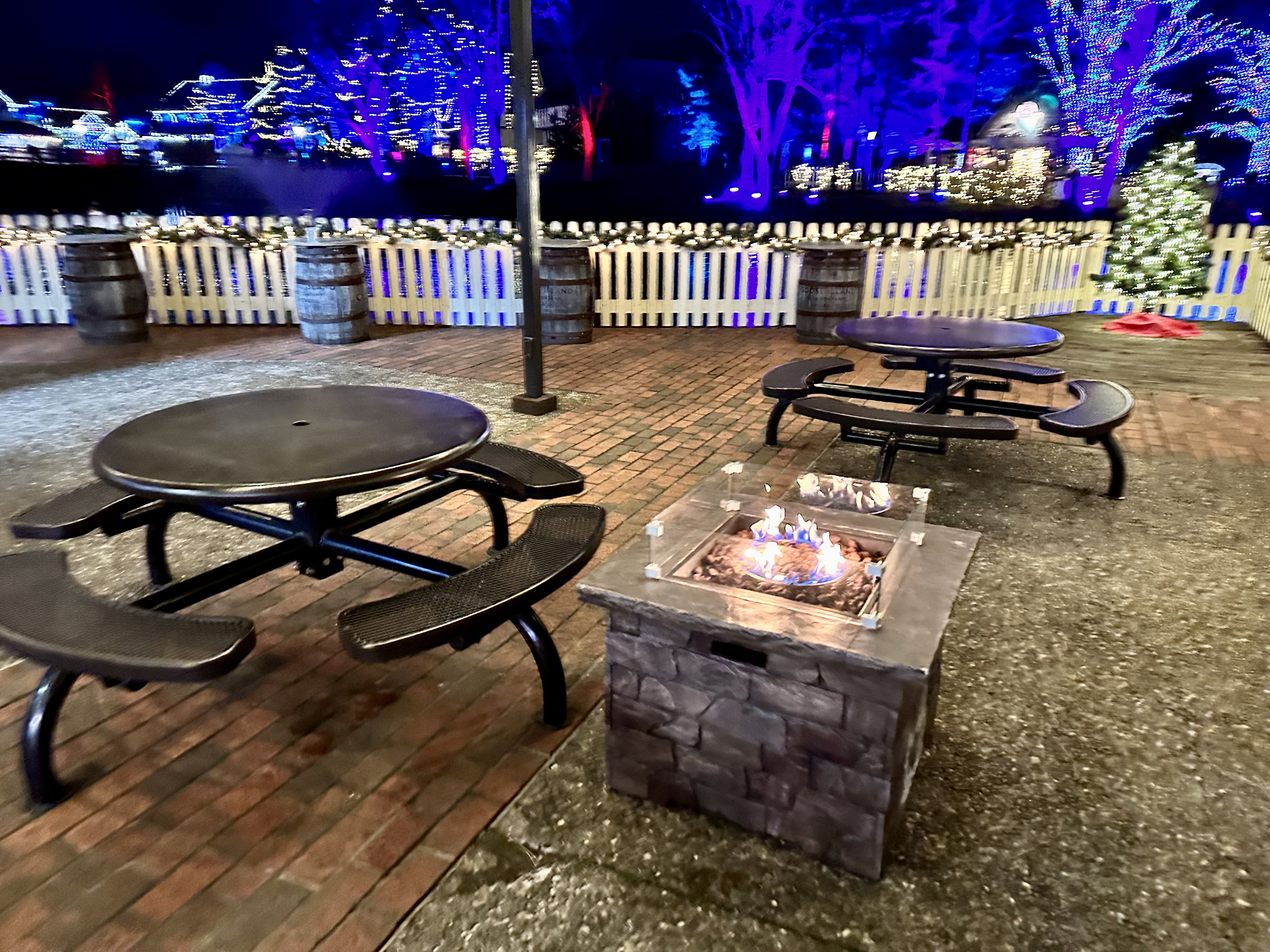
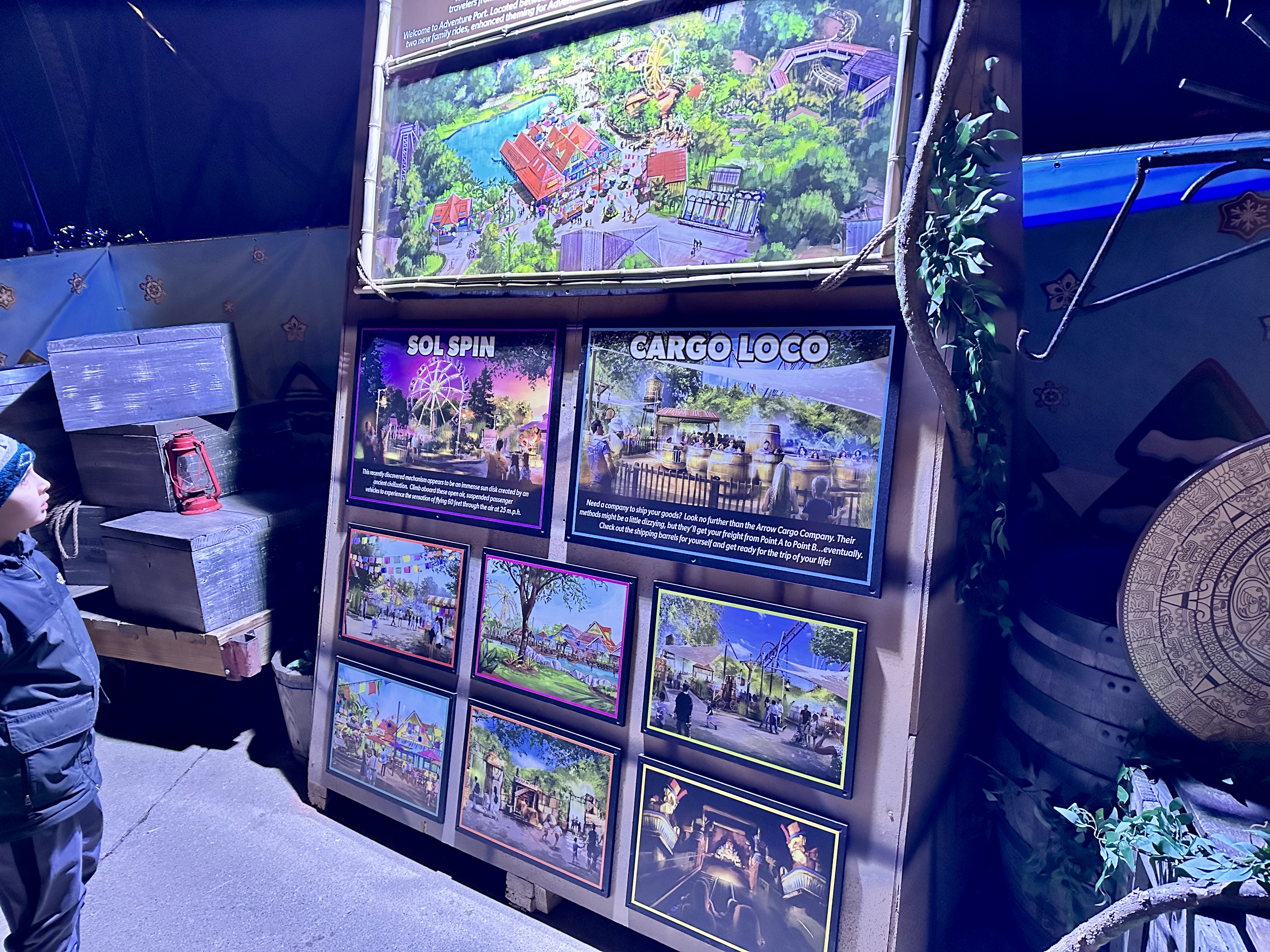
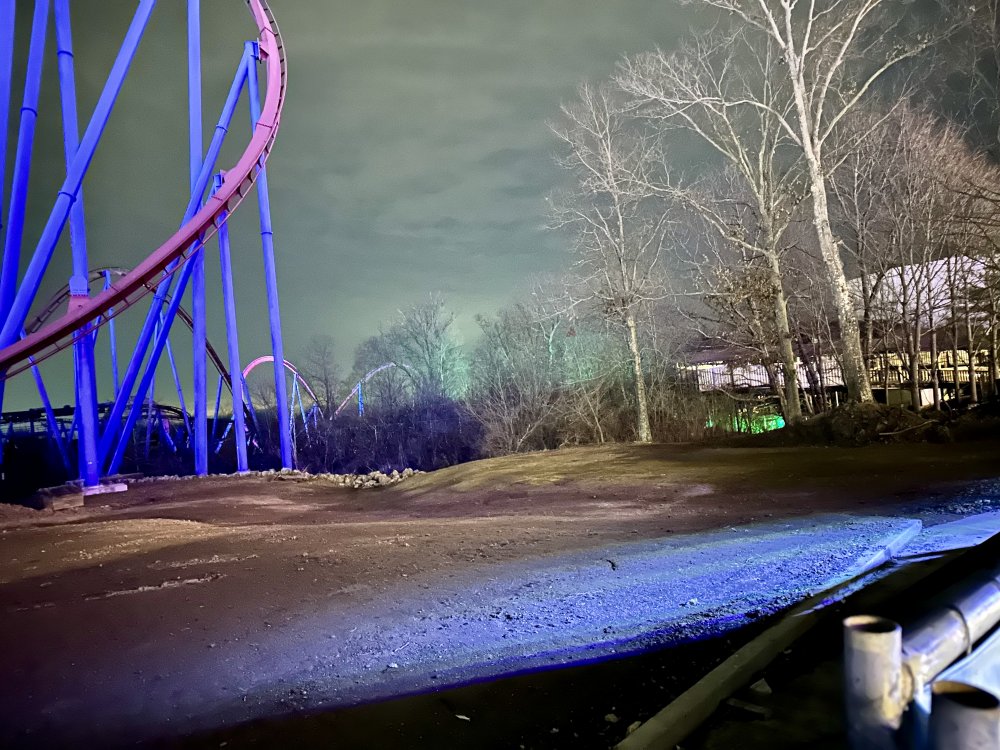 I got to Winterfest this past Monday. It was a chilly evening. Cold, especially for Winterfest, is fine, but it was definitely getting into that "not fun" temperature zone. Props to all of the staff that continue to make this event possible. A few random pics are below: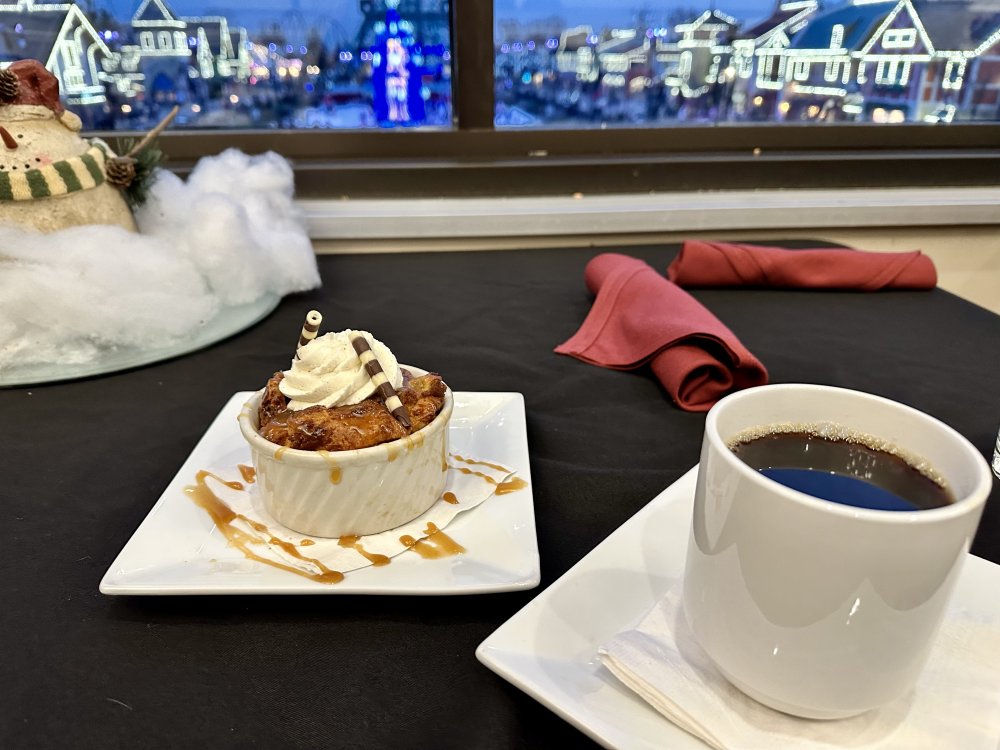




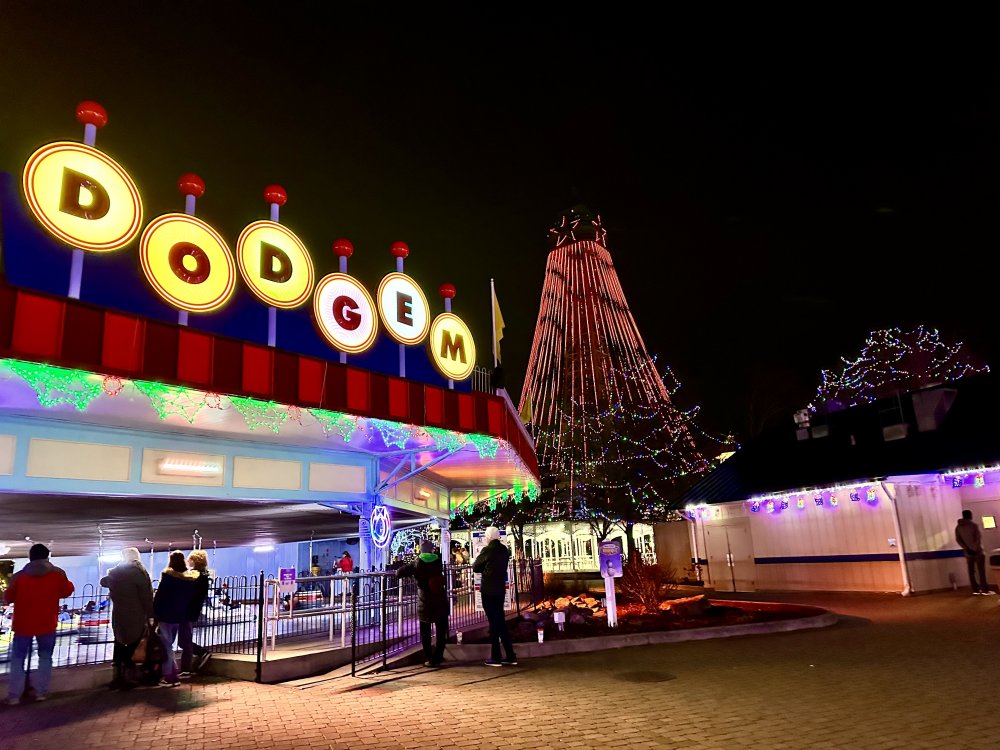


 Ordered mine yesterday! I've had to show so much restraint with all of this cool merchandise that's been released, but I had to have this one.
























Background Picker
Account
Navigation
Search
Configure browser push notifications
Chrome (Android)
- Tap the lock icon next to the address bar.
- Tap Permissions → Notifications.
- Adjust your preference.
Chrome (Desktop)
- Click the padlock icon in the address bar.
- Select Site settings.
- Find Notifications and adjust your preference.
Safari (iOS 16.4+)
- Ensure the site is installed via Add to Home Screen.
- Open Settings App → Notifications.
- Find your app name and adjust your preference.
Safari (macOS)
- Go to Safari → Preferences.
- Click the Websites tab.
- Select Notifications in the sidebar.
- Find this website and adjust your preference.
Edge (Android)
- Tap the lock icon next to the address bar.
- Tap Permissions.
- Find Notifications and adjust your preference.
Edge (Desktop)
- Click the padlock icon in the address bar.
- Click Permissions for this site.
- Find Notifications and adjust your preference.
Firefox (Android)
- Go to Settings → Site permissions.
- Tap Notifications.
- Find this site in the list and adjust your preference.
Firefox (Desktop)
- Open Firefox Settings.
- Search for Notifications.
- Find this site in the list and adjust your preference.