b.k35
Members
-
Joined
-
Last visited
-
It's because when Drachen Fire was built, it was the 'partner' for Kumba (how both Busch Gardens have matches for each coaster). When Kumba was built, B&M didn't have enough time/resources to build 2 roller coasters for them. So, Busch Gardens Willamsburg hired Arrow and Arrow tried to make Drachen Fire more B&M like. I got this information from
-
I think the employees are starting to have fun with this. Yesterday as I was leaving the station on Diamondback, the dispatcher said "Enjoy your ride on Diamondback, at Kings Island owned and operated by Cedar Fair" haha.
-
My card which I got in 2018 has Banshee on it. I don't know what has been on them before, though
-
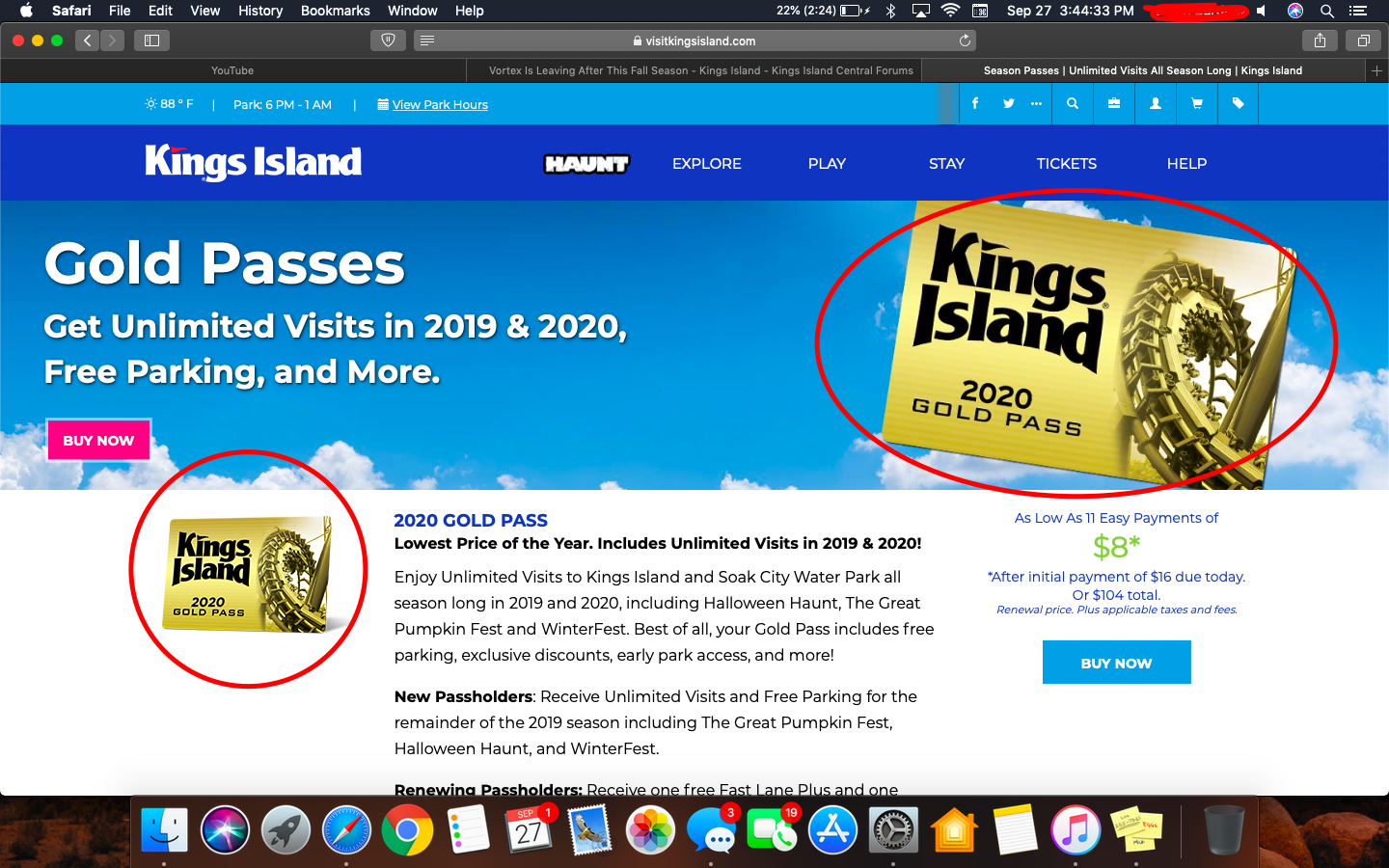
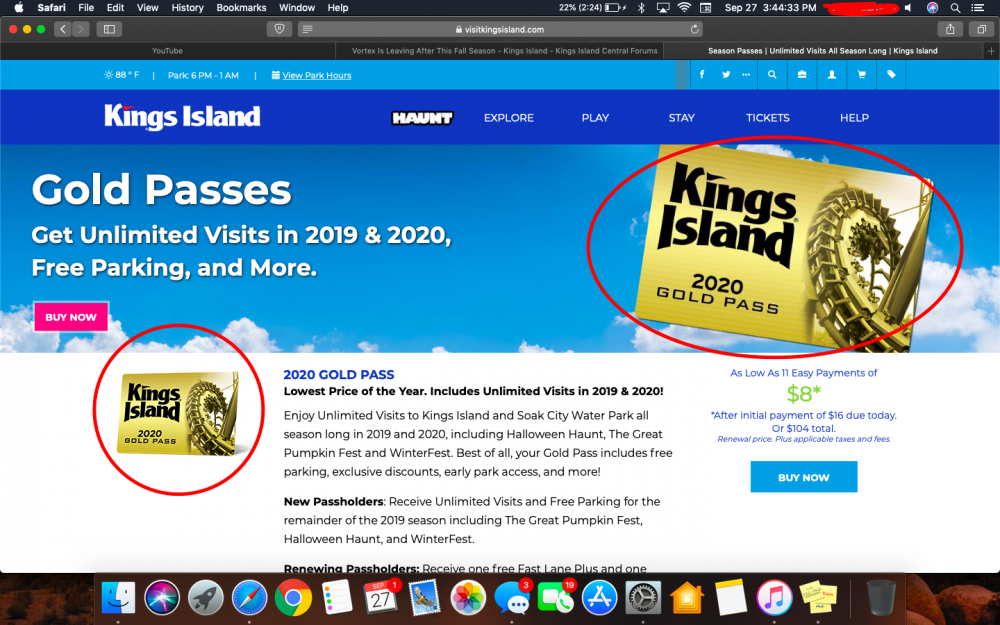
Sorry if someone already posted this, but on the website the 2020 gold passes have Vortex on them. Is this further evidence this was a spur of the moment decision?
-
Does anyone know how long the announcement is going to last?
-
-
Now when you click on the Polaris link, it just infinitely loads and doesn't error. Does that maybe mean they finished the website and are waiting to release it? sorry if I did something wrong in this post, I finally made an account after following the fourms for weeks.