youdaman3978
Members
-
Joined
-
Last visited
Everything posted by youdaman3978
-
It looks like the new pass is only available to those who are invited to buy it. My brother got the email and can buy it right now but on the website for me it's not an option. So the gold pass will stay for everyone to buy and use.
-
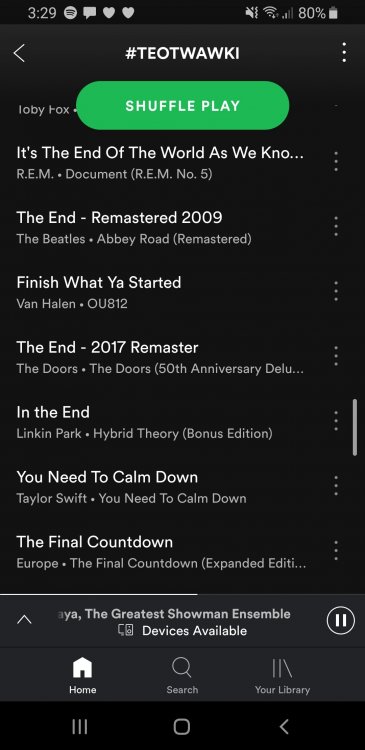
Playlist made by KI themselves.
-
Well I guess we will find out soon if he is right or not. I actually start night school on the 14th so if he is right I also won't be able to be there. Definitely going to be there opening day no matter what tho. I was at the front gate for timbers at 7am.
-
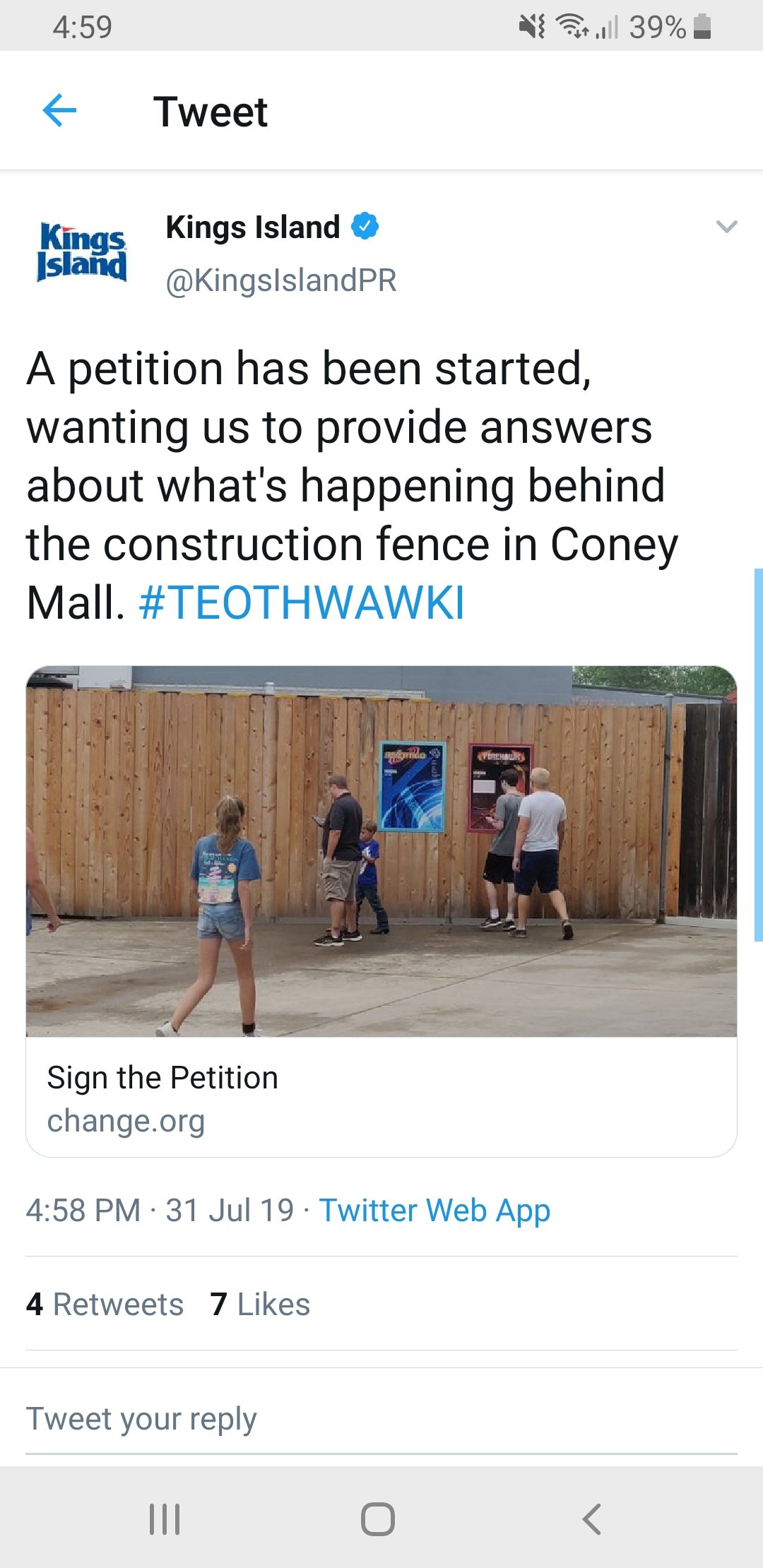
They tweeted this 2 min before I posted it. If 2 min is too late than rip
-
I'm sure they set it up so they can add songs. This song needs to be added 100%. Would fit in very well.I've greyed out on i305 and millennium force. I black out on and will not ride Drop Tower tho. Fun fact I've also broken a rib on mean streak. I have rode it now as steel vengeance. Much better. Just dont do what I did, got Fast Lane rode it 8 times in a hour. Didn't remember where i was for a few seconds.Haven't seen anyone post this yet but I just rode Banshee and saw they started working on a wooden structure over there. There were 2 trucks over there as well