Skip to content
View in the app

A better way to browse. Learn more.

Kings Island Central Forums

A full-screen app on your home screen with push notifications, badges and more.

To install this app on iOS and iPadOS
  1. Tap the Share icon in Safari
  2. Scroll the menu and tap Add to Home Screen.
  3. Tap Add in the top-right corner.
To install this app on Android
  1. Tap the 3-dot menu (⋮) in the top-right corner of the browser.
  2. Tap Add to Home screen or Install app.
  3. Confirm by tapping Install.

CoasterWorks9

Members
  • Joined

  • Last visited

Everything posted by CoasterWorks9

  1. Yeah my parents were some of them and I still haven't convinced them enough that it isn't real
  2. I know right! I hope its live streamed (which I'm sure it will be) both my sister and I are excited though! Cannot wait for next year!
  3. Yeah same but tell that to my parents
  4. Unfortunately not me. School starts sadly.
  5. No problem I dont get to be here often so any chance to help I'll do it
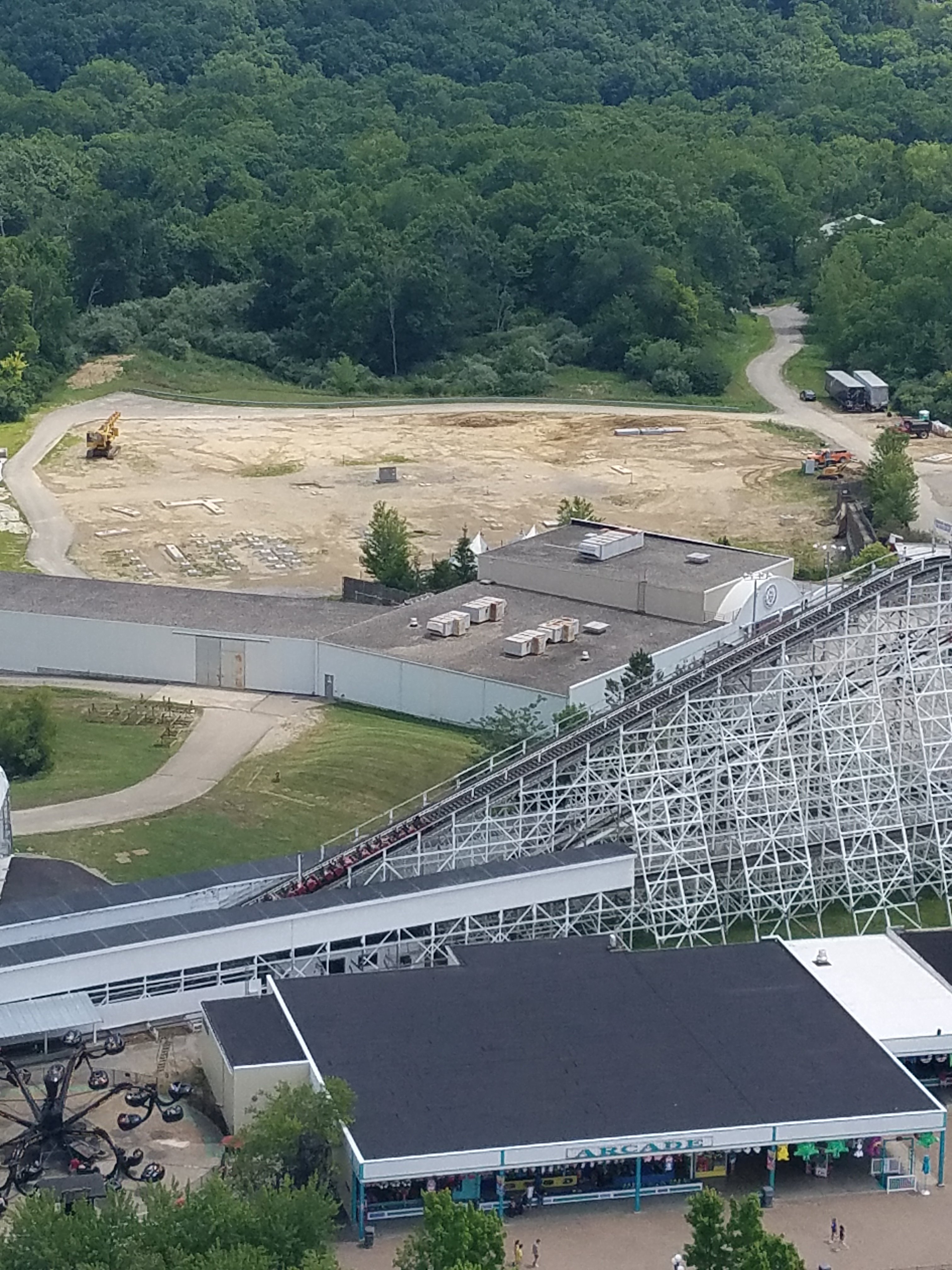
  6. I do not see the Skyhigh trailer anywhere on the construction sight.
  7. On my way up to Eiffel Tower right now
  8. Ya I saw that whatever they are planning to do with this petition I feel is coming very soon.

Background Picker

Account

Navigation

Search

Search

Configure browser push notifications

Chrome (Android)
  1. Tap the lock icon next to the address bar.
  2. Tap Permissions → Notifications.
  3. Adjust your preference.
Chrome (Desktop)
  1. Click the padlock icon in the address bar.
  2. Select Site settings.
  3. Find Notifications and adjust your preference.