SonOfBeast1979
Members
-
Joined
-
Last visited
Everything posted by SonOfBeast1979
-
Off topic but has anyone else got shot up the nose from Diamondback water in the back during the splashdown, pleasant experience today. At least it was open all day lol
-
I wonder if any high level exec's are on this blog watching us all devour any piece of info that we can find about this like the rabid dogs we are . No but seriously do you think anyone notable that knows the plans is keeping an eye on us?
-
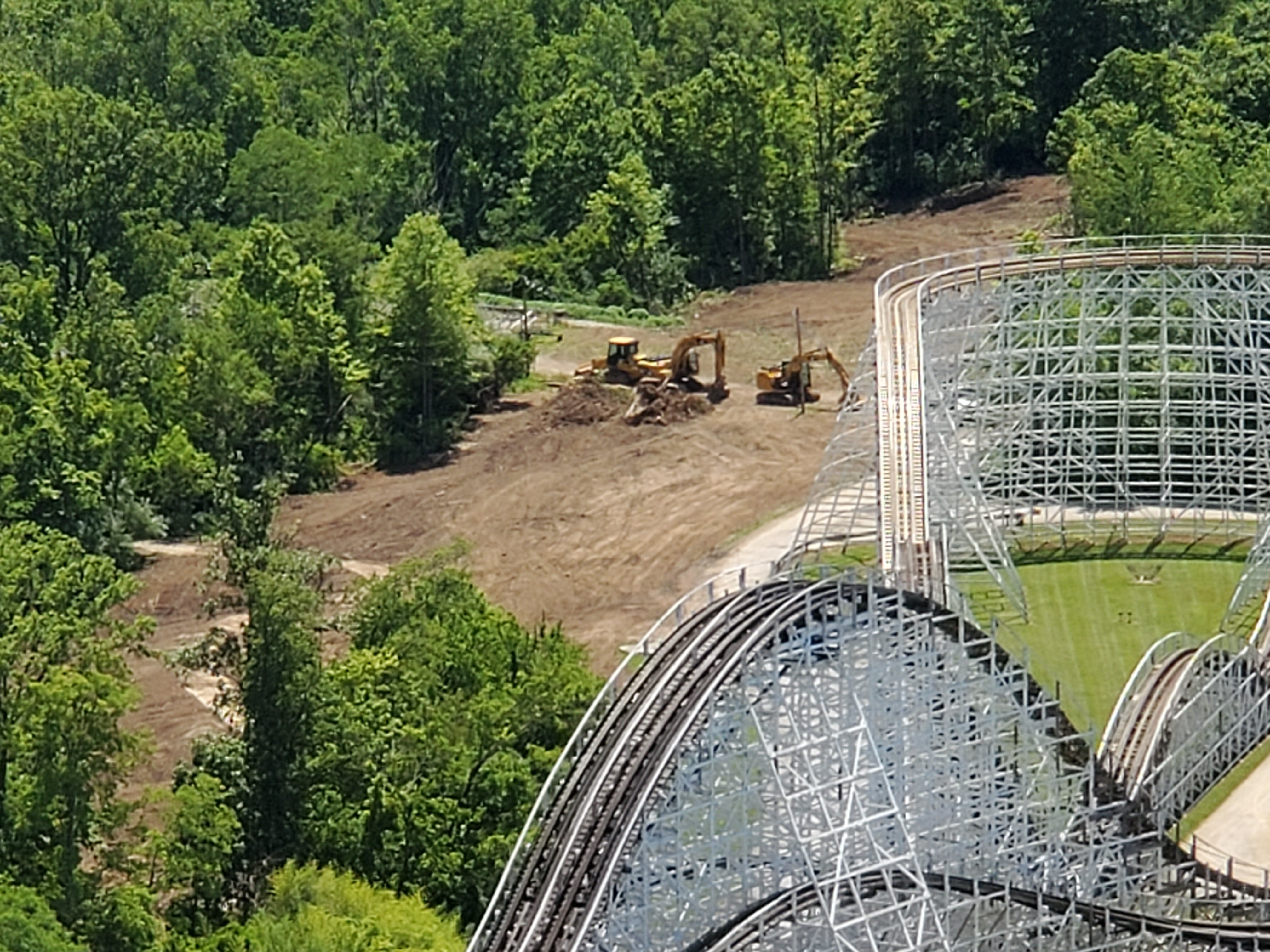
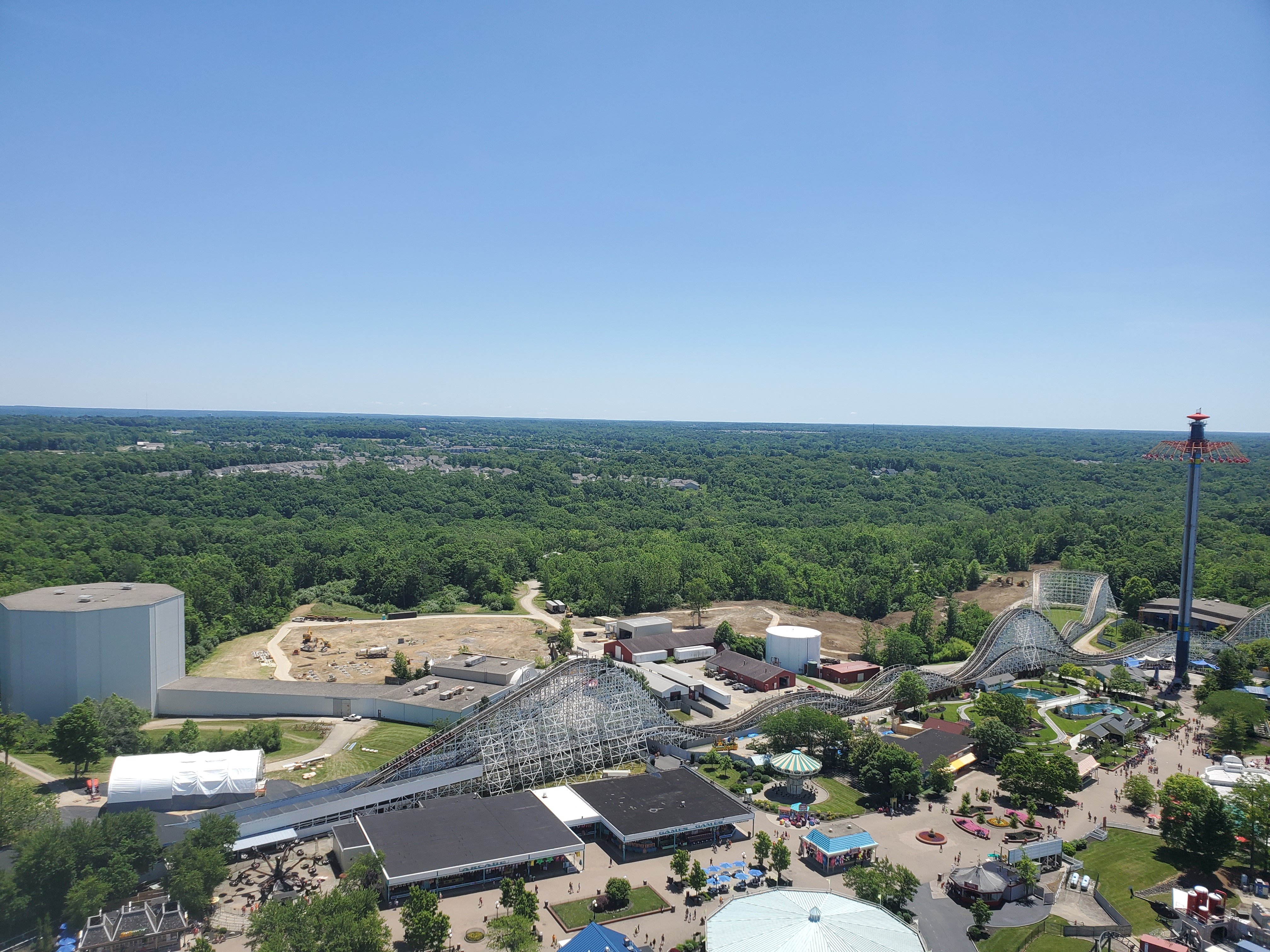
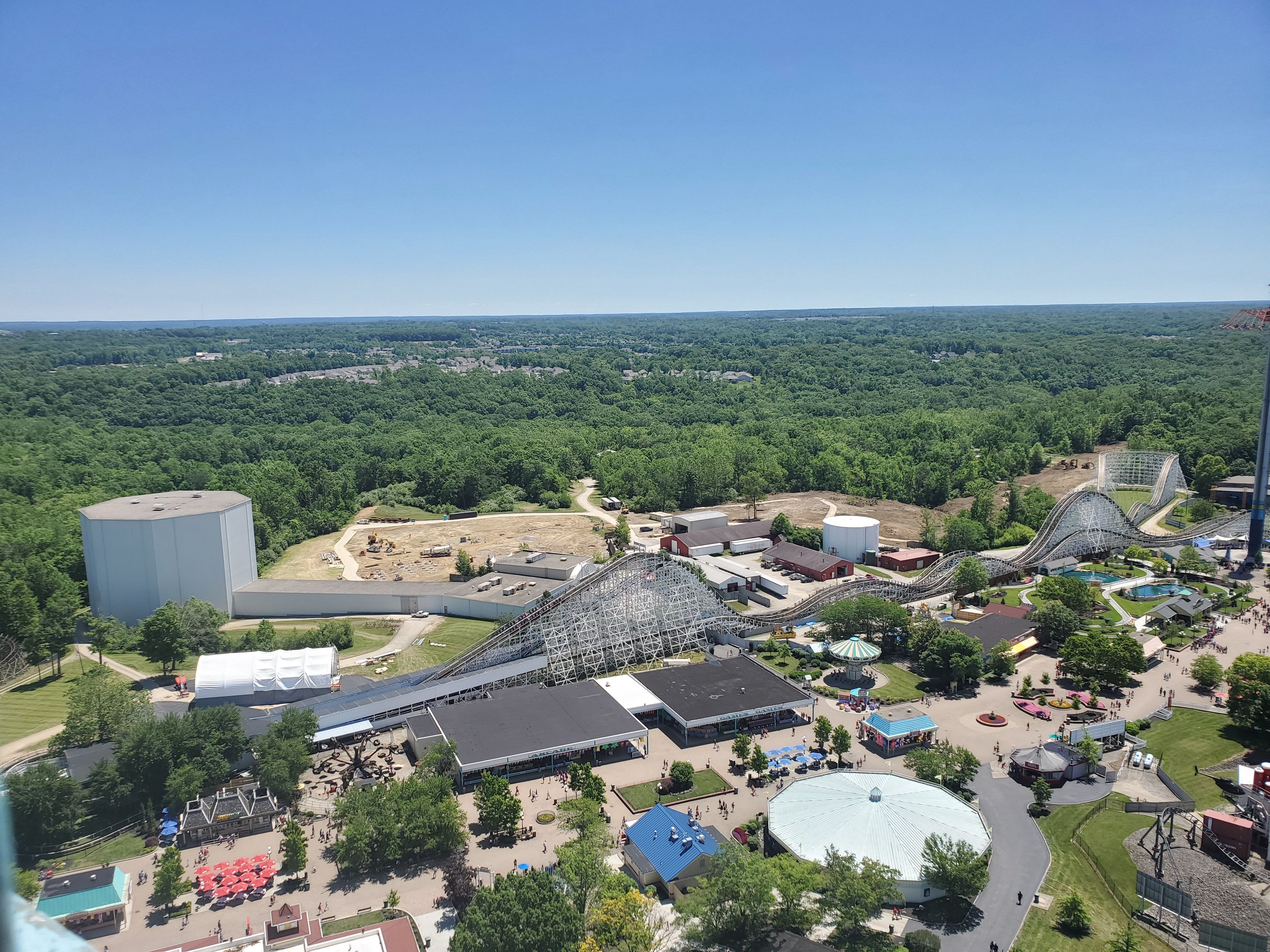
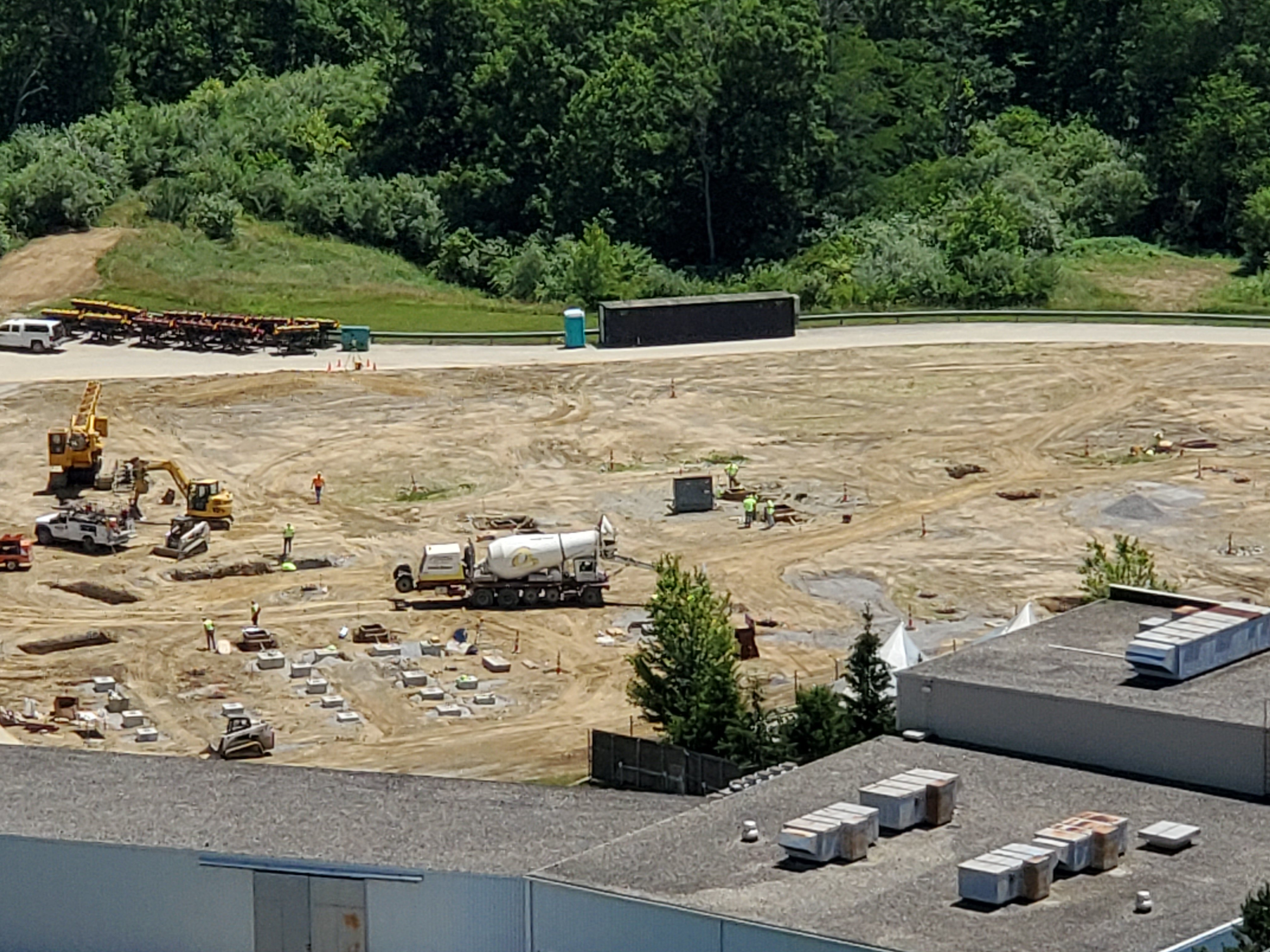
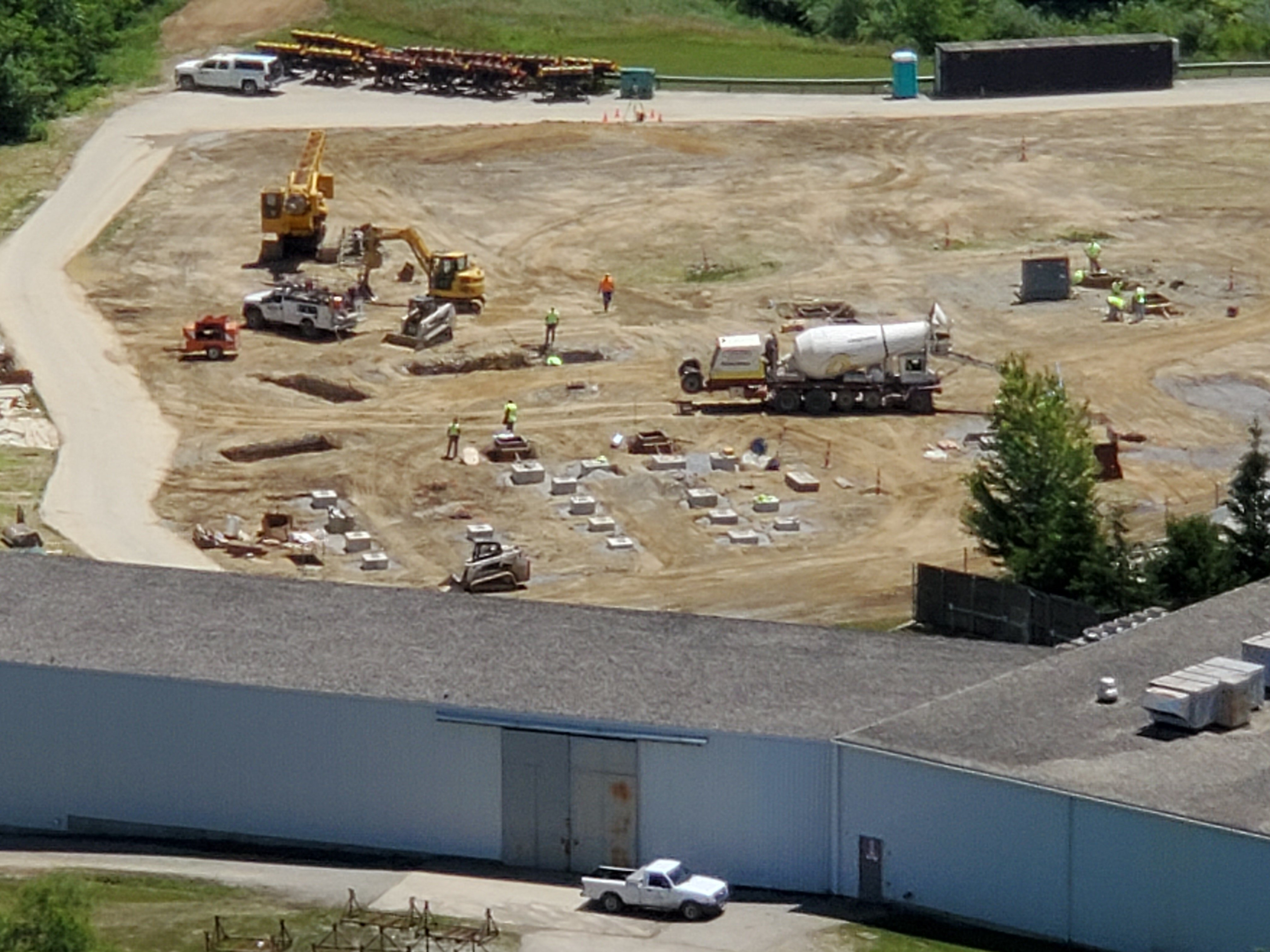
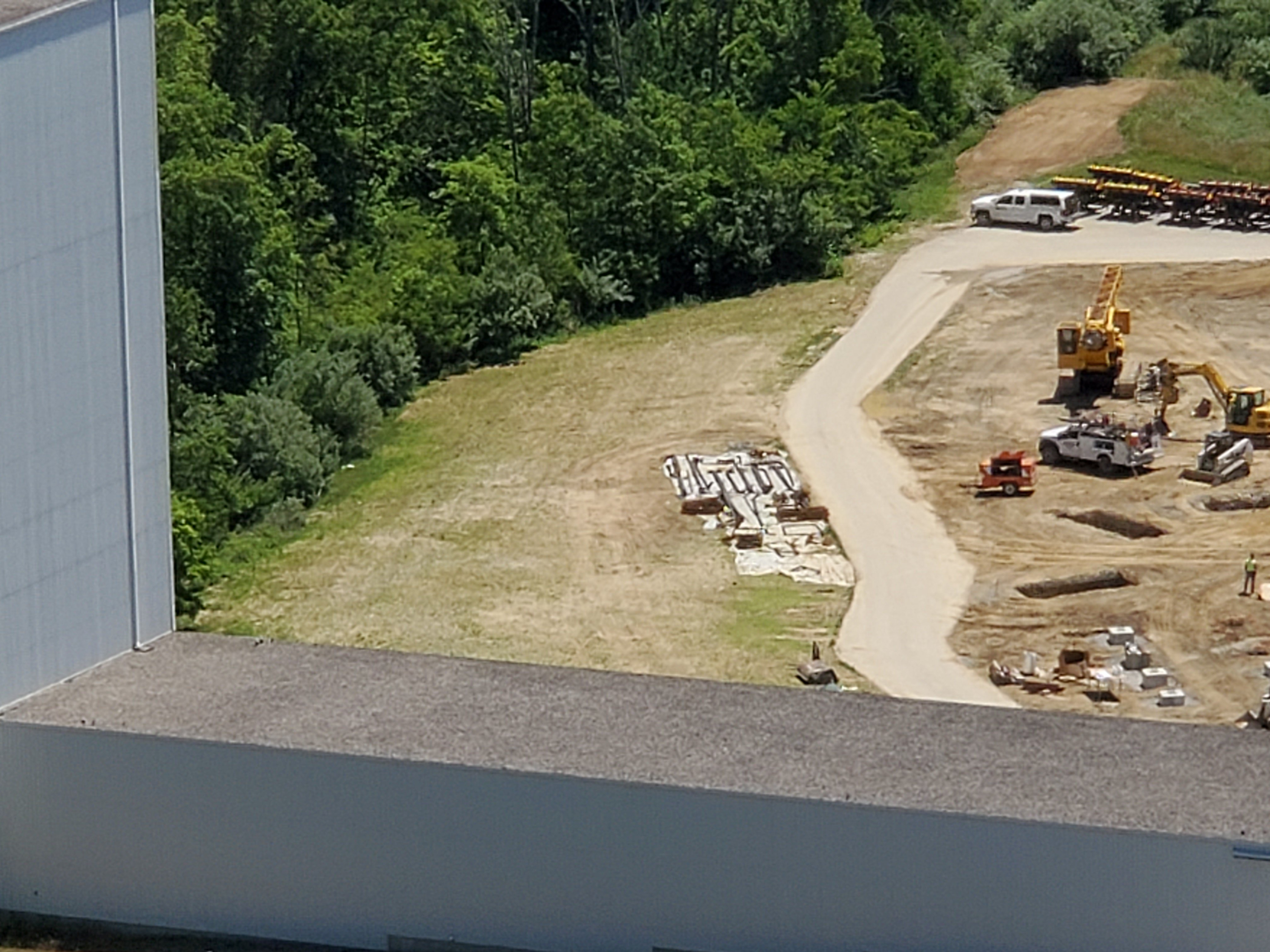
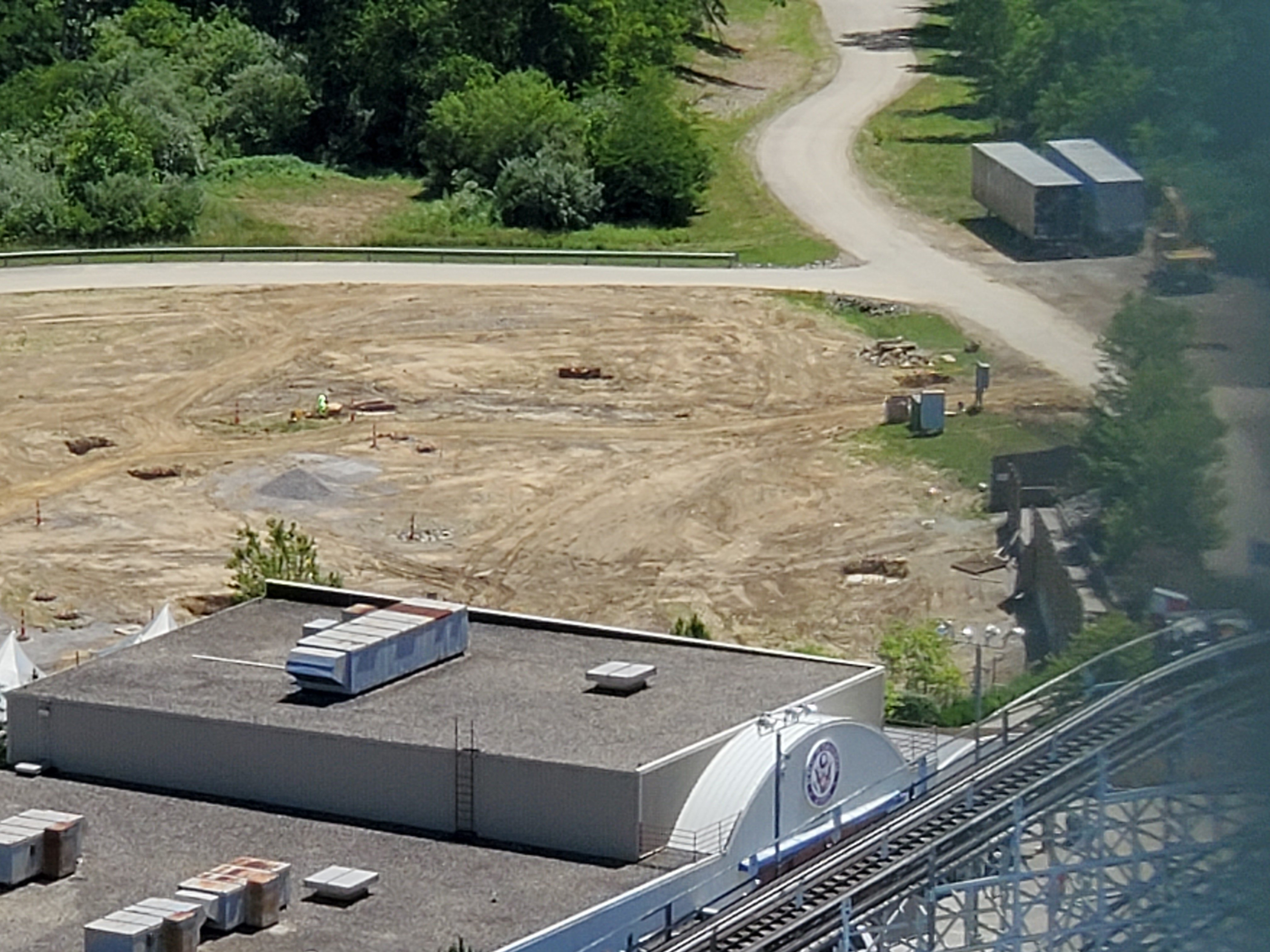
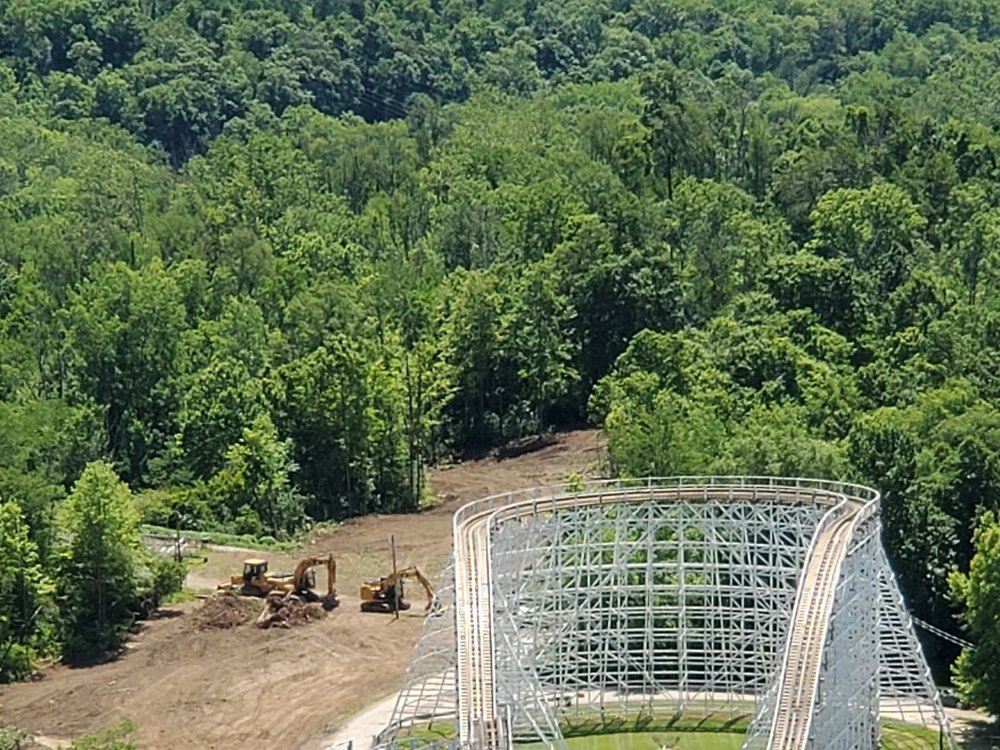
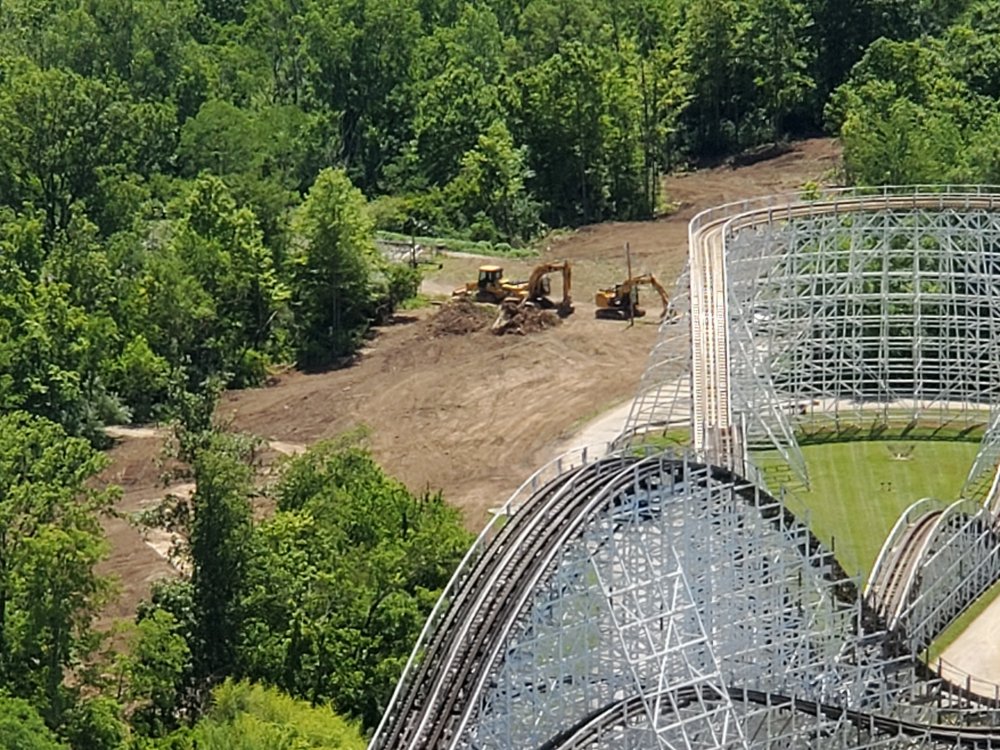
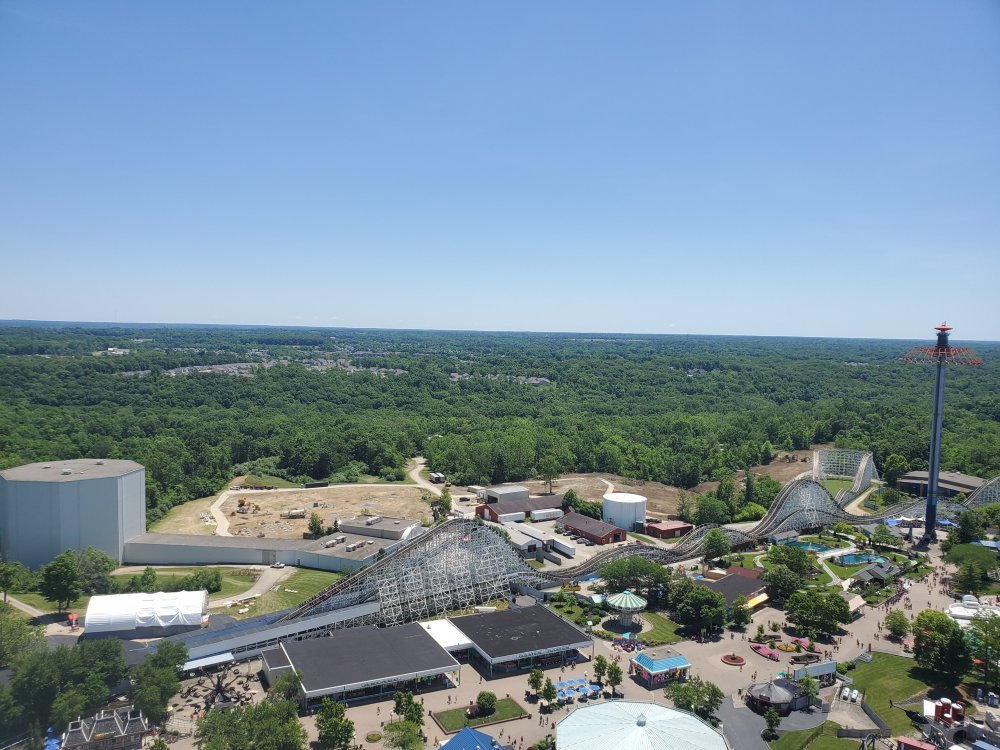
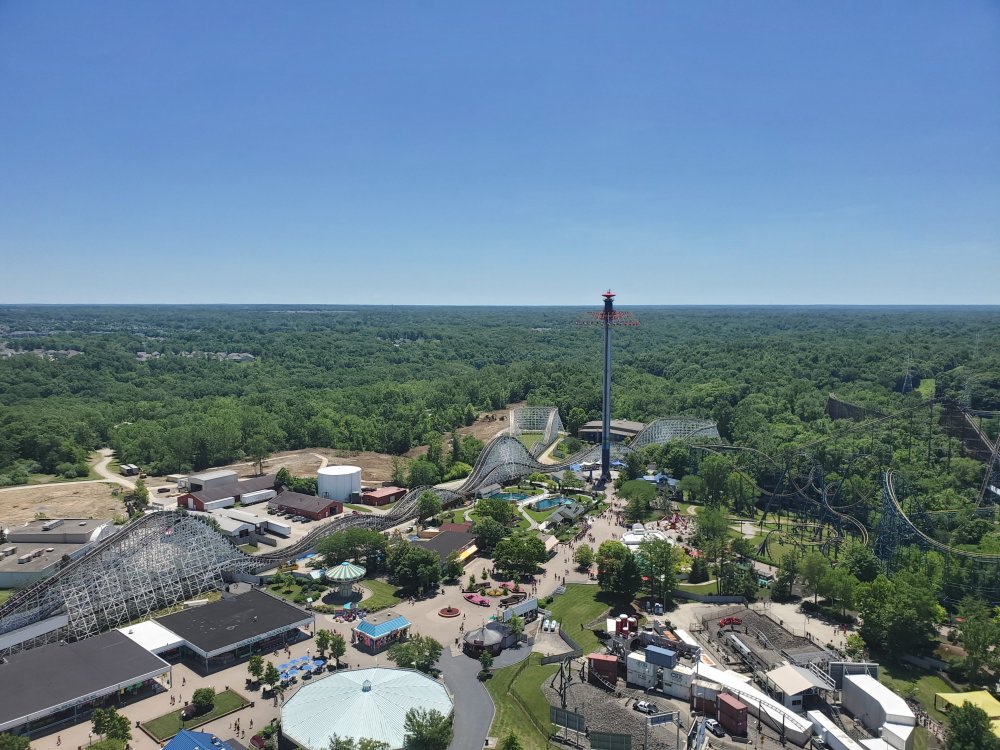
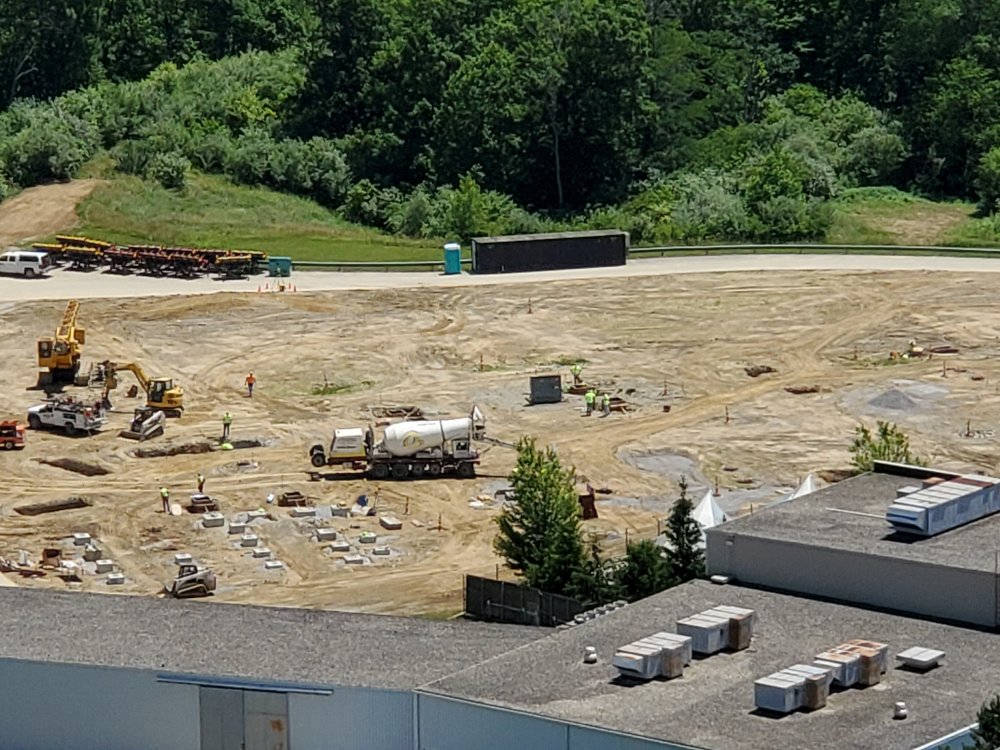
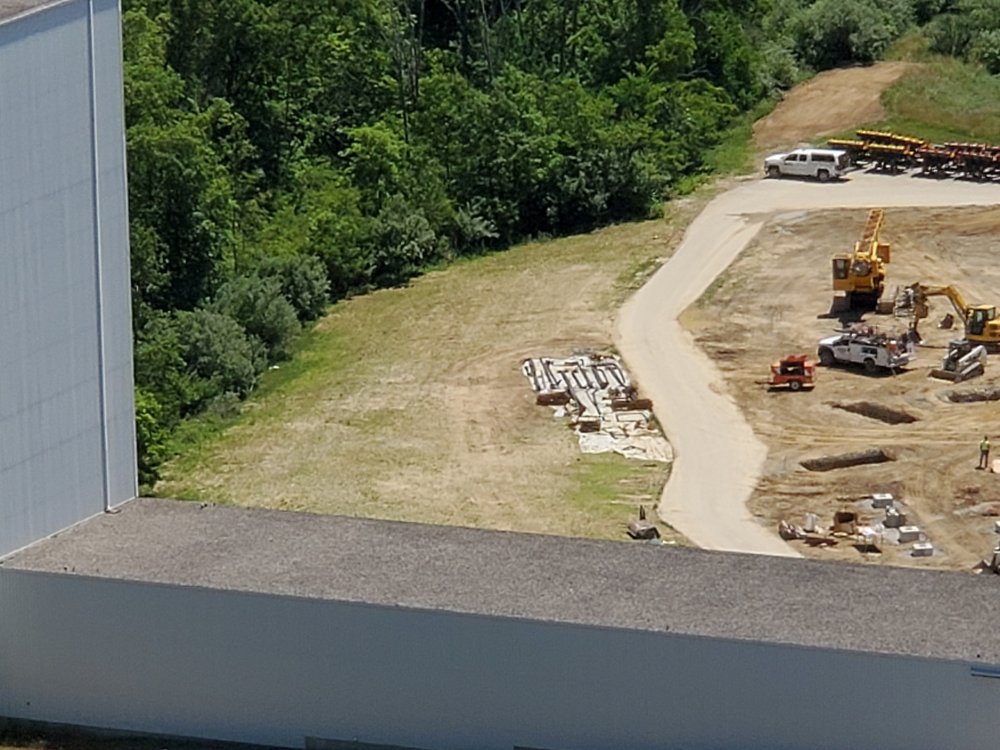
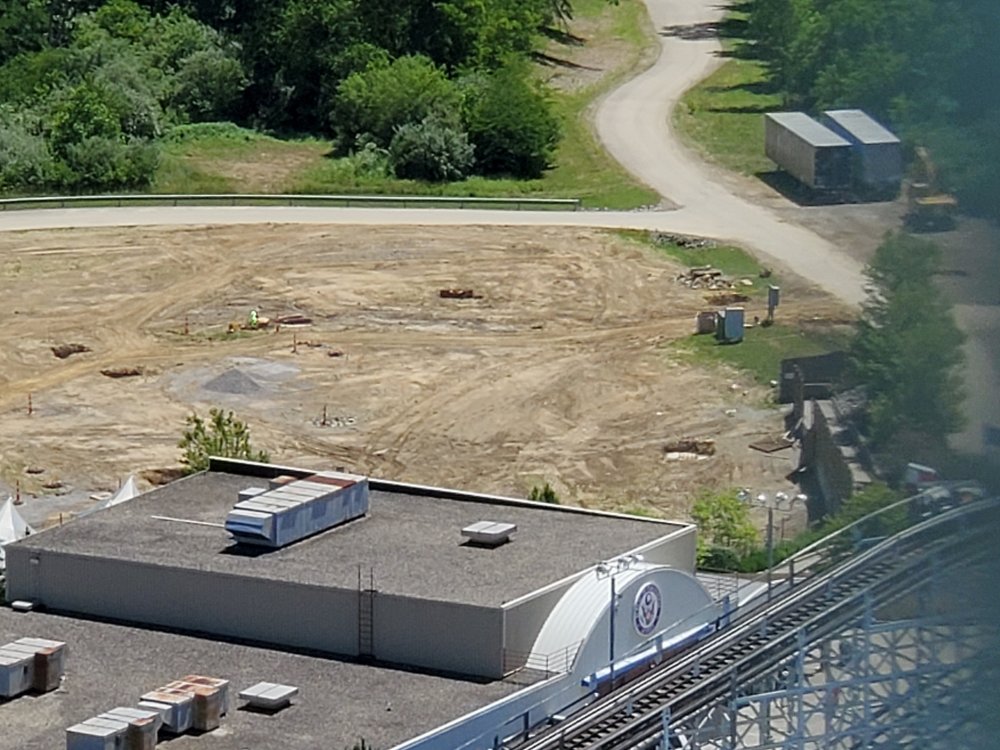
Also here's some photos I took last fri for anyone that wants a semi recent peek


-
So I was reading a post somewhere on Facebook a couple days ago and someone commented that they work at KI and saw blue track somewhere. Interesting bit of info, do you think she could be referring to our photos from CSF or do you think there is some track already snuck in just not visible to the public?
-
I think the reason they are putting the new one in the back is because they dont really have much going on back there and not many people go to coney mall anymore as all the new flagship attractions are elsewhere. I mean they have obviously been revamping coney mall lately so I think they are trying to bring people back to that section of the park.
-
Can someone PM me the blueprints