





DustinTheNow
Members
-
Joined
-
Last visited
-
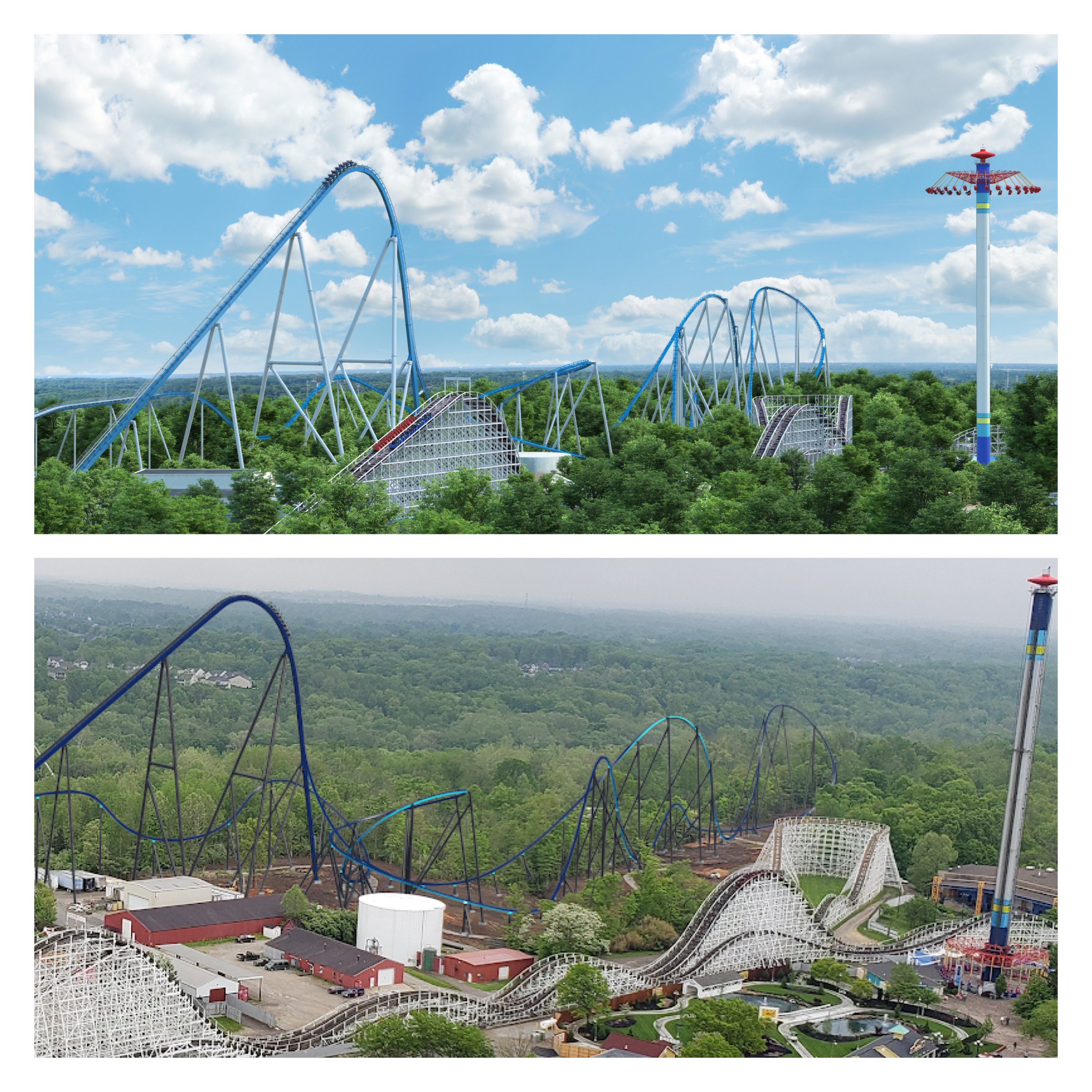
Has anyone seen good photos of Orion’s light package? I’m especially looking for images of the elements towards the middle of the ride.
-
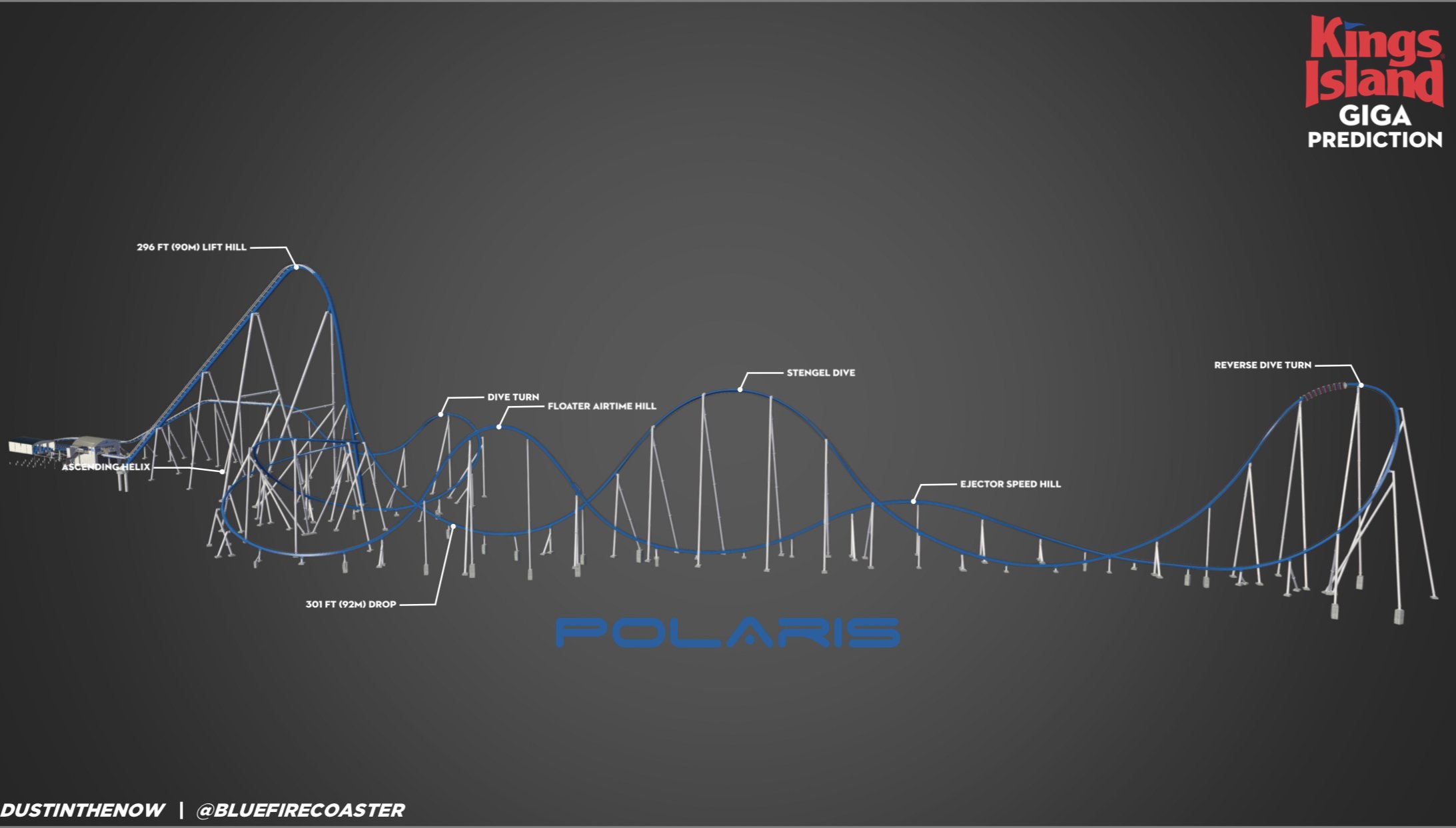
Well, if you want to be very technical, Orion has a 300.9 ft drop, making it diffintively the 7th biggest drop. I guess RCDB didn’t see the blueprints. Lol
-
Give this a watch and share! Pretty epic what having blueprints can do! #Orion2020
-
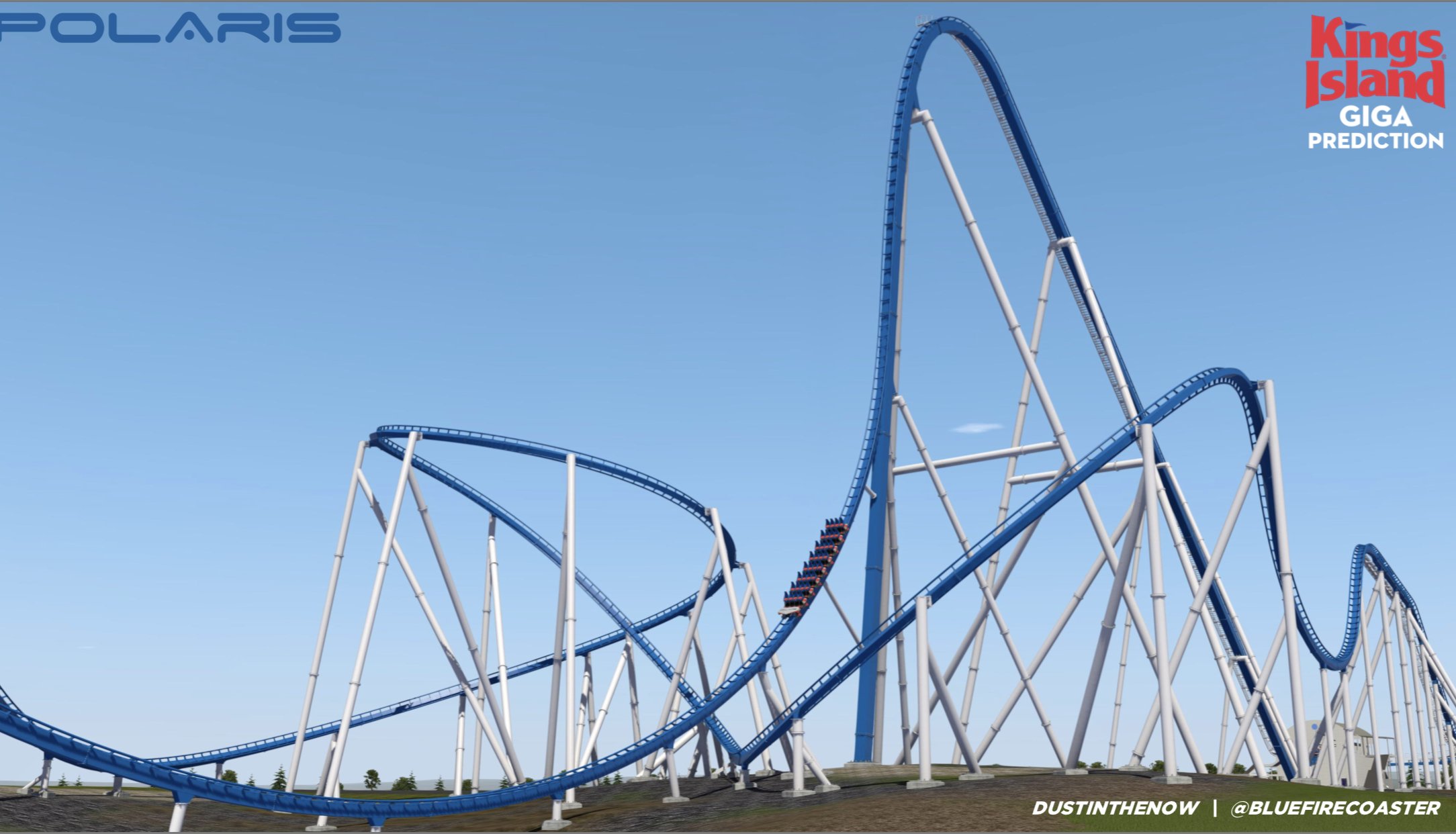
[Image Removed] Updating my No Limits 2 Creation to better reflect Orion!
-
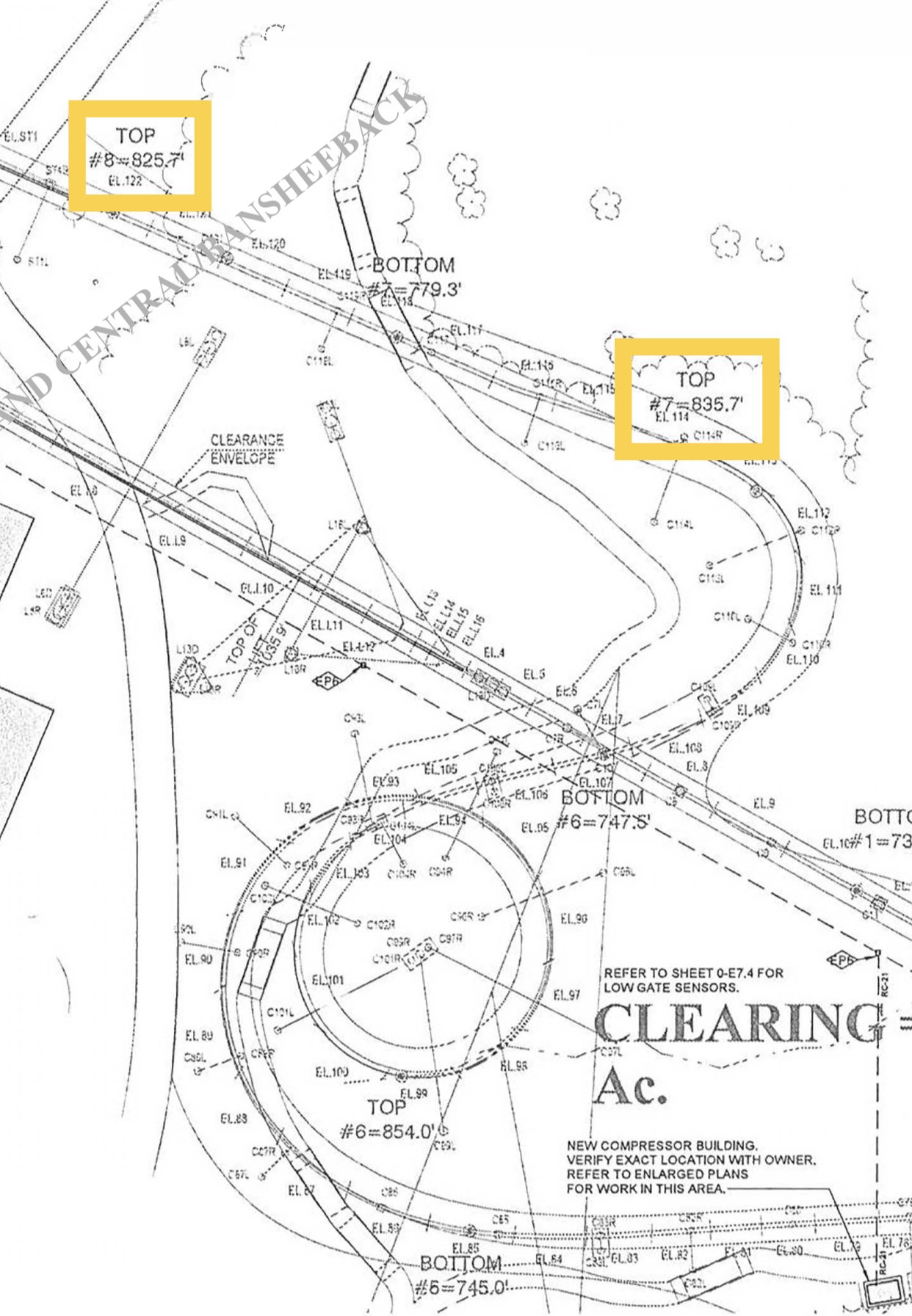
This may be an appropriate time to RE-POST the hype video! I can’t contain myself!! OMG!Hey guys! Just for fun, take this poll to place your final predictions! Let’s see how good we were at decoding! https://forms.gle/rq3anKzygeaDXmss9Hype the hype! Give this a watch and share! Epicness awaits!Here is is! HYPE VIDEO! Kings Island Giga!! #TEOTWAWKI #NewFor2020Just another reminder about the hype video! The hype is truly unreal!HYPE VIDEO! Please Share! Help it get 1000+ views by Announcement! #TEOTWAWKI #KI2020The highest point of the brake run is 85 ft high.Lol. Of course. I’m not offended in any way. I was just explaining that the heights of each element are correct according to the blueprint. The Brake Run is 825.7 ft high MSL, and the Hive Dive is 835.7 ft MSL. (The station base is 740 ft MSL for comparison).
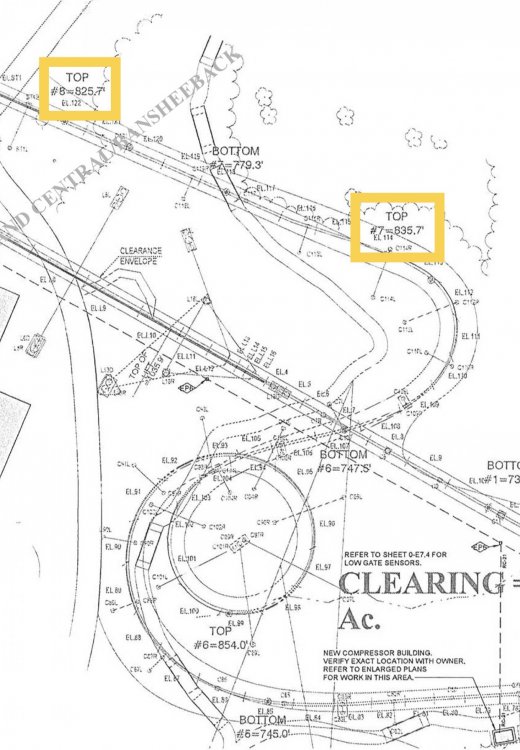 should still be identical to the one we had before. Just going off the blueprints.





Background Picker