Adrenaline Obsession
Members
-
Joined
-
Last visited
-
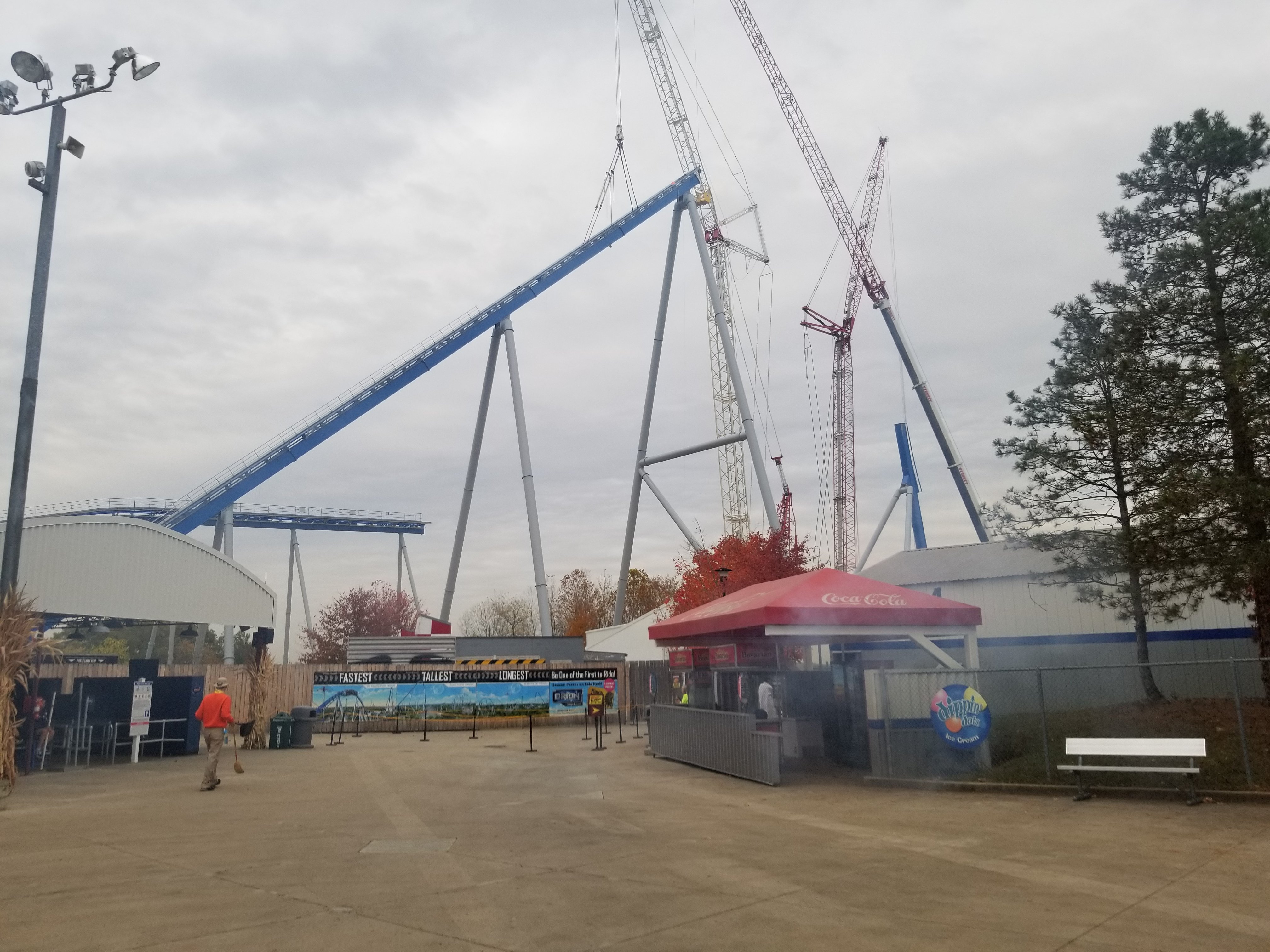
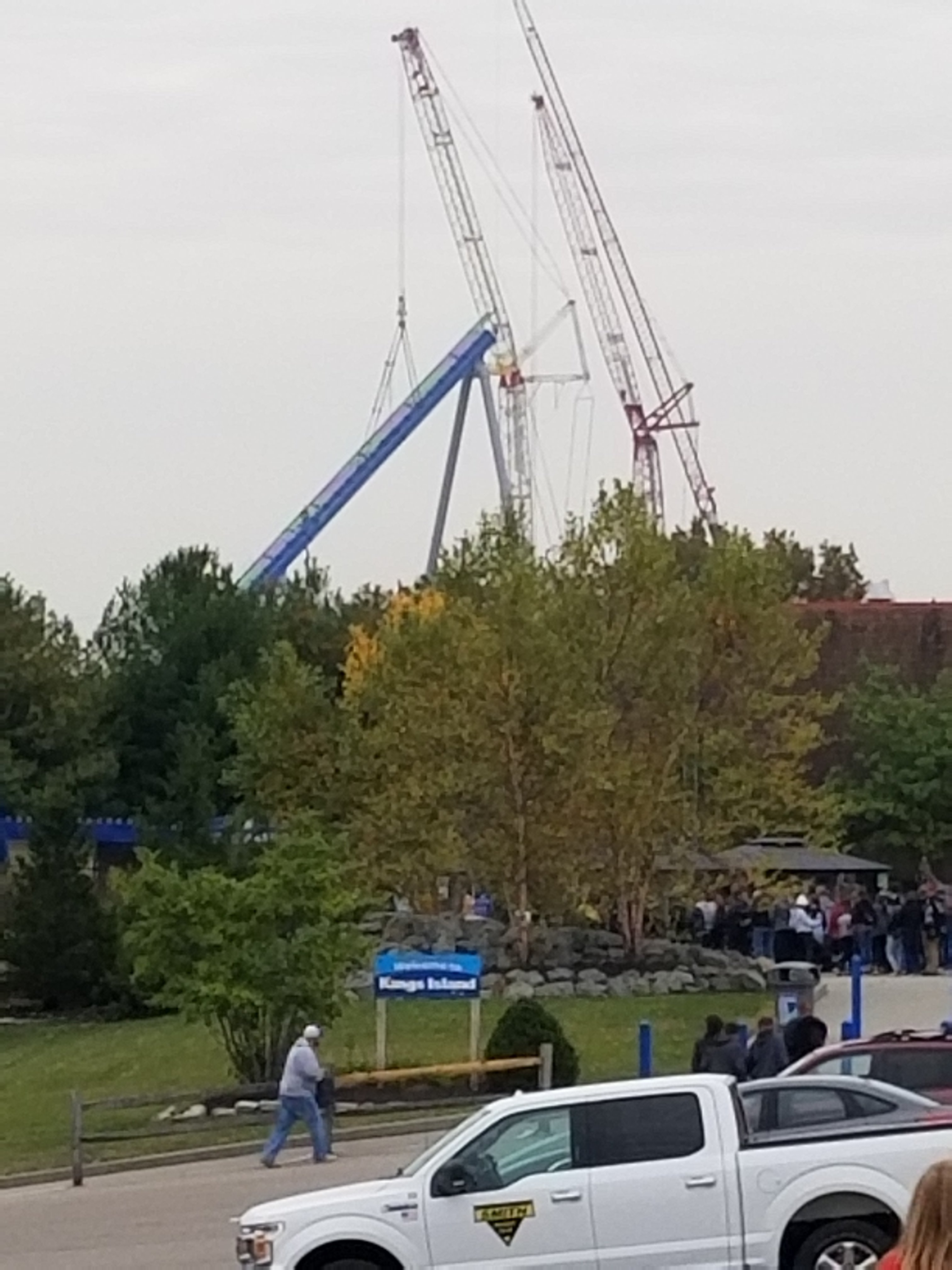
I'm thinking this thing will be topped either today or tomorrow for sure. Hoping for pictures from today as well!
-
From Kings Islands Instagram:

-
Oh yes.
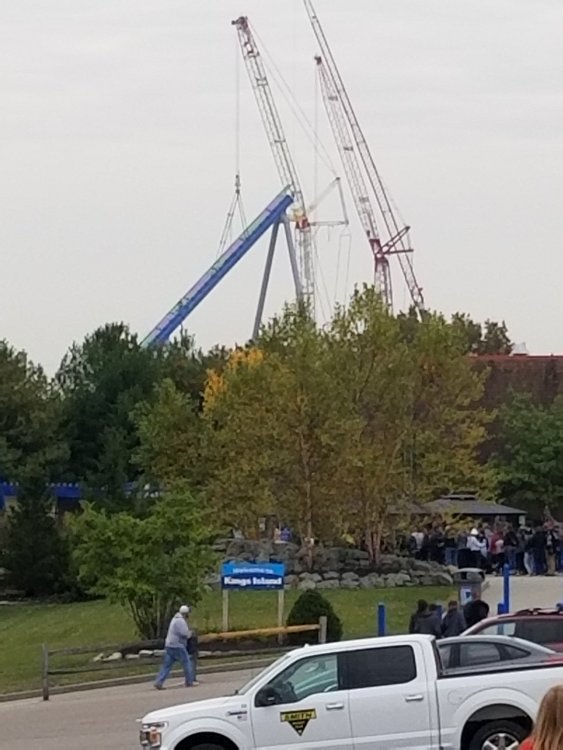 Oh my GOD!!!! Currently on my way to KI, I am not prepared to see this thing!!!Took some artistic liberty
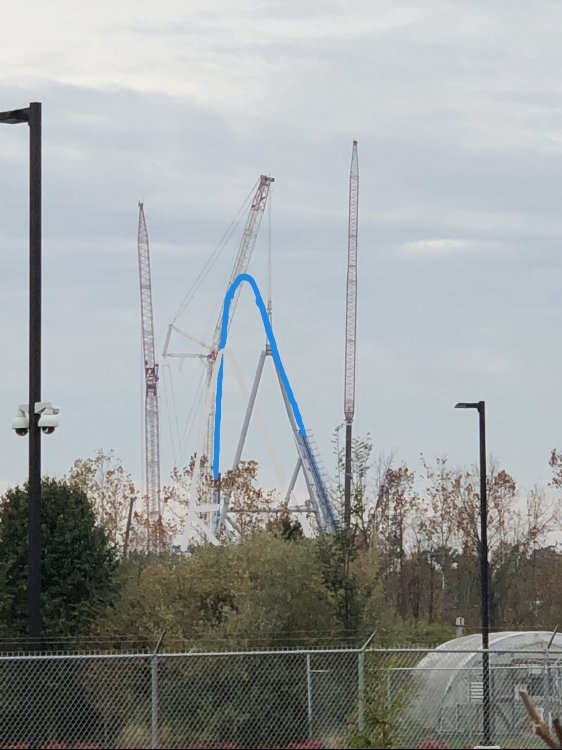 Hoping we can see the last support on the lift side finish up before the park opens tonight. Can't wait to see it in person!!!RIP to my favorite arrow
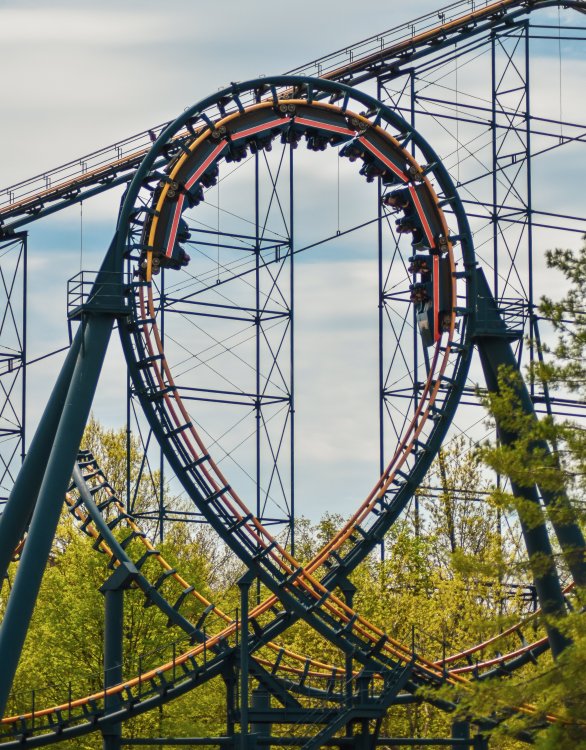 On my way out right now. So excited to see these official renders tonight! Hype is through the roof!You know guys... What if we get another IMAScore soundtrack for this coaster??? Make it sound like Galactica's but little twist of our own... Just makes me so giddy thinking about it!!All of these updates and picture are just making me so excited for Thursday! Can't wait to take one last look at the site before it's officially announced. I'll be livestreaming the announcement on my instagram account if the Kings Island stream is buggy.Super awesome video of the new footings poured. Looks like the L6L and ST1L group footing is currently under construction. https://www.youtube.com/watch?v=gGygDm9o_vI&feature=youtu.beLol why are you self advertising your ride?? It's not accurate. Me and lots of other people know this is your NL2 channel...Anyone going into the park today? Hoping to see some more activity by The Racer siteInteresting!!! It might be new maintenance sheds though. I'm not expecting much out over here.