Skip to content
View in the app

A better way to browse. Learn more.

Kings Island Central Forums

A full-screen app on your home screen with push notifications, badges and more.

To install this app on iOS and iPadOS
  1. Tap the Share icon in Safari
  2. Scroll the menu and tap Add to Home Screen.
  3. Tap Add in the top-right corner.
To install this app on Android
  1. Tap the 3-dot menu (⋮) in the top-right corner of the browser.
  2. Tap Add to Home screen or Install app.
  3. Confirm by tapping Install.

gagyj

Members
  • Joined

  • Last visited

  1. gagyj started following Decoding 2020
  2. gagyj replied to fryoj's topic in Kings Island
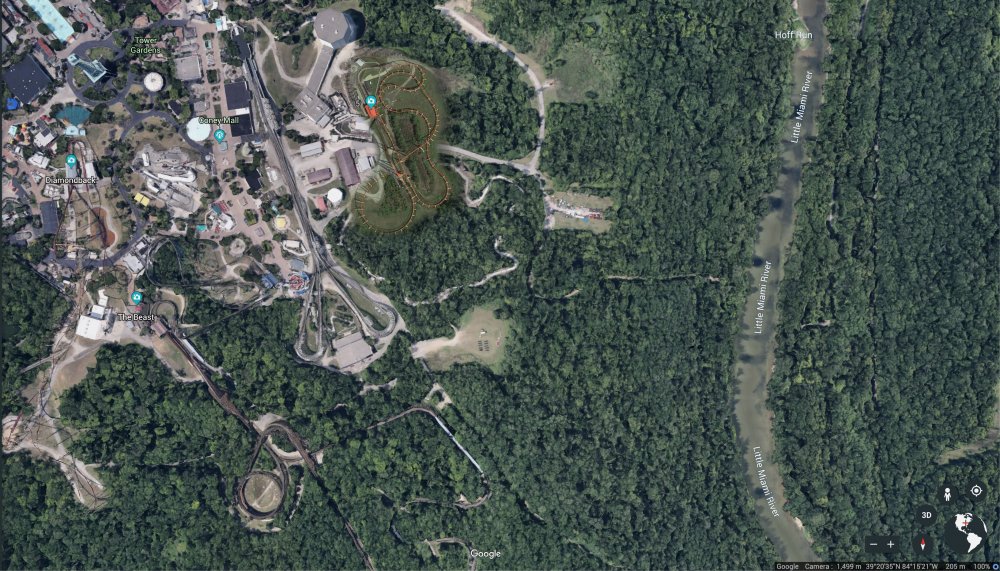
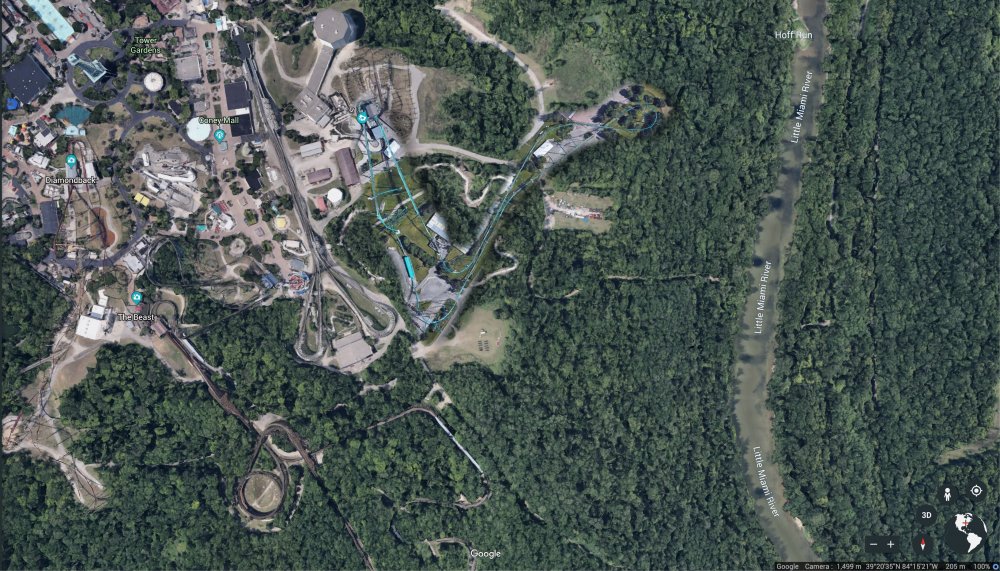
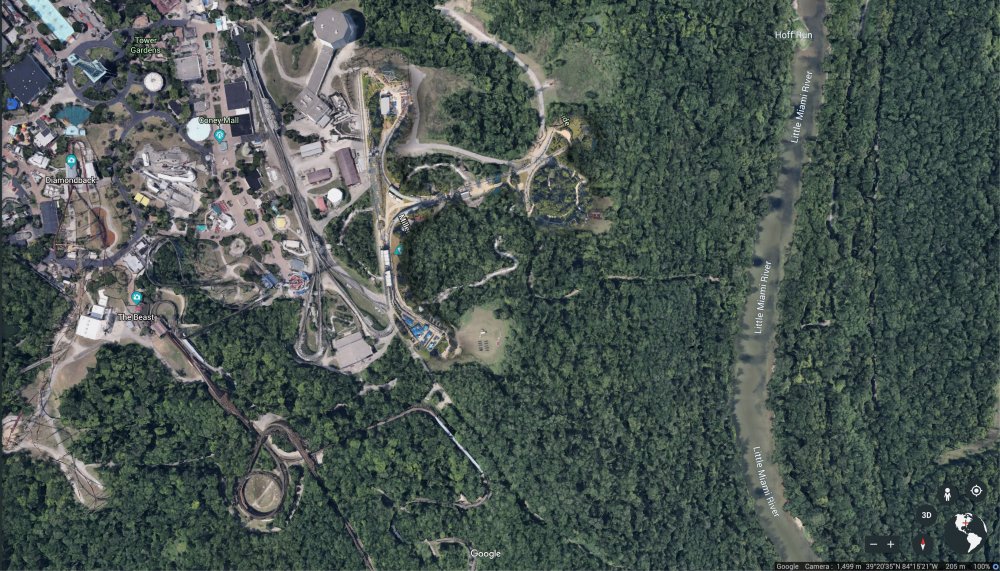
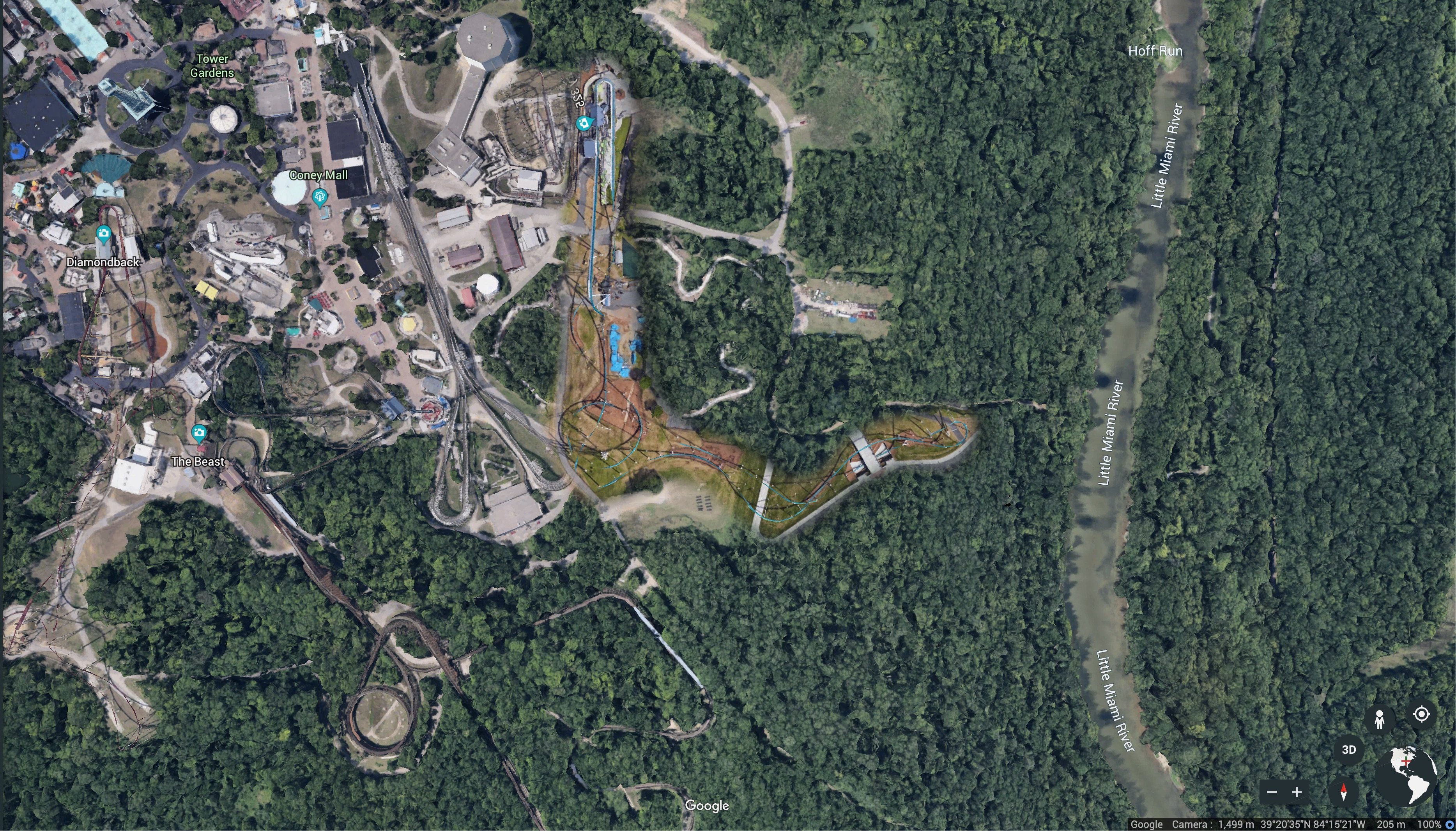
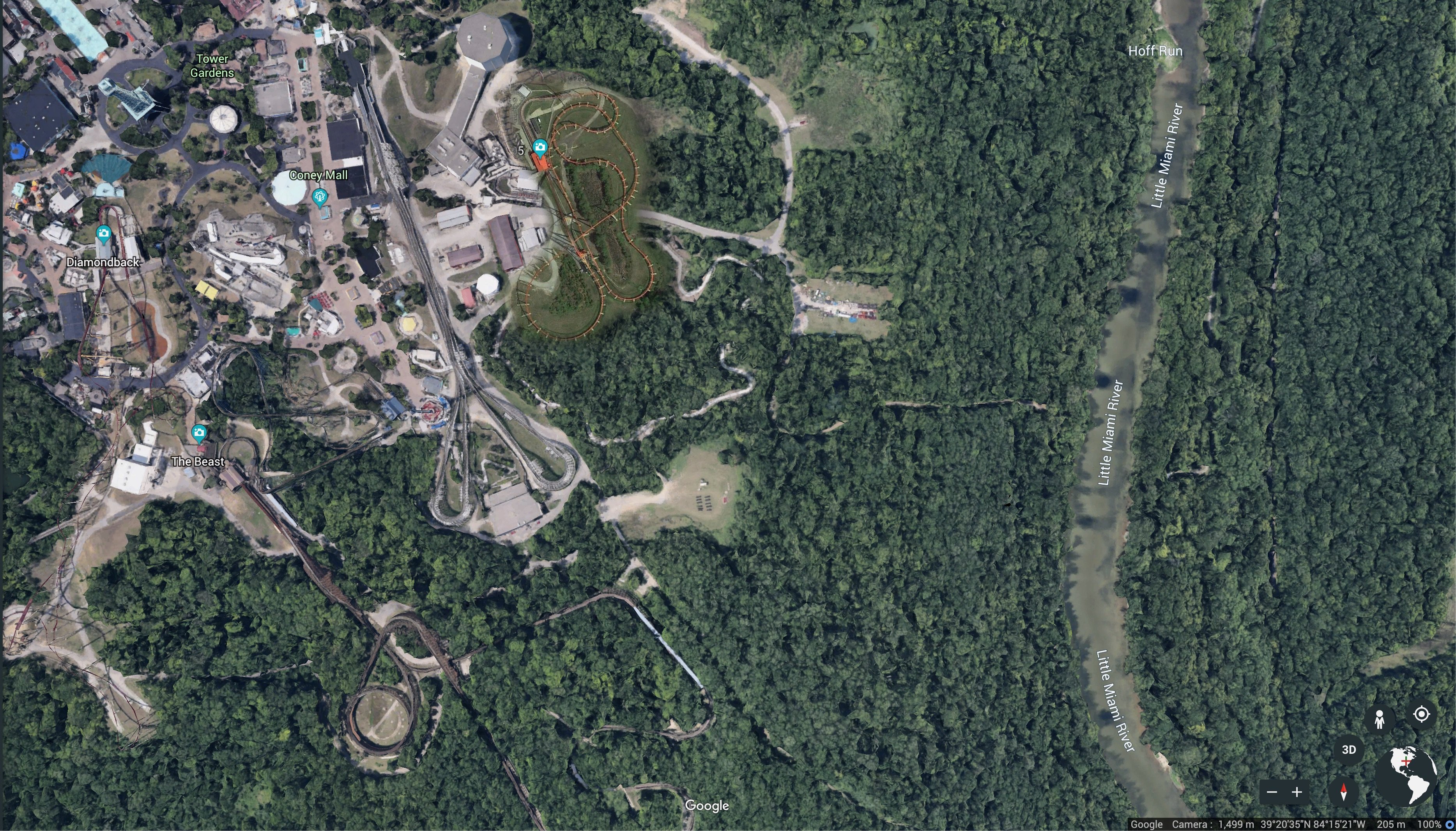
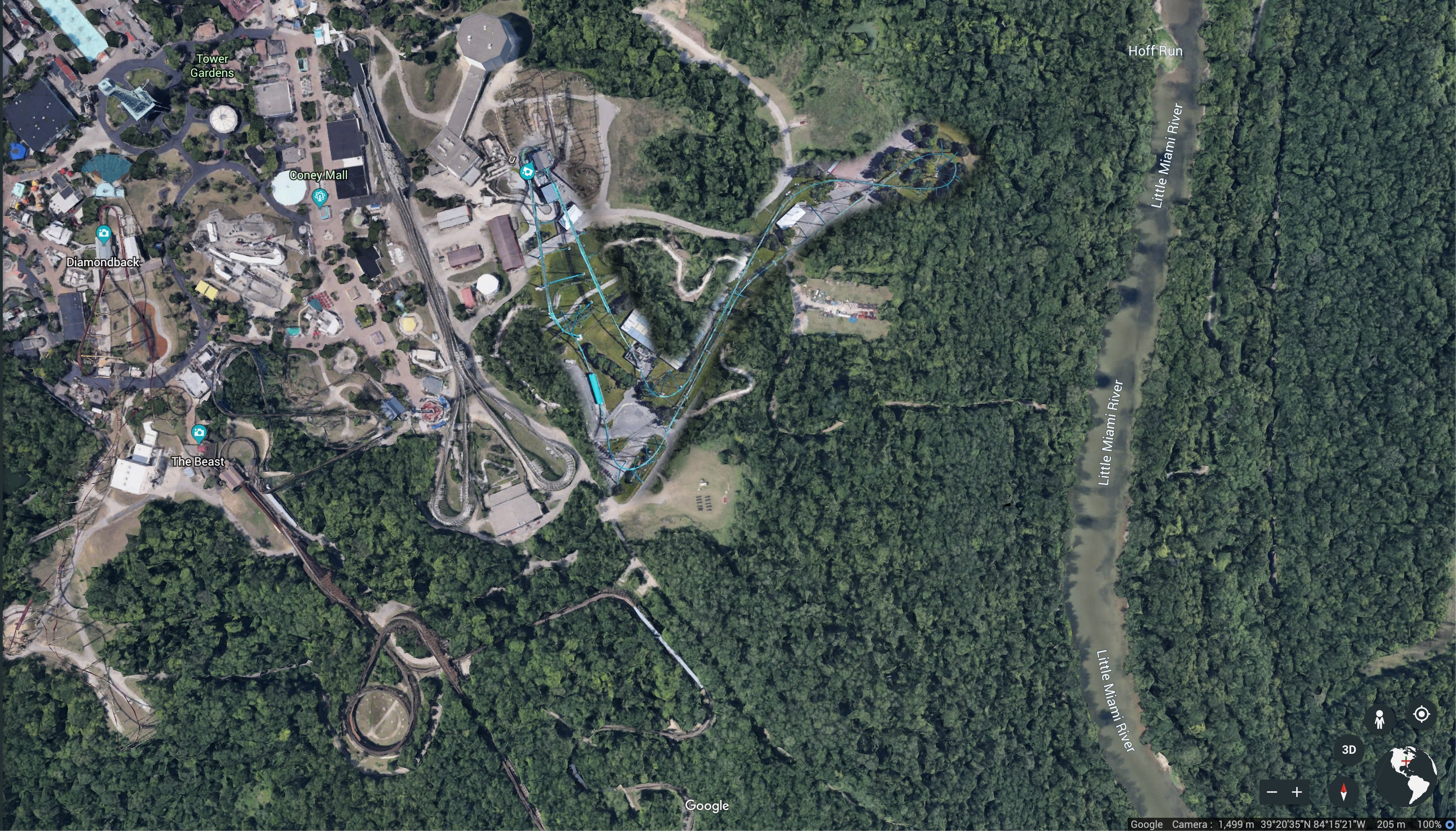
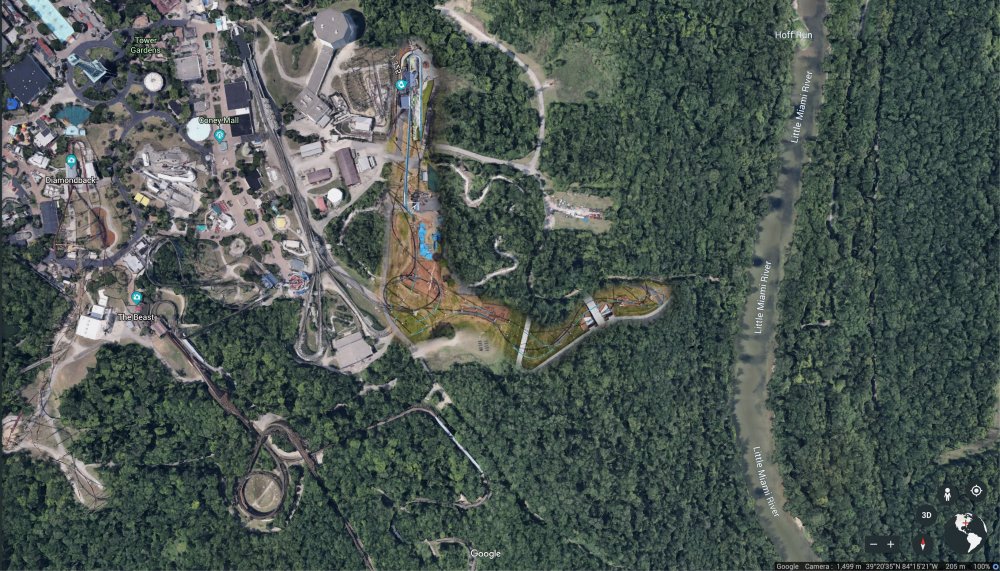
    I went ahead and did some overlays of other Cedar Fair giga's to compare sizes and to show how big the land clearing is. These were all taken at roughly the same altitude from Google Earth (~1,499m - give or take 2m). I did rotate and/or flip some of the giga's just to make them align better with the area. Giga's I've included: Fury 325 Intimidator 305 Leviathan Millenium Force
Background Picker

Account

Navigation

Search

Search

Configure browser push notifications

Chrome (Android)
  1. Tap the lock icon next to the address bar.
  2. Tap Permissions → Notifications.
  3. Adjust your preference.
Chrome (Desktop)
  1. Click the padlock icon in the address bar.
  2. Select Site settings.
  3. Find Notifications and adjust your preference.