collin.klopfstein
Members
-
Joined
-
Last visited
Everything posted by collin.klopfstein
-
My little brother said he saw a blue flag on top of Diamondback, how much you do you want to bet it was the Orion logo
-
I’m calling it, we are getting an inversion on this giga
-
-
Ok now I’m at the brew house
-
Ugh sorry guys I’m coming, I got so excited I read it wrong
-
I meant brew house lol
-
Ok I’m in the festhaus, where are you guys?
-
Oh ok! I’m in line for FOF, be there soon, I’m a tall dude with a red shirt and pants
-
I tried 30 minutes ago and he didn’t respond
-
@Fye Coasters IM looking for you!? Where are you?
-
Double post I’m here! Anybody I can meet up with ?
-
Heading to the park right now, if you would like to meet up my text me on my Instagram @collin_klopstein !
-
This thing is huge @Fye Coasters what is it?
-
I also hate the name shooting star
-
BAsically gave the name away
-
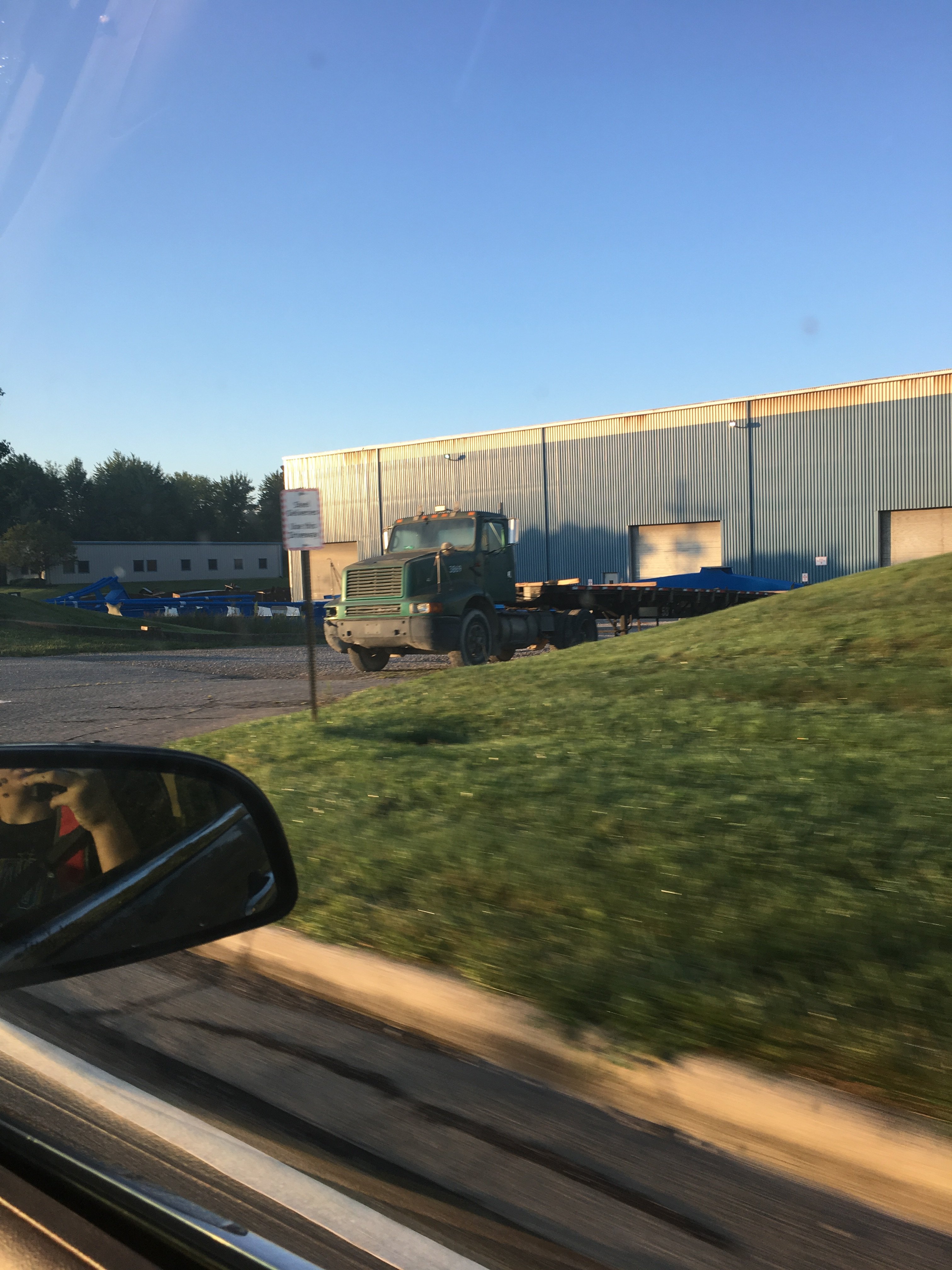
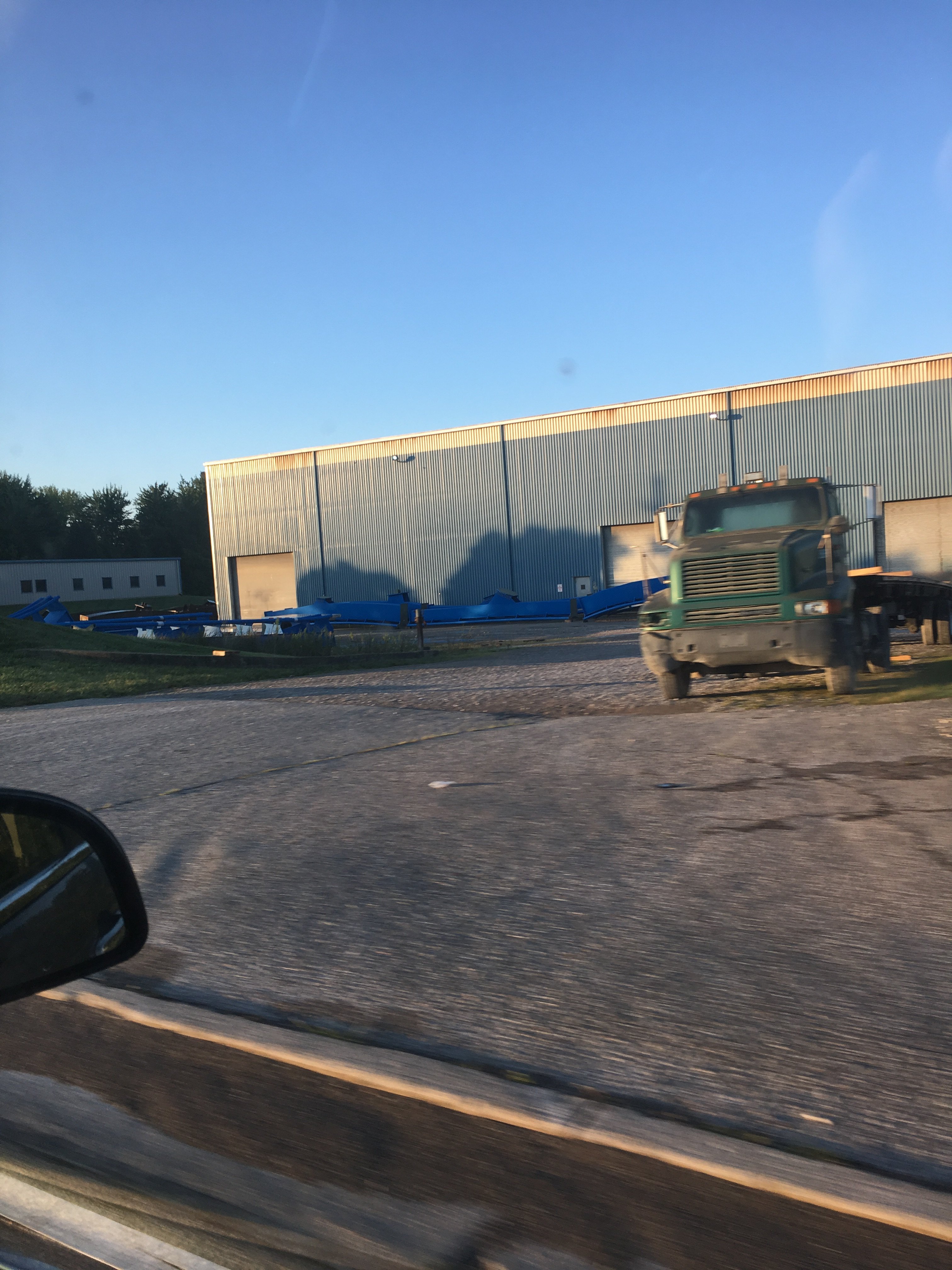
We have that lift spine piece, it’s ours and the thick track
-
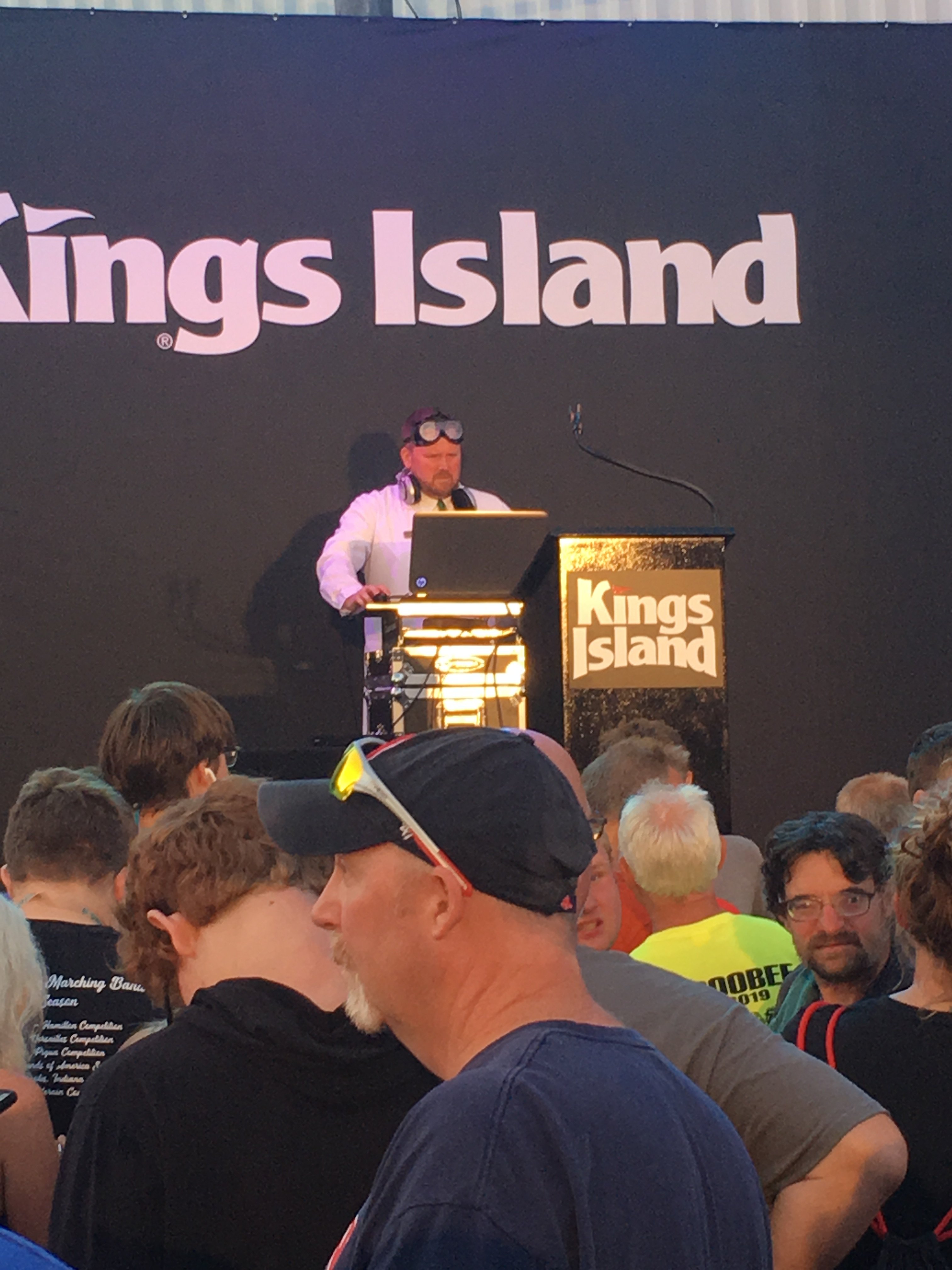
Double post: it’s most likely at Kings Island for the announcement
-
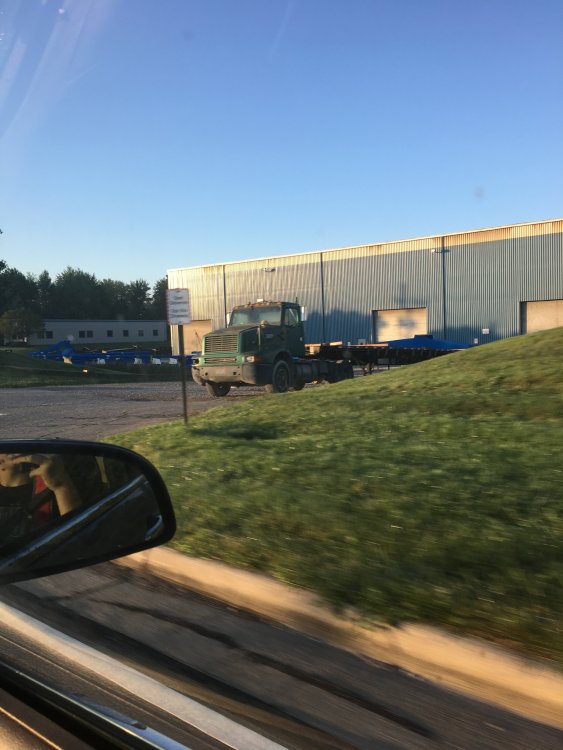
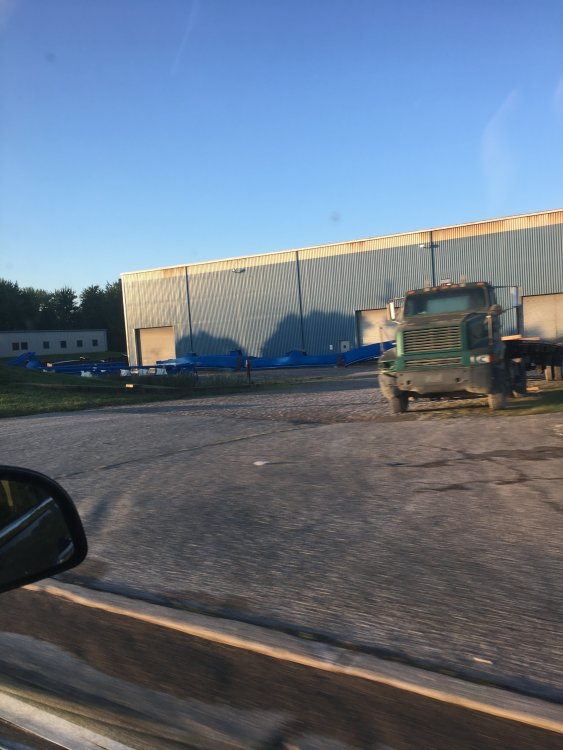
track update: ITS GONE
-
Yeah, and sorry for the typo I meant 15 minutes
-
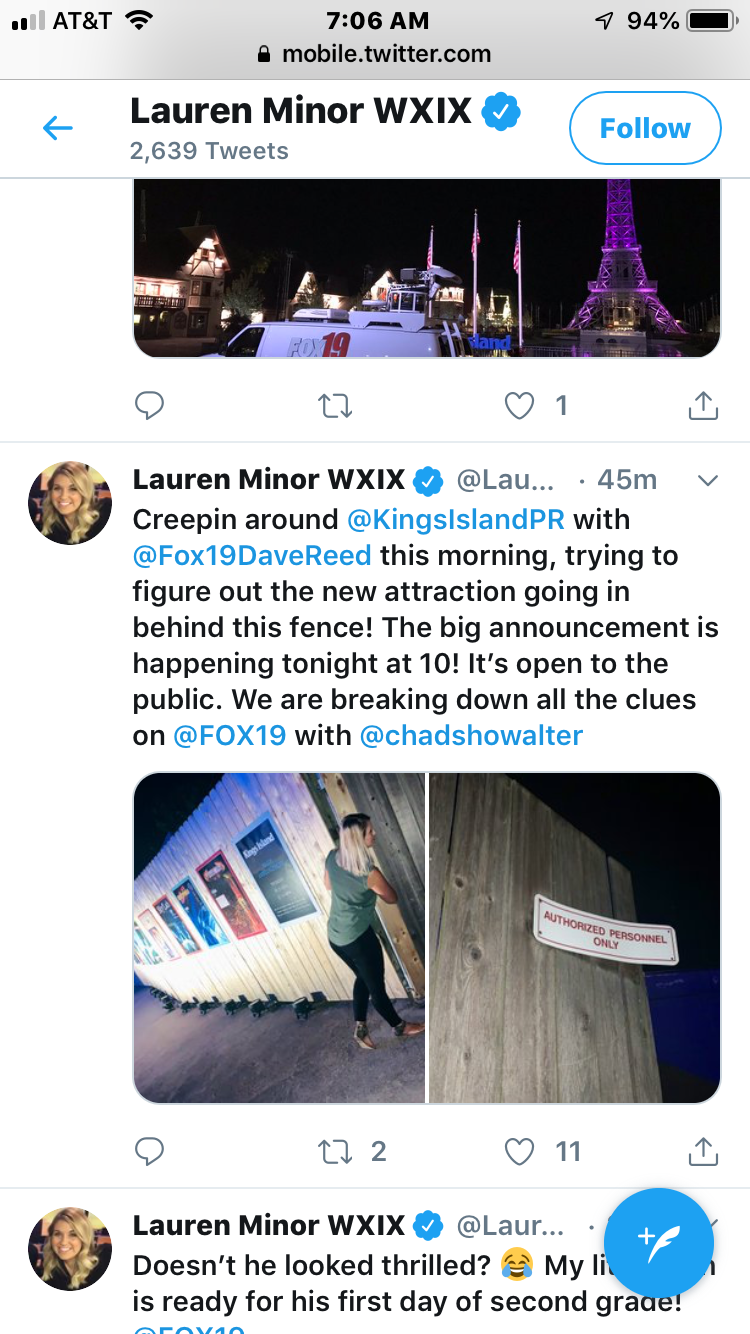
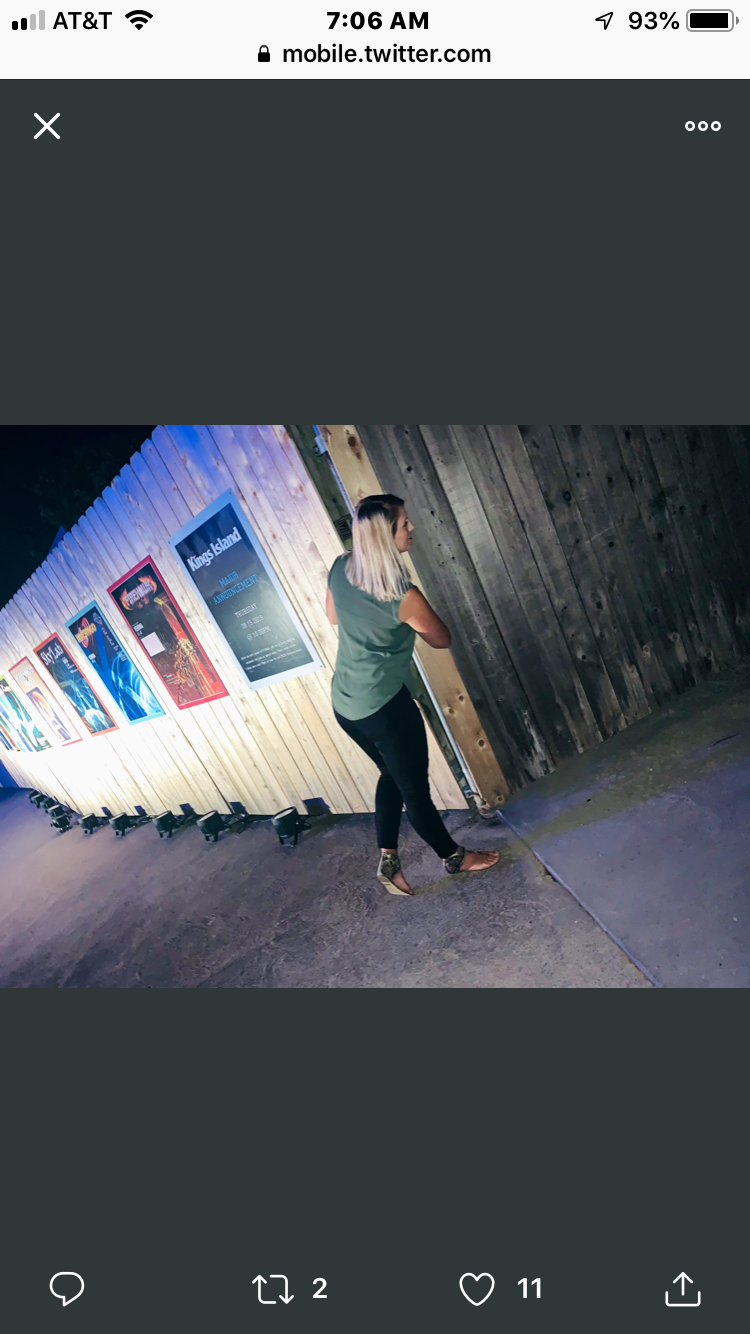
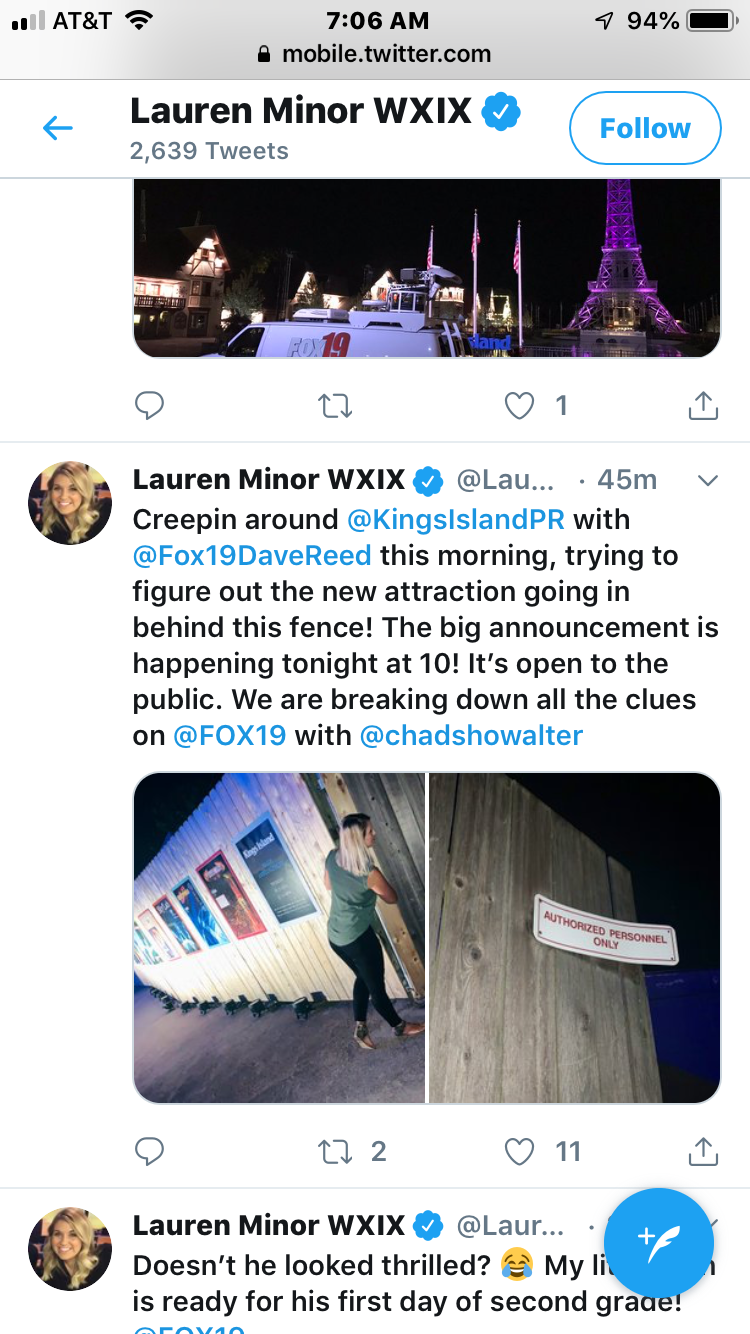
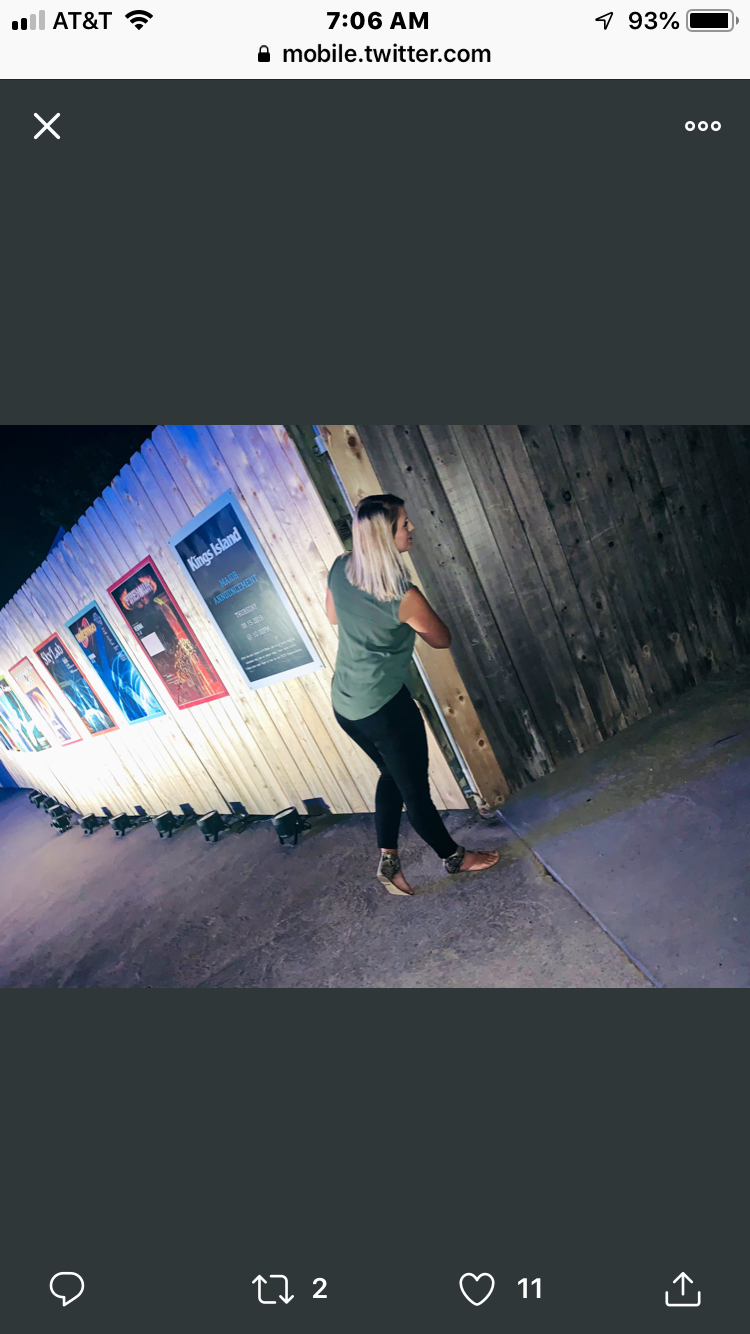
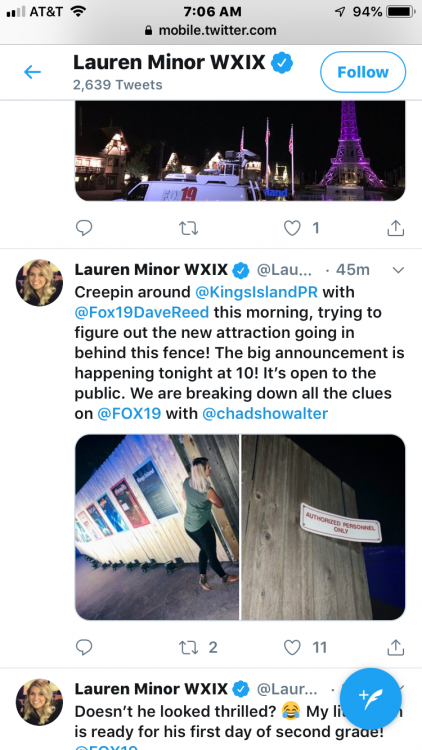
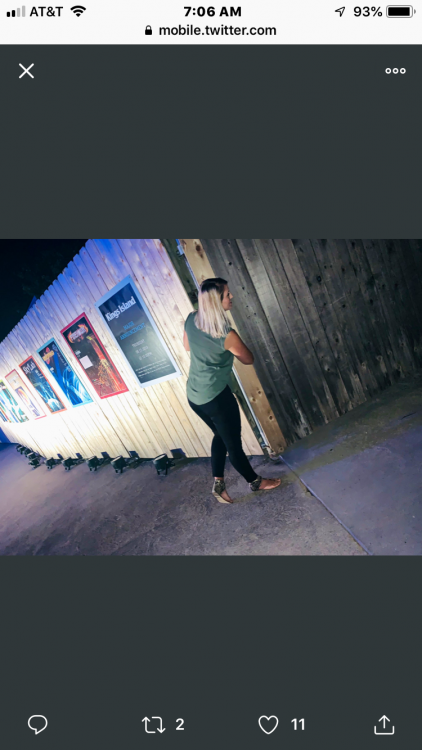
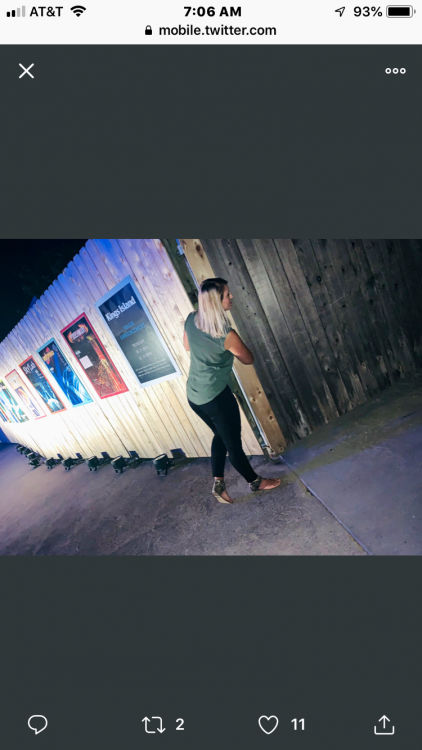
Wait do you guys think she might be looking at a piece of track back there??anyways you guys will have a track update in 5 minutes

-
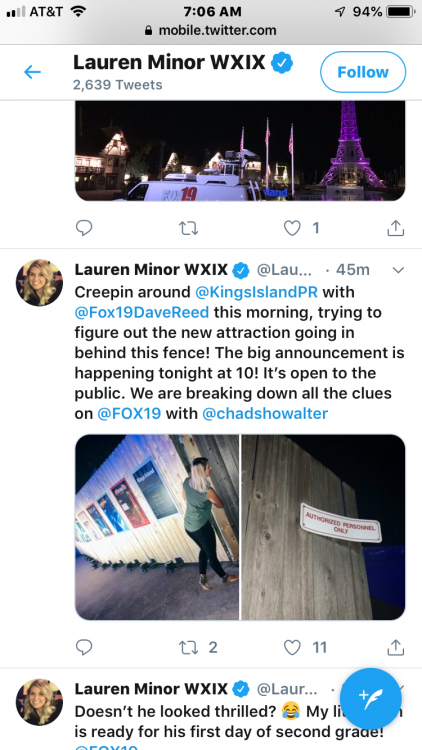
Here’s this

-
Did you guys actually put this up or is it photo shop??
-
Mean Sea Level?
-
-
Yes this element