





chad_1138
Members
-
Joined
-
Last visited
Everything posted by chad_1138
-
So we have had the crates and barrels out for what, a few days. Witnessed multiple guests today using them as their personal seats and rest zones. I’m not talking about the ones right by the walkway. The ones up in some mulch under some trees. #peoplesuck
-
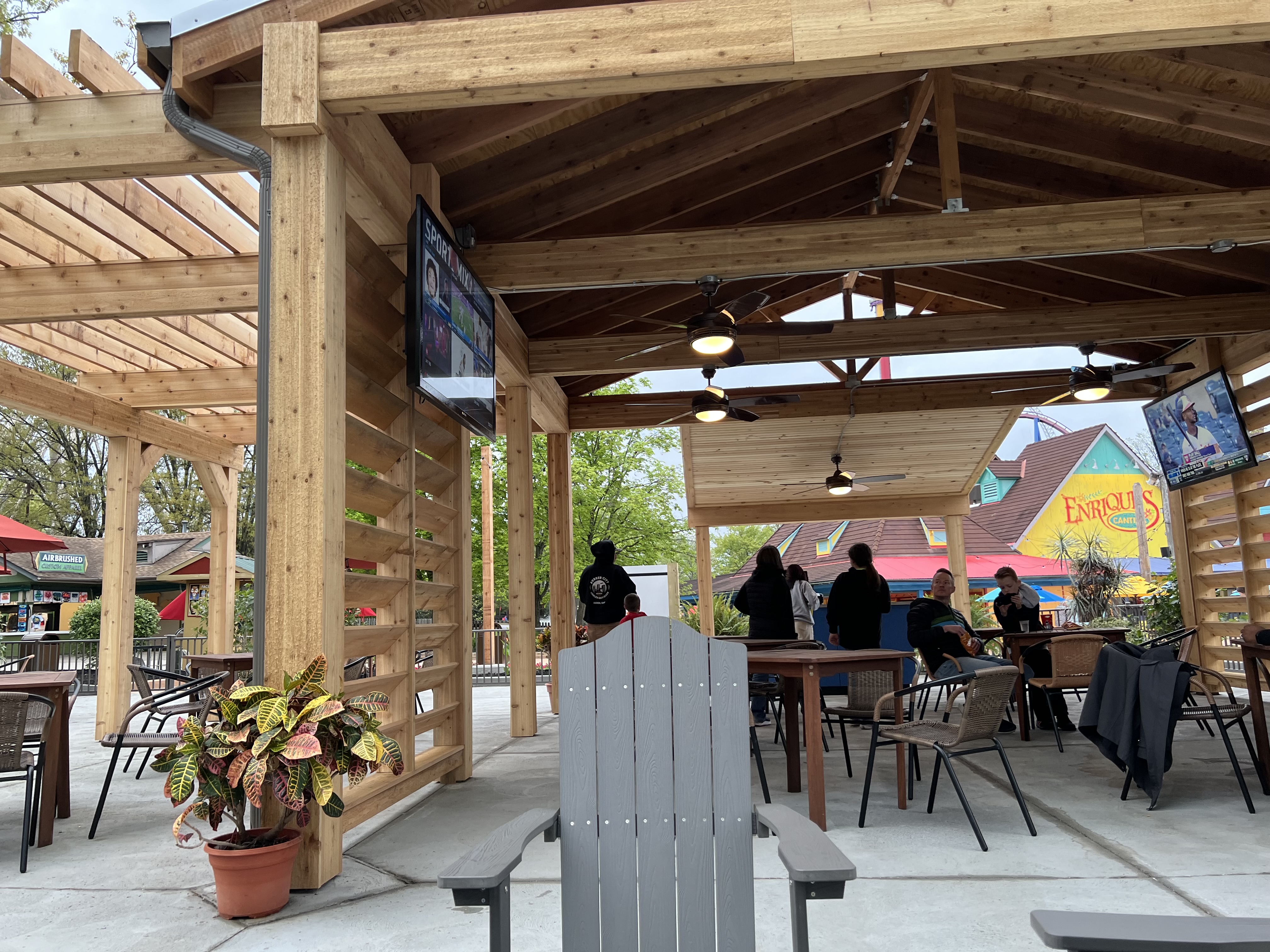
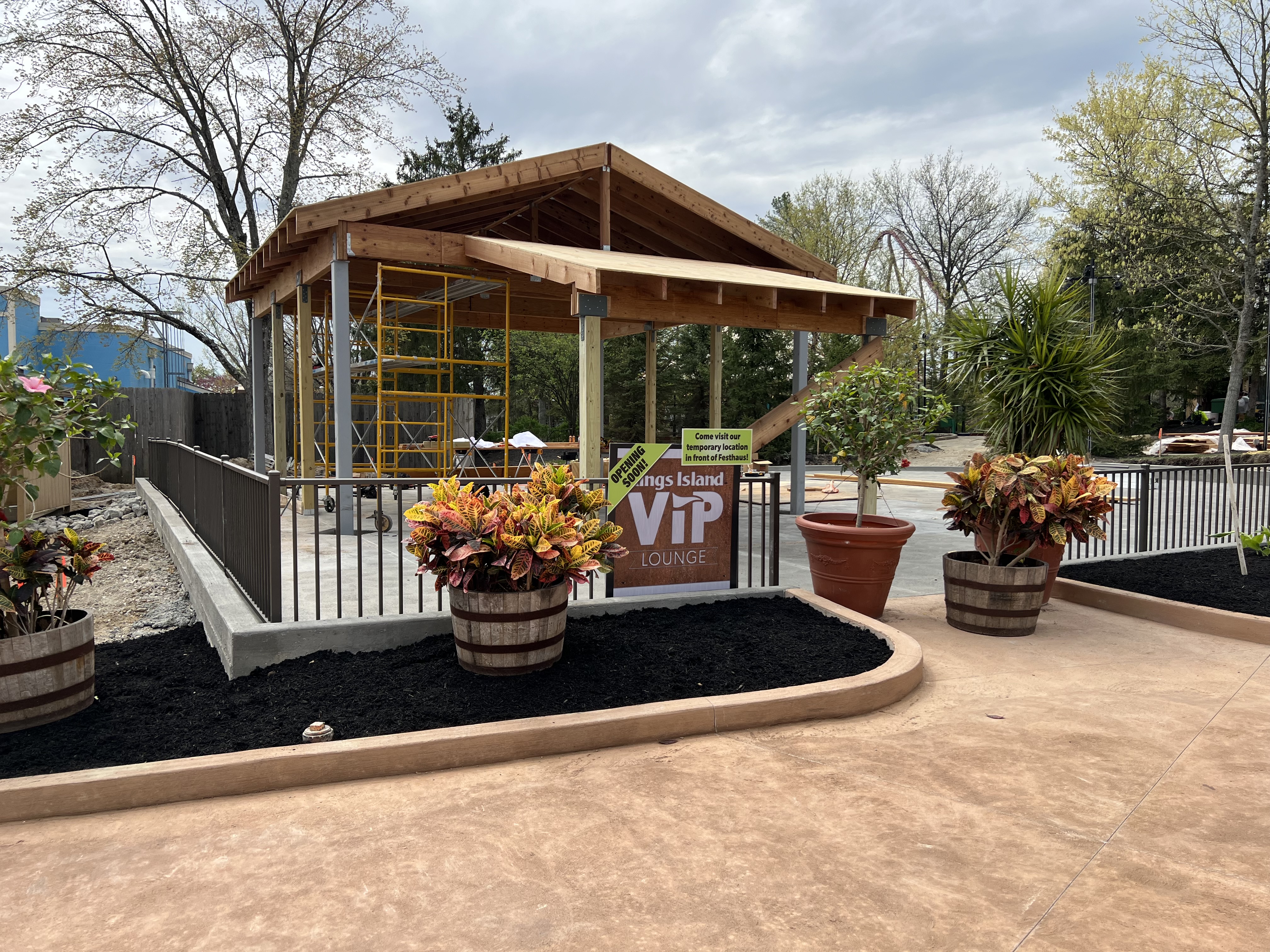
Anyone interacted with Kevin at the lounge? He is a great guy!! Truly worked hard to make sure everyone was having a fantastic day. Even greeted my wife and I by name after our 2nd time in the lounge today.
-
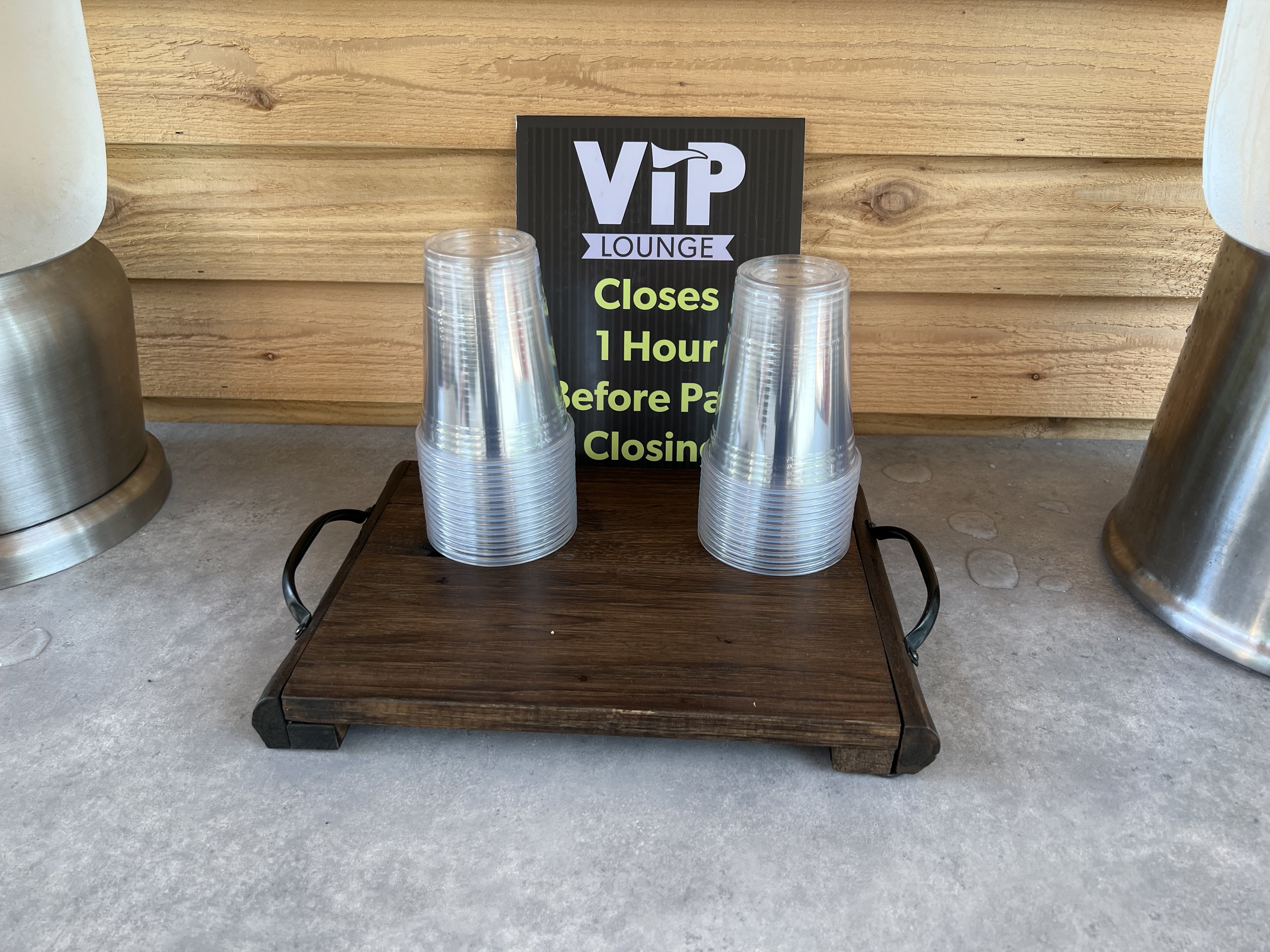
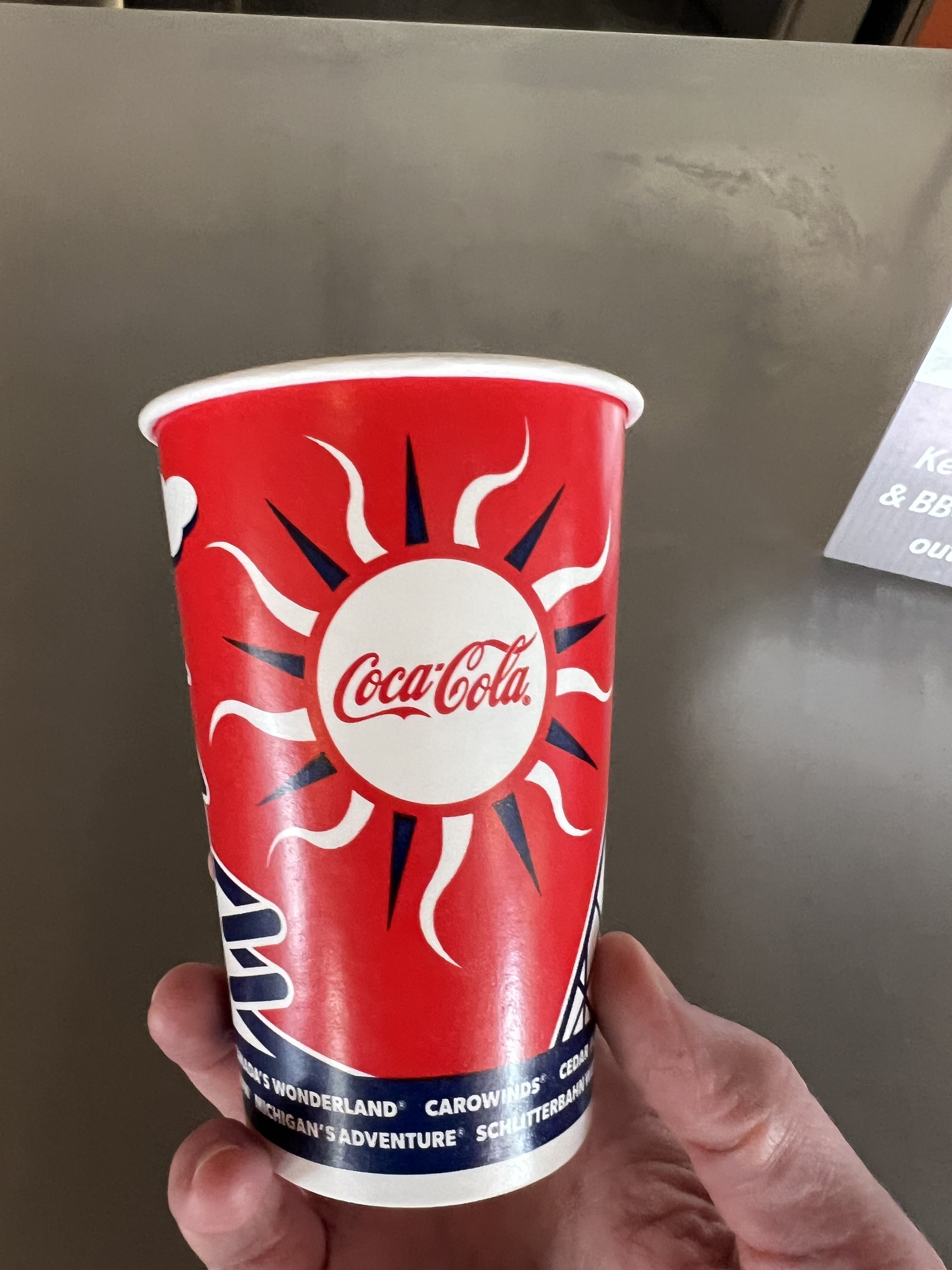
Same feeling. I didn't think the preferred parking would be a huge deal for us, but man, when I need to run back out to the car, it is so nice. The 1 ride fastlane is also a nice perk, especially for The Beast on Haunt nights. As far as next season, I'm holding my decision until August when we see how the experience is over the next 3 months.Yep! We were up there on SundayThe large cups for water have returned. Rule #32 - Enjoy the little things.
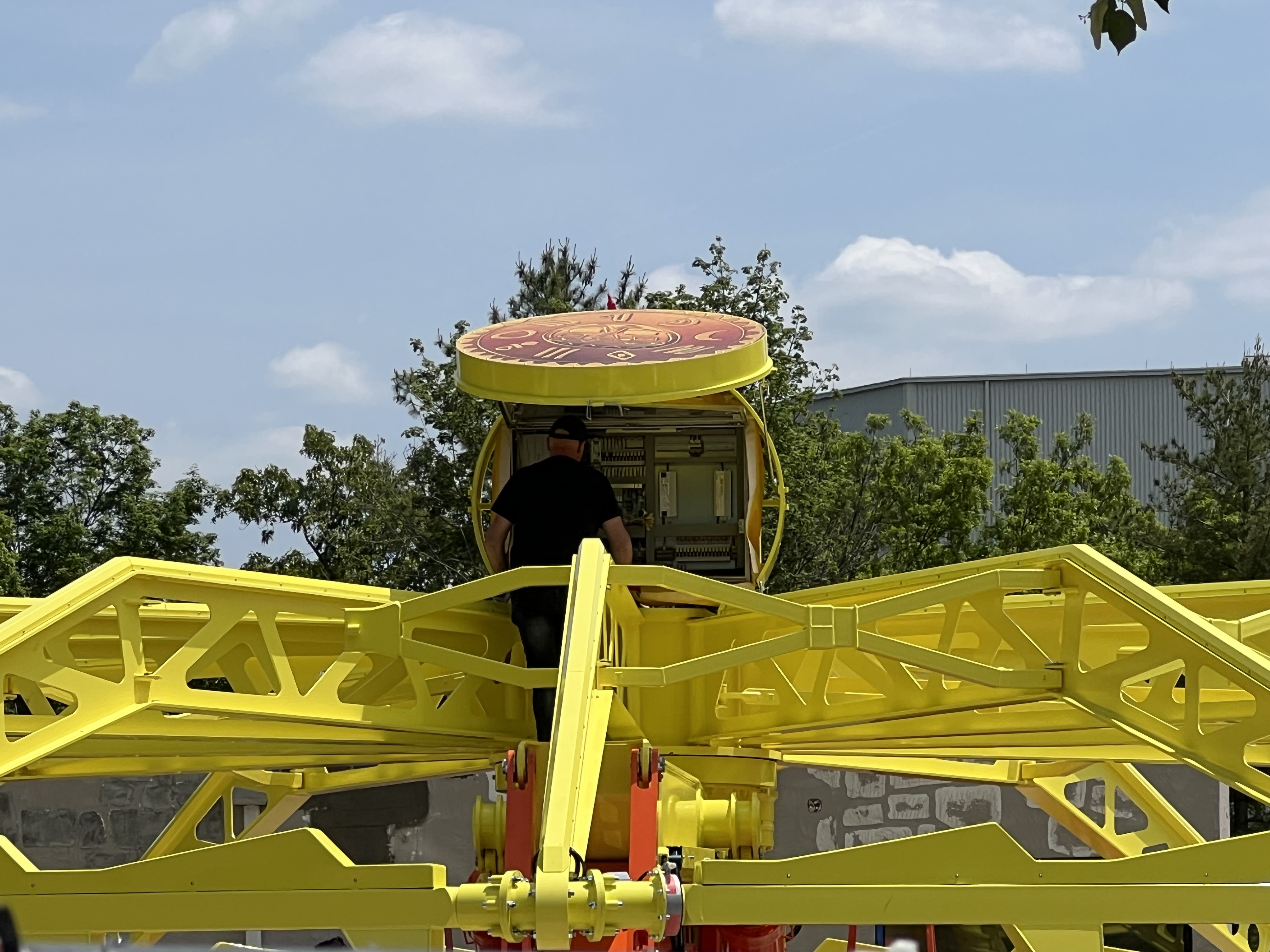
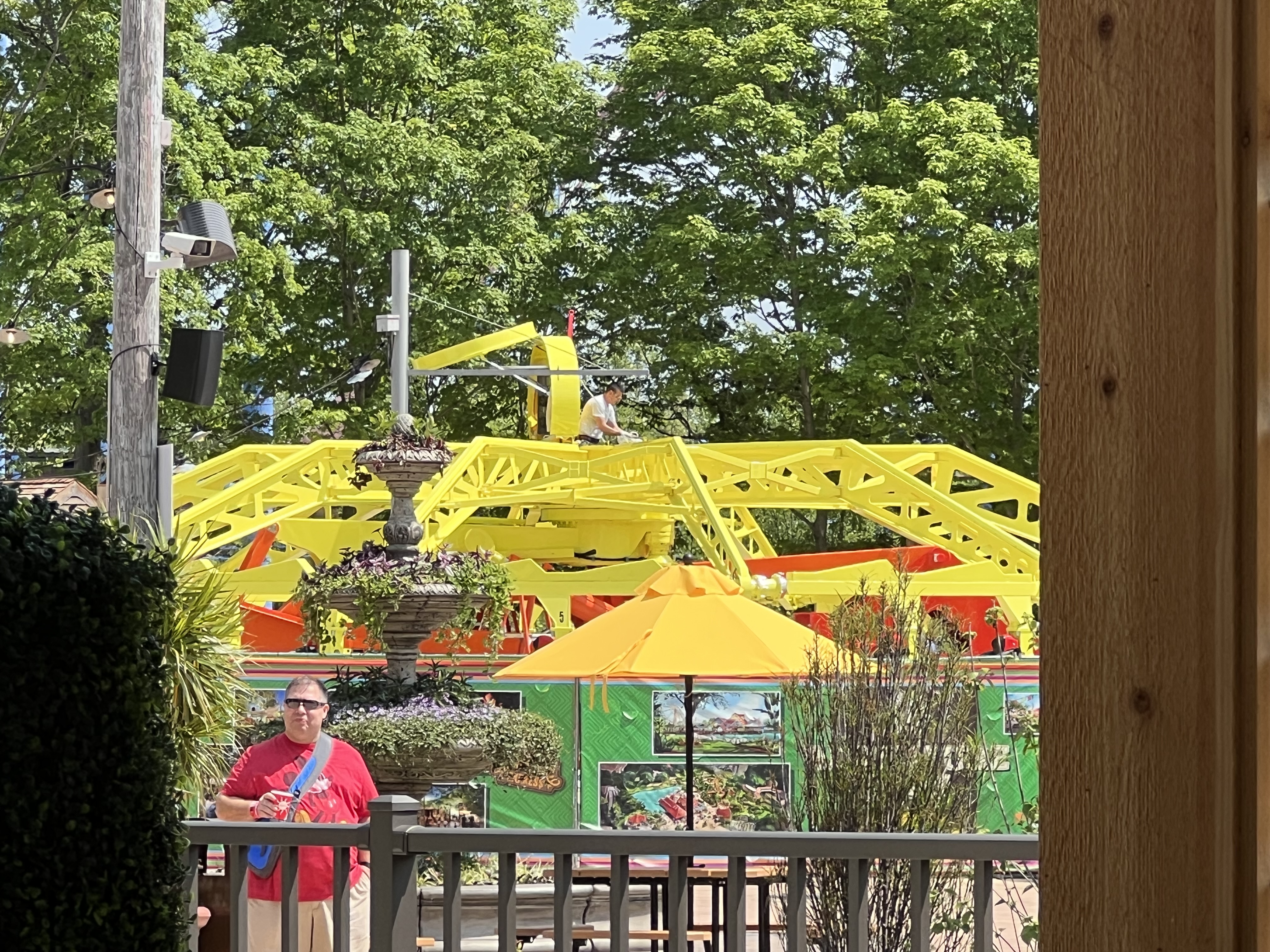
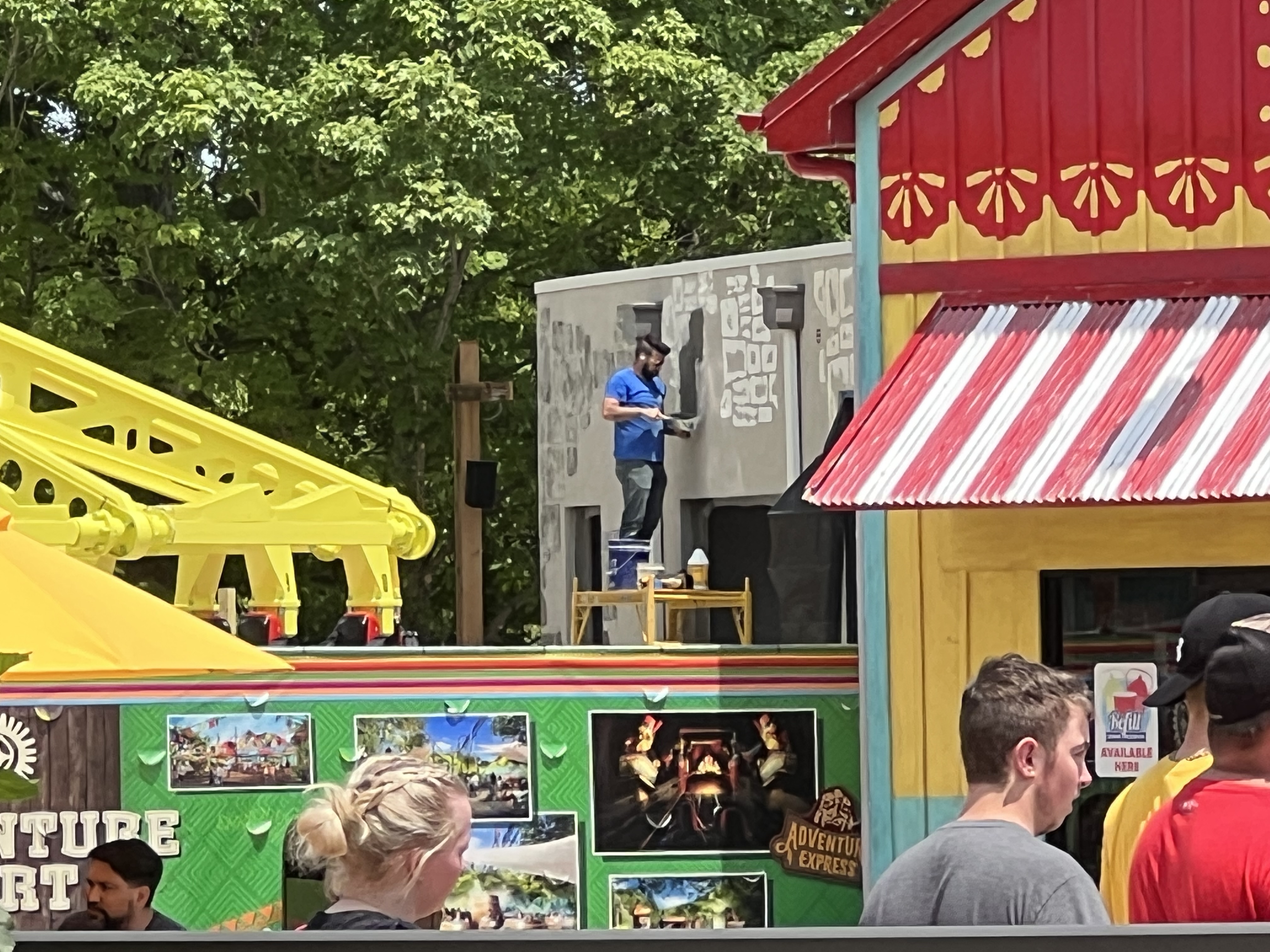
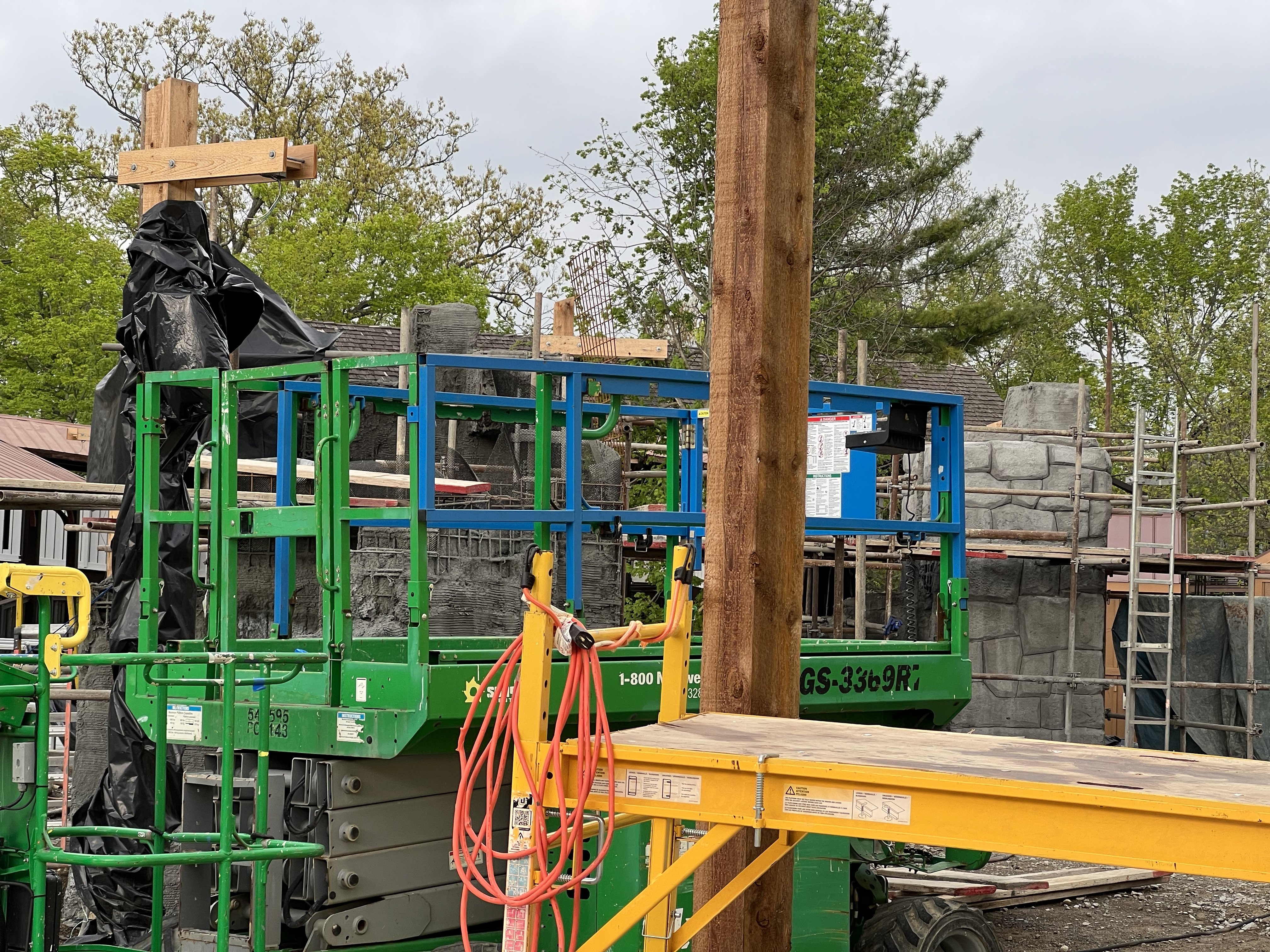
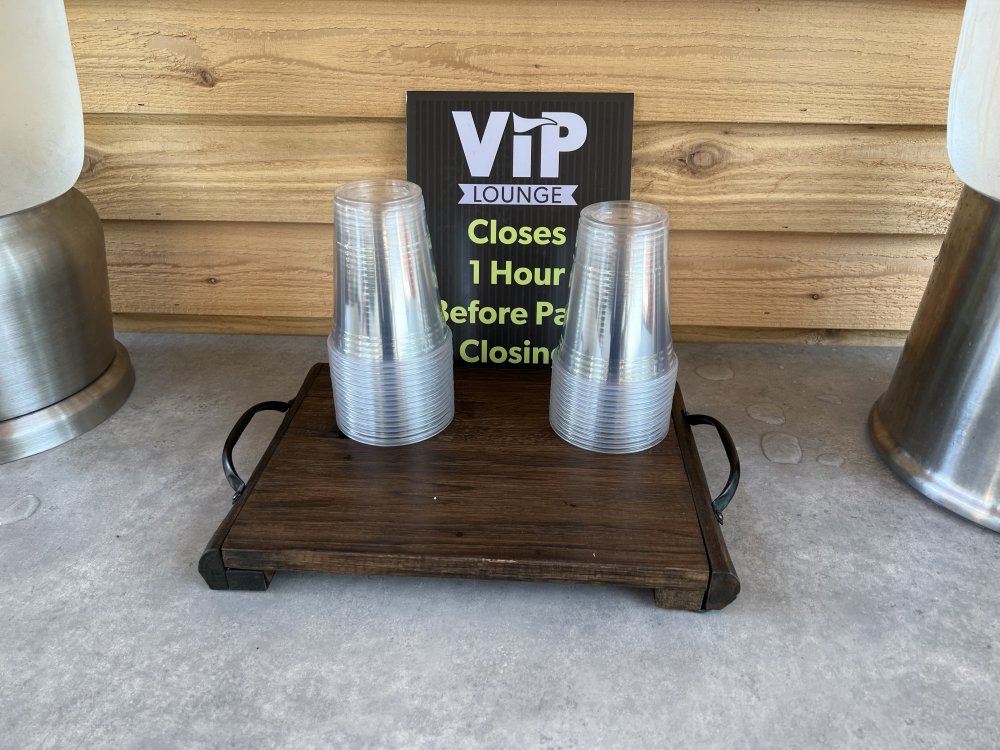 Props to the park for following through on this policy! Keep it up and please please please continue it for Haunt!!!!Some temple pieces going up!
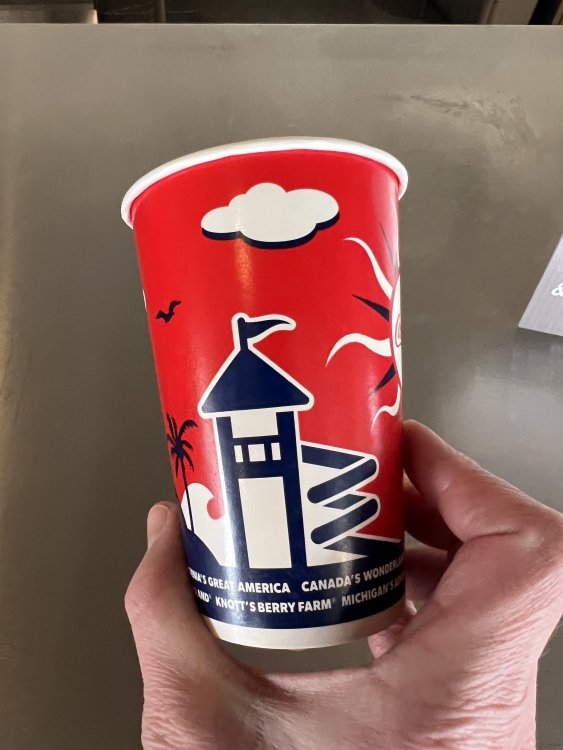
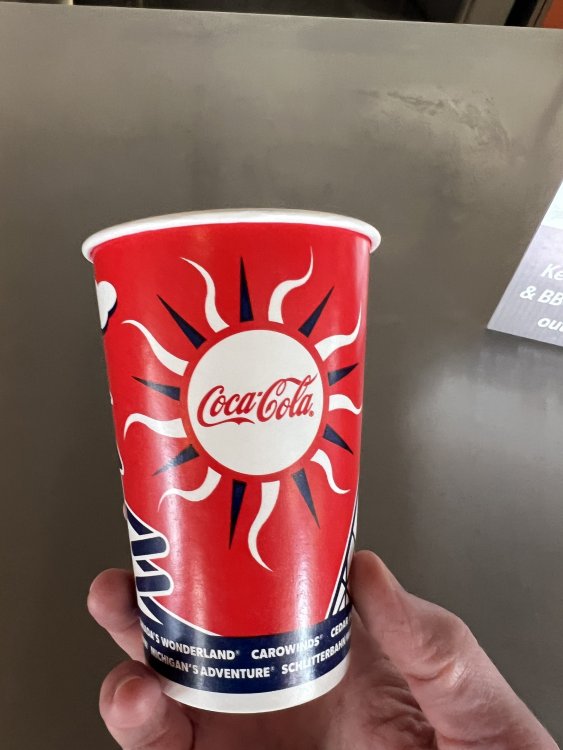
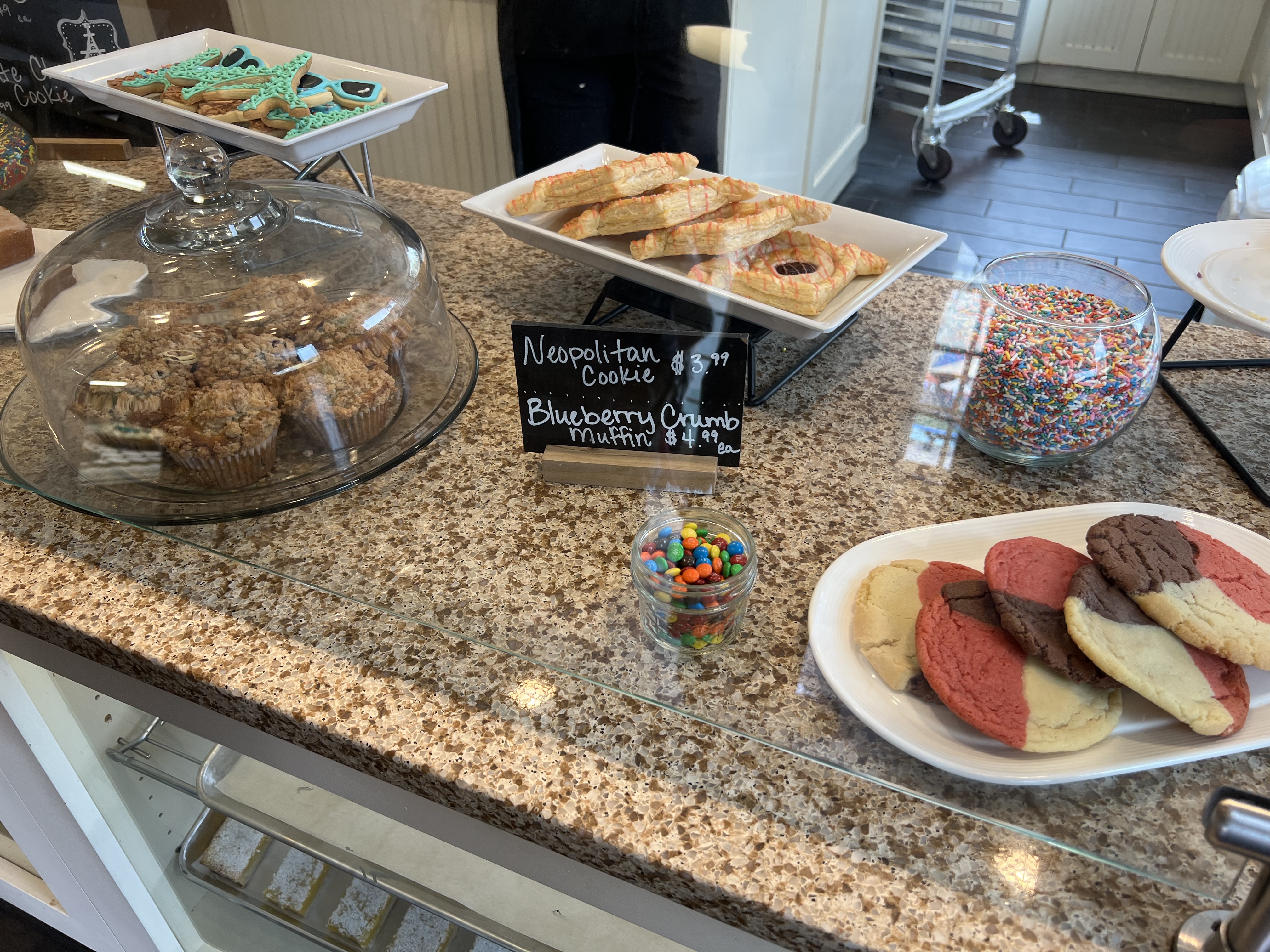
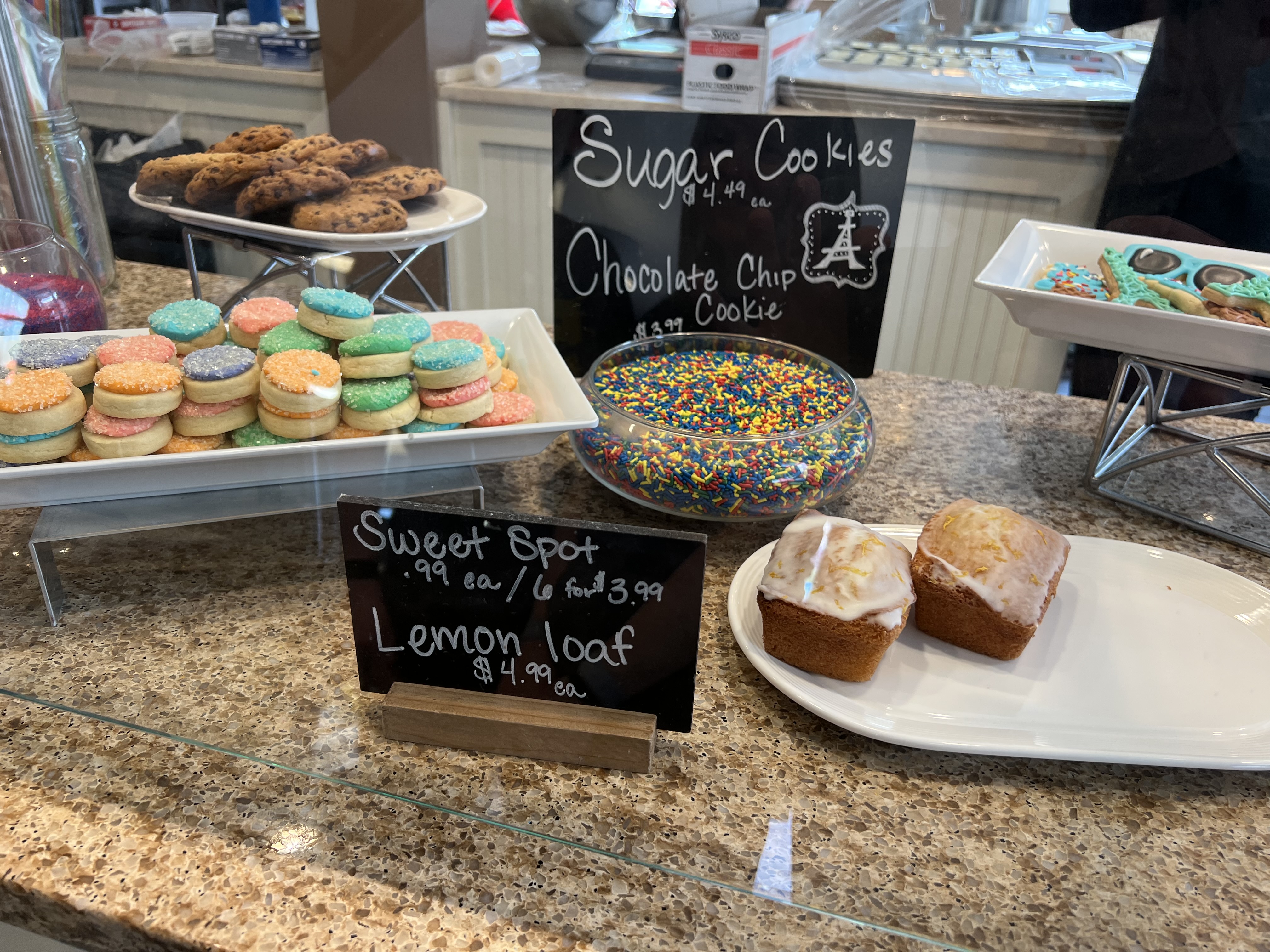
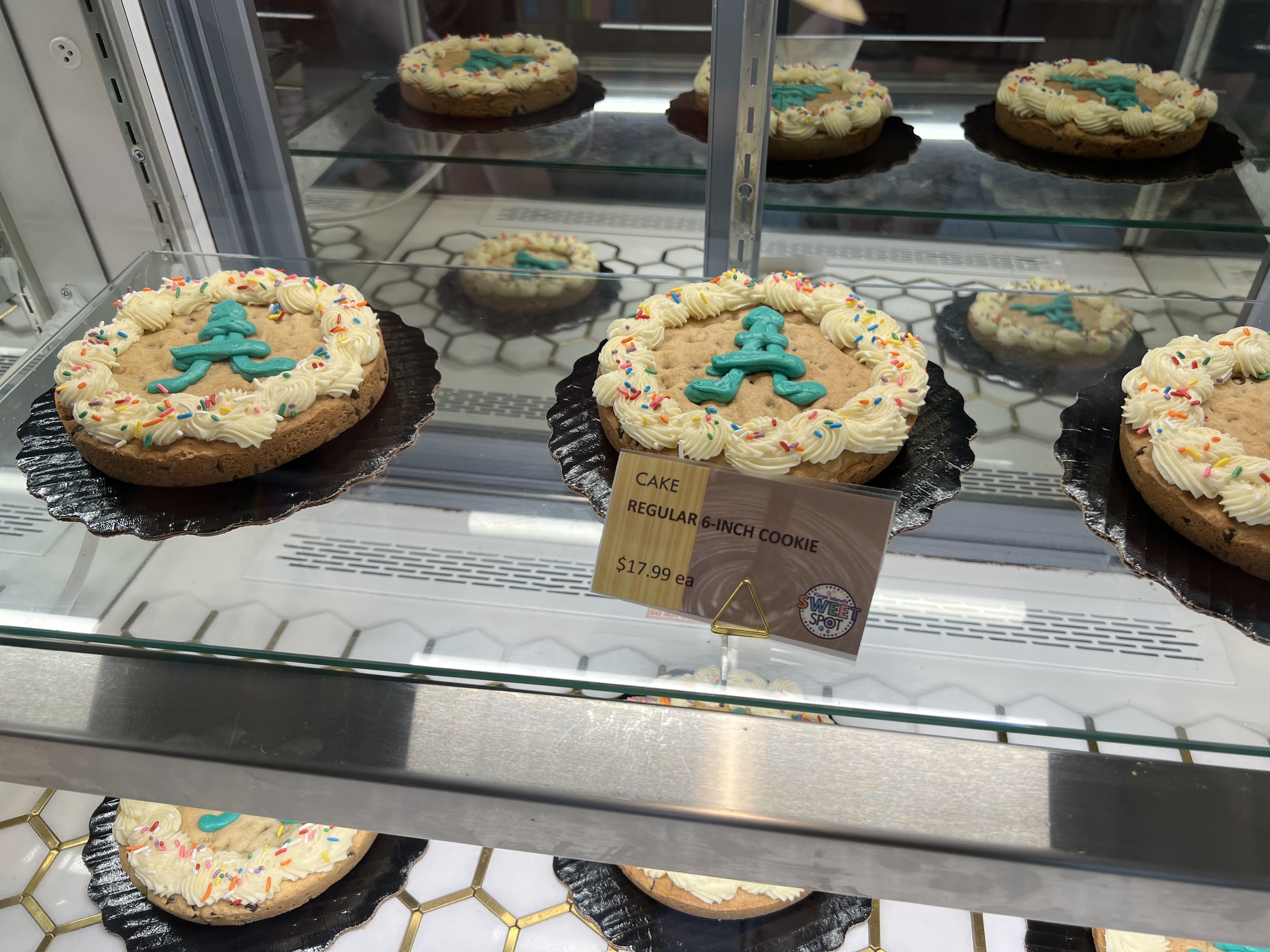
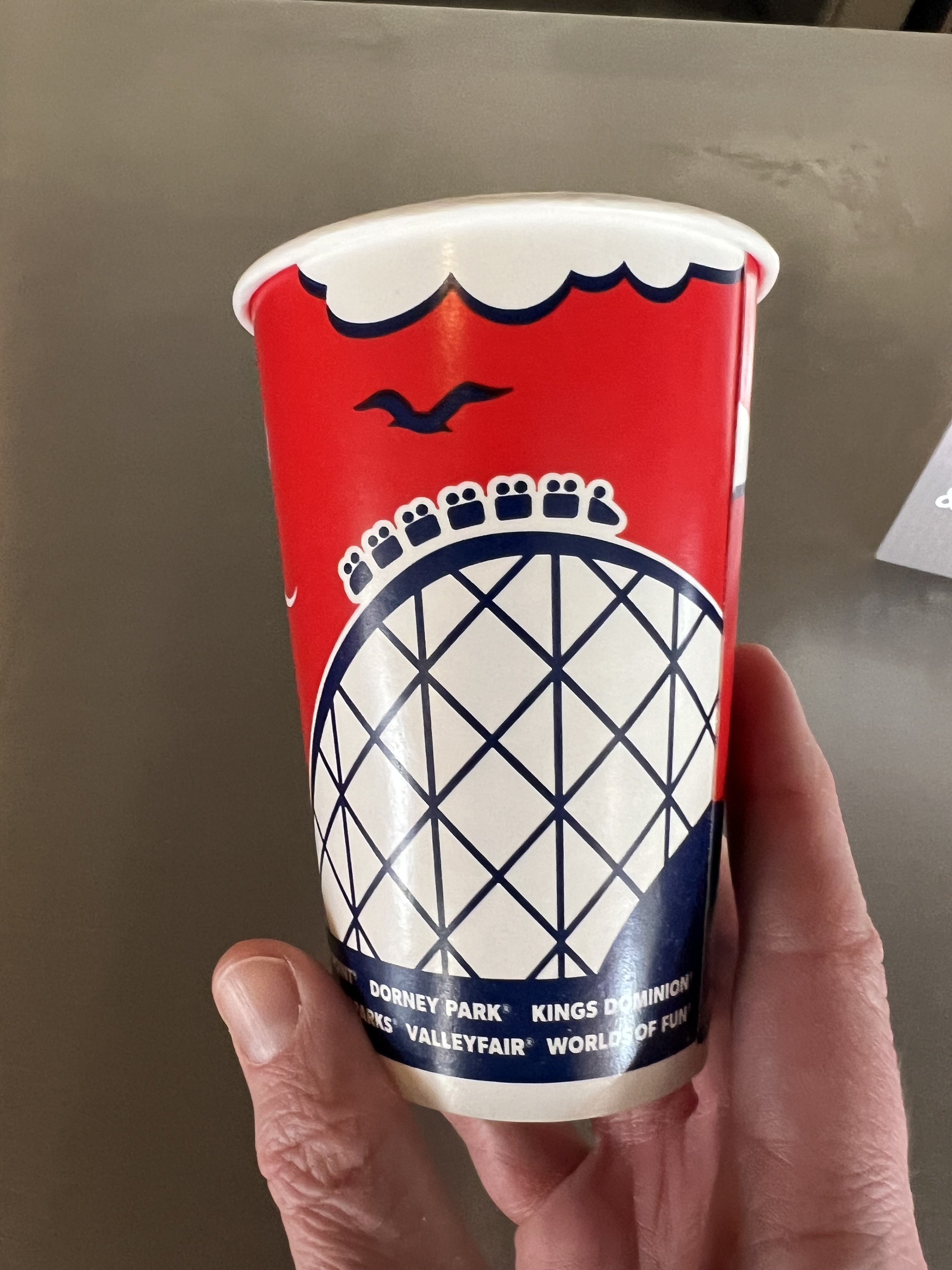
 The website list the following rides closed for this weekend: AE, Delirium, Drop Tower, WWC. Sounds like The Bat should be open!!! Edit: The screens at the entrance are listing The Bat as closed today. Bummer.100%. Last year I grabbed a Cherry Coke from Tower Drinks. Took a drink and got a piece of ice in my mouth. Went to crunch it, and, yeah…it wasn’t ice. At least it didn’t sting my mouth.I am hoping that if they keep the team members scanning you into the Lounge and having the snacks behind the counter, that they will bring back the bottled drinks. Super easy solution.As a high school teacher who is terribly ready for the end of the school year, I may just try this.Posted in another thread, but I thought I'd ad it here: Kings Island Chaperone PolicyFor any PP members that were there Saturday and/or Sunday before park opening, did they pull the PP line up to the front to be the first to scan in like they did Friday? Just curious if that was a Preview Day thing or everyday. Have to admit, that was kind of niceI asked one of the managers that was serving the same thing yesterday. She said they are going with a simpler menu and may be rotating different items throughout the season.Shhhh, don’t give them any ideas. But seriously, I like the way they did the snacks. If they would have done that from the beginning, we might still have bottled drinks. Would have been a lot less likely if someone had to say, “Excuse me, could you load my bag with 12 bottles of Coke?”Agreed. Got a ride last evening, and she was moving!!Agreed. Just rode Orion. About 15 minute wait.New cups!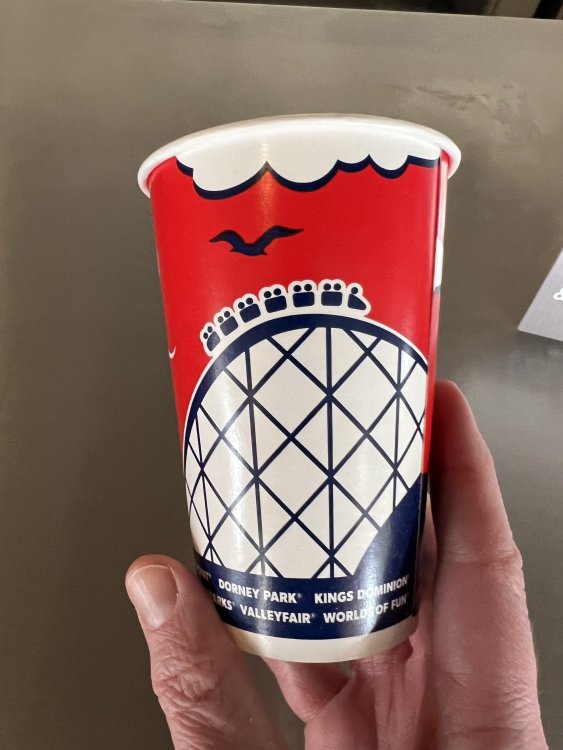
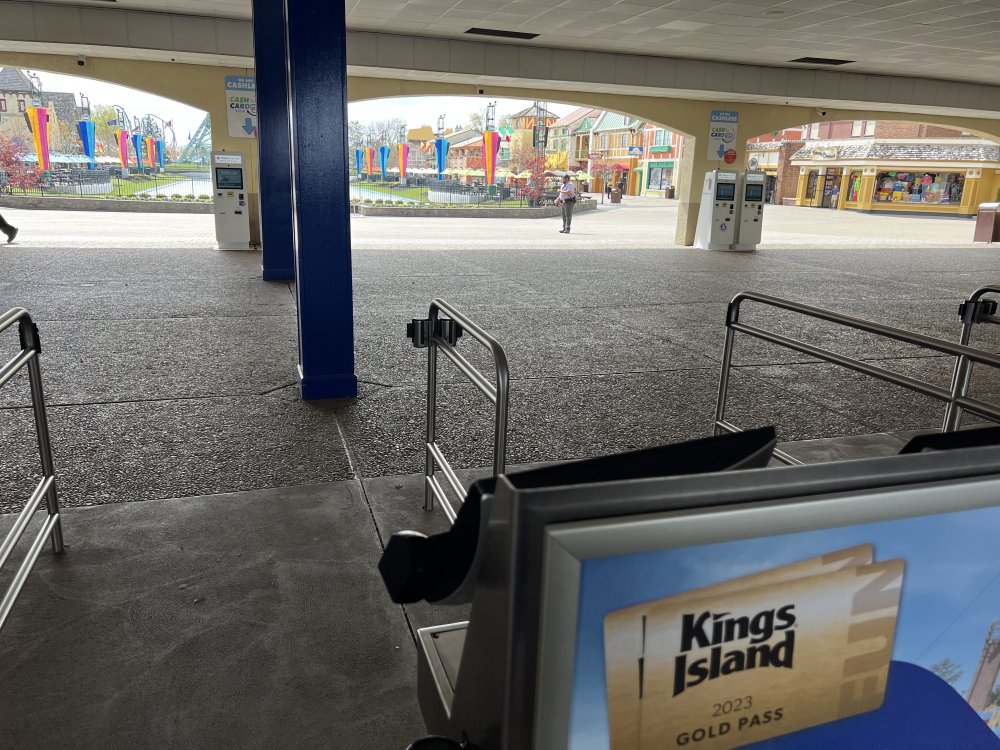
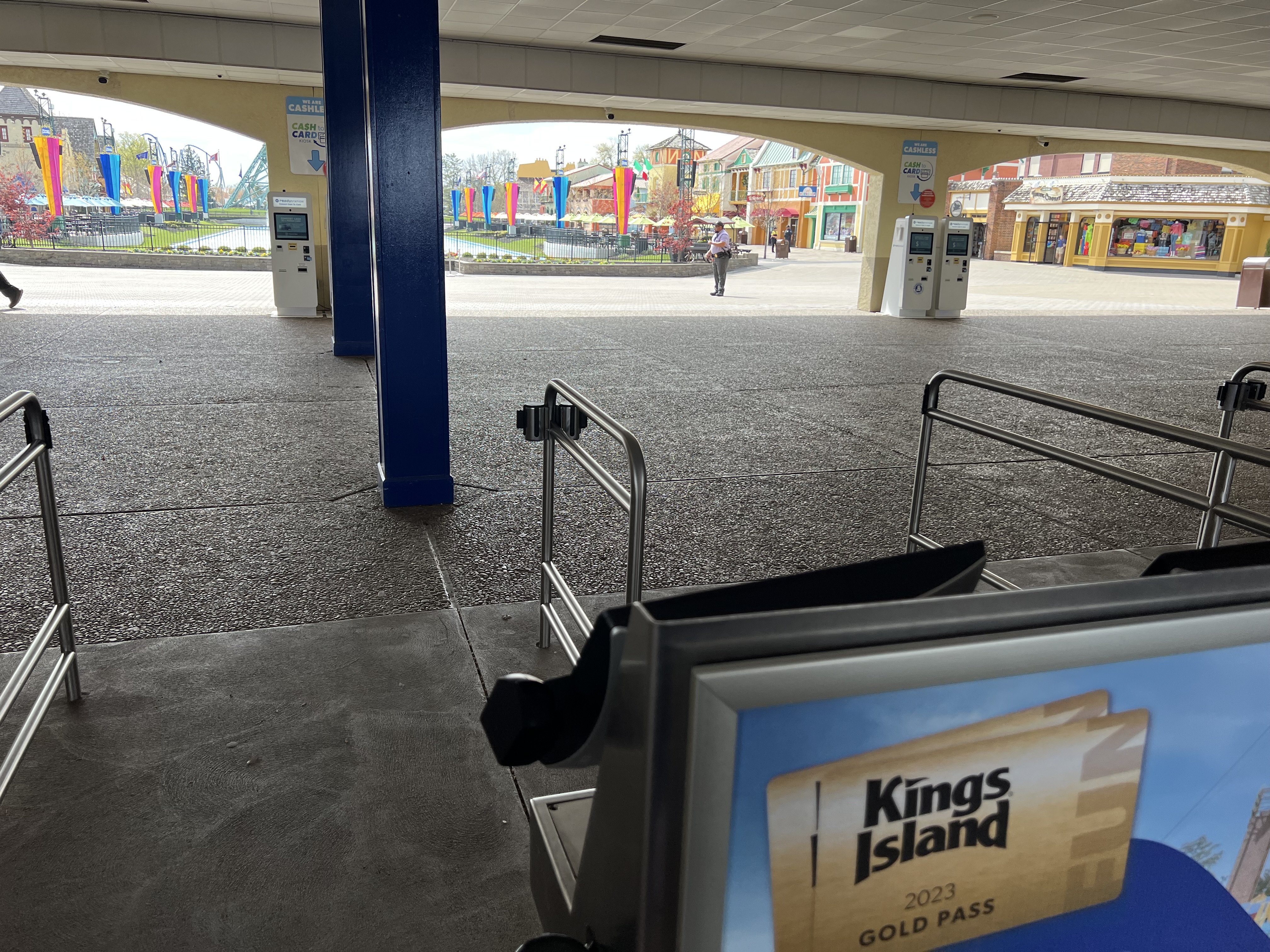
 Preferred Parking is active today, and my view right now:
 Man, I didn't realize school have spring break this late in the year. I teach in Indiana. Our Spring break was the week of March 20 But yeah, the spring break school won't help, but I'm hopeful that not being Good Friday will be somewhat helpful.







Background Picker
Account
Navigation
Search
Configure browser push notifications
Chrome (Android)
- Tap the lock icon next to the address bar.
- Tap Permissions → Notifications.
- Adjust your preference.
Chrome (Desktop)
- Click the padlock icon in the address bar.
- Select Site settings.
- Find Notifications and adjust your preference.
Safari (iOS 16.4+)
- Ensure the site is installed via Add to Home Screen.
- Open Settings App → Notifications.
- Find your app name and adjust your preference.
Safari (macOS)
- Go to Safari → Preferences.
- Click the Websites tab.
- Select Notifications in the sidebar.
- Find this website and adjust your preference.
Edge (Android)
- Tap the lock icon next to the address bar.
- Tap Permissions.
- Find Notifications and adjust your preference.
Edge (Desktop)
- Click the padlock icon in the address bar.
- Click Permissions for this site.
- Find Notifications and adjust your preference.
Firefox (Android)
- Go to Settings → Site permissions.
- Tap Notifications.
- Find this site in the list and adjust your preference.
Firefox (Desktop)
- Open Firefox Settings.
- Search for Notifications.
- Find this site in the list and adjust your preference.