KI432
Members
-
Joined
-
Last visited
Everything posted by KI432
-
That's a disappointment to me, I was looking forward to Tombstone again this year. It is my favorite Haunt and has so much potential. Maybe since it was the first weekend it was a little rough? The hijacking is my favorite part and I can see how it might be tiring "robbing" the train all night but I still think it has the set up for a good Haunt, hopefully it will improve!
-
With the lift lights on, it makes me want April here right now! I know they are just lights but they look great and I can't wait to see them soon in person.
-
I would like to try and take more pictures. I always tell myself to take at least a few pictures per trip. Plus it will help next off season go by faster, hopefully! Not too much longer though!
-
I really wish they would update the theming of our Log Flume, I'm pretty sure that this is the way it still looks for RFYLCB. If they did I think we would have one of the best log flumes around!
-
Came across this picture on Instagram, and after looking at it I think Linus Launcher is now Vortex because it says getting on Vortex but Vortex is clear across the park
-
^I believe Diamondback was the same way if I'm not mistaken?
-
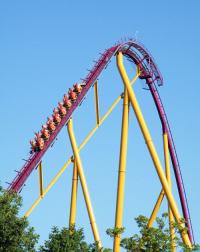
I have really enjoyed watching the construction of Banshee. I believe KI and its team have done a fantastic job on the layout, the background of the ride, promoting it, etc. Banshee looks extremely promising and can not wait to ride it soon! (1st post!)