sikkinixx99
Members
-
Joined
-
Last visited
-
Steel Vengeance restraints just kept getting tighter on my lap rode it 3 times and when we left the station it was all good but after the drop it would get tighter with every airtime moment. Left marks on me.
-
Did anyone get a screen shot of it??
-
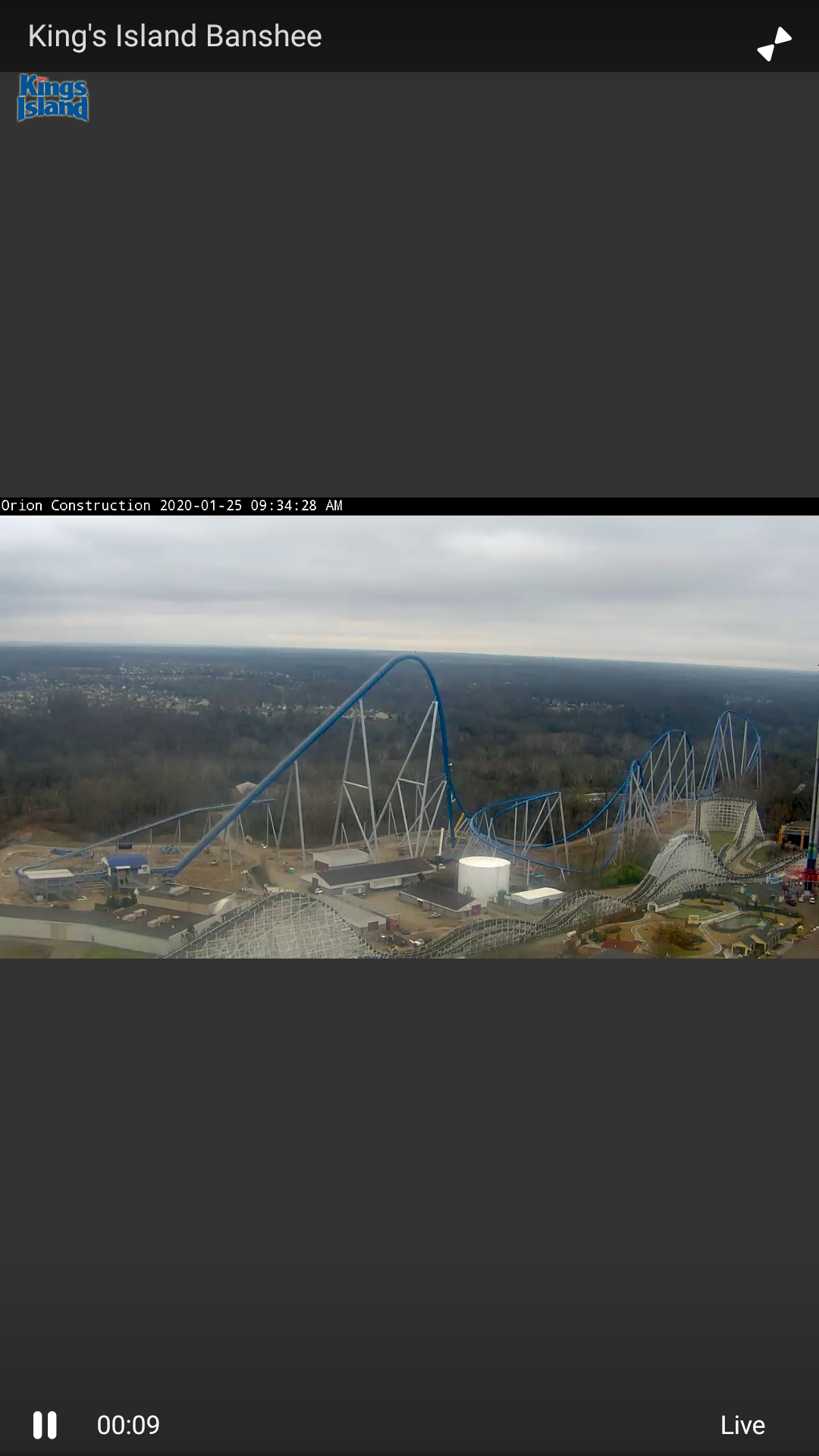
Yeah they put that piece in before it goes under the helix then under the drop
-
That last piece that's going at a downward angle,is pretty big part of it hanging out there
-
Have they put the last piece of track up before it goes under the helix?
-
12 being the support that takes it towards under the hill?
-
It's busy as ever. We always get Fast Lane plus when we go this time of year
-
Did they quit for the day??
-
As long as the brake run is and how high it is might be easier to do the lift hill 1st.
-
Is there one piece of track installed in the maintenance shed closest to the crane?? Wish they'd put a cam on FOF's roof
-
Crane I believe
-
Man a camera on the roof of the spaghetti bowl of FOF would be awesome we could really see everything almost like being there.
-
During Banshee construction we got 2 cameras to see it. I'd love to see one on top of FOF building looking all the way back be a great close view right now!!
-
An amazing ride I wish when they had built Top Gun they would have used this layout. 2 lift hills it would have been amazing!! I wonder if anyone has any of the front cars they looked so awesome!!
-
That would be really awesome!!