





KingsIsland1972
-
Joined
-
Last visited
About Me
Once an Employee of Paramount Parks in 2005, I have since worked Haunt in 2015/2016 Blackout and just recently worked in 2020 as a Theme Park Security Officer. RIP Gill. I am a Graduate at International College of Broadcasting where I finished my Associate Degree in Television Broadcasting Multimedia Journalist. My aspirations are to work in Broadway, Touring Bands such as The Blue Man Group and Theme Parks like Kings Island for their Entertainment Department.
I am also HelloHaileyDJ, EDM DJ and working currently building my brand to open on tour with some of the most Major EDM artists to ever hit the stage later this Summer. I also work the PRIDE Events in and around Ohio as a Pride DJ. I hope to share the link to that performance as it comes available.
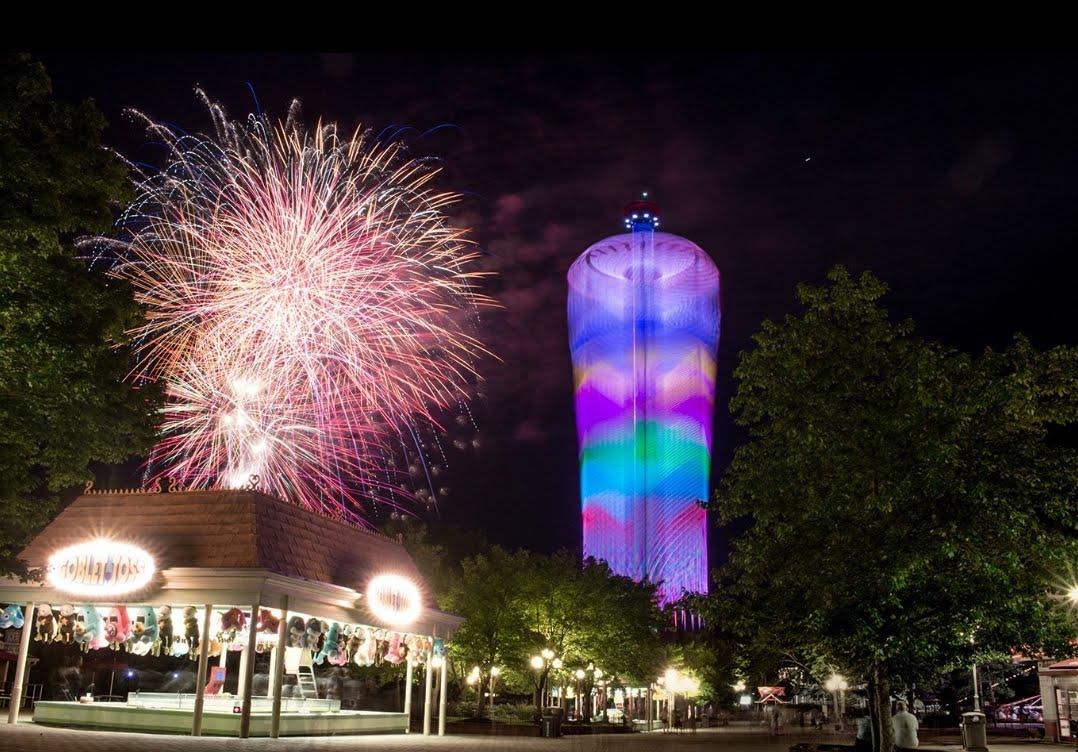
But most of all...I LOVE KI Central and being a Member and getting to know fellow Members. My body doesn't allow me to ride like I used to so you'll find me mostly taking photographs of the park and Photoshopping photos to post here. (I also like guessing where Blueprints are going to drop a new ride in the park and using photoshop to place it correctly) It's been awhile since I've last posted and I hope to not be a stranger any longer.
My Alter Ego is to become a Storm Trooper and visit hospitals with hurting children and give back to the Cincinnati Shriner's Children's Hospital as they have given so much to help my son when he was born.