




Ohiocoasterman
Members
-
Joined
-
Last visited
-
Just ordered mine! I can't wait to read it!!
-
Here's when they first came out. This was such a great night!
-
Check your emails if you signed up for Coasterstock!
-
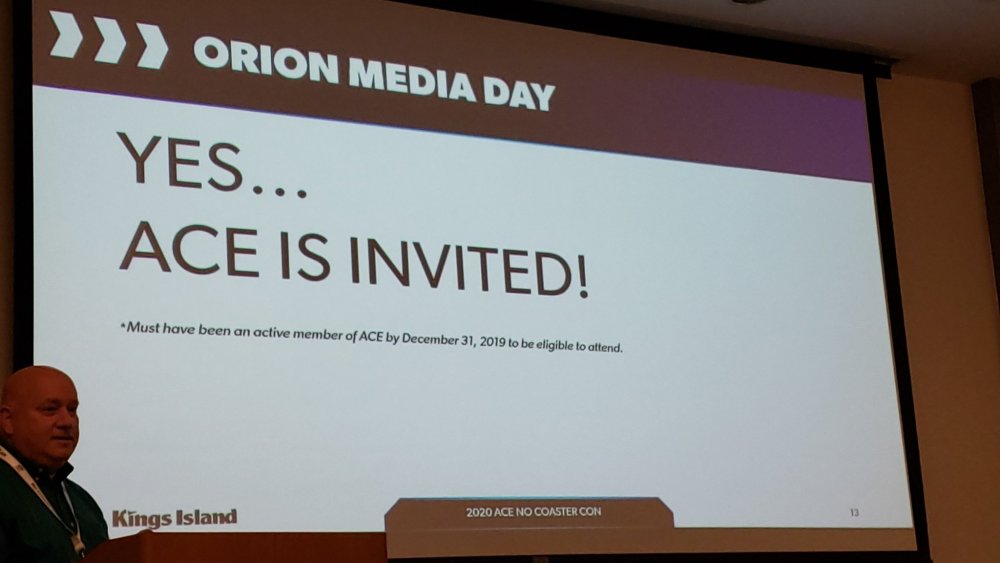
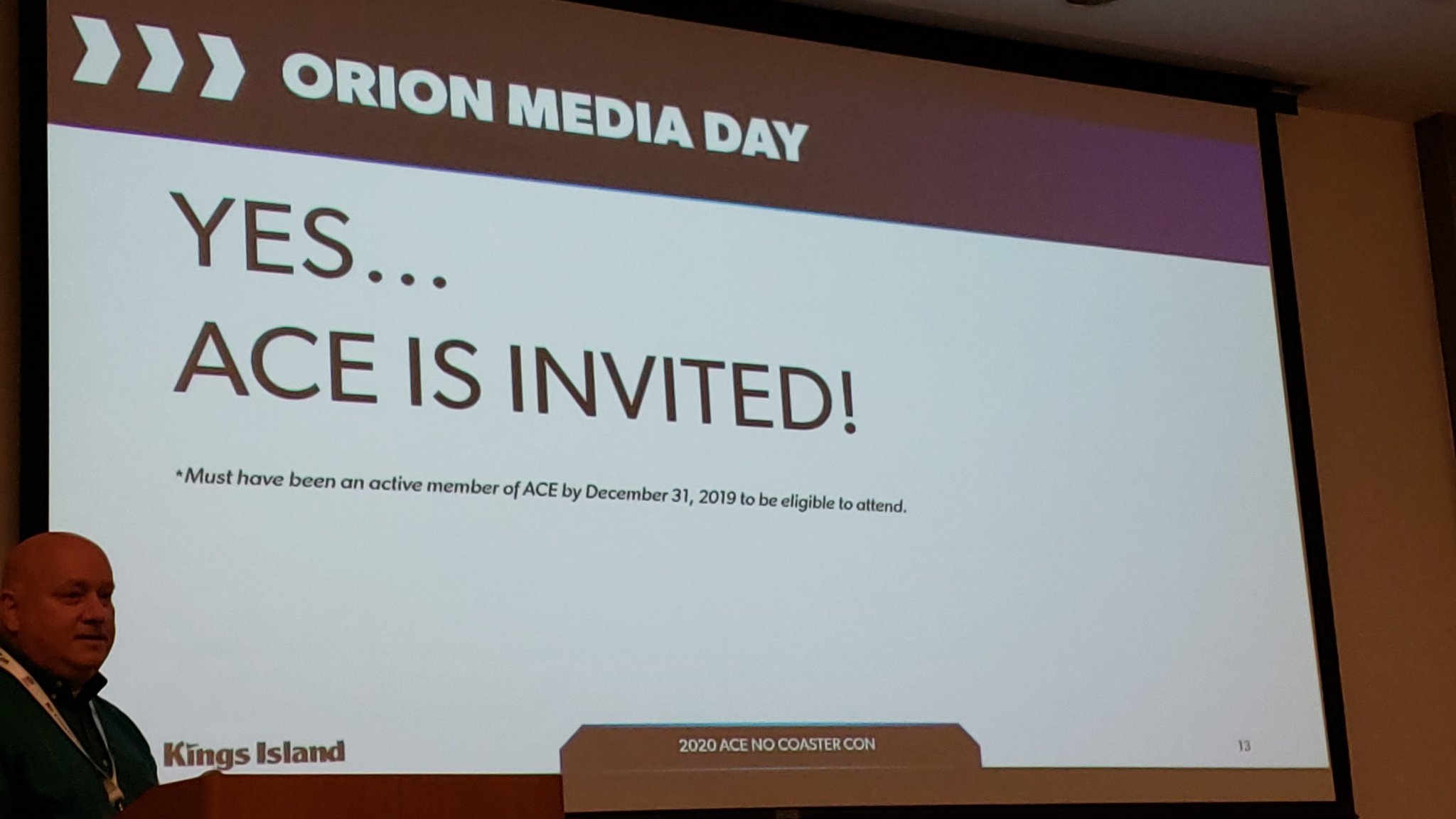
ACE members are invited to media day! https://twitter.com/aceonlineorg/status/1218552605783339008/photo/1
-
It looks like they are done for the day.
-
It is manually adjusted and it's not like Cedar Point's webcams where they can move them anywhere they want at anytime. I'm sure this will be the final "move" of the webcam.
-
It was the same thing really with Steel Vengeance at Cedar Point. Never did I think the forces would be that amazing from the POV.
-
Are there any limited edition Orion ornaments left that have the dates on the back?
-
I would think track will be up next before the day is over...
-
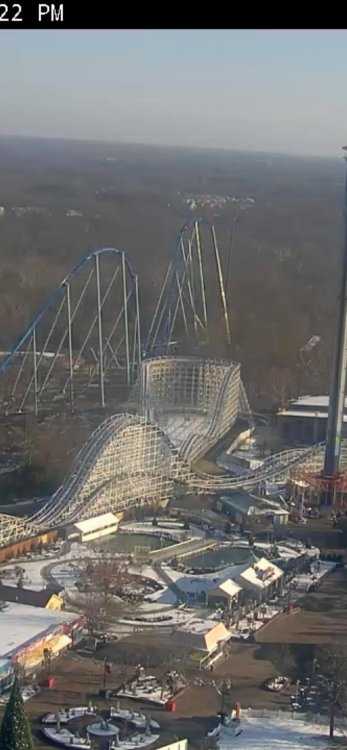
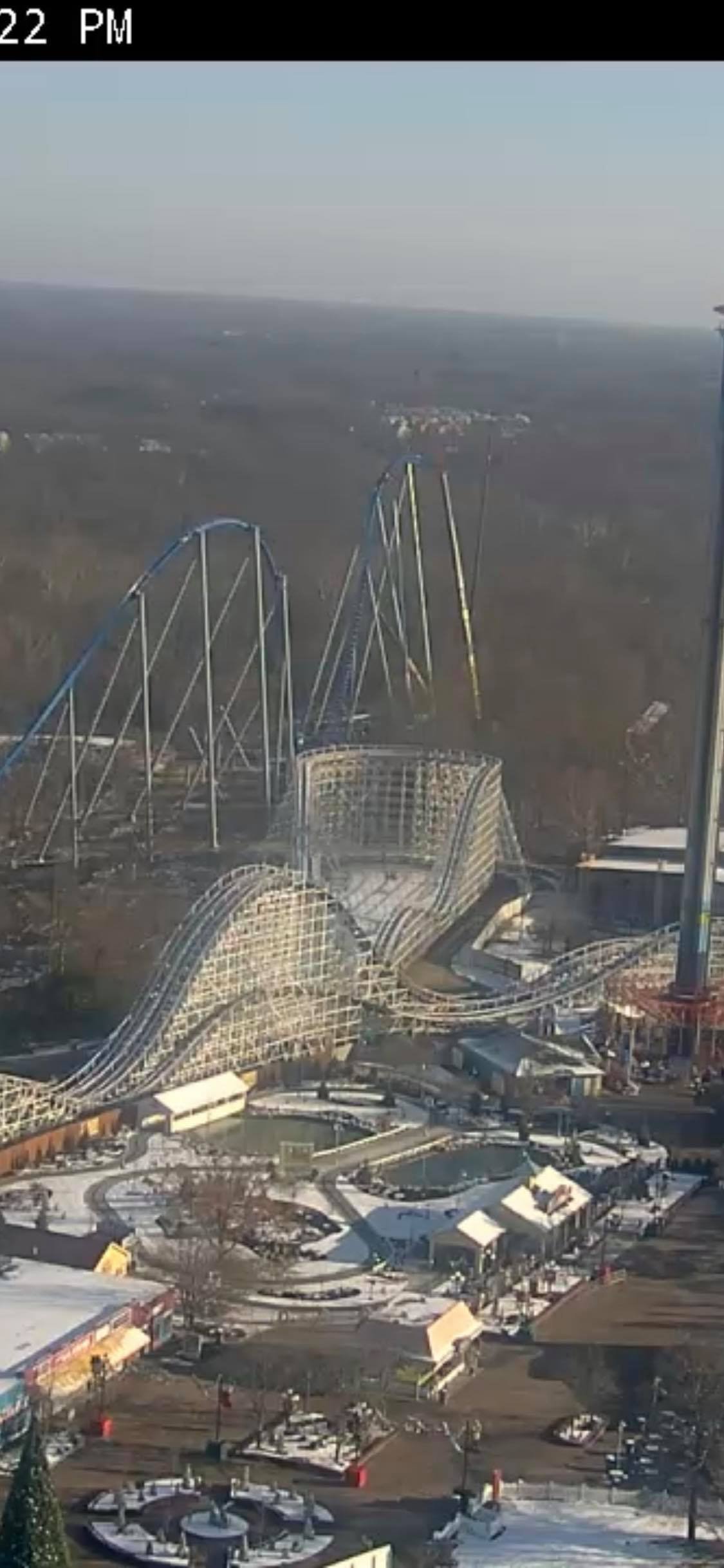
Here's a closer view from the webcams... https://www.visitkingsisland.com/explore/live-video
-
Back on topic, it looks as though they added new track back there but it's hard to tell.
-
Does anyone know if they will get a 4th crane? 3 to hold the last 3 track pieces and one for the basket?
-
My thinking is MAYBE the update isn't at the park and maybe with a company or something? If it were the tower being the issues then the MT cam would still be working?
-
The picture you posted is broken...
-
Webcams are back up along with the brand new website. https://www.visitkingsisland.com/explore/live-video
.thumb.png.7a08a849e577b9c3053e037ba6e1dc74.png)




.png.980d1692197f65462297b1bc7ee504d9.png)