
Taylor.B03
Members
-
Joined
-
Last visited
-
Yes, It along with Drop Tower opened a little while after the final storm passed, it was much less windy. Even WindSeeker started cycling the rest of the night (it never publicly opened)
-
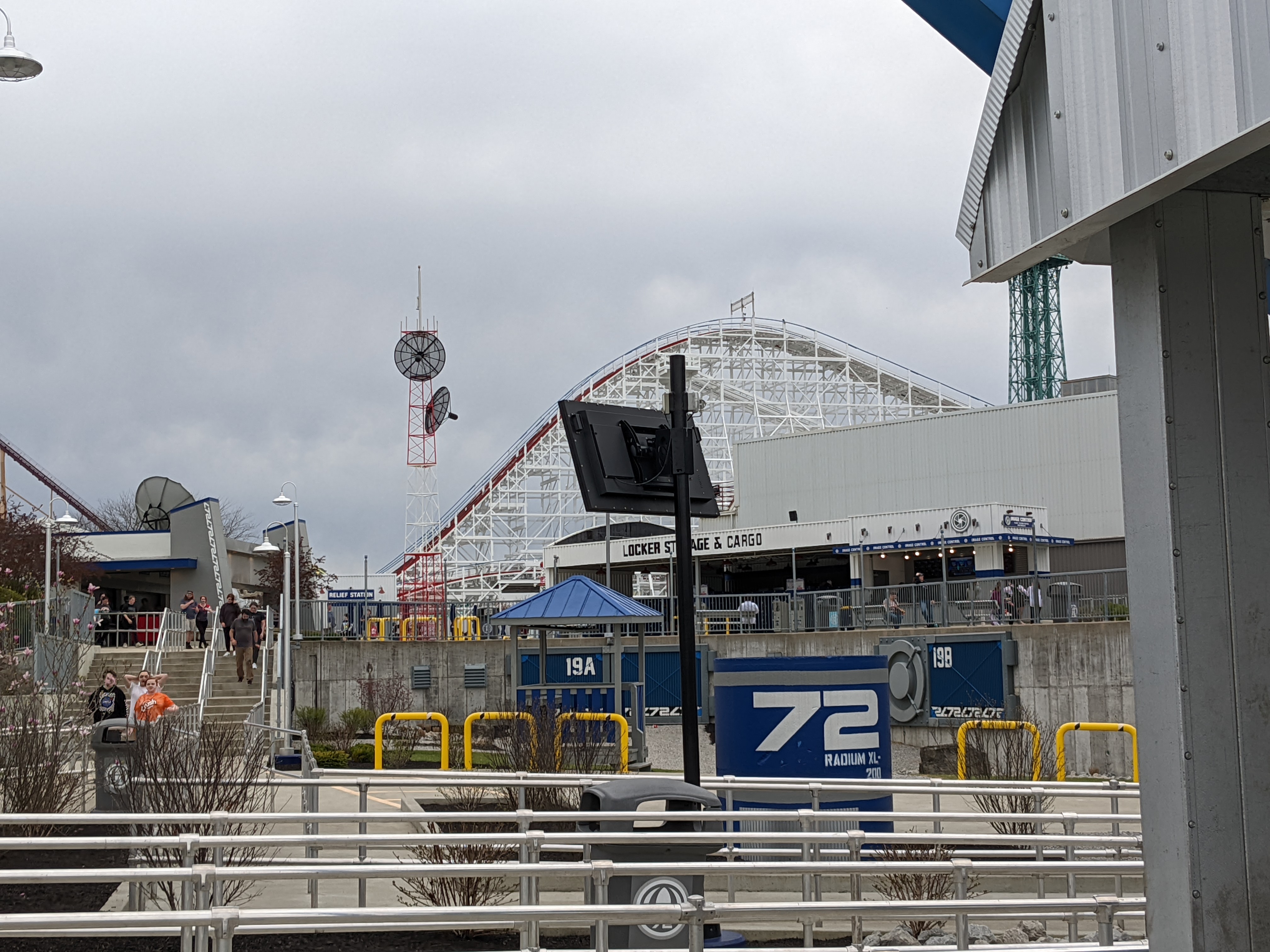
Here's some photos I got from the Tower when it was opened for the last few hours on Saturday.
-
I would like to see Banshee, I would just recommend that they close row 1 so it doesn't freeze those sitting in that row.
-
At least it wasn't CSO this time
-
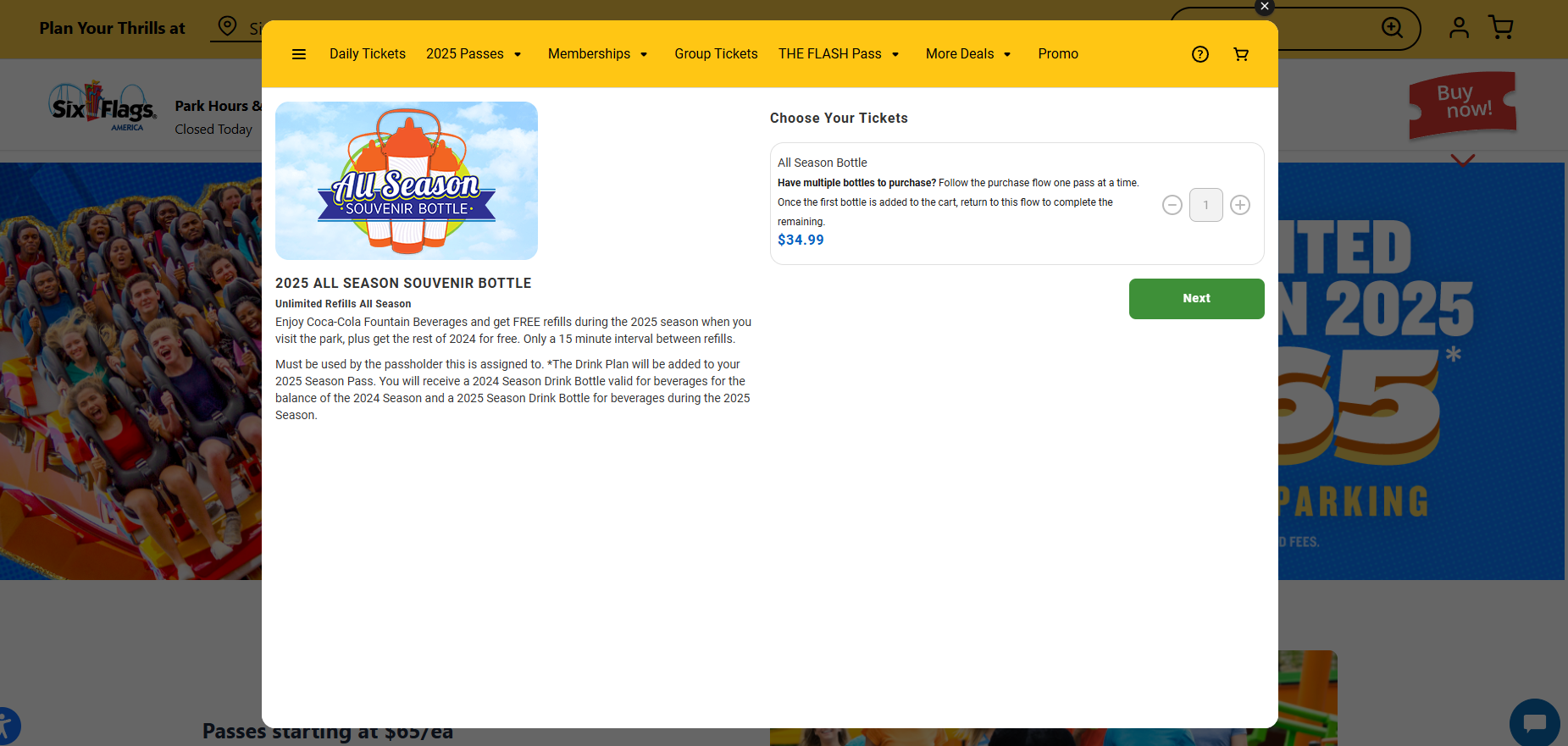
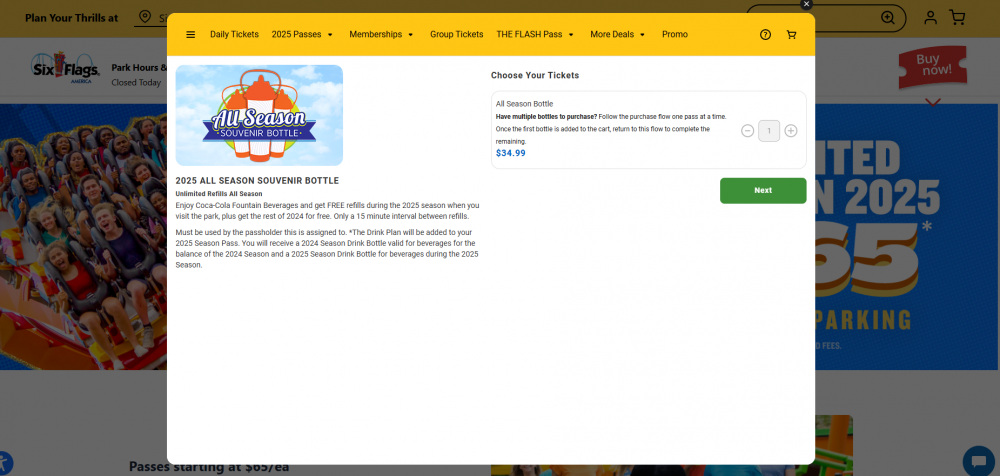
It looks like the 2025 Cedar Fair style bottles will be used throughout the whole chain next year!
-
I was watching that site over the past months. At one point, there were 15 listings at one time of many different positions at the corporate level. Many regional positions were open.
-
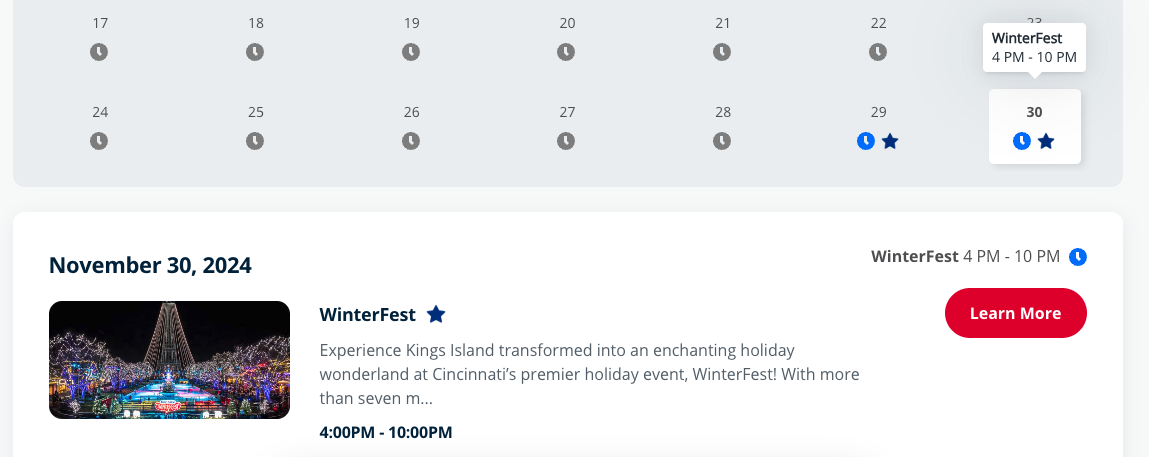
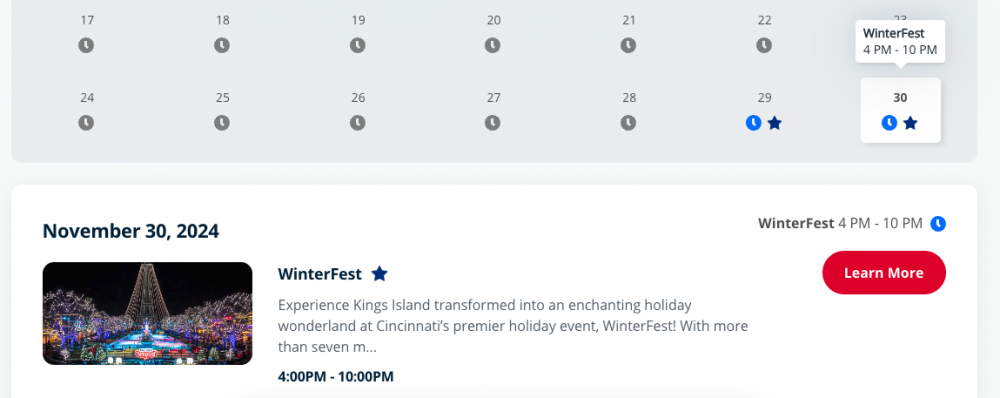
Winterfest tickets are now on sale on the website. They readded 4pm opens but only on Saturdays, no 4pm openings on Sundays this year.
-
Interesting
-
Update, it's now redirecting to sixflags.com
-
Well now the site seems to be functioning again, so I'm not sure what they were doing. Maybe some testing.
-
Just like that, www.cedarfair.com is down.
-
These were added last year
-
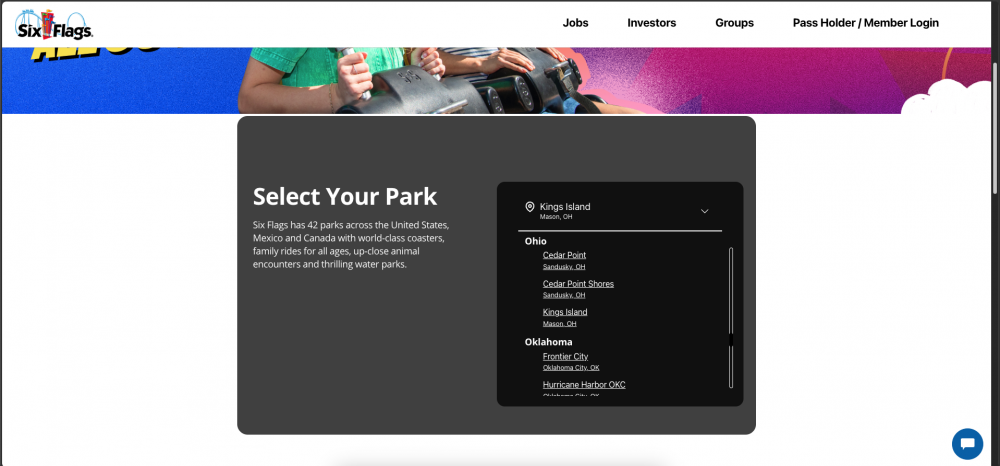
I've been scouring the national sites of Cedar Fair and Six Flags since the merger. Today, the LCF parks were added to the park selection section of the Six Flags national site.
-
They will do ANYTHING but add a clause that allows legal adults aged 18-20 to take, at bare minimum, 1 person 15 or younger to the park.
-
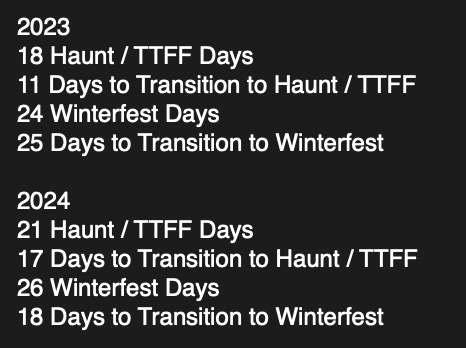
Here's the (Basic) math on this using what we currently know.