
Skip to content
View in the app

A better way to browse. Learn more.

Kings Island Central Forums

A full-screen app on your home screen with push notifications, badges and more.

To install this app on iOS and iPadOS
  1. Tap the Share icon in Safari
  2. Scroll the menu and tap Add to Home Screen.
  3. Tap Add in the top-right corner.
To install this app on Android
  1. Tap the 3-dot menu (⋮) in the top-right corner of the browser.
  2. Tap Add to Home screen or Install app.
  3. Confirm by tapping Install.

KIEagle33

Members
  • Joined

  • Last visited

  1. YuYuYuuki started following KIEagle33
  2. I had no idea they gave out Swag-bags for ride records.
  3. Dont worry, it will be back in due time.
  4. Exactly. There is something pretty cool about seeing that "20 years later" icon.
  5. Could that trend continue?
  6. We all know she had some time left on her...
  7. I don't think his intent was to be a "creep". It is the user's decision whether or not to reveal your own location. I believe he was simply trying to fact check your post.
  8. I stand with The Bat as well.
  9. Or that Chevy in front of Killmart!
  10. I was thinking that exact same thing. Either a cat or a small dog of some sort.
  11. KIEagle33 changed their profile photo
  12. Looks like some digging going on in the bottom left hand corner...
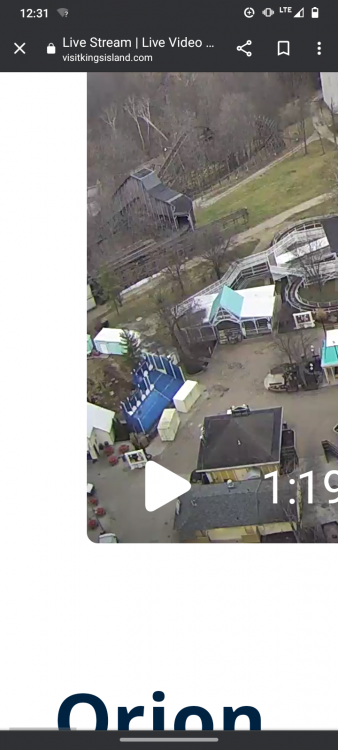
  13. Ah, yes. The wonderful southern Ohio weather, doing what it does best.
Background Picker

Account

Navigation

Search

Search

Configure browser push notifications

Chrome (Android)
  1. Tap the lock icon next to the address bar.
  2. Tap Permissions → Notifications.
  3. Adjust your preference.
Chrome (Desktop)
  1. Click the padlock icon in the address bar.
  2. Select Site settings.
  3. Find Notifications and adjust your preference.