MWW
Members
-
Joined
-
Last visited
-
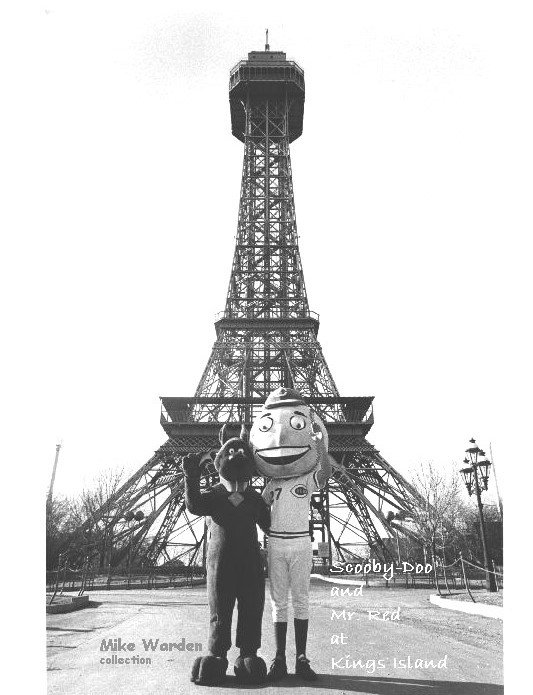
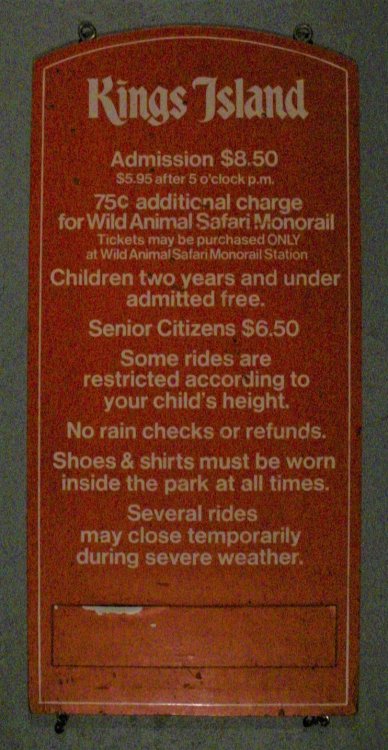
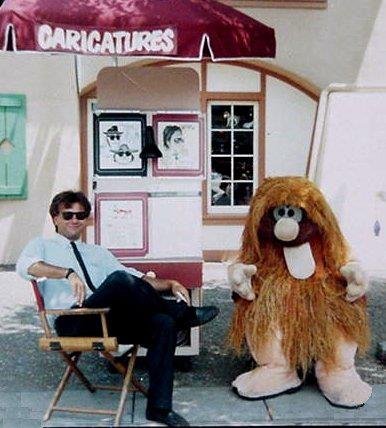
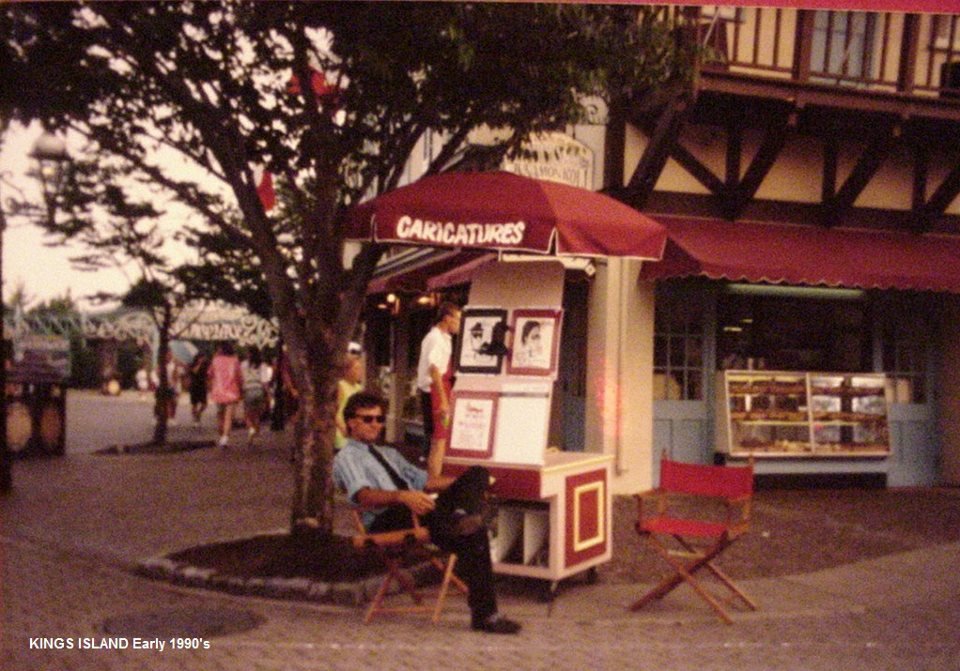
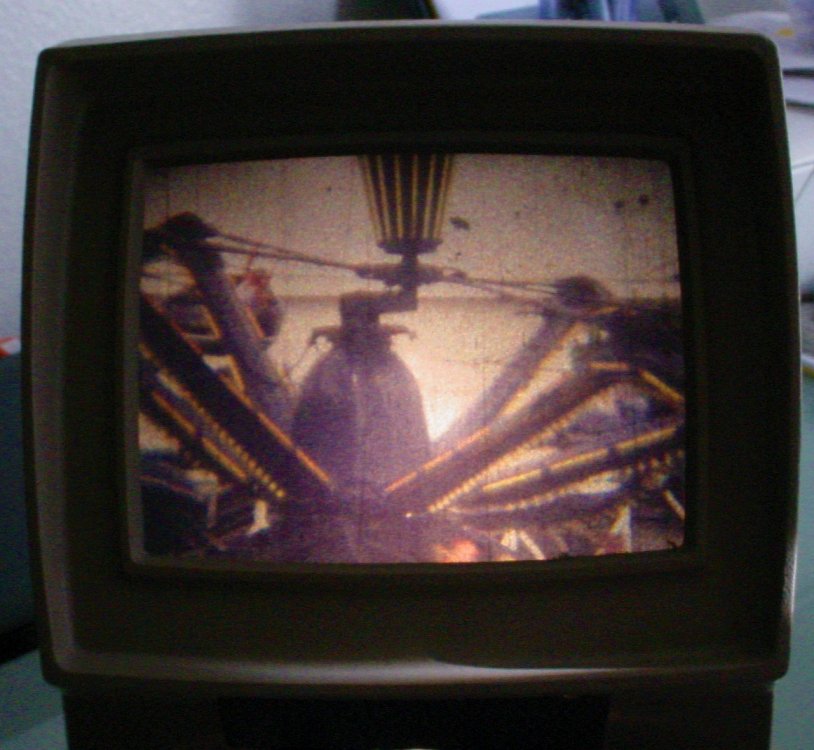
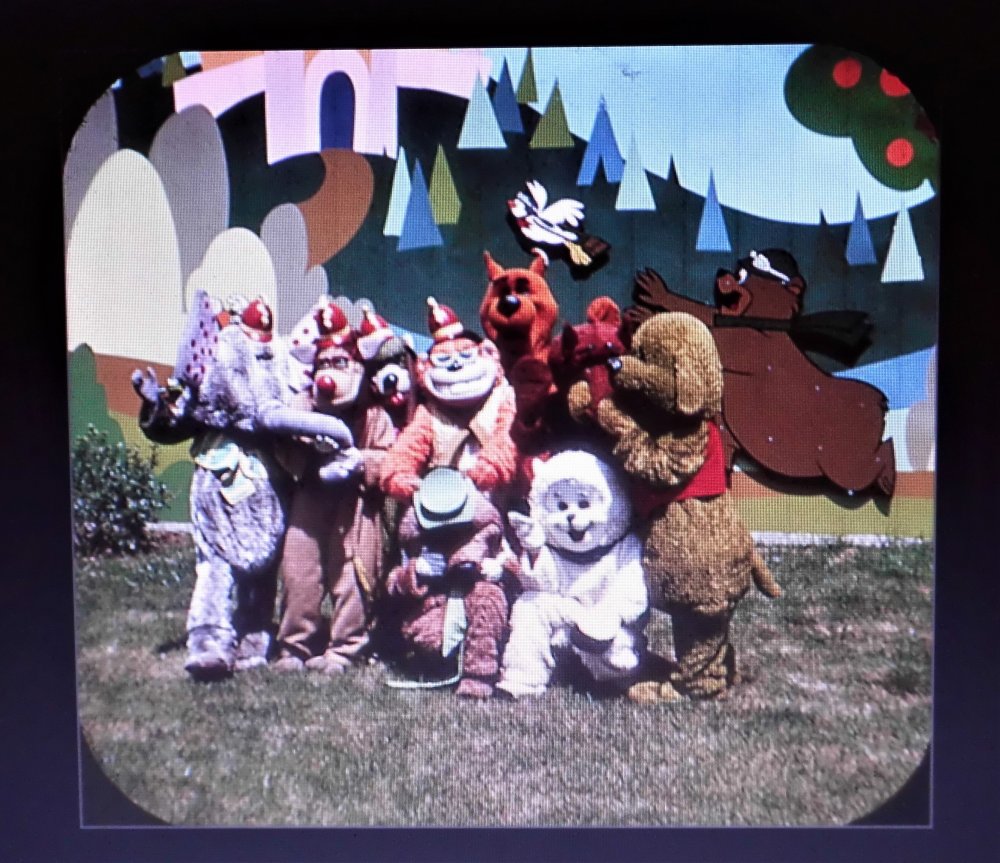
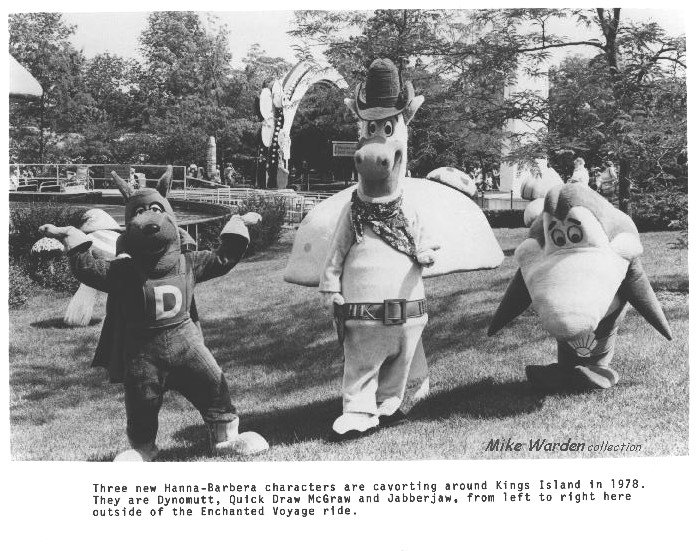
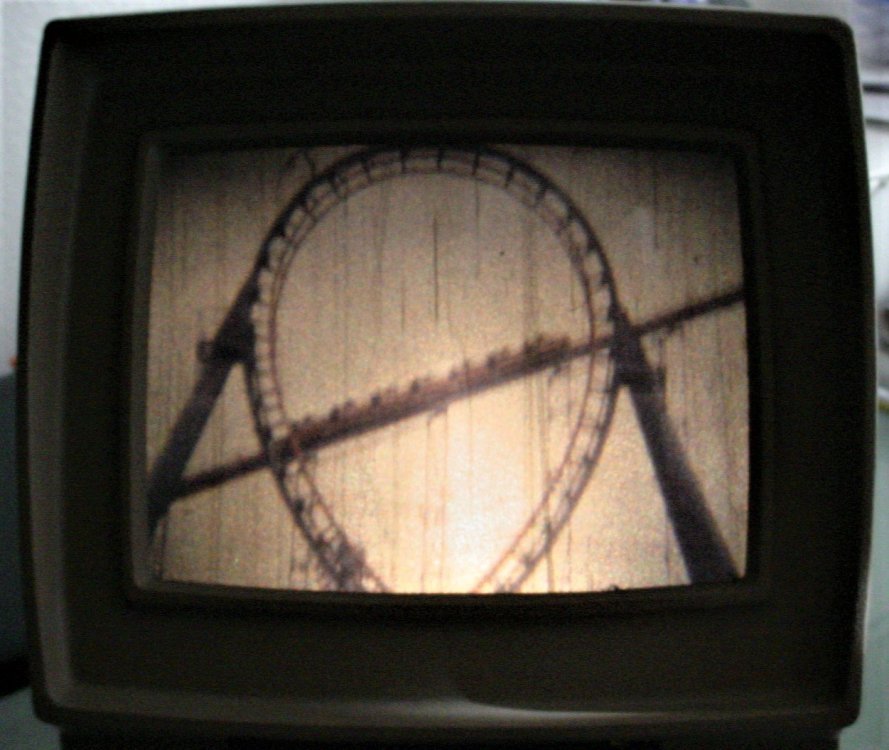
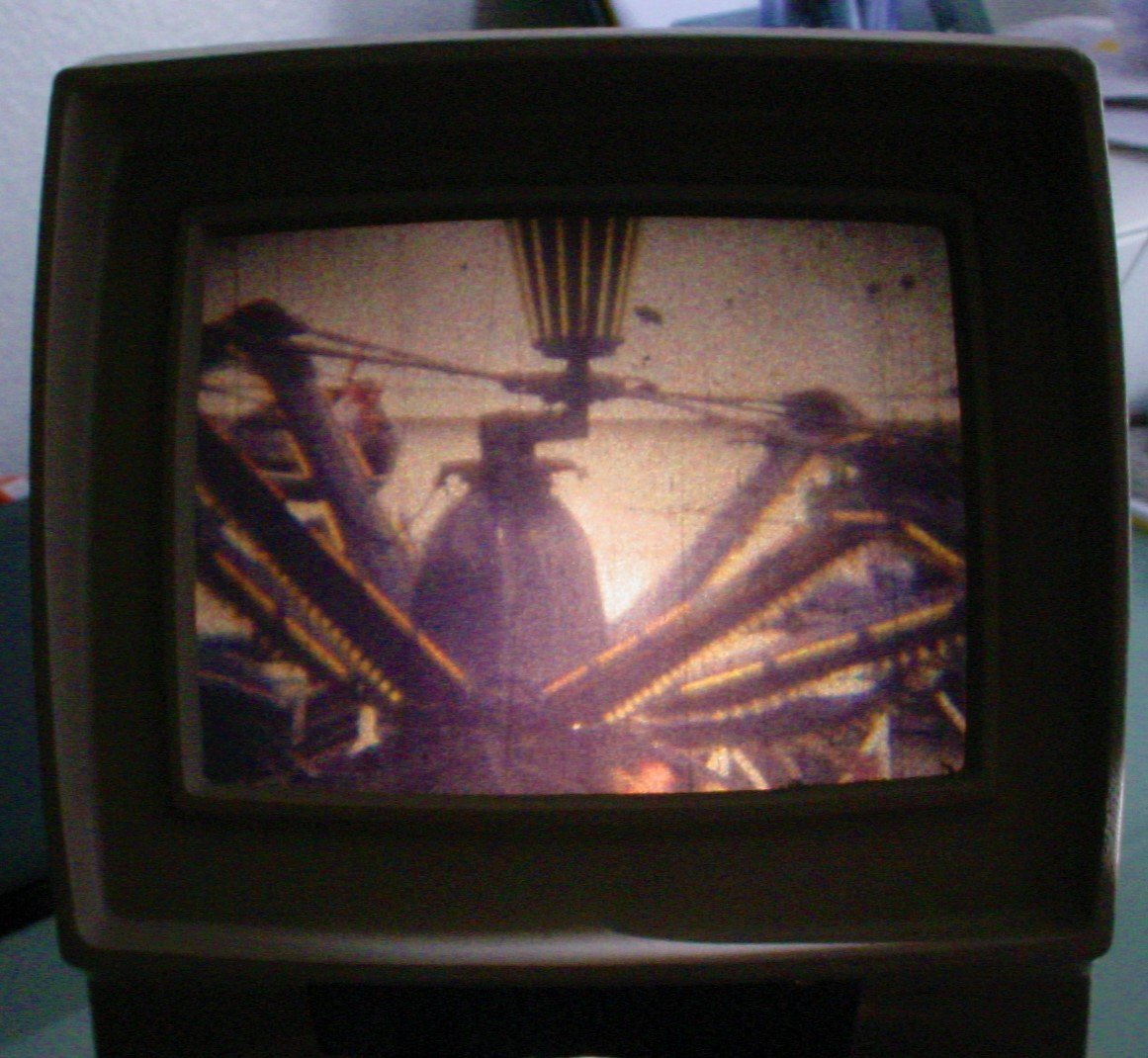
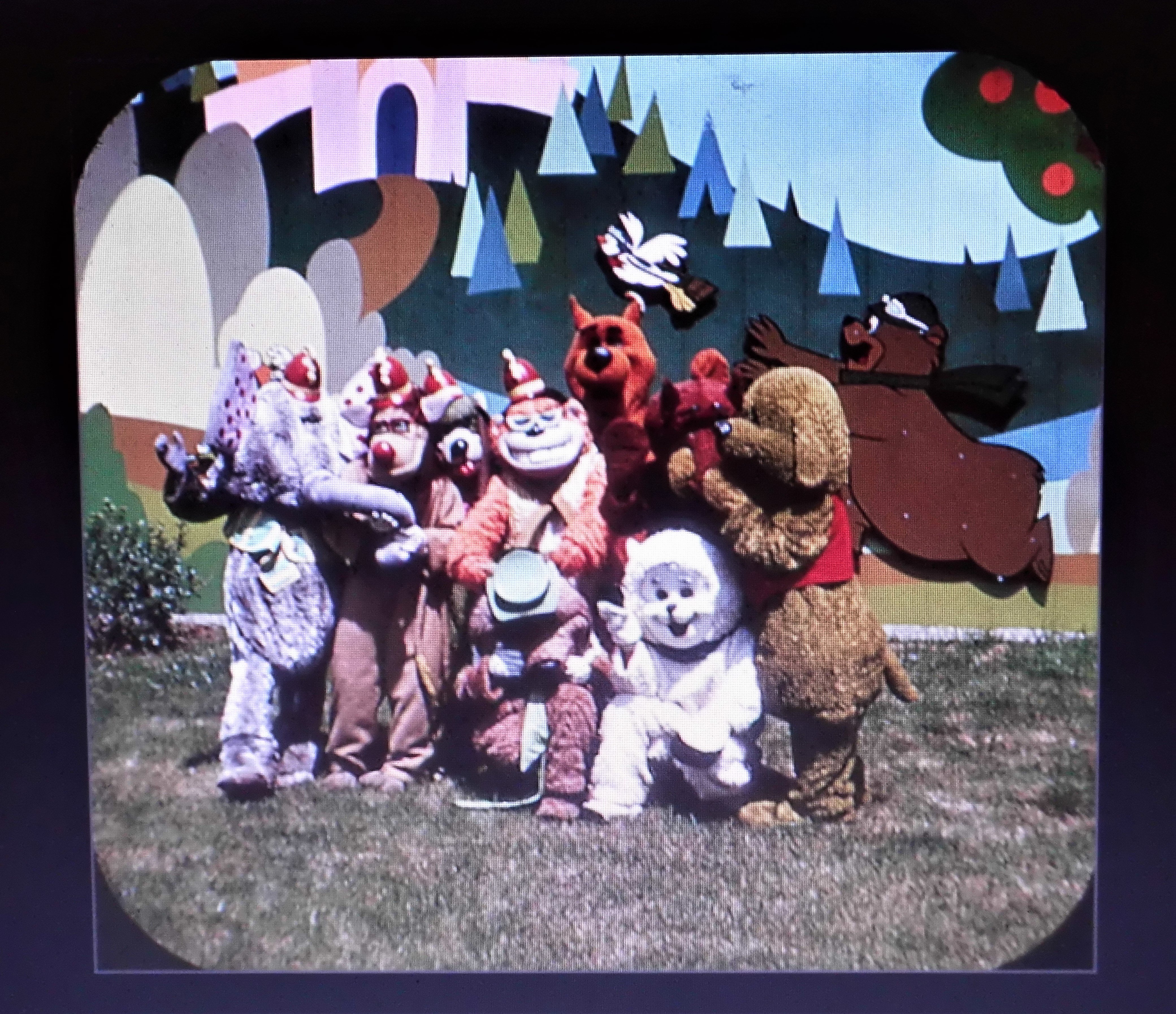
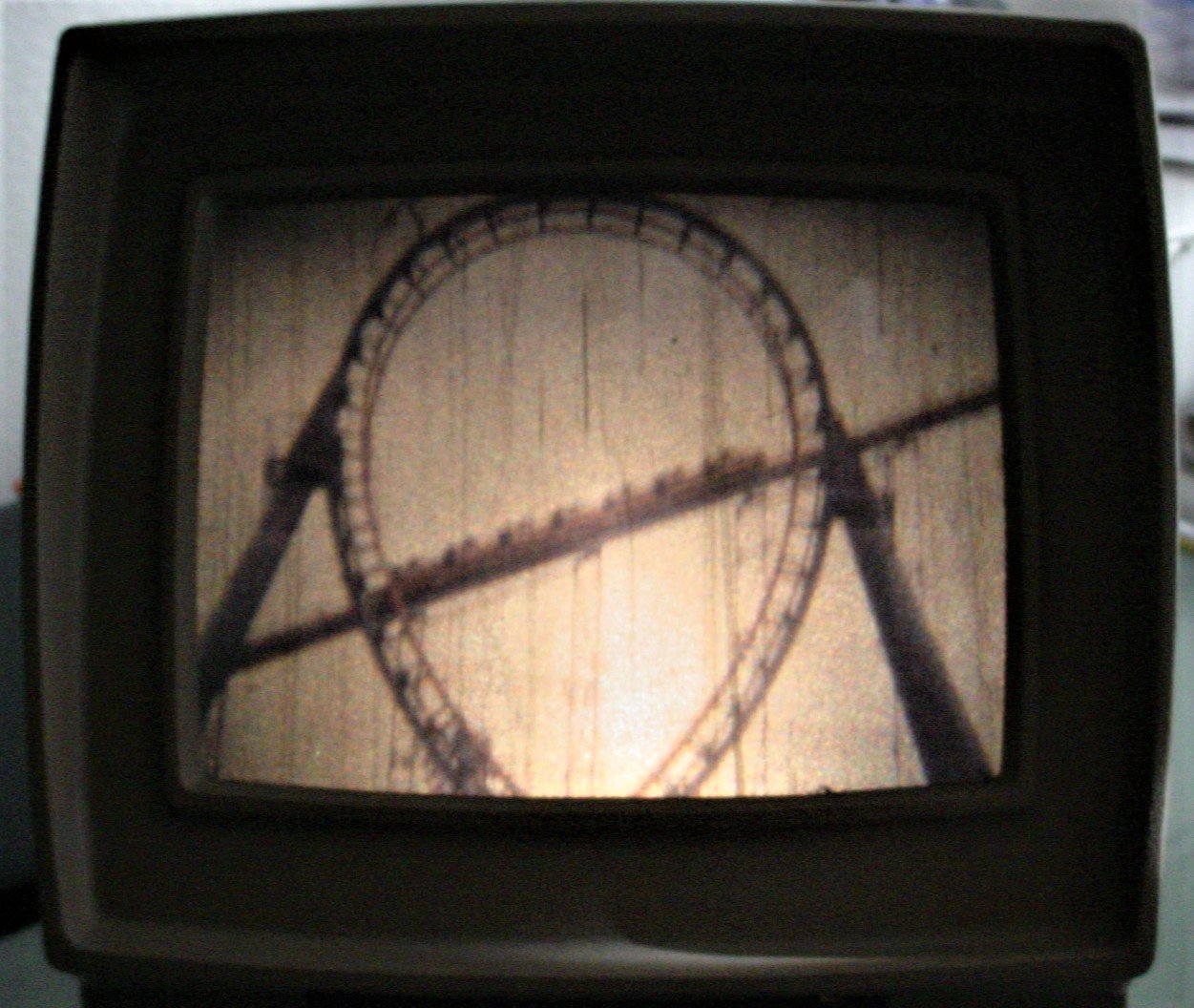
The Scooby and Mr. Red pic and the Dynomutt etc. pic came from a flea market. I have other similar 8 x 10 press release captioned shots! The price sign is from my collection. That's me in the shots of the Caricature stand. Was an artist there for many seasons. The shot of the Octopus and Vortex on the film viewer was shot on Super 8 film about 2000. Was probably the first person to shoot Super 8 film at KI for quite awhile! Super 8 is still in limited use and I used to shoot a lot of it in the 90' and early 2000's. The shot of the characters on the EV lawn is from a set of Pana Vue slides sold at the park. Those slides are almost always very reddish, this shot has the best color I've ever seen for the Pana Vue slides. When I get my 2000 era KI super 8 film transferred, I'll share it here. I've got a lot of 2000-era 16mm too. And VHS. Mike Warden