





RedSummit20
Members
-
Joined
-
Last visited
Everything posted by RedSummit20
-
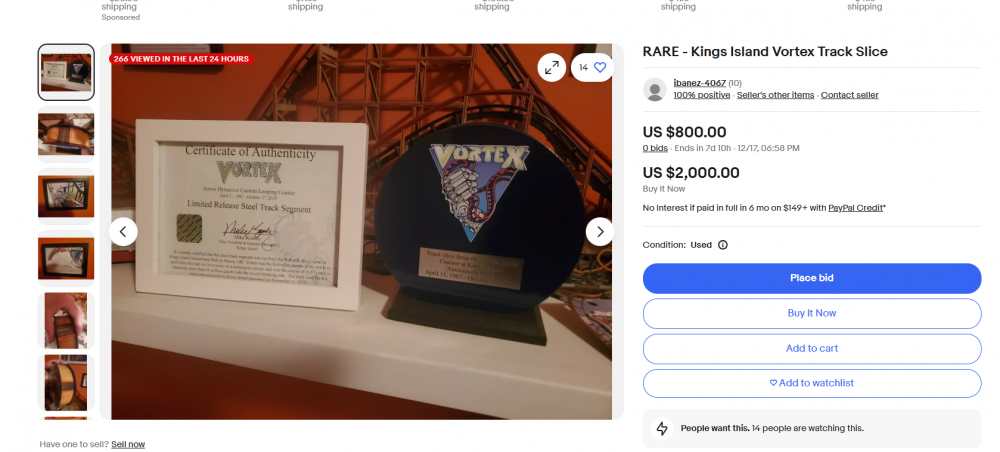
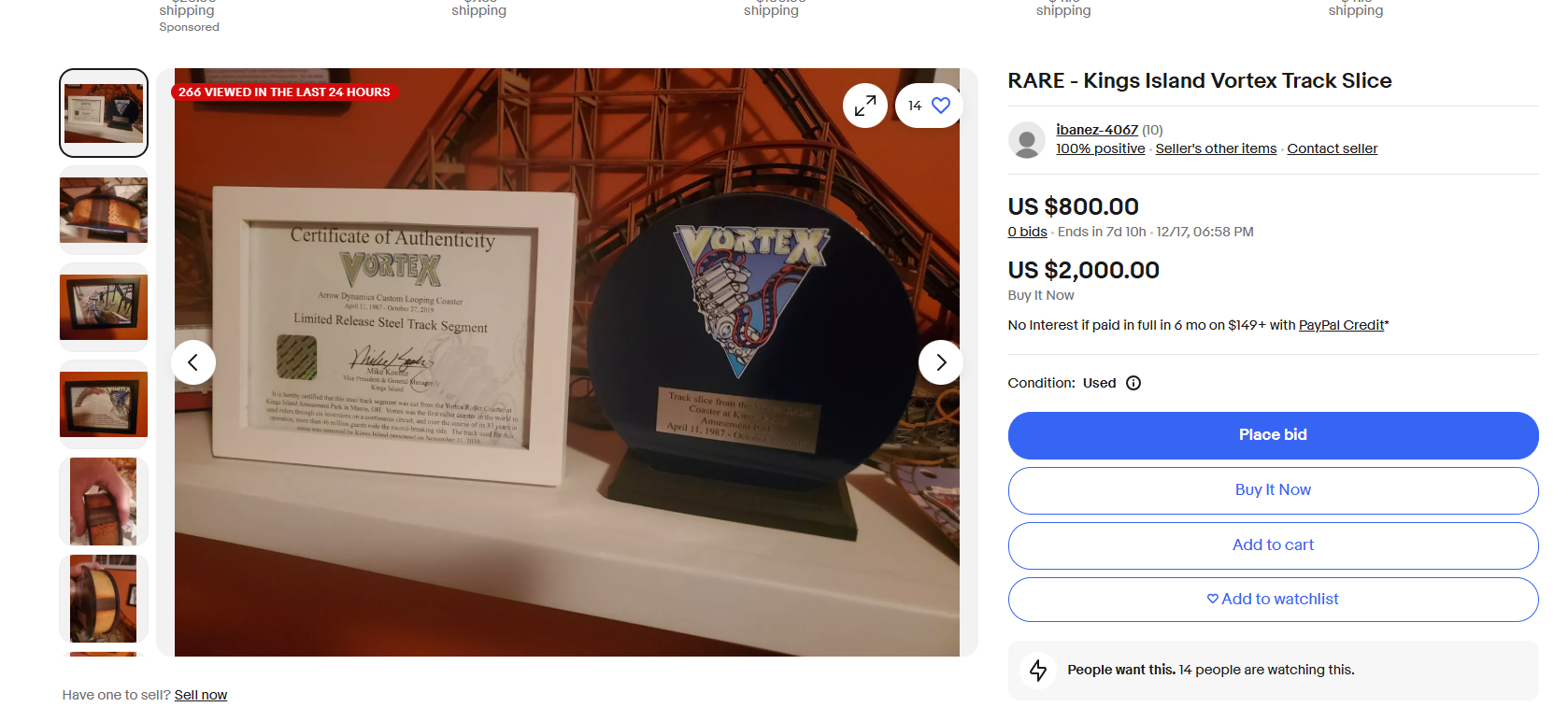
man this site is no longer workinglol i would say Ki and any "in park" starbucks will be different. Just as they dont close at 2000 like all the other ones do..they are working on my end.Maybe when not on X.X is the place to be!sorry to hear about your tough times but $2k for buy it now?
 lol thats just a poll. That proves nothing. Ask @DonHelbig if rides really matter. It "adds" to the experience Winterfest is about the shows, lights and the atmosphere. Rides are a good addition!There is more to Winterfest than just rides keep that in mind, its not about the rides, its about the experience!I always renew at Wonderland.Its 3 days out of 8 months i think yall will be okayLOL am i really reading this right now. The fountain is on from April to literally end of October and you're complaining cause its not on for 2 1/2 days??ehhSo yeah like i said SDC>KISDC>KIthanks for watching! It was really good! The new songs they added and dance routines were nice. The stunts are crazy fun as well!NYTE WALKERS is looking amazing this year!! Such a great show!!well yeah actually I can, i use to work at Kings Island, i worked Diamondback, its the same control panel...so yes..FAR FAR FAR from operator issue. Once those dispatch buttons are pressed and the train clears the lift, the train wont stop till the break run. So again FAR FAR FAR from operator issue.WOW this sounded like fun, anyone have the video of this?https://www.carowinds.com/new-in-2025







Background Picker
Account
Navigation
Search
Configure browser push notifications
Chrome (Android)
- Tap the lock icon next to the address bar.
- Tap Permissions → Notifications.
- Adjust your preference.
Chrome (Desktop)
- Click the padlock icon in the address bar.
- Select Site settings.
- Find Notifications and adjust your preference.
Safari (iOS 16.4+)
- Ensure the site is installed via Add to Home Screen.
- Open Settings App → Notifications.
- Find your app name and adjust your preference.
Safari (macOS)
- Go to Safari → Preferences.
- Click the Websites tab.
- Select Notifications in the sidebar.
- Find this website and adjust your preference.
Edge (Android)
- Tap the lock icon next to the address bar.
- Tap Permissions.
- Find Notifications and adjust your preference.
Edge (Desktop)
- Click the padlock icon in the address bar.
- Click Permissions for this site.
- Find Notifications and adjust your preference.
Firefox (Android)
- Go to Settings → Site permissions.
- Tap Notifications.
- Find this site in the list and adjust your preference.
Firefox (Desktop)
- Open Firefox Settings.
- Search for Notifications.
- Find this site in the list and adjust your preference.