
Sixflags82
Members
-
Joined
-
Last visited
Everything posted by Sixflags82
-
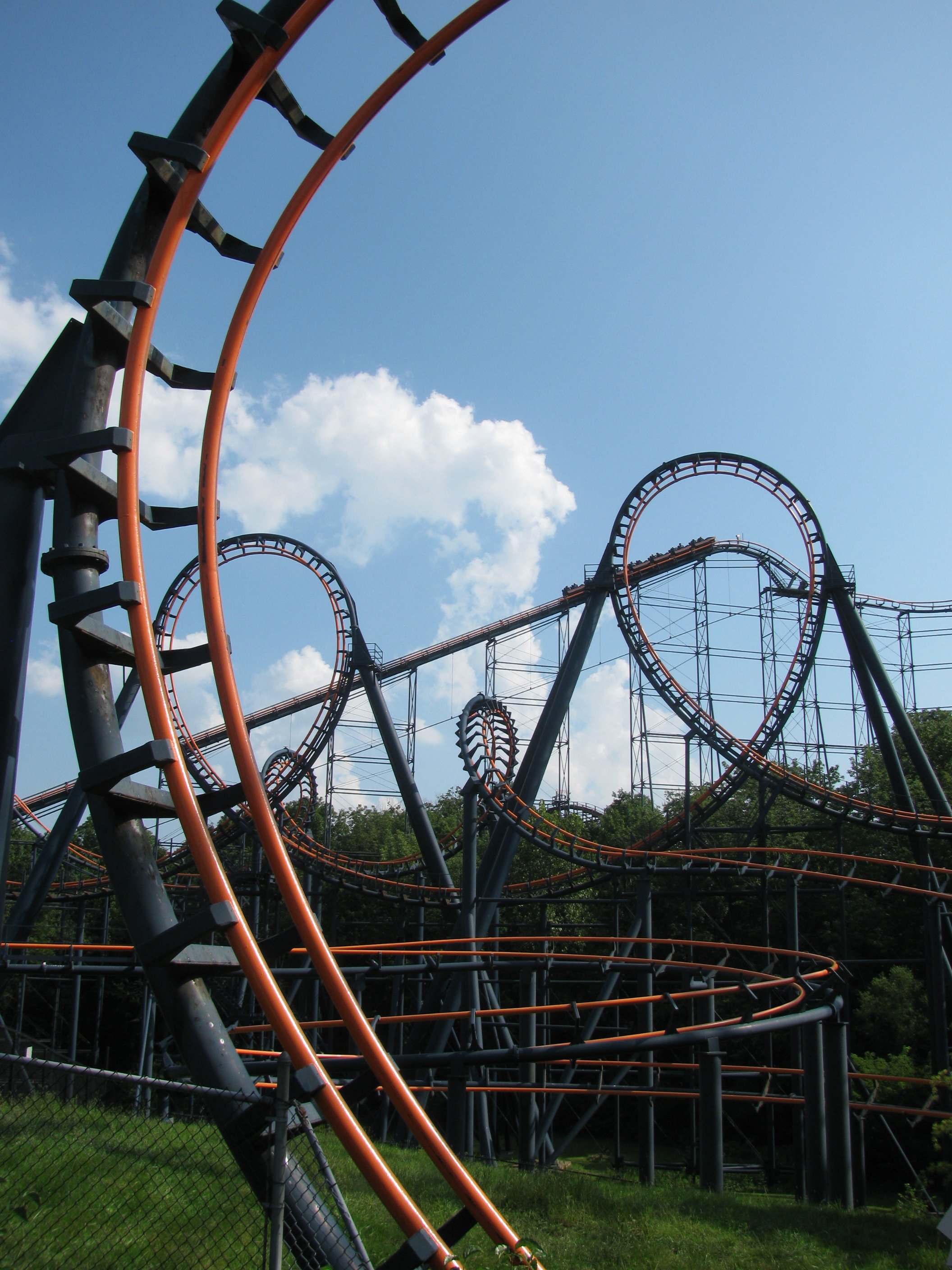
imo I think that Diamondback is great as is with its current trains the whip over the hills from the long trains is great
-
I definitely see Batwing being removed which stinks because it is the last non-prototype flying dutchman left
-
iirc there wasnt a Firehawk tombstone until later into the haunt season last year
-
@DonHelbig Will associates get the usual 20% off merchandise discount on the track piece?
-
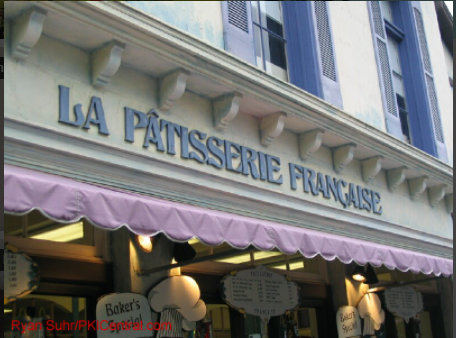
Yup! https://KICentral.com/photos/international-street#6366
-
not an issue but I just want to say that I love the new background choices
-
I wonder what this list would look like today
-
I hope that they bring back the old logo for a season like they did at Kings Dominion
-
what ride is it the video isnt loading for me
-
They'll probably do that in 2022 for its 50th anniversary
-
there are no lines right now
-
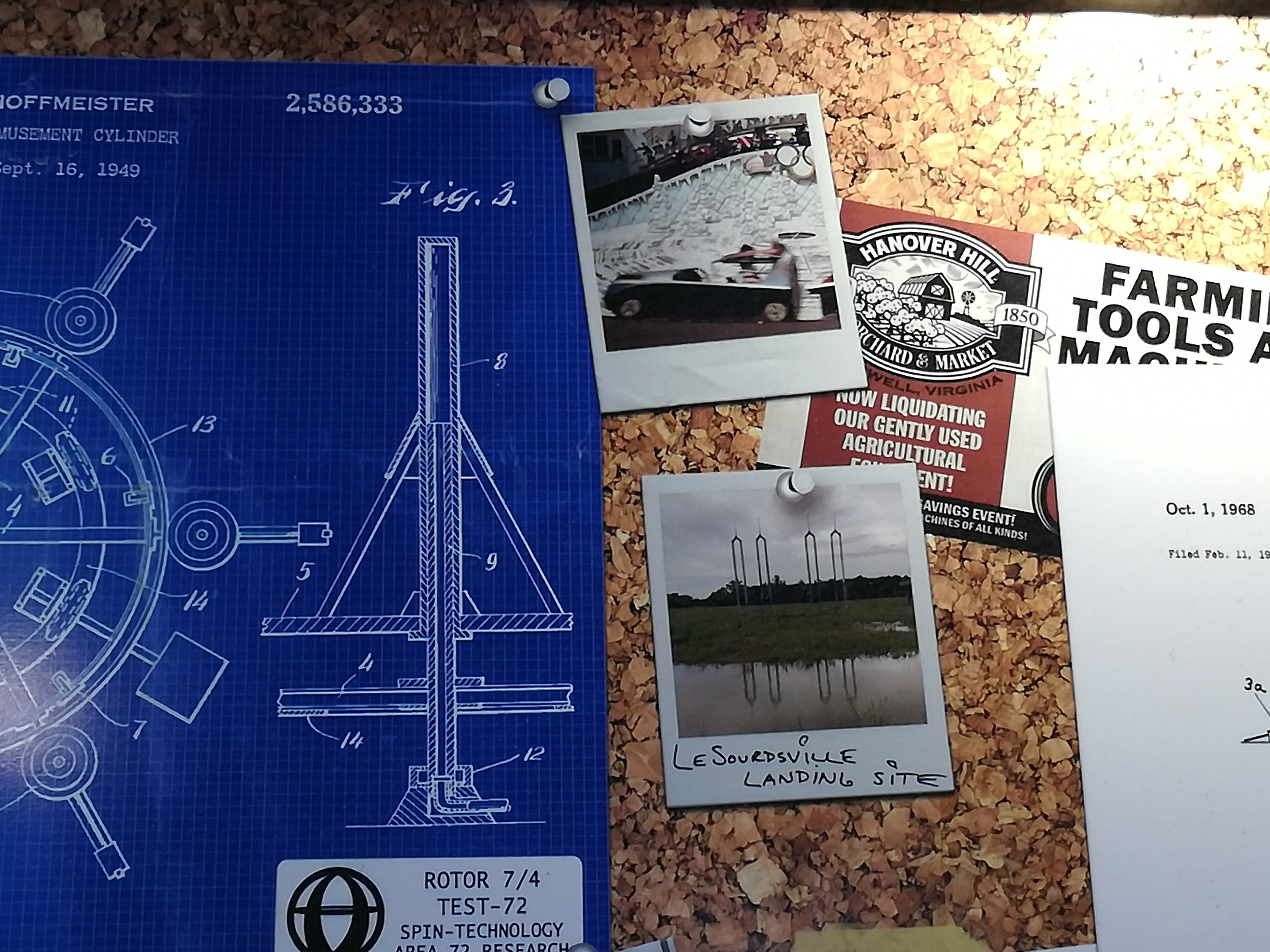
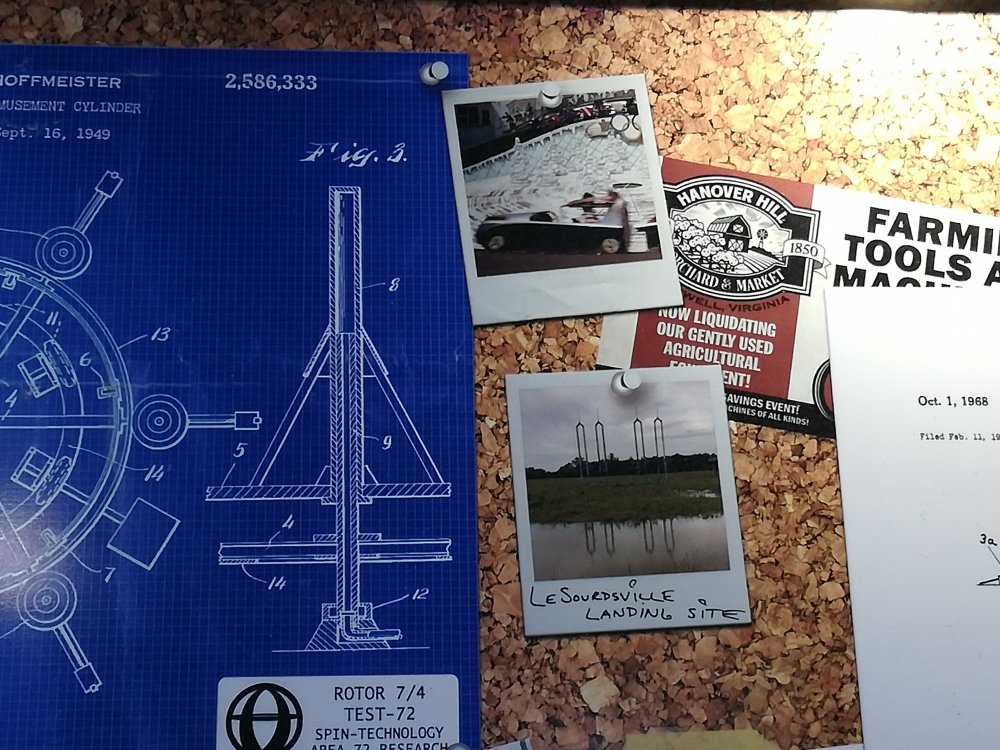
Look what I found in the queue for orion
-
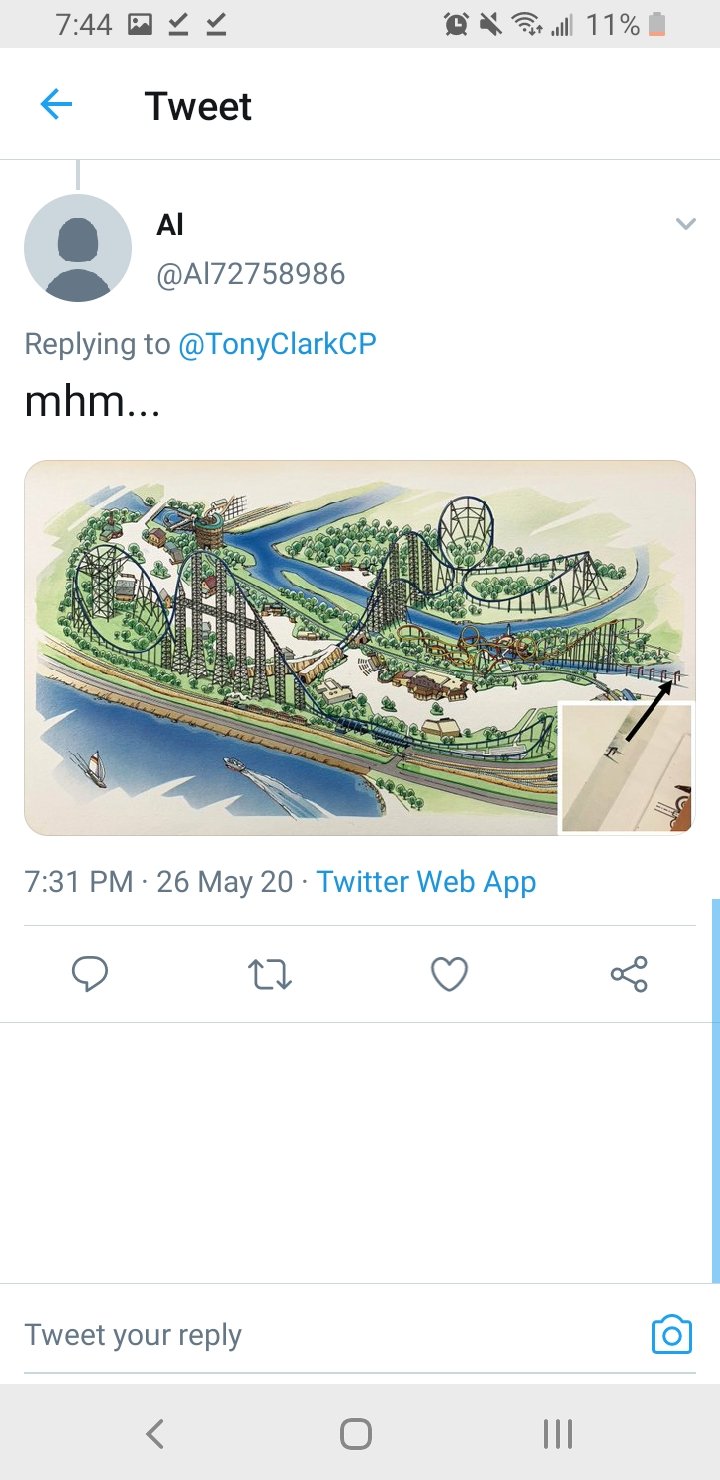
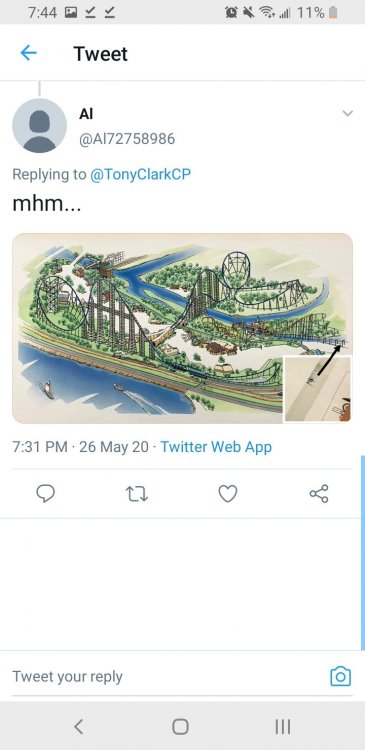
Found on Twitter
-
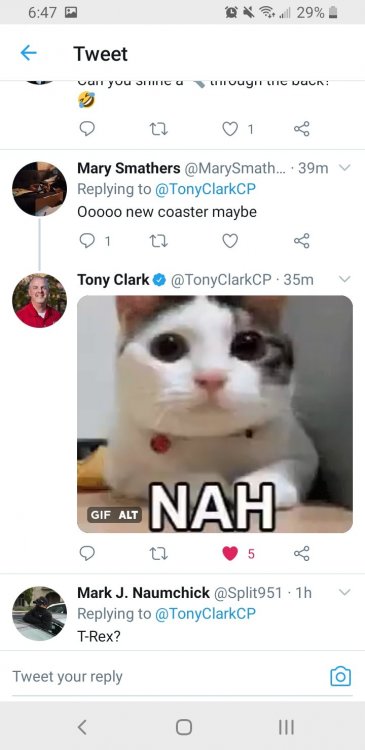
Not a new coaster
-
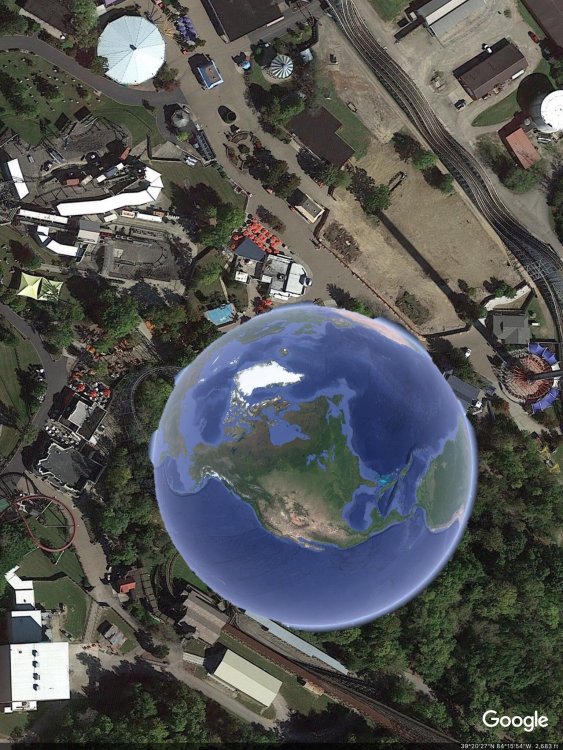
I think this may be our 2022 addition
-
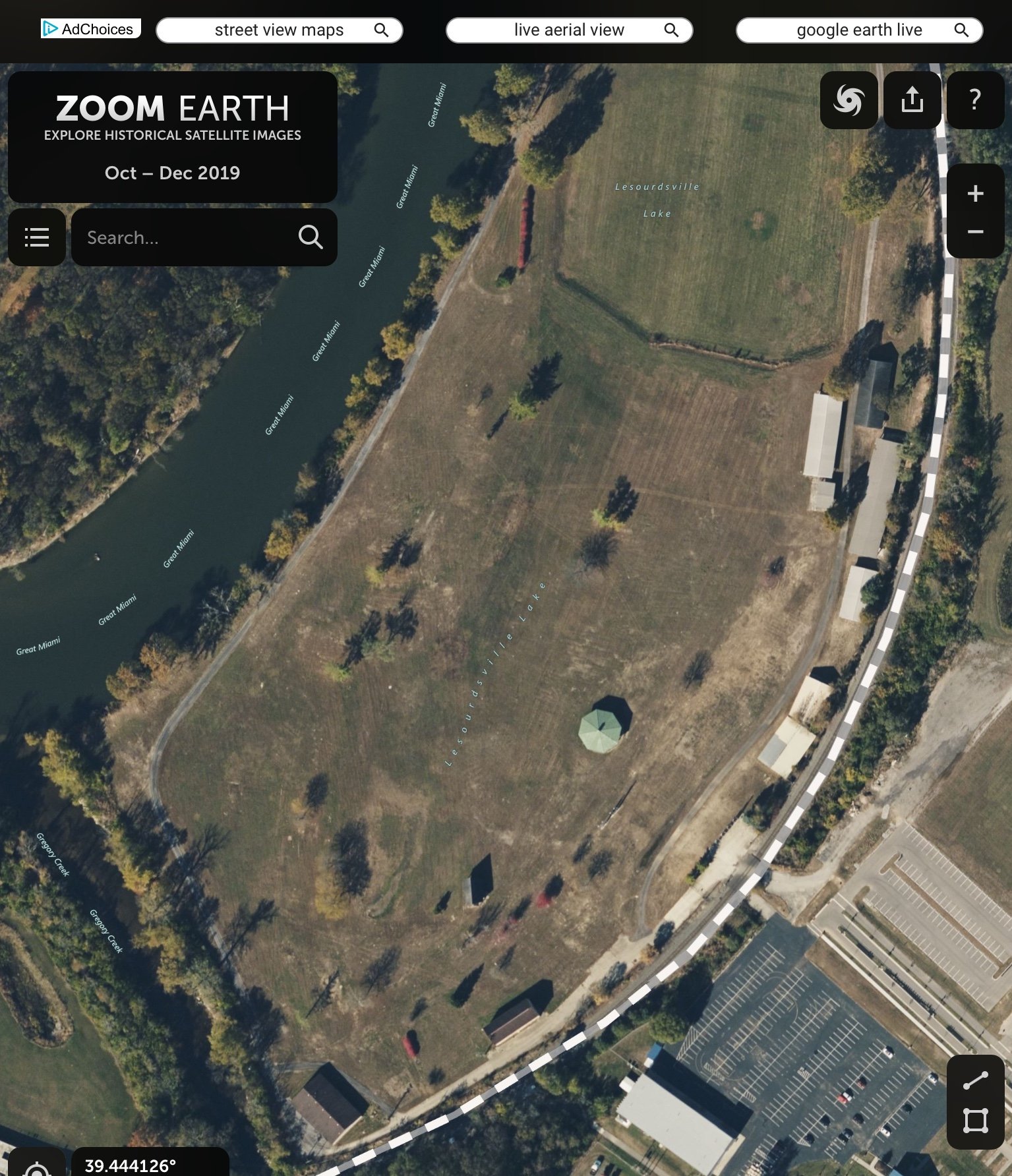
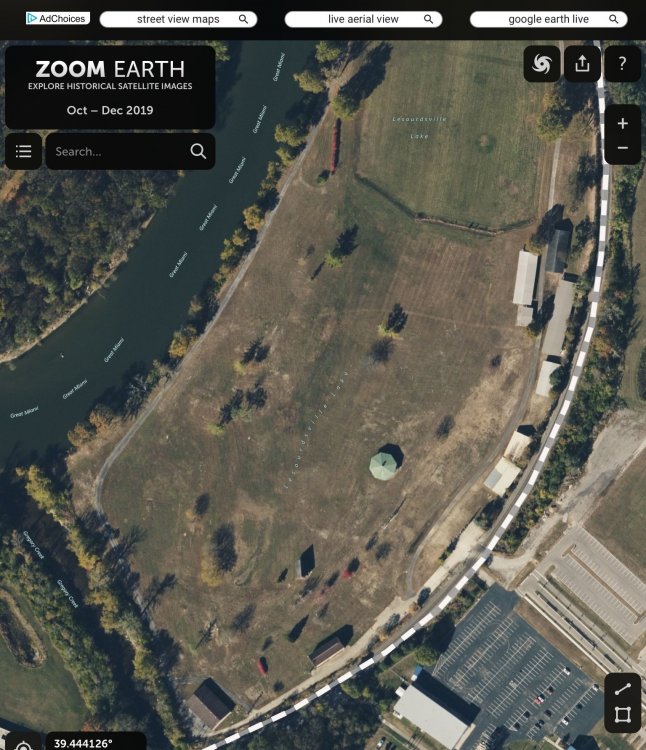
It was drained around 2007
-
LeSourdsville Lake
-
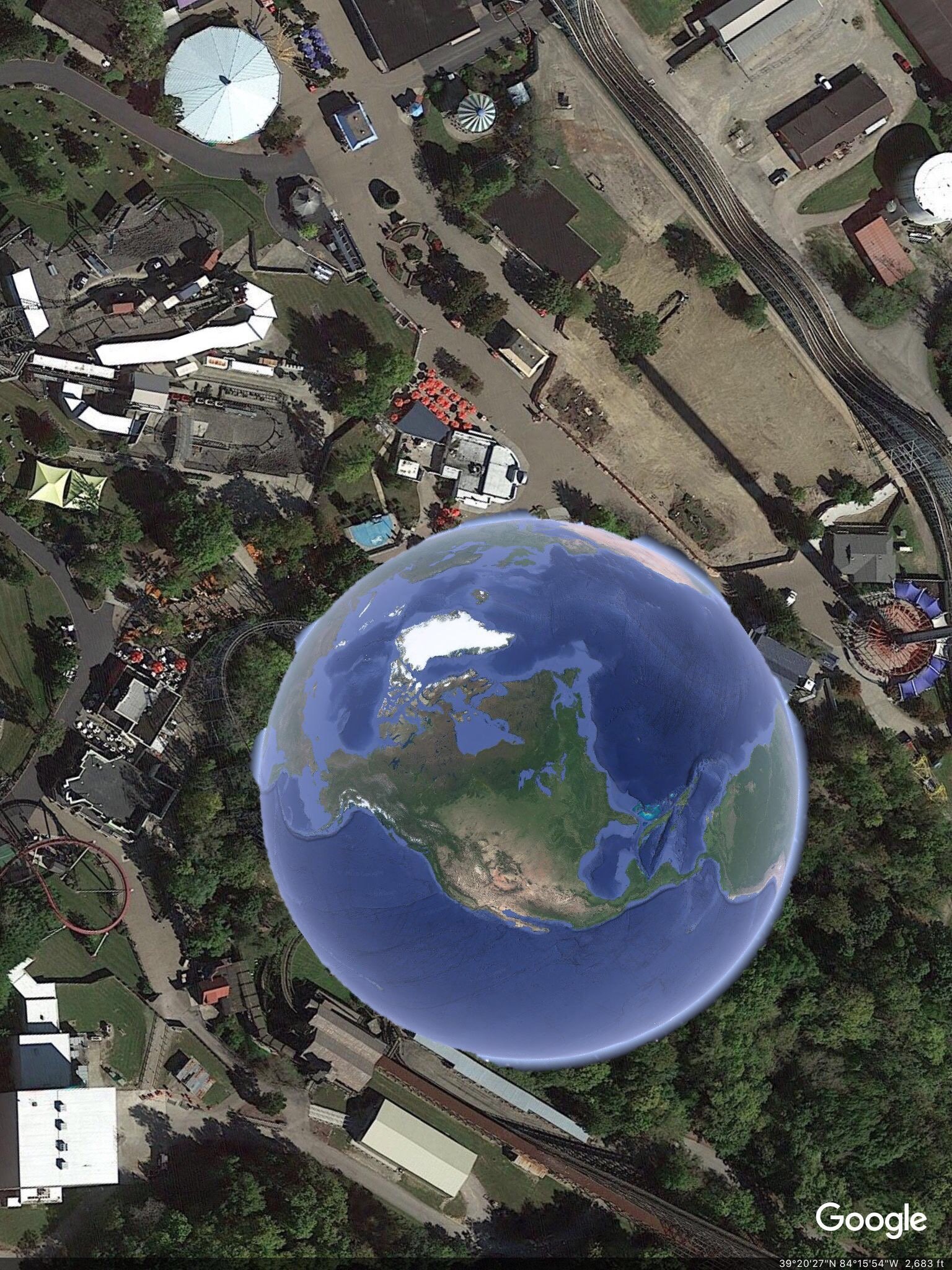
I was looking around the map and wow
-
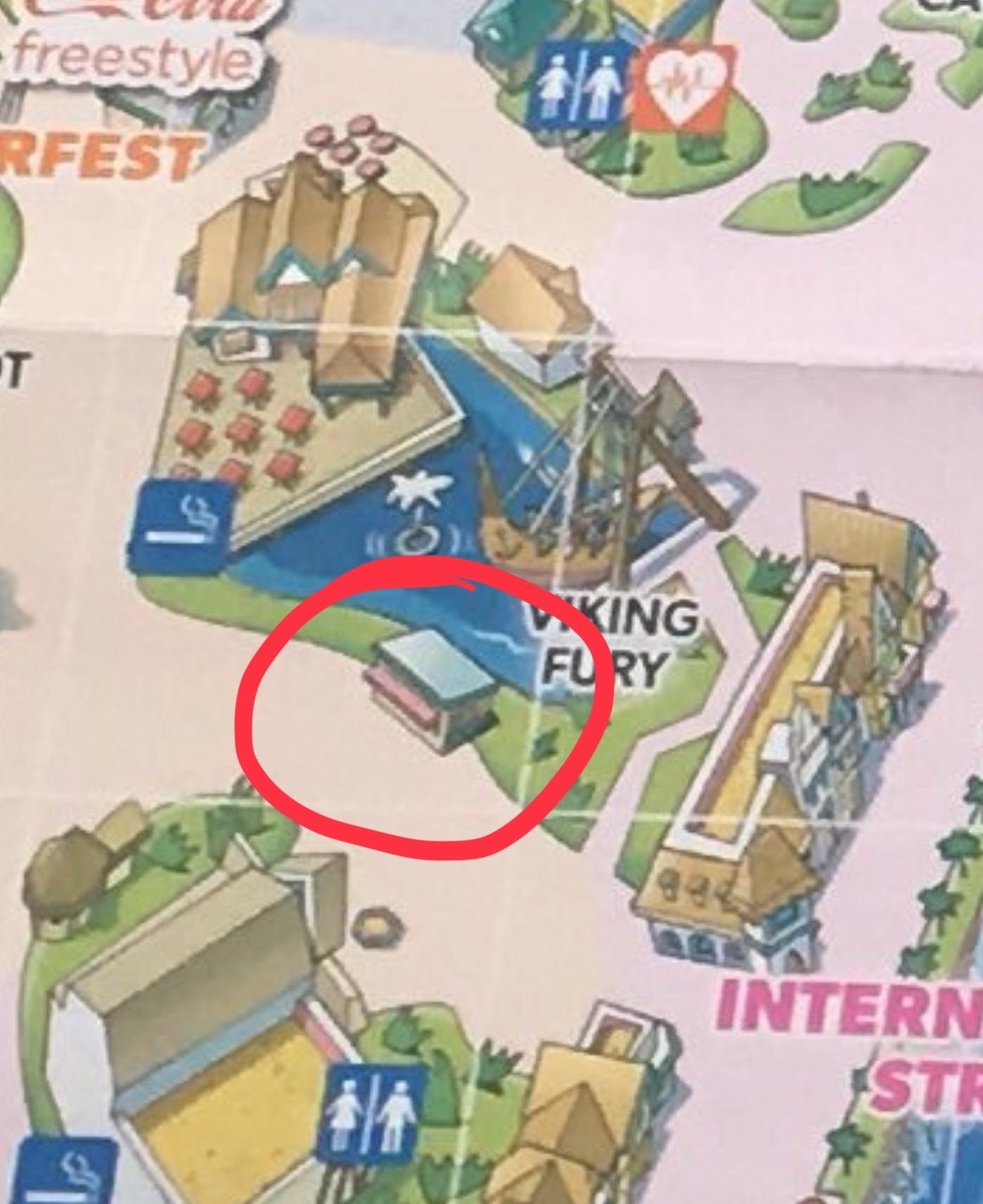
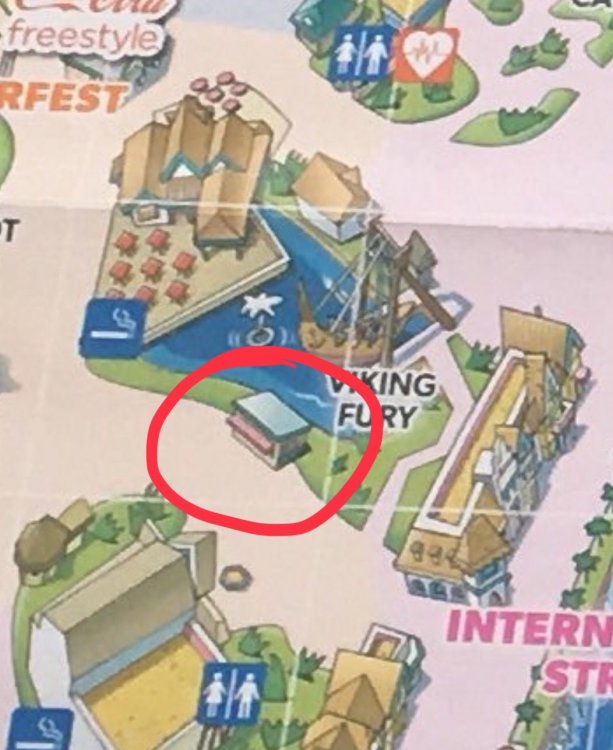
There is also a new building in front of VF that wasnt there before
-
Source?
-
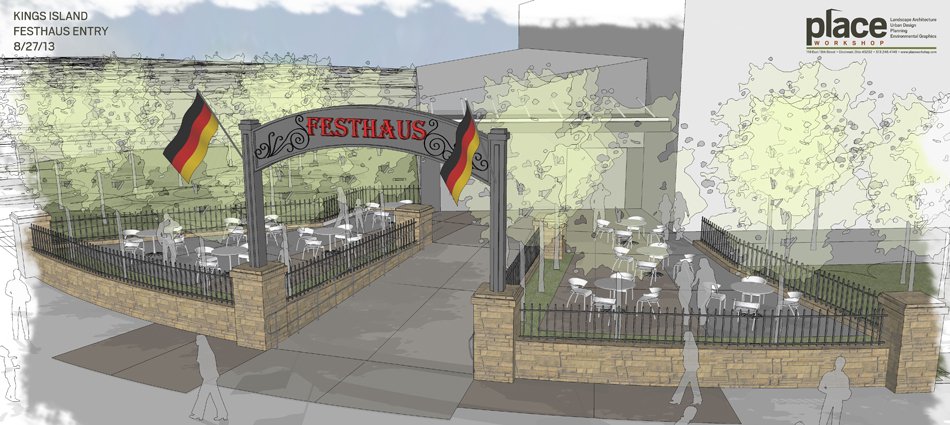
They didnt add the archway with the flags of the grassy bits
-
I just noticed that, I wonder why Kings Island never went thru with this
-
I was looking online and I found this
-
How far in advance was I-streets renovation planned?
-
They tore down the station a couple weeks ago