





Roarbot3
Members
-
Joined
-
Last visited
-
Roarbot3 changed their profile photo
-
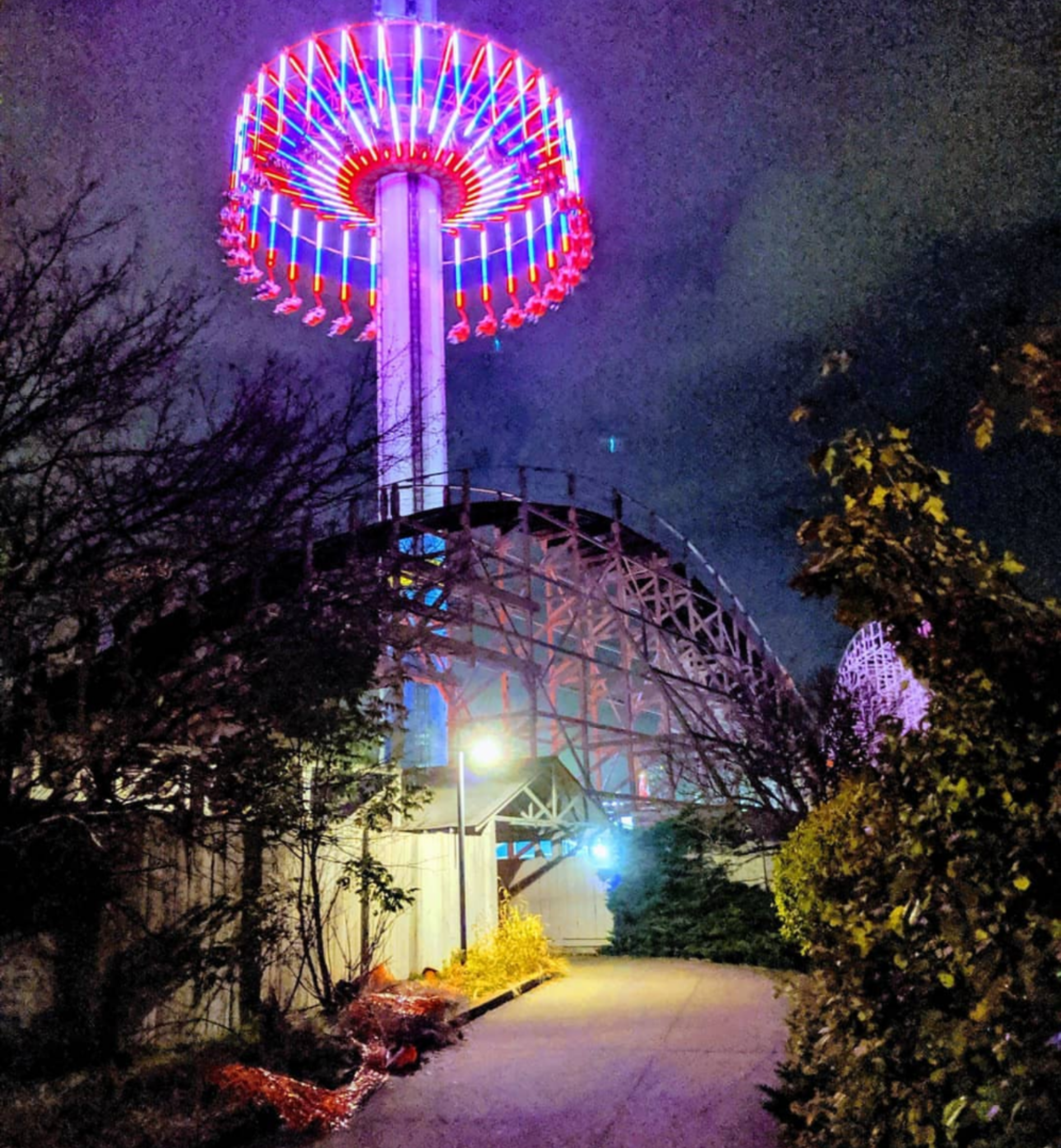
Urgent Scare exit Halloween Haunt 2019
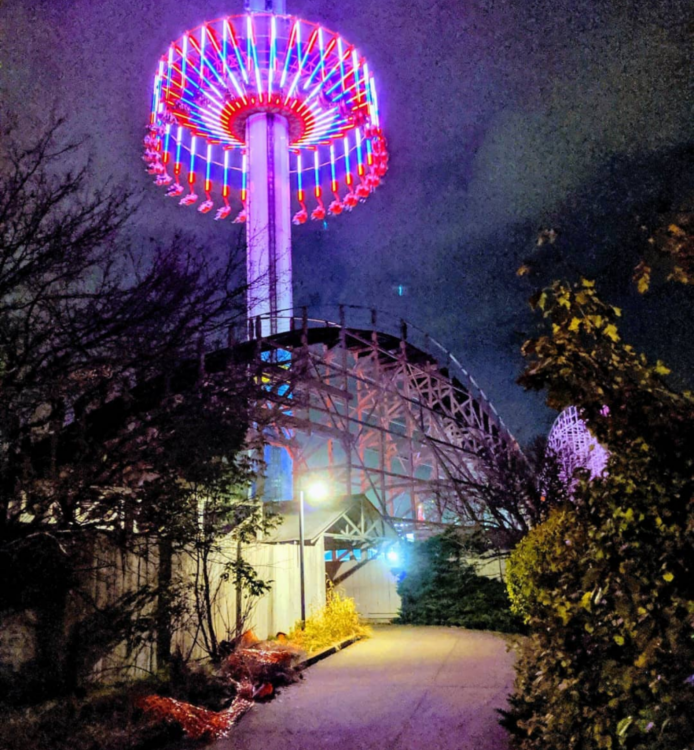 Been riding it every time I go since 1987. Too many times to count...
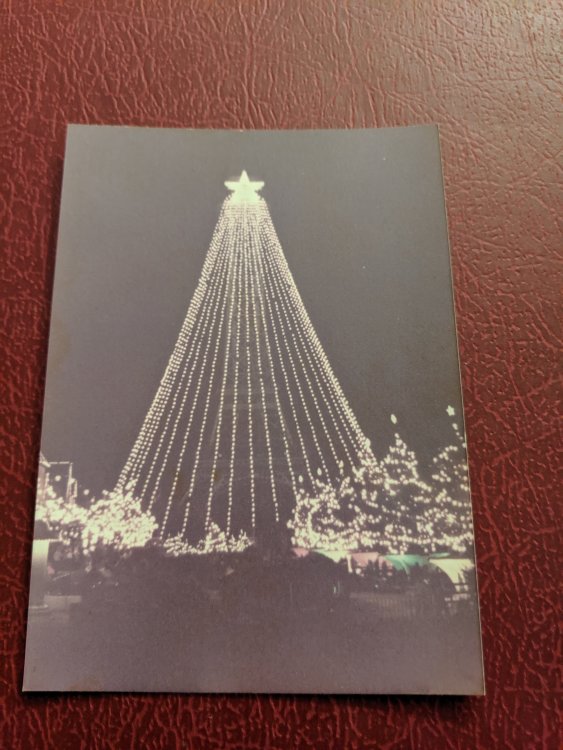
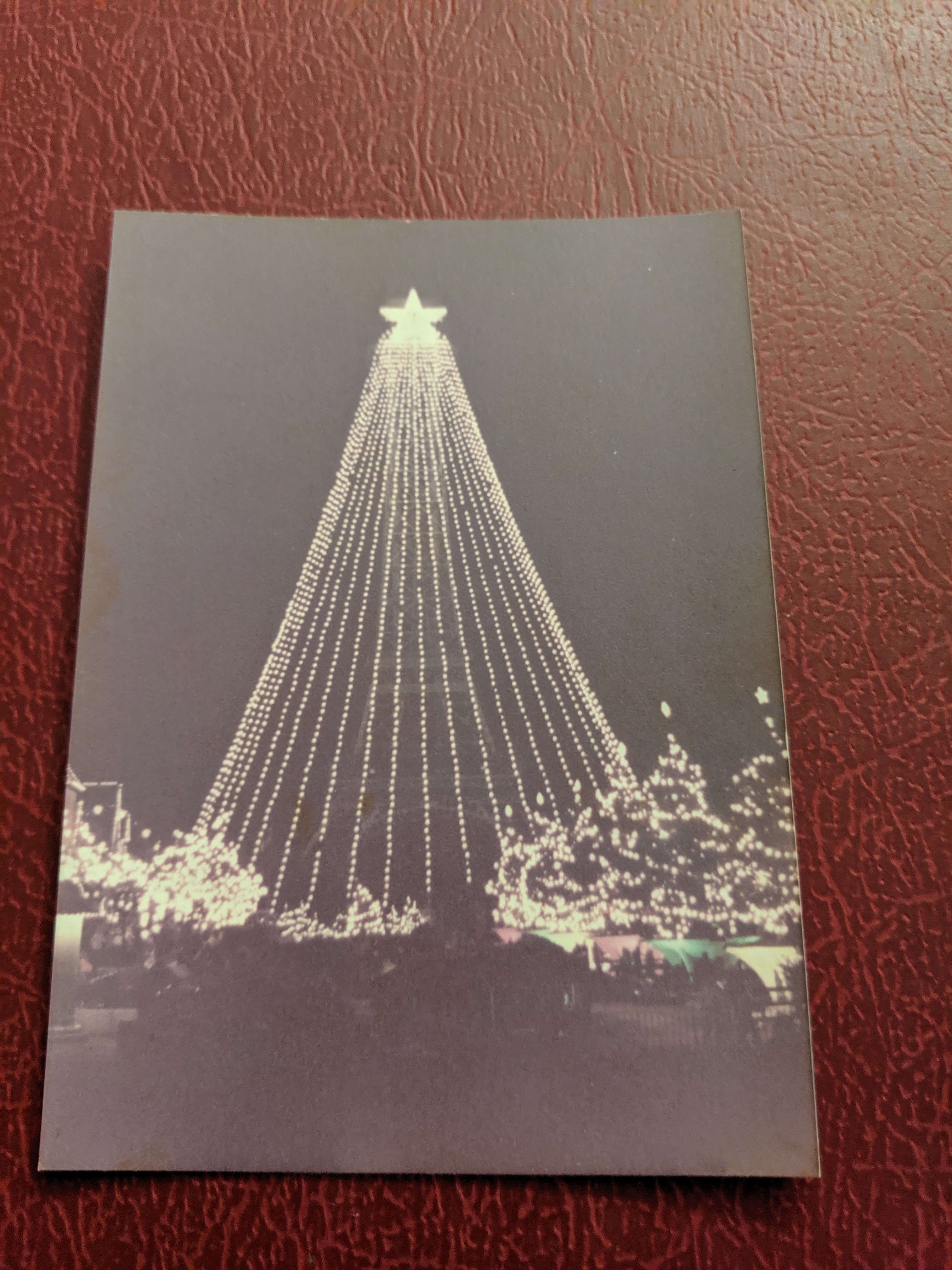
 And one of the tower done up for Winterfest. Year unknown.
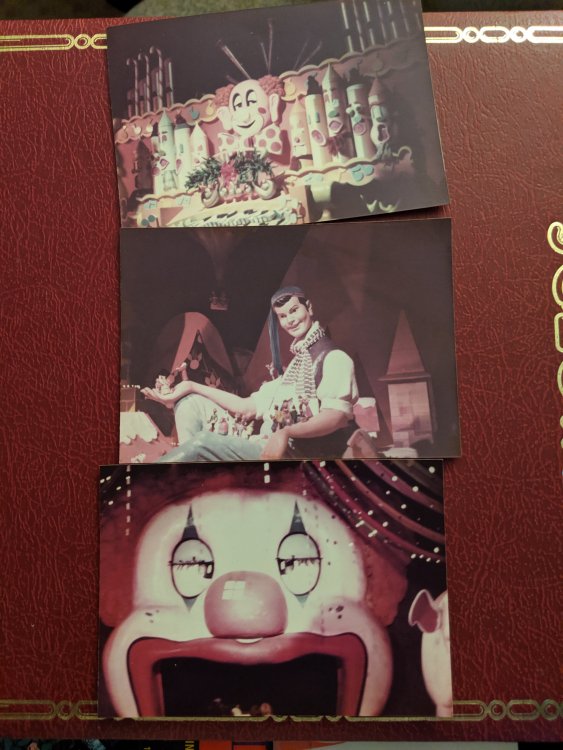
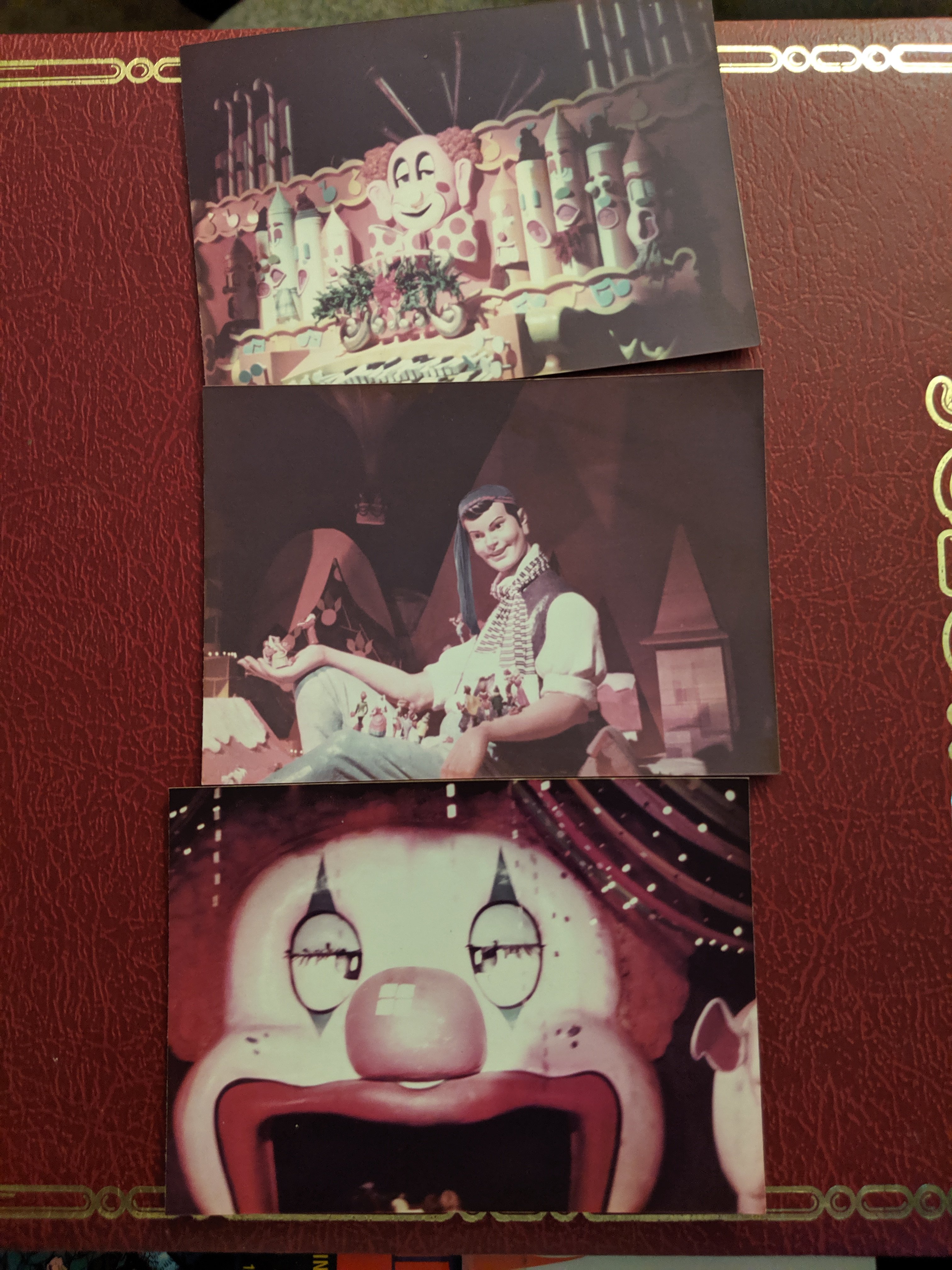
 Some on-ride pics...shhh.
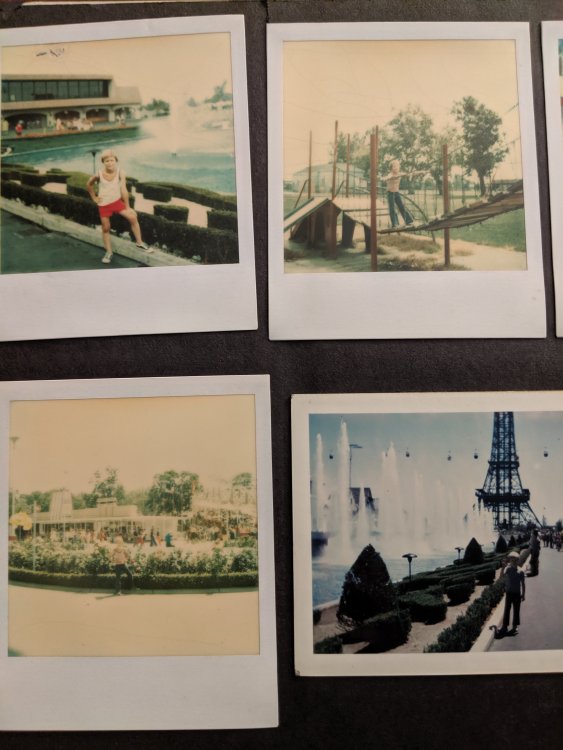
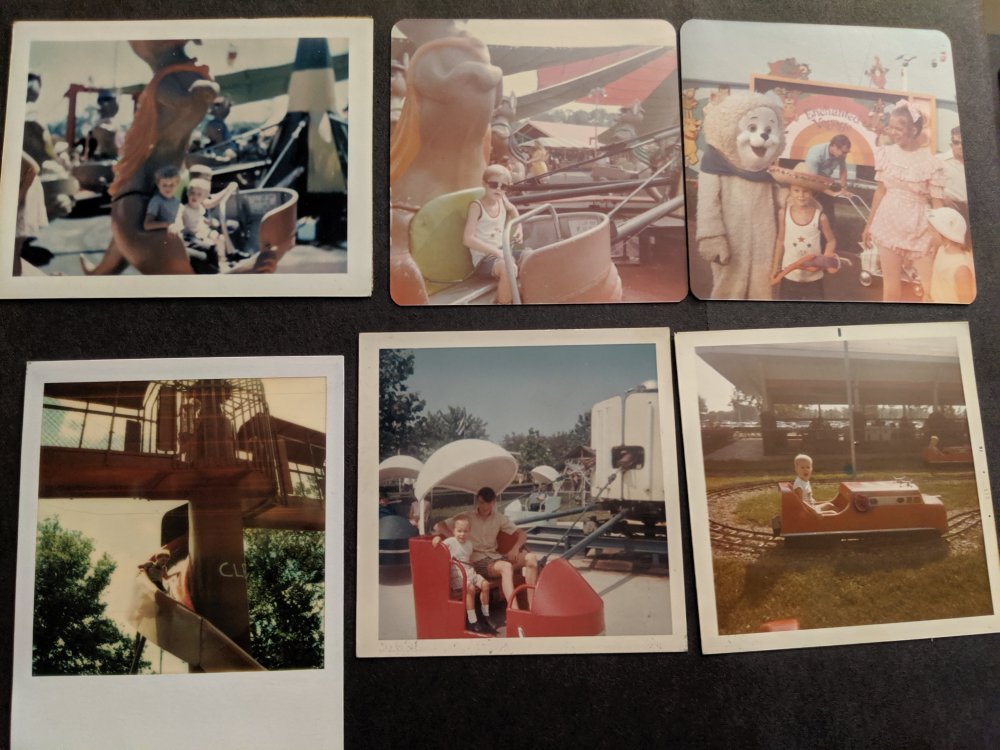
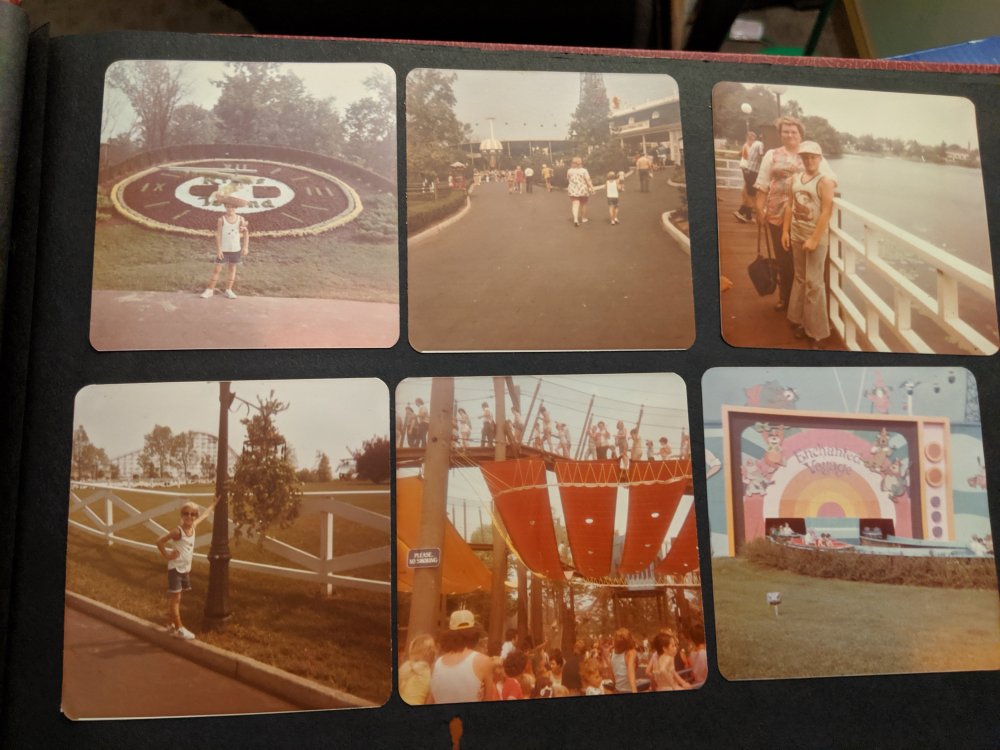
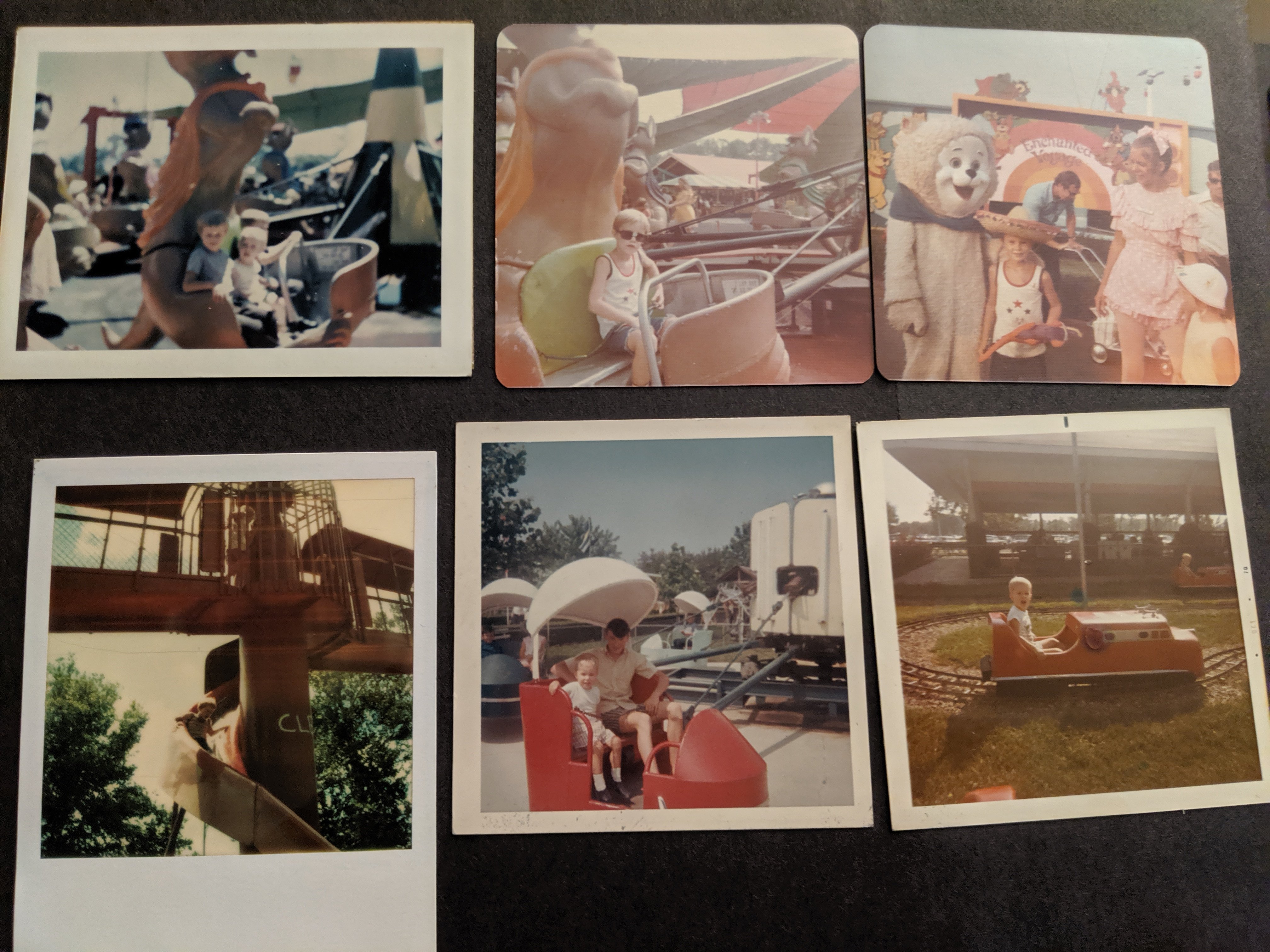
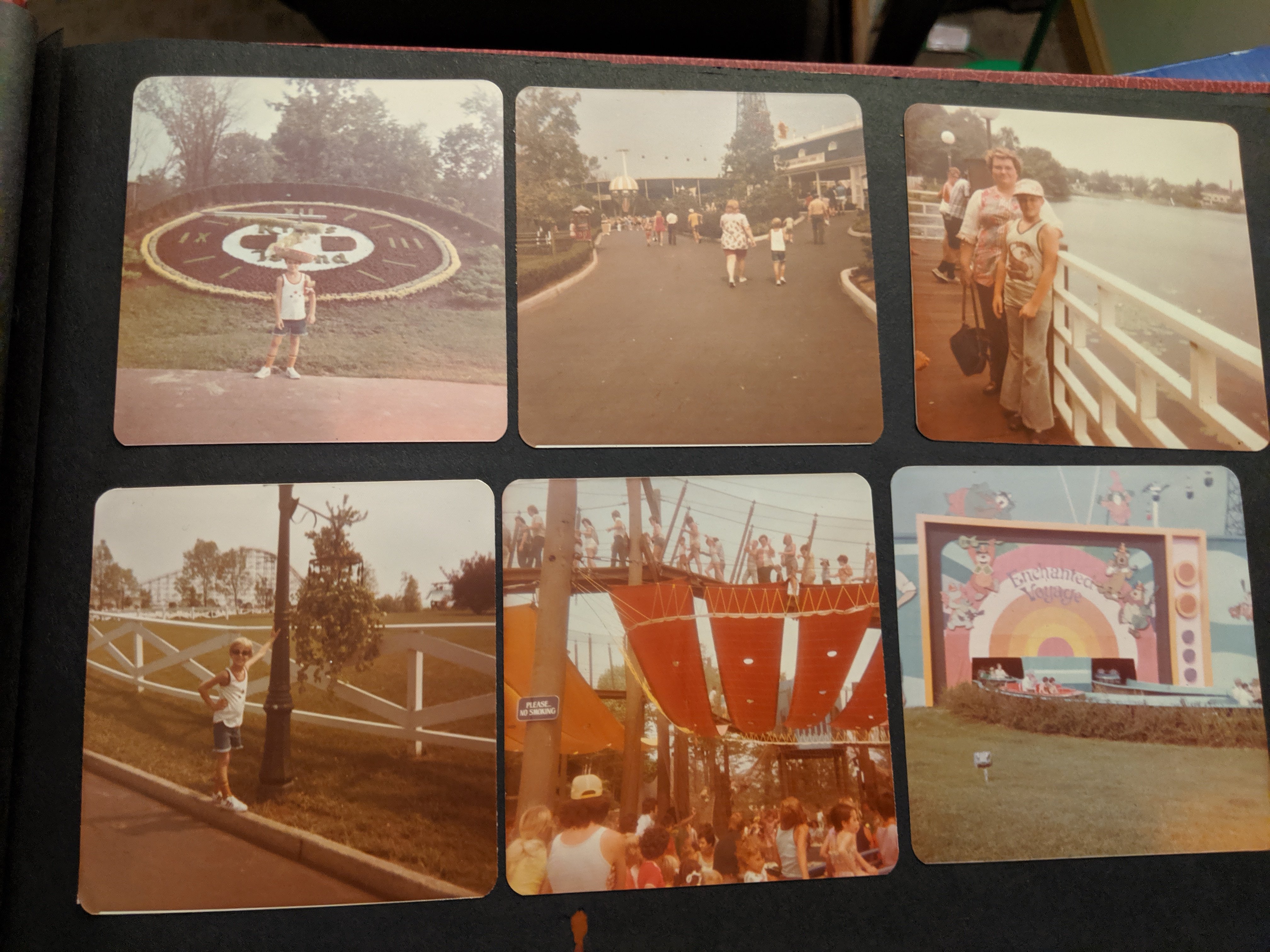
 Here are some photos from a family visit in 73 or 74 I'm guessing. I also have some newer ones to upload.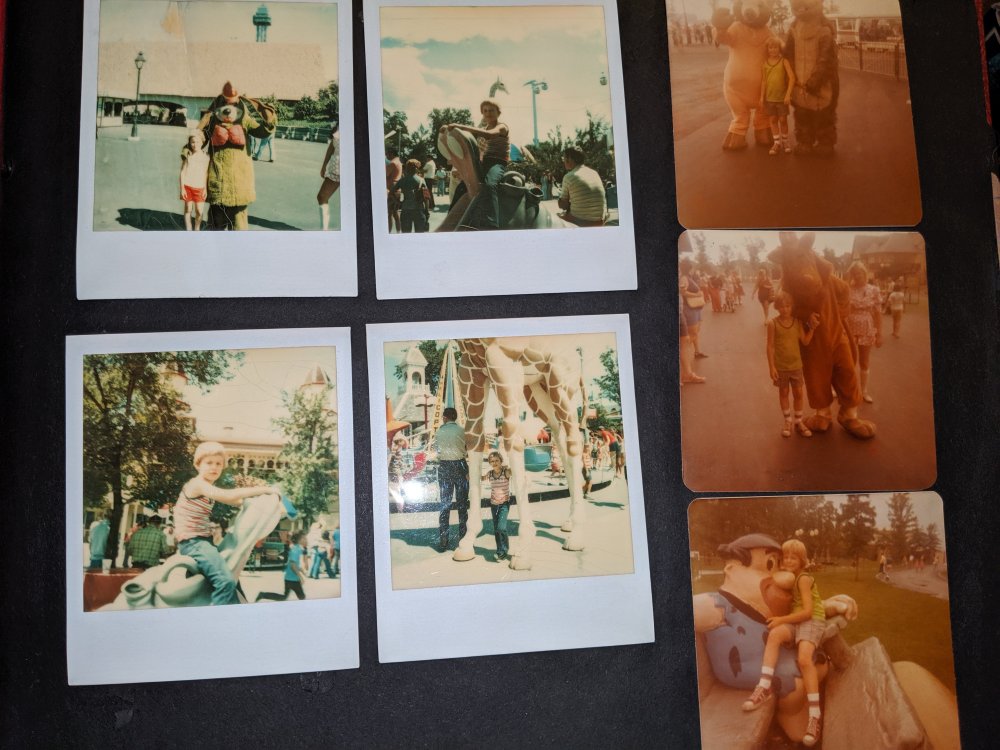






Background Picker