
Cedar Fair Fanboy
Members
-
Joined
-
Last visited
-
I got stumped by the levitation trick he pulled.
-
I stumble across them as they're gonna help with creating a brand new Extreme Haunt Maze like what they did with the Conjuring. They straight up say that their first maze they're be working is a Jason Lives maze. No like or inspire. Jason straight up. So here I am, throwing in the rumor towel that is guaranteed to be the next extreme maze this season.
-
It was up for me.
-
That's one of the reason why a Vekoma Madhouse is needed for it.
-
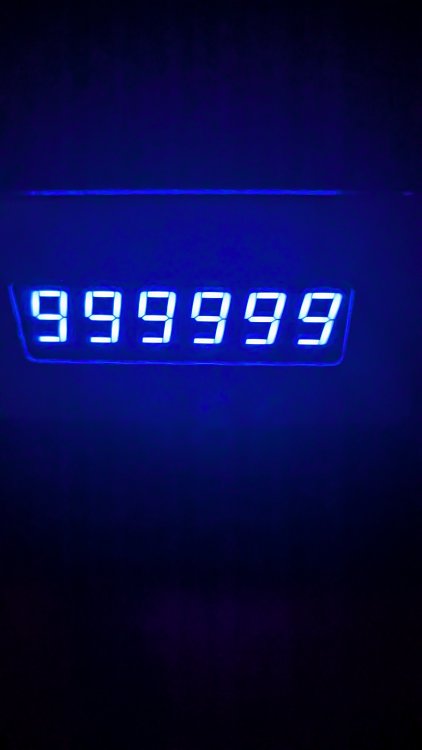
Manage to score max points on Phantom Theater without E-Stop
-
Vekoma Madhouse for Crypt
-
You can thank me for making part of the extended queue line for Phantom Theater.
-
Username Pass preview Opening Day Mythic Rider Yes Yes or No (Cedar Fair FanBoy)
-
Prague's National Theatre has a stone bridge leading to that theater believe it or not.
.jpg.4e14bf9821a10513084954120e3cdd4e.jpg)

-
And even CHAOS fits not just in space, but theming as well.
-
I think that's enough space to remove two building and recreate from the ground up Opryland's CHAOS

-
No that's not new concrete, that's just a wall.
-
No your not crazy, they're tearing the top down
-
That is a dark way of telling everyone that this place isn't reality.
-
Again, for a Madhouse