AirtimeBanking
Members
-
Joined
-
Last visited
-
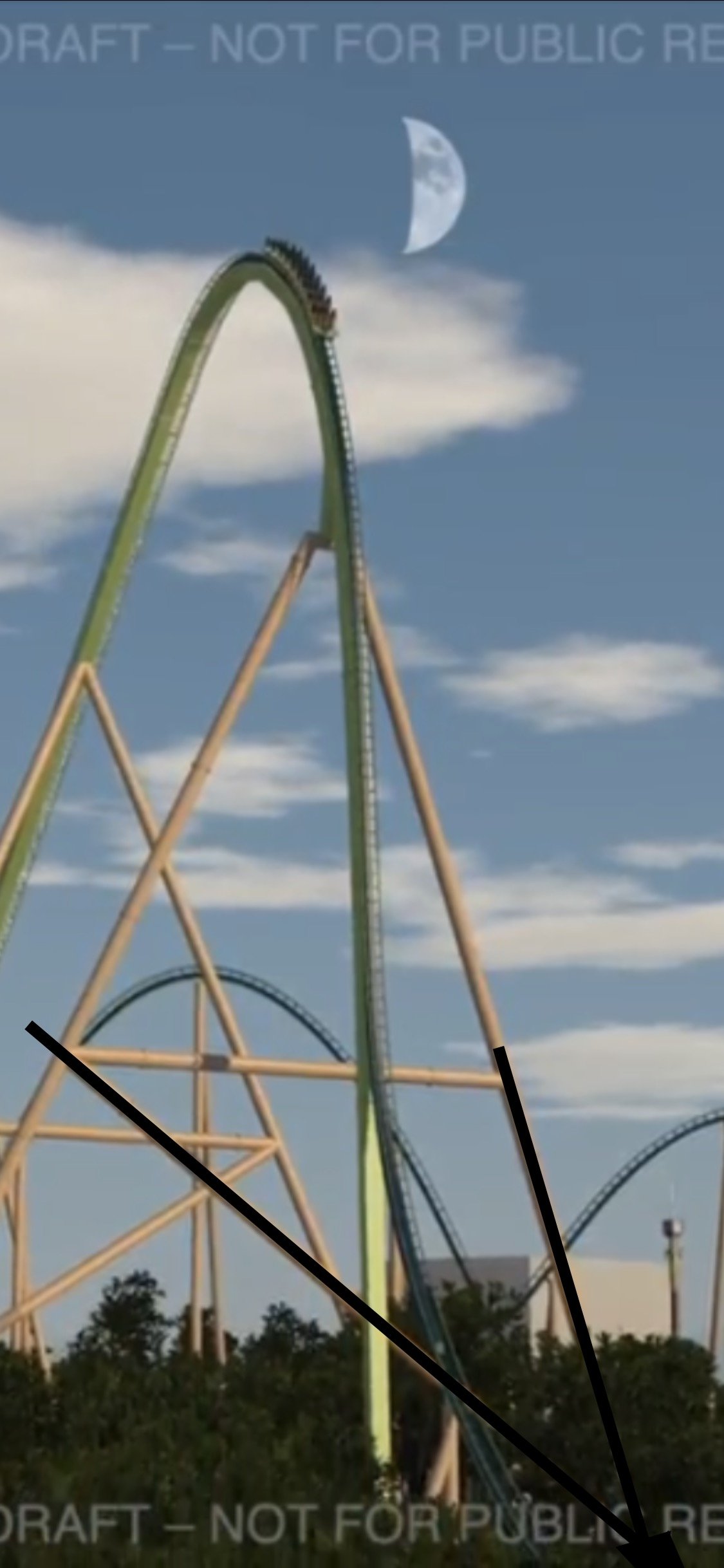
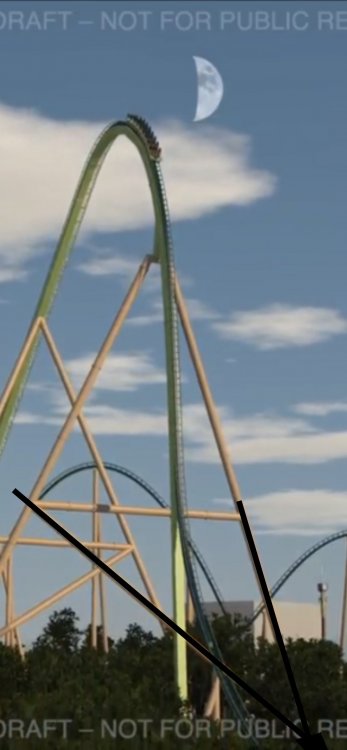
Yeah I don’t know what the typical timeline for releases like this is. regardless it could be a 410 drop with a 380 height. Terrible annotation I did from a screenshot on my phone shows where the footers likely intersect at the ground and the track seems to continue down for what could easily be another 30 feet, making it 410. I know the area behind FoF slopes downward to the little Miami river, so this would probably be possible, and is definitely the flavor I’m hoping for if we are getting a B&M Giga. I like this concept way too much to not hope it’s real lol
-
I did check their accounts but my thought was that it doesn’t at all look like something they meant to release, so we wouldn’t see anything on their social media anyway. Like it was an unofficial animation that got leaked or something I guess time will tell though
-
AirtimeBanking changed their profile photo
-
Long time lurker, first time poster here. I don't know if this is real or not but I saw someone posted it to reddit. Thought I would check with the pros here and see what you guys thought. Looks like someone uploaded something and meant to make it private. Already saved it in case it gets deleted. Looks legit but I can't tell honestly.