


Skip to content
View in the app

A better way to browse. Learn more.

Kings Island Central Forums

A full-screen app on your home screen with push notifications, badges and more.

To install this app on iOS and iPadOS
  1. Tap the Share icon in Safari
  2. Scroll the menu and tap Add to Home Screen.
  3. Tap Add in the top-right corner.
To install this app on Android
  1. Tap the 3-dot menu (⋮) in the top-right corner of the browser.
  2. Tap Add to Home screen or Install app.
  3. Confirm by tapping Install.

KI50Movie_Official

Members
  • Joined

  • Last visited

About Me

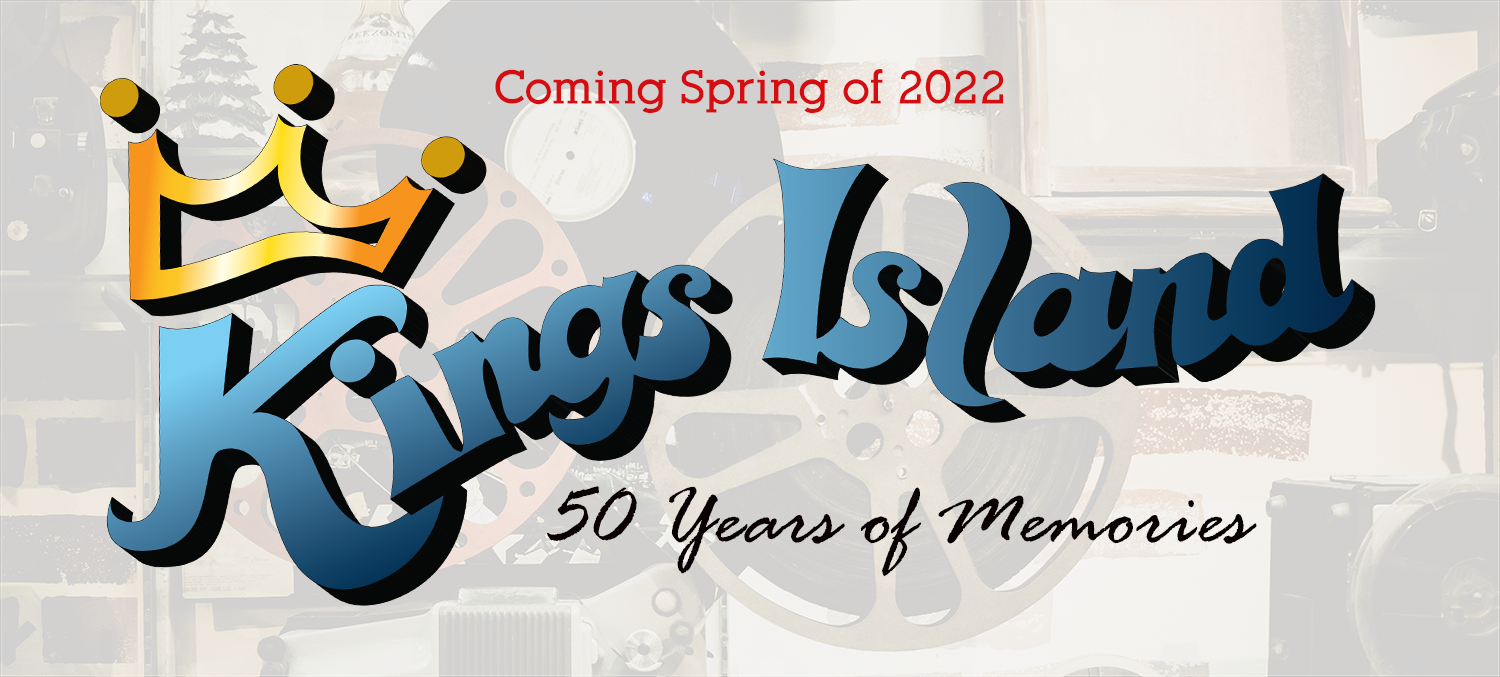
Relive 50 years of Kings Island memories told through the stories of guests, past employees, industry professionals, and celebrities. You will also get to see never before seen home movies and rare sights and sounds of the park.

We will continue to provide updates until the films release in the Spring of 2022.

Make sure to follow our hashtag across your favorite social media platform using #KI50movie

Make sure to get the latest news on production by liking our Facebook Film page Here


Background Picker

Account

Navigation

Search

Search

Configure browser push notifications

Chrome (Android)
  1. Tap the lock icon next to the address bar.
  2. Tap Permissions → Notifications.
  3. Adjust your preference.
Chrome (Desktop)
  1. Click the padlock icon in the address bar.
  2. Select Site settings.
  3. Find Notifications and adjust your preference.