RustyCuttlefish
Members
-
Joined
-
Last visited
-
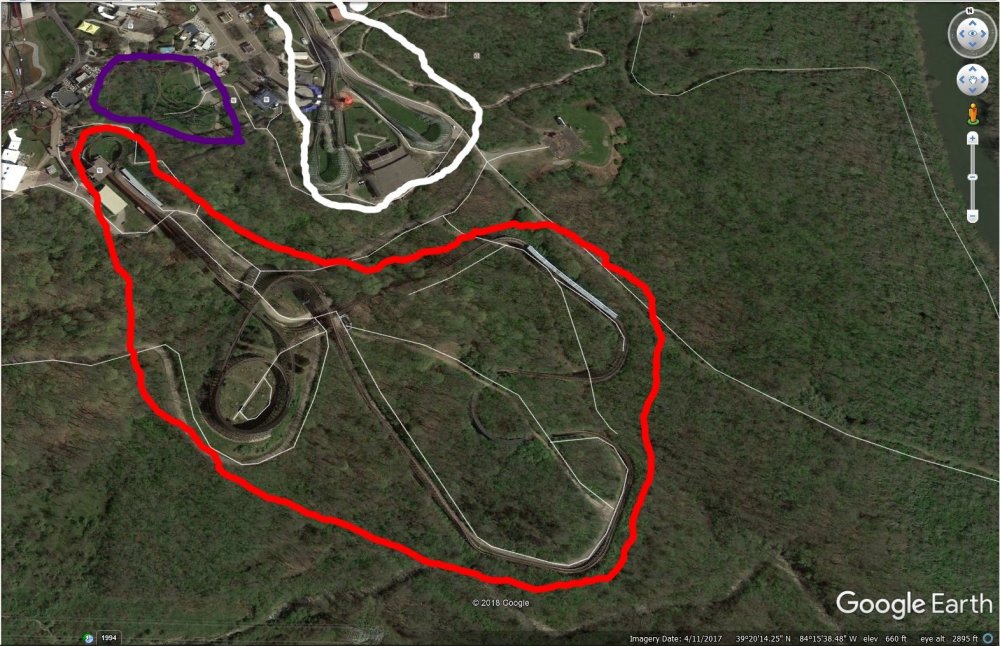
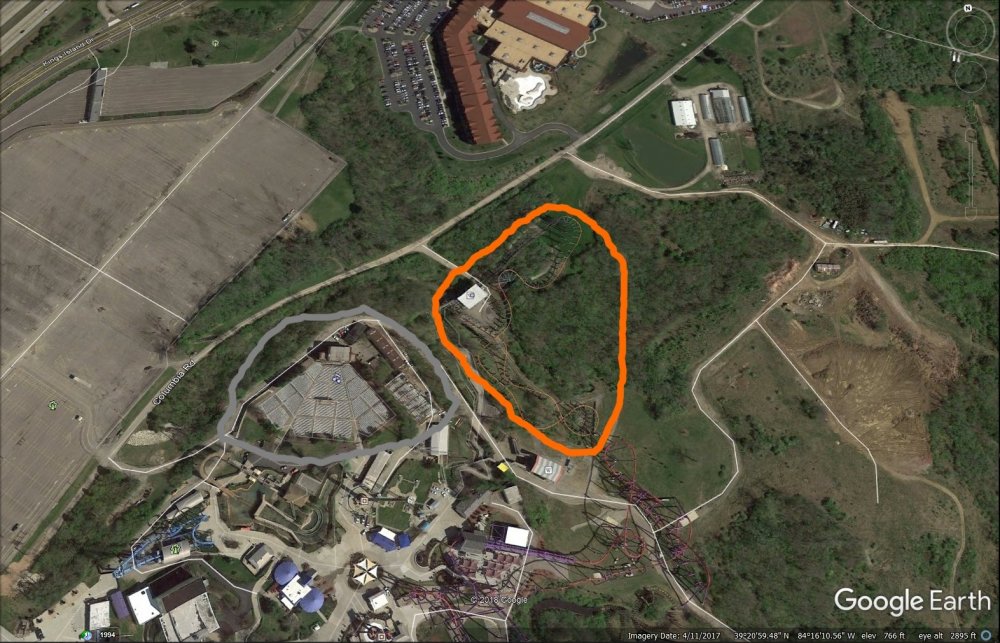
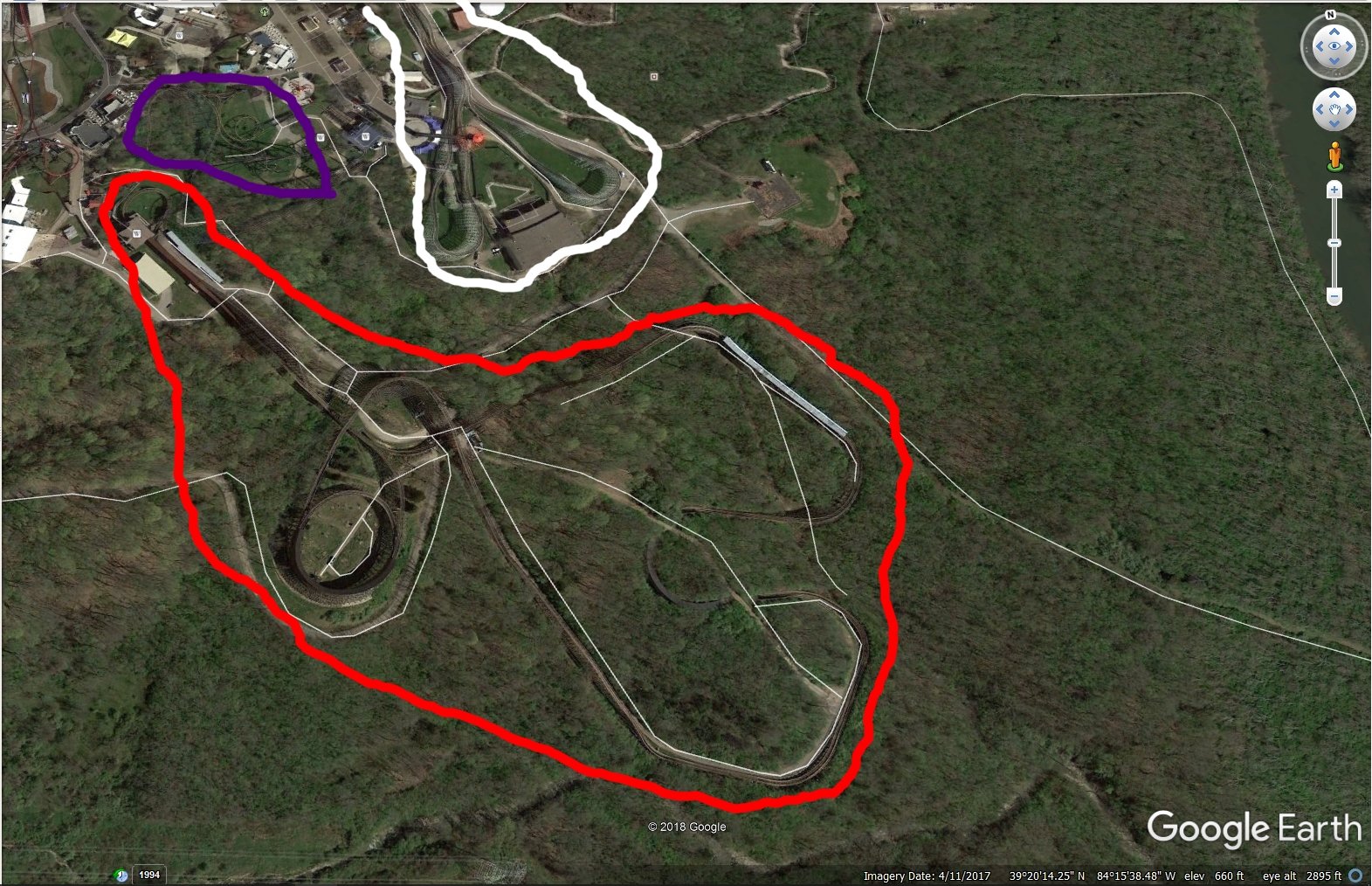
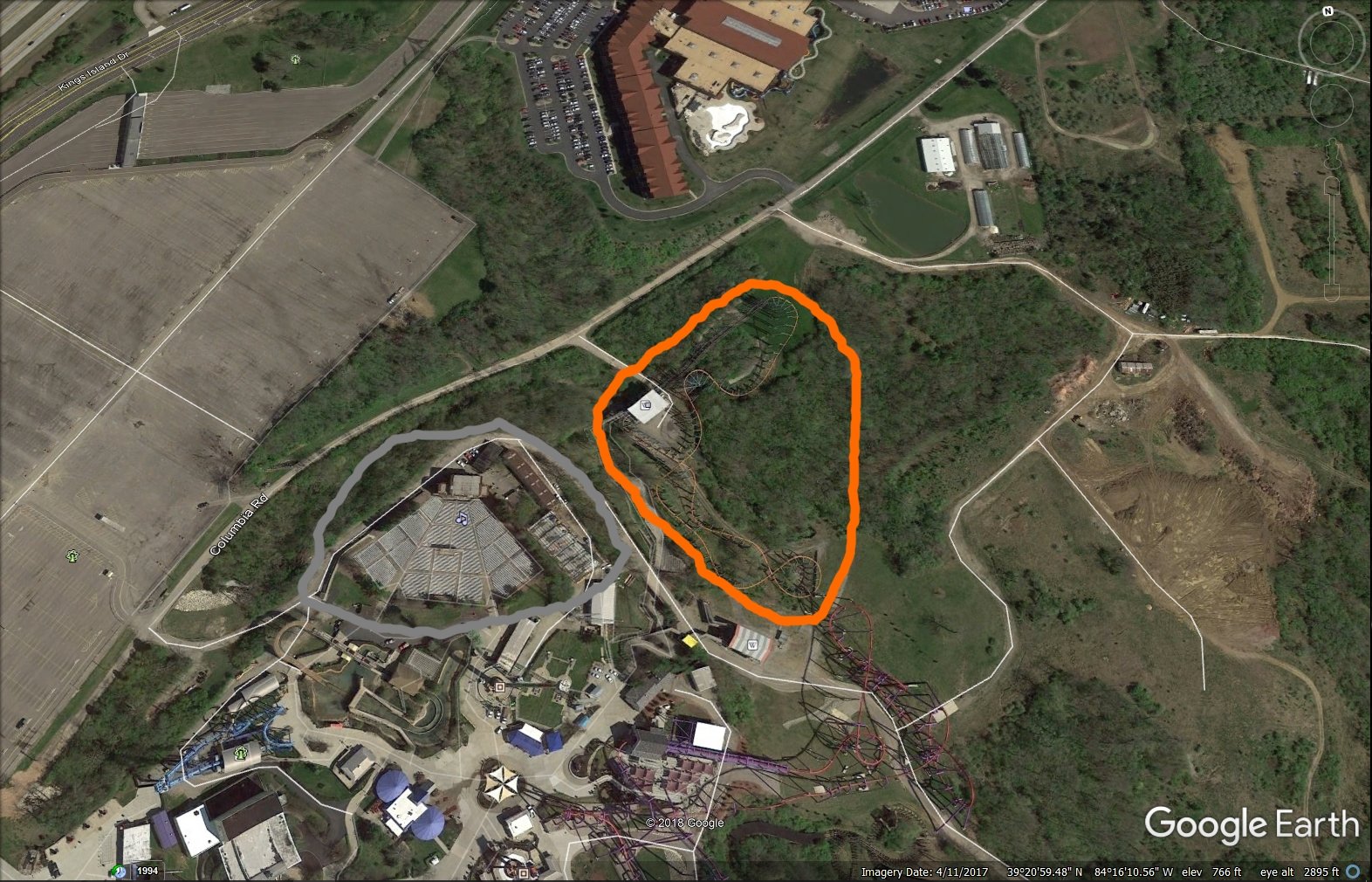
I joined this forum to post this. So, hello everyone. I think it's The Bat. And, quietly, to a lesser extent, Timberwolf. And I think the primary reason is to build a SoB giga in the area. There are too many rumors circulating, too much smoke, for the giga theory to be nothing. For a real giga, they'd need space. Compare these two photos: Top photo is Beast (red), Racer (white) and Vortex (purple). Not a whole lot of room for growth there, wedged in between two big-ticket coasters. Vortex will leave sooner than later, but I don't think it's related to this. Bottom photo is Timberwolf (gray), nuBat (orange) and a giant expanse of empty land where SoB used to be. Plenty of space. And, of course, the building with the striped roof just south of nuBat is Outpost 5. Think about it. If you build an enormous giga-coaster, where do you want to put it? In back with the other old legends? Or *right in front of the park where everyone on the highway can see it?* Ill-fated? Yep, when it opened, Top Gun was themed after a movie that came out in 1986. It's biggest hype was that it was the return of a suspended coaster to KI after the original Bat closed. Two more name-changes and a total rebranding, and it's still just a pale shadow of its namesake. Still skies? Of course, when there are no bats flying or wolves howling. The Outpost 5 "cryptohazard" logo everywhere. Just my thoughts.