kimiwill
Members
-
Joined
-
Last visited
-
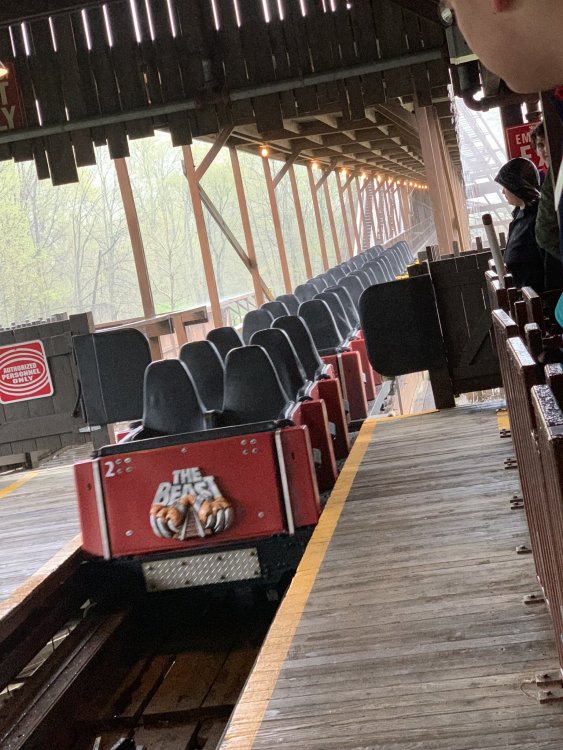
The Beast. 2019.
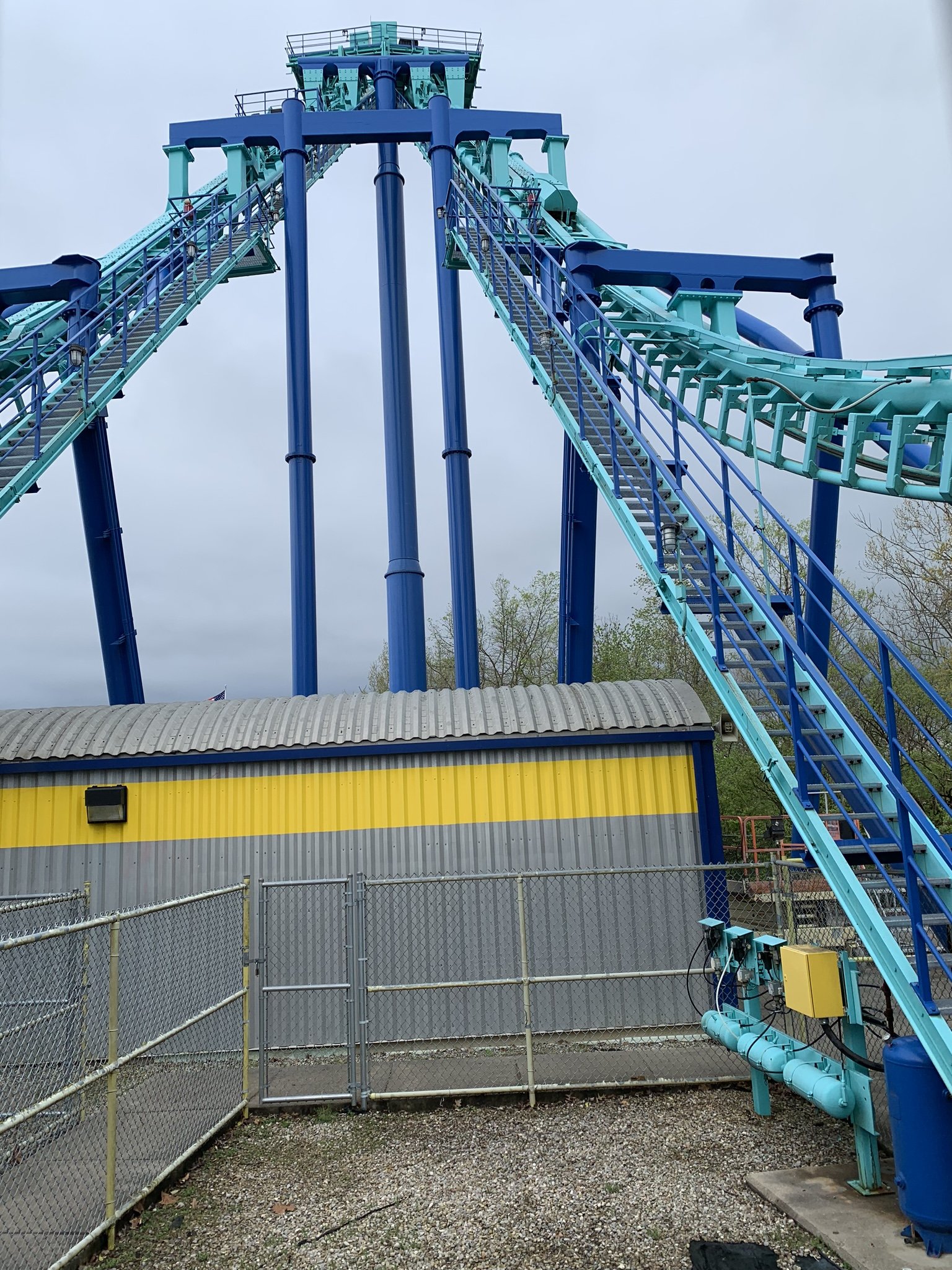
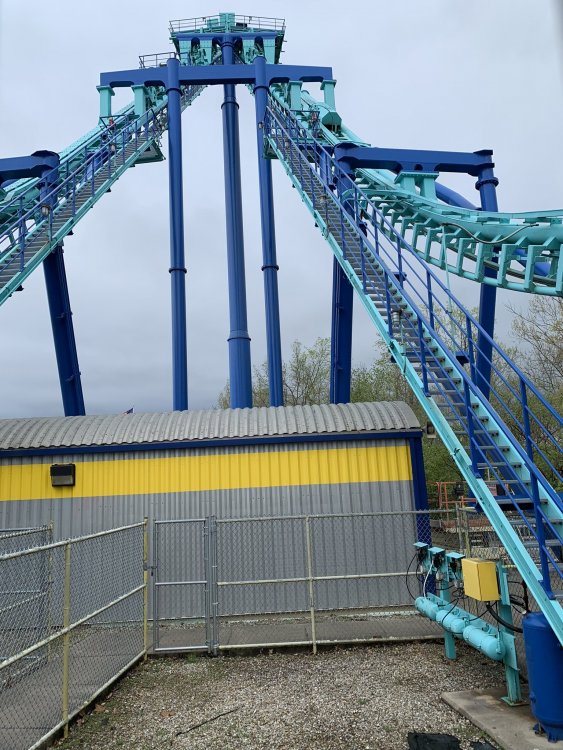
 Invertigo 2019.
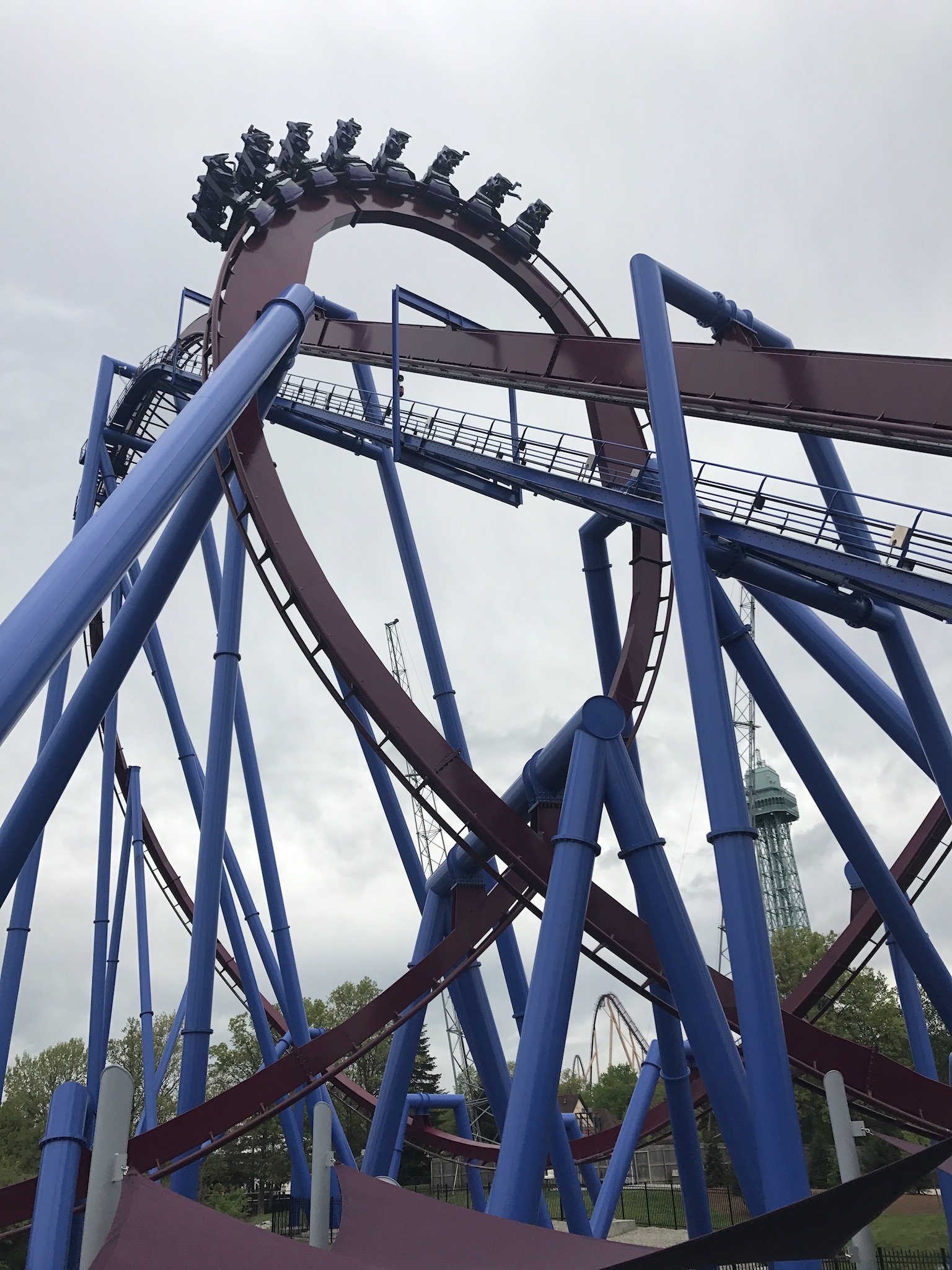
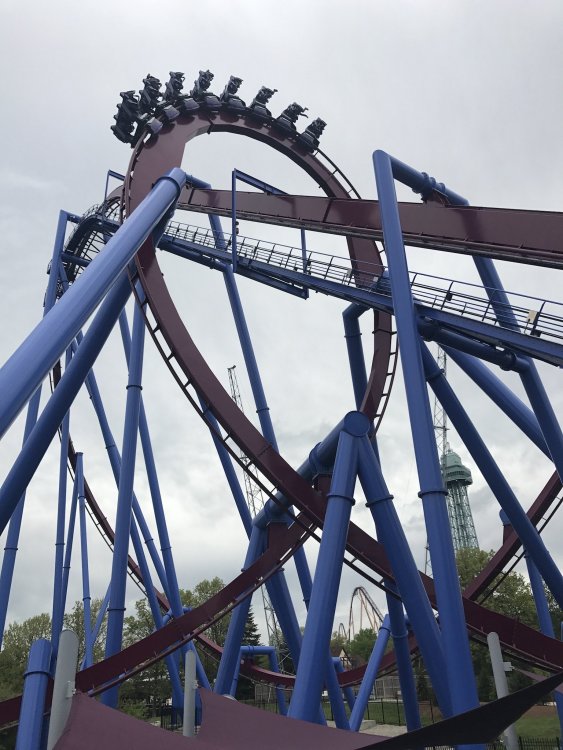
 Banshee 2017.
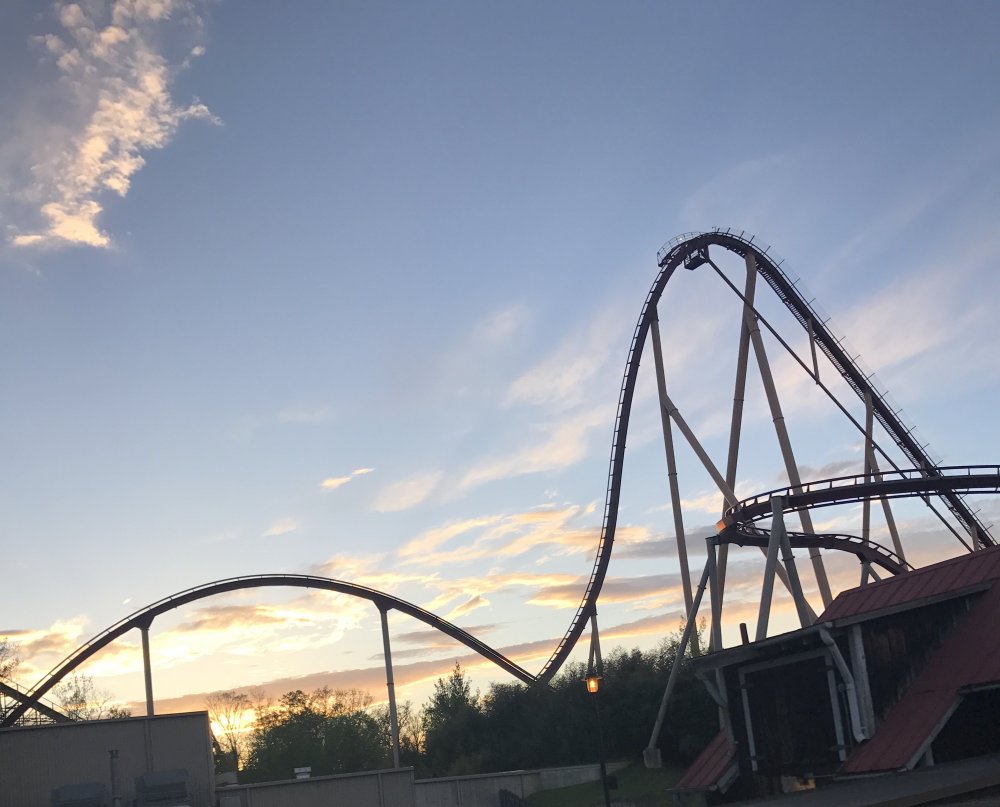
 Diamondback 2017
 About a 25 minute wait for Beast. Currently in line.I'll be at the park all day tomorrow, from ERT to close. I wouldn't be opposed to this. I'll send you a PM sometime tomorrow when we've planned our trip out a bit more. If you don't hear from me by noon, just shoot me a message.