Fye Coasters
Banned
-
Joined
-
Last visited
-
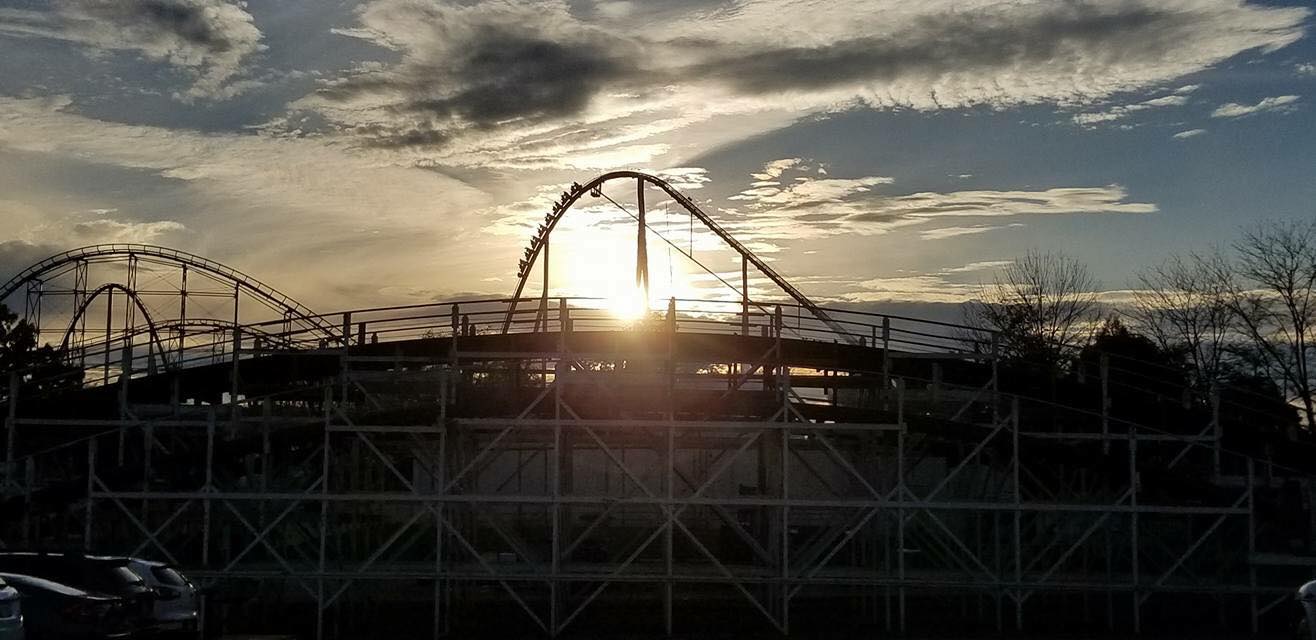
Beautiful Photo!!
-
Yes an hour before the park opens.
-
Awesome thanks for sharing!!
-
What part of the track? I wonder when they will start on the lift hill supports.
-
Anyone have a Haunt Map pdf for this year?
-
Kind of sad, but here are all the Coney Island Rides for sale. http://rides4u.com/equipment/packages/view/25
-
So excited to see that! Is it the half down by Antique Autos?
-
Awesome, heck yeah, im curious how the Tween thing will go too. My daughter is to young for that though. Even though i would want her to do them lol. Im excited and glad we get something new each year.
-
Ehh thats cool, i understand, i enjoy going cause of how late the park is open!
-
Everyone excited about the new additions to this years Haunt? If so what do you think will be the best new addition?
-
From the past coasters seems they will do the brake run/station first then start on the lift.
-
I hope so. it will be fun to watch okay sweet i knew they put them up there didnt know if it was on the top or bottom part lol
-
I hope so! I know we're super excited! Hope we can watch during Haunt, i forget is the tower open?
-
When do you guys think we will start seeing the lift hill?
-
Whats your thoughts on Banshee roar vs Raptor? I love the sound of Raptor!