Fye Coasters
Banned
-
Joined
-
Last visited
Everything posted by Fye Coasters
-
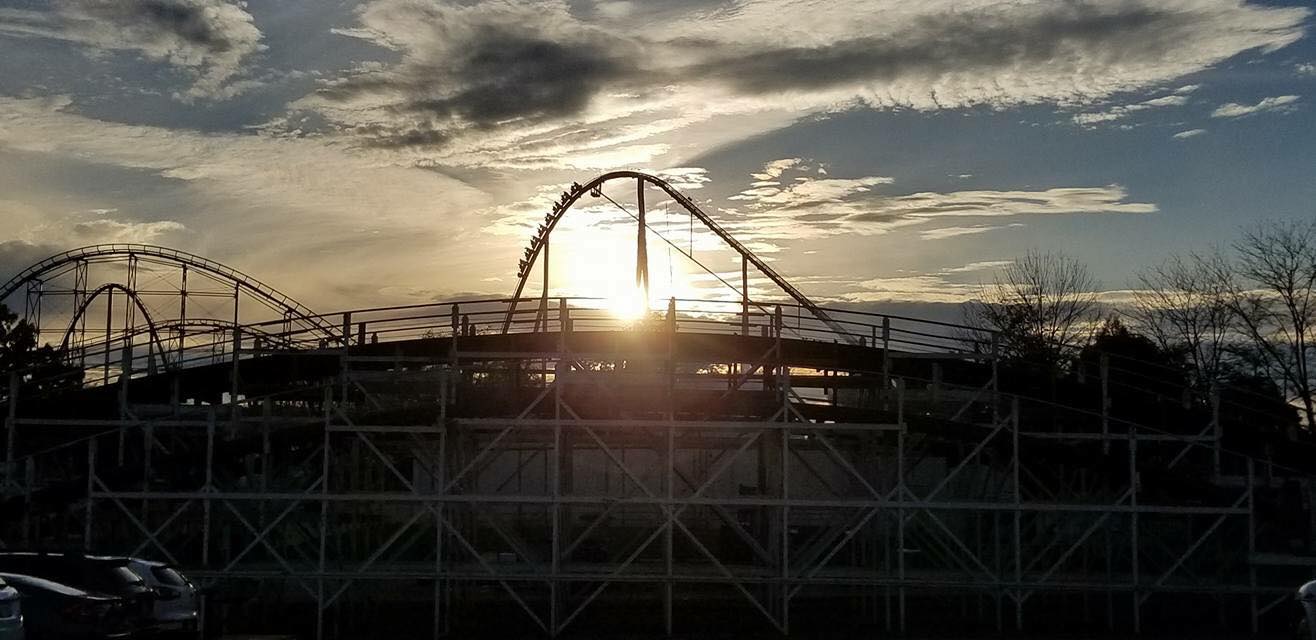
BEAUTIFUL. That thing is really good looking!
-
Thanks. It was beautiful.
-
who says it has to be a suspended coaster? and so we need more coasters in planet snoooooopp
-
we could get the first b&m kiddie coaster??
-
ehhh well see i would love to see "Area 72" as future expansion. Yeah thats true. I think we will see more at the park.
-
Ki is not and will never loose B&M idky this is even a thread lol
-
The name will be Shooting Star lol
-
You're very welcome!! Glad we could help!
-
yes we will be streaming on all our social media, you asked a question and i answered it. thank you
-
We got you guys covered!! As always Ki comes first lol. Its our home and home away from home.
-
Yeah i got some guys there right now.
-
thanks for sharing!! we hope to see you there tonight
-
You and me boththank you for sharing on here, im super excited.that what you get messing with something thats not yours lol ¯\_(ツ)_/¯is that windows vista?? dang thats old lol
 For those of you that can’t see the photo. Here it is.
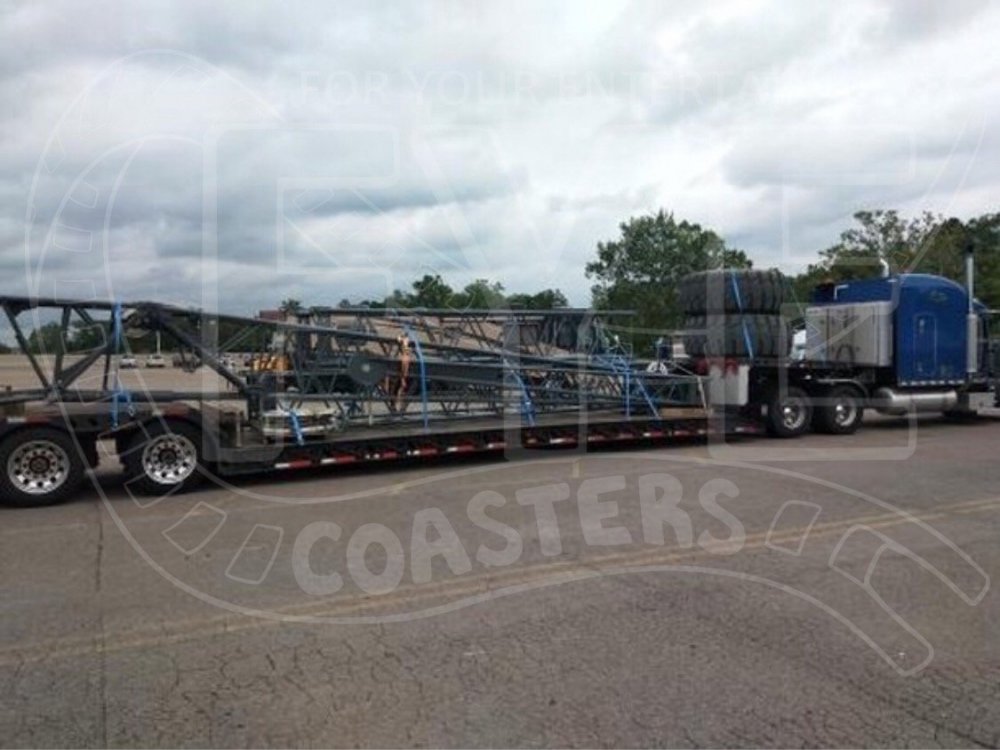 LOL not much of a clue for us lolYeah i have it up now https://www.wlwt.com/nowcastDude im at work, im just as excited as everyone else, i dont have time to sit here for few hours trying to find a word....just trying to help no need to be RUDE. so the time i do have i am trying to help which is what you asked for...that would take a good min lol