




Leaderboard
-
BryanJay
Members5Points199Posts -
kingsislandfan1972
Members3Points4,143Posts -
Orion-XL200
Members3Points1,494Posts -
TOPGUN1993
Members2Points4,789Posts


.thumb.png.8e7f1090cc8ce08ec0aa4a9c54cc20be.png)

Popular Content
Showing content with the highest reputation on 12/25/2025 in all areas
-
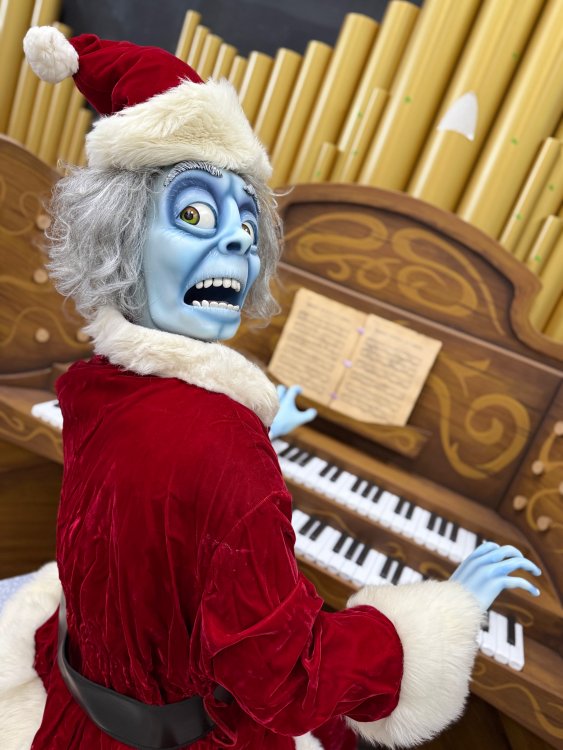
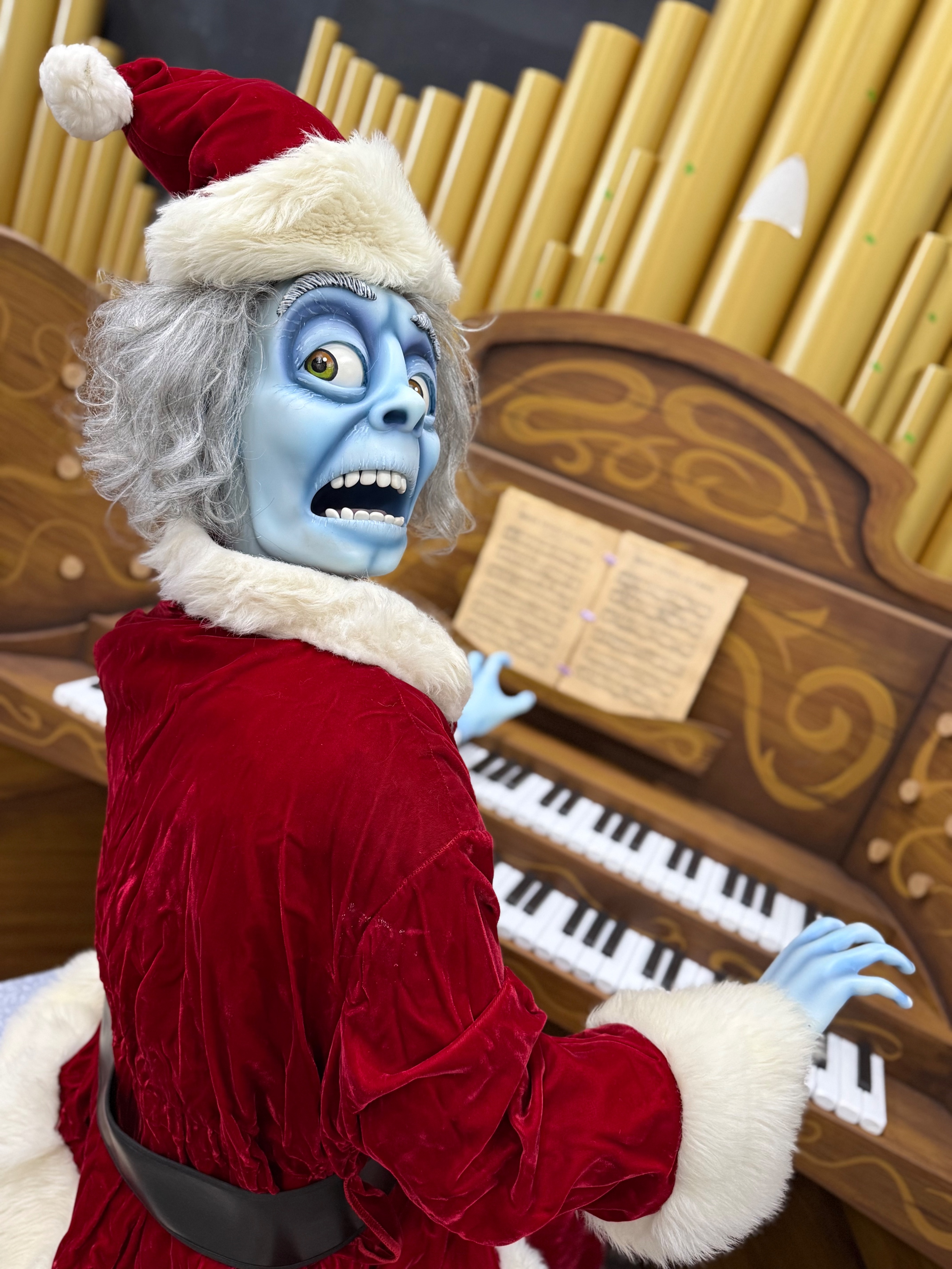
So like… they’re fitting them in holiday outfits already.. Winterfest overlay?
 5 points
 -
1 point
-
I'm wondering if this is already in the ride and they put him in the Santa suit just for this picture.1 point
-
My complaint was that they needed more scares1 point
-
In the early 2010s they did have scare actors that popped out and scared guests on the ride during Haunt, however I heard guests complained about that so it was very brief.1 point
-
I doubt it, most we got for boo blasters was Christmas hats on the ghost and Bells around the ride and queue1 point
-
1 pointThere's a few very easy steps to remedy the Preferred Parking situation. Make the lot for Prestige Passholders only. No more parking upgrade at the tollbooth. Some people use Preferred when the Handicap Lot is full, but frankly that's another can of worms on its own. Have the system count how many cars have been scanned into the Preferred lot. If the number of passes currently scanned in exceeds the total number of parking spaces, then the lot is full. The exit gate lifts for each car that leaves. That can decrease the number of cars currently scanned into the parking lot by 1 with each lift. If the preferred lot is full, then the associate puts up the block against the entrance and turns on/puts out the "LOT FULL" sign. The lot remains "full" until 10+ cars have left. I believe there has to be some way for them to track the number of cars in the lot without building a new parking toll system from scratch. Someone online claimed that the Preferred lot attendants were too lazy to check the lot (which, granted, this user probably didn't think it through before commenting). In reality, they shouldn't have to go look for spots or keep track on their own. Cedar Point could use a better Prestige parking lot setup as well. Theirs is even more packed and confusing to get into/out of. In other news, last night was super crowded. The thing I noticed last night was that, much like with the Bandstand, the standing room for Jingle Jazz was interfering with the walking path. I'd love to see if anything could be done to help with that, whether it be moving it further back into that alley or reworking the logistics of how much of the pathway is dedicated to thru-traffic.1 point
-
1 pointThey are seriously going to have to figure out how to handle Preferred Parking now that they oversold the prestige passes so badly. It was especially bad tonight since they plowed all of the snow into one lane of the road along the walkway to the park, so you had people circling around trying to go both directions in one lane.1 point
-
Me waiting for Kings Island to open so I can ride Phantom Theater Opening Nightmare be like: 119 days to be exact...
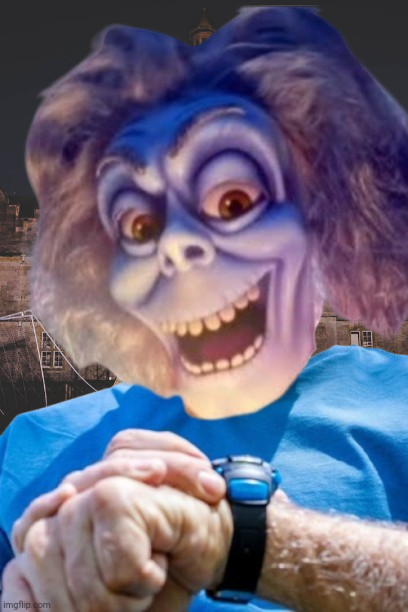 1 point
 -
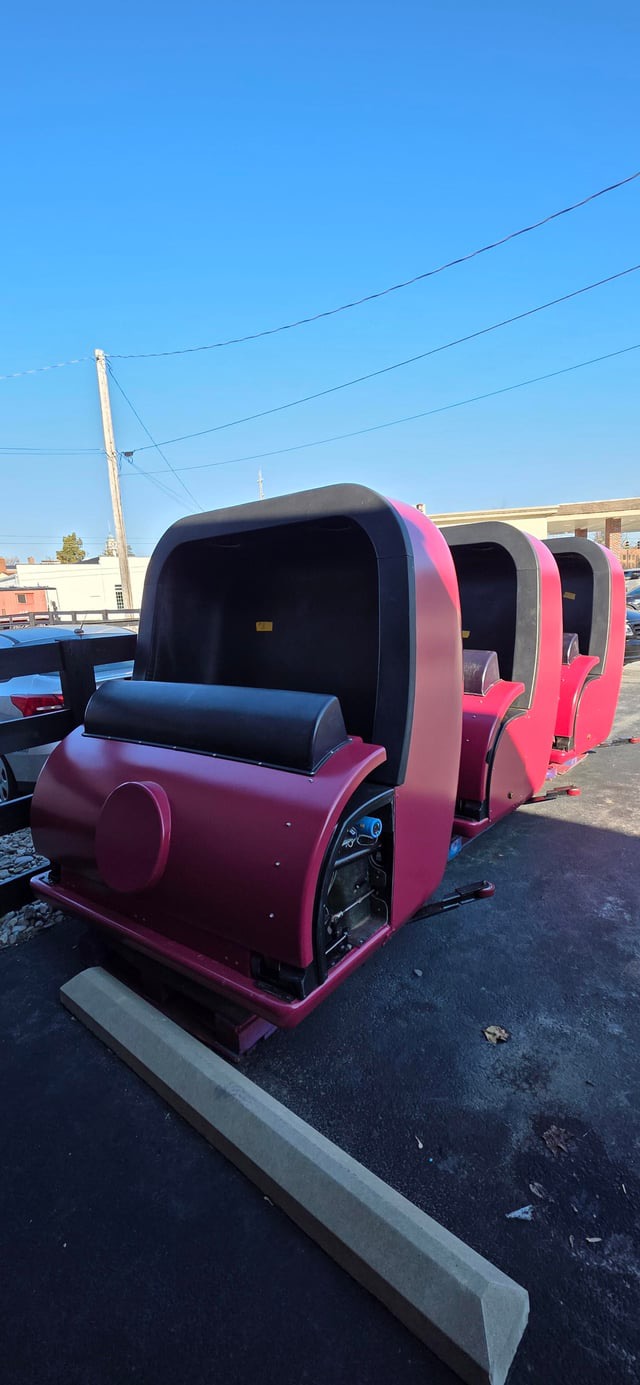
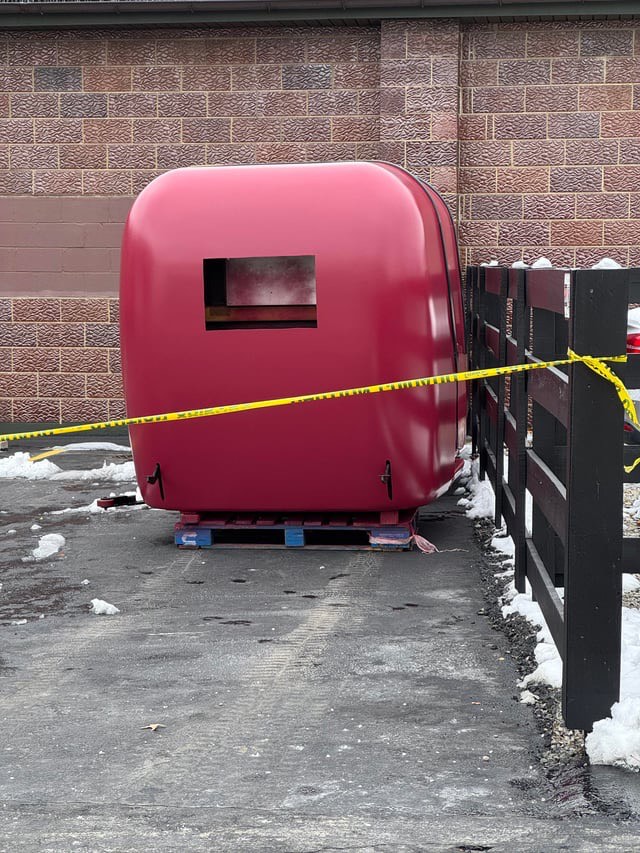
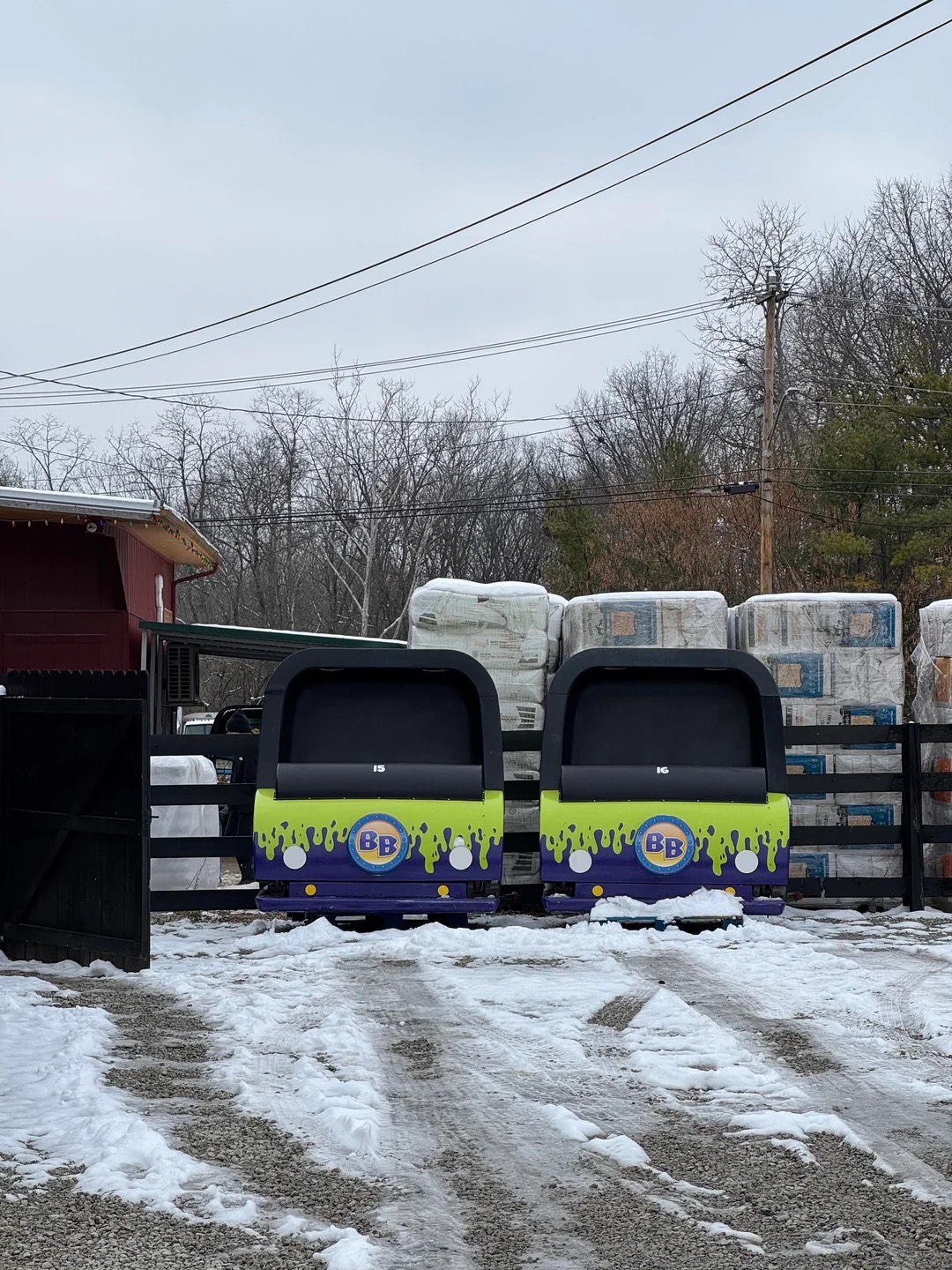
Another photo from the guy on Reddit
 1 point
 -
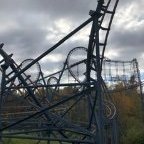
Found these on Reddit thanks to /u/Mirahtrunks
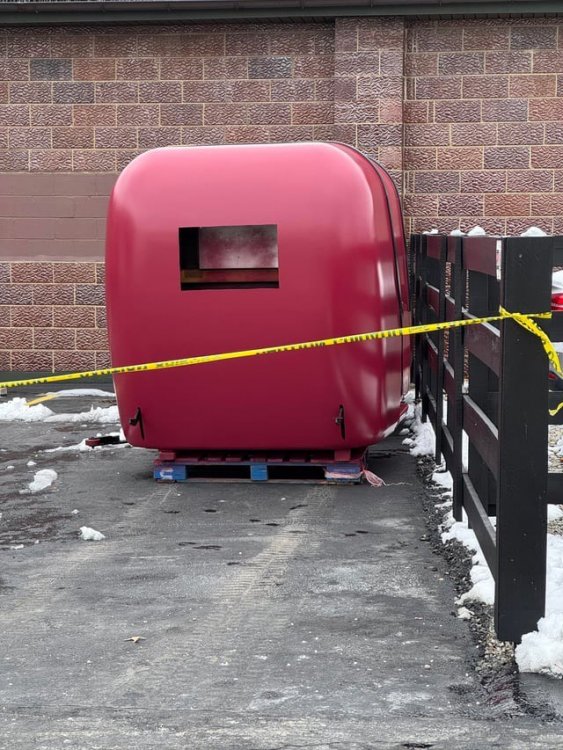
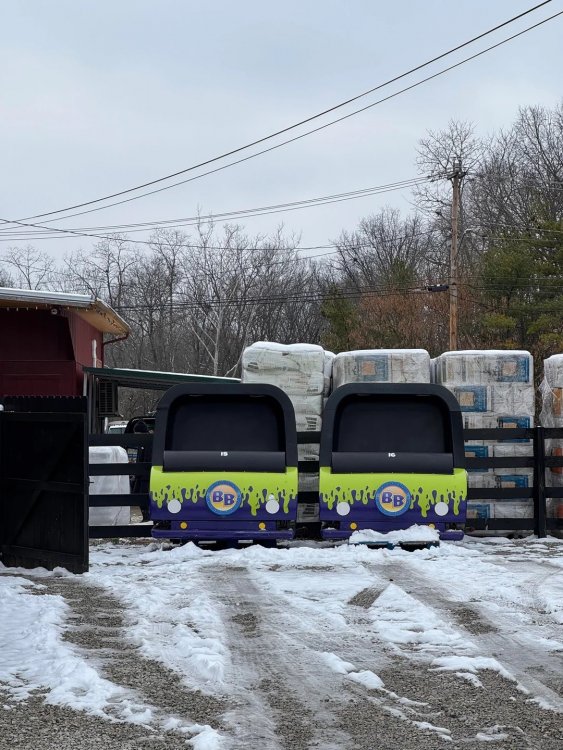 1 point
 -
And why are there two dozen different kinds of concrete surfacing? And that extra seating area for the mess hall, seems like that, and the turf for it, got relocated to build the pavilion by the Carousel...1 point
-
Camp snoopy is “sort of” well done. There’s so much they could’ve easily done to make it feel way more complete. Starting with, why isn’t the ride themed to a tree not in the area themed to camping in the outdoors?1 point






This leaderboard is set to New York/GMT-04:00