




Leaderboard
-
PKIDelirium
Members1Points2,895Posts -
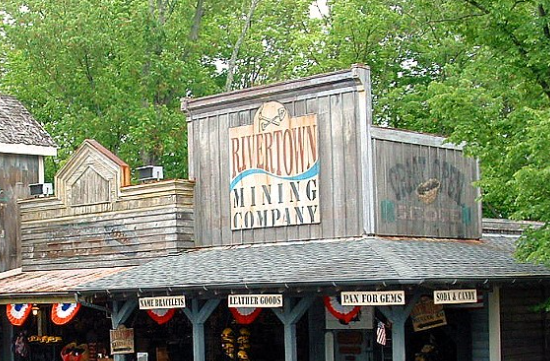
Losantiville Mining Co.
Members1Points1,546Posts


Popular Content
Showing content with the highest reputation on 12/14/2025 in all areas
-
1 pointI wonder if they're putting the long-lost lights back on the centerpiece while they're at it.1 point
-
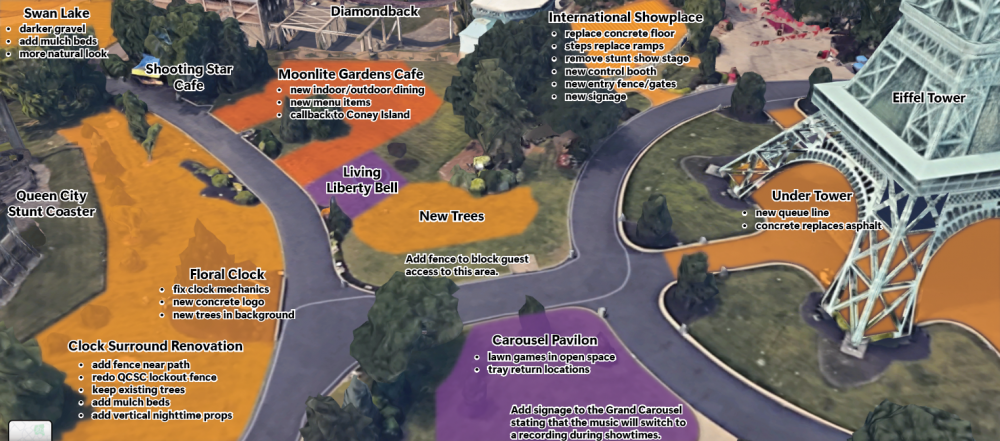
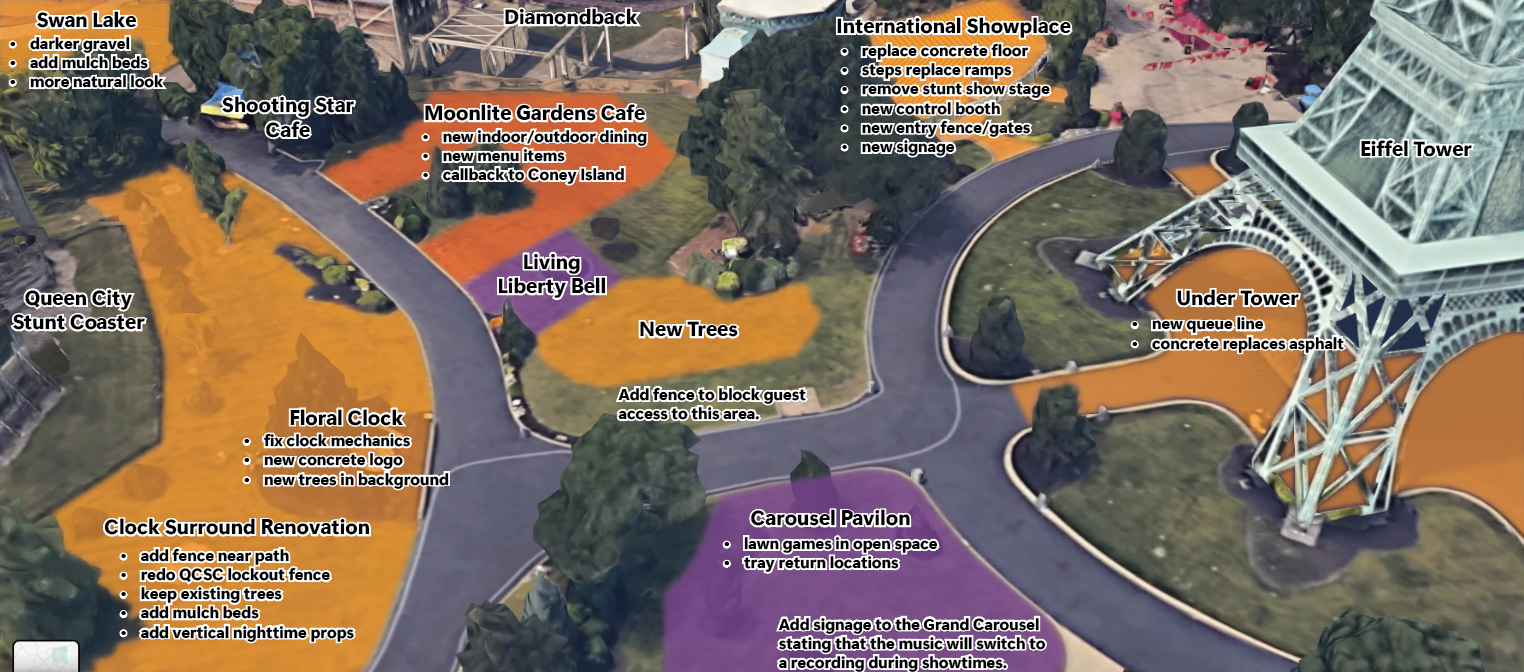
Using some Illustrator features I just realized could be used like this, I made the following. Here's some improvements that I think would help to improve the often-forgotten back area of I-Street (and a little bit of Rivertown). You can read my thoughts, but some highlights are: New Restaurant Moonlite Gardens new indoor/outdoor seating restaurant maybe close to being like the Grand Pavilion Floral Clock area improvement new fences more shrubs and vertical props International Showplace Theatre steps replace ramps no more stunt show stage (so we can finally return to musical shows) New Trees!!! a new stand of trees in that giant hill area where it wouldn't make sense to put a ride or building bonus: more natural areas in the park
 1 point
This leaderboard is set to New York/GMT-04:00