Leaderboard
-
TOPGUN1993
Members5Points4,789Posts -
KIfan73
Members3Points3,077Posts -
Orion-XL200
Members2Points1,494Posts -
rlentless
Members1Points407Posts

.thumb.png.8e7f1090cc8ce08ec0aa4a9c54cc20be.png)
Popular Content
Showing content with the highest reputation on 04/28/2025 in all areas
-
Visiting EPIC today. Beautiful park so far. Hour and ten minute wait for the Mario ride WITH a handicap pass. We all got the interactive wrist bands since Universal Orlando has become our home park. Taking photos but won’t share anything since the park really should be seen in person.1 point
-
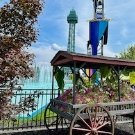
One of the best food items on the dining plan is the Boom Boom Shrimp Po Boy at French Corner. You can get a side of Canun pasta salad (best option ) or homemade chips. This is the best hidden gem for the park as the wait time is usually minimal as many pass this location and it gives an enjoyable view of the Eiffel Tower and eating outside is like a small cafe in Paris. And if you time it out right you can listen to a show on the bandstand during the summer. A + for this location and food. I highly recommend it. Sent from my iPhone using Tapatalk1 point
-
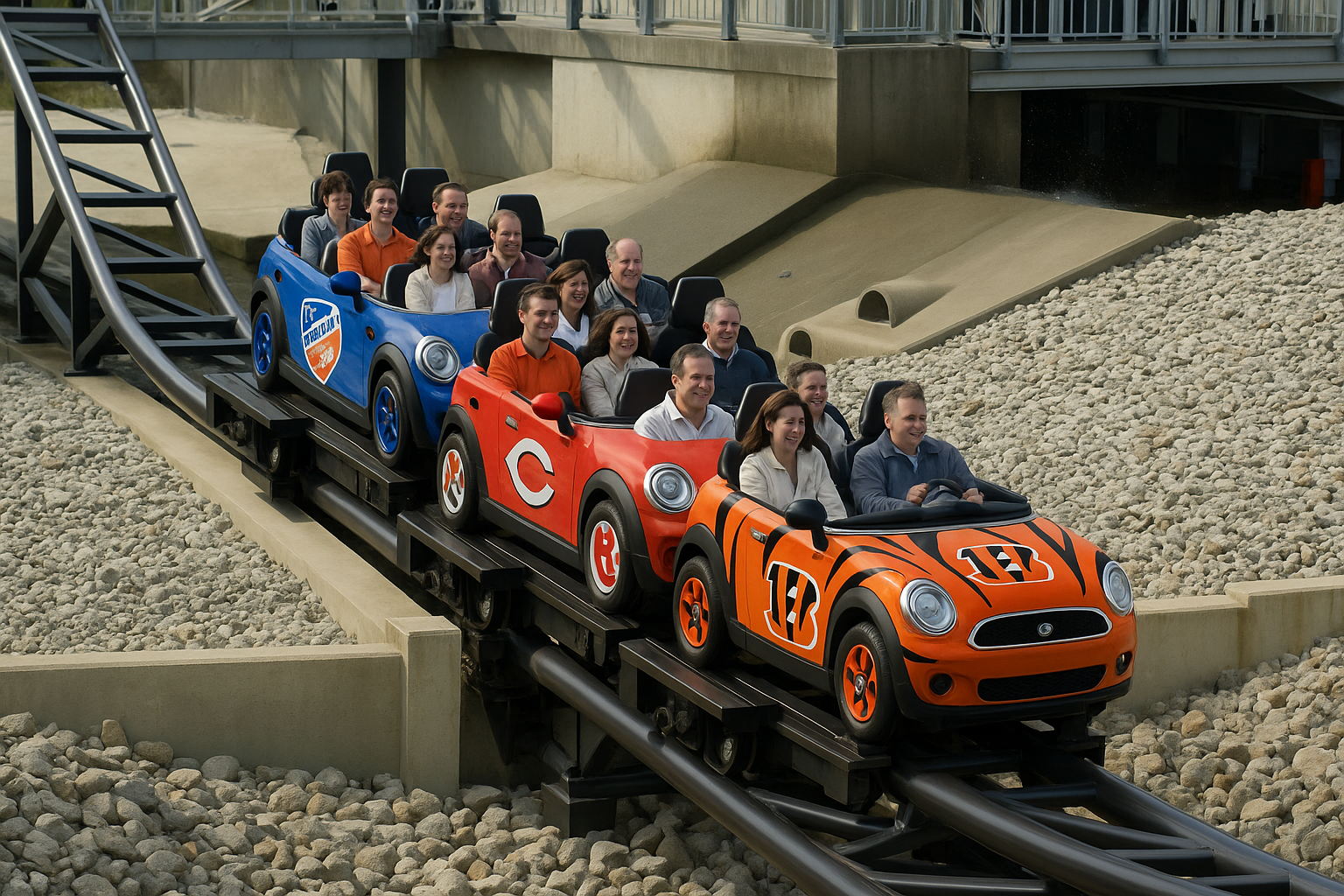
1 pointThis was a really good idea using Queen City as the theme. Maybe this can put down our fears that KI will just start putting Six Flags IP's all over the park?? They could have themed it to Metropolis and have the Penquin shooting at us from the helicopter.1 pointNice change! Hopefully this is the start of a major thematic overhaul. Police cars and storage crates don't seem to project a great image of the Queen City1 pointThis leaderboard is set to New York/GMT-04:00