




Leaderboard
-
beastfan11
Members4Points2,061Posts -
DonHelbig
Members3Points921Posts -
brenthodge
Members2Points1,510Posts


Popular Content
Showing content with the highest reputation on 06/10/2026 in all areas
-
Disney didn’t change the thrills of Rock ‘n’ Roller Coaster—but it completely changed the experience. After riding the new Muppets version at Disney’s Hollywood Studios, one thing became clear: this transformation works. Here’s why the Electric Mayhem may be exactly what this Disney World classic needed. Story: https://themeparksbydon.com/disney-muppets-rock-n-roller-coaster-review/2 points
-
2 points
-
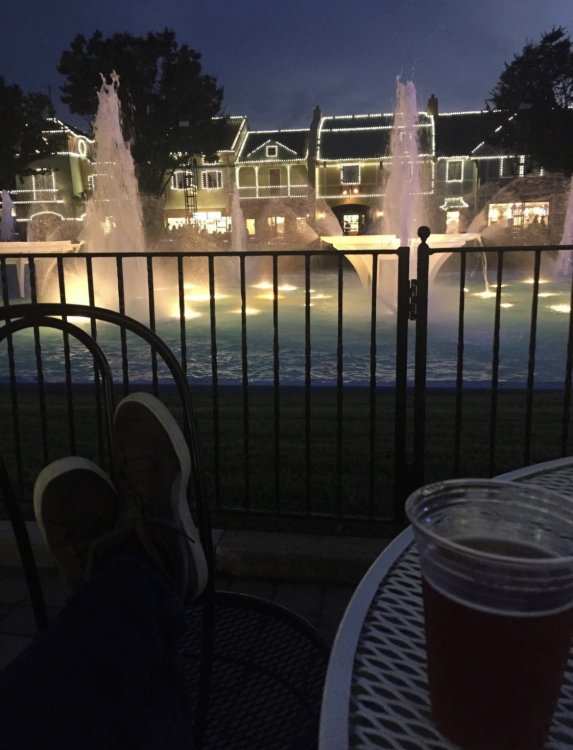
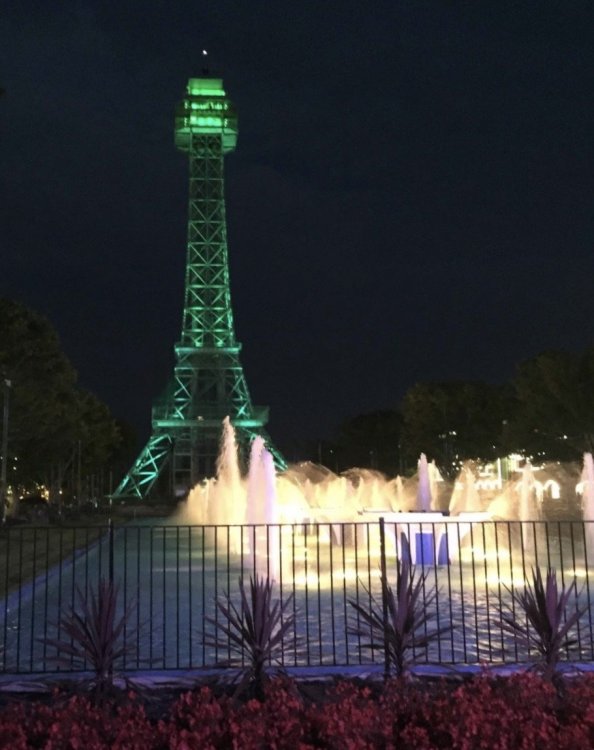
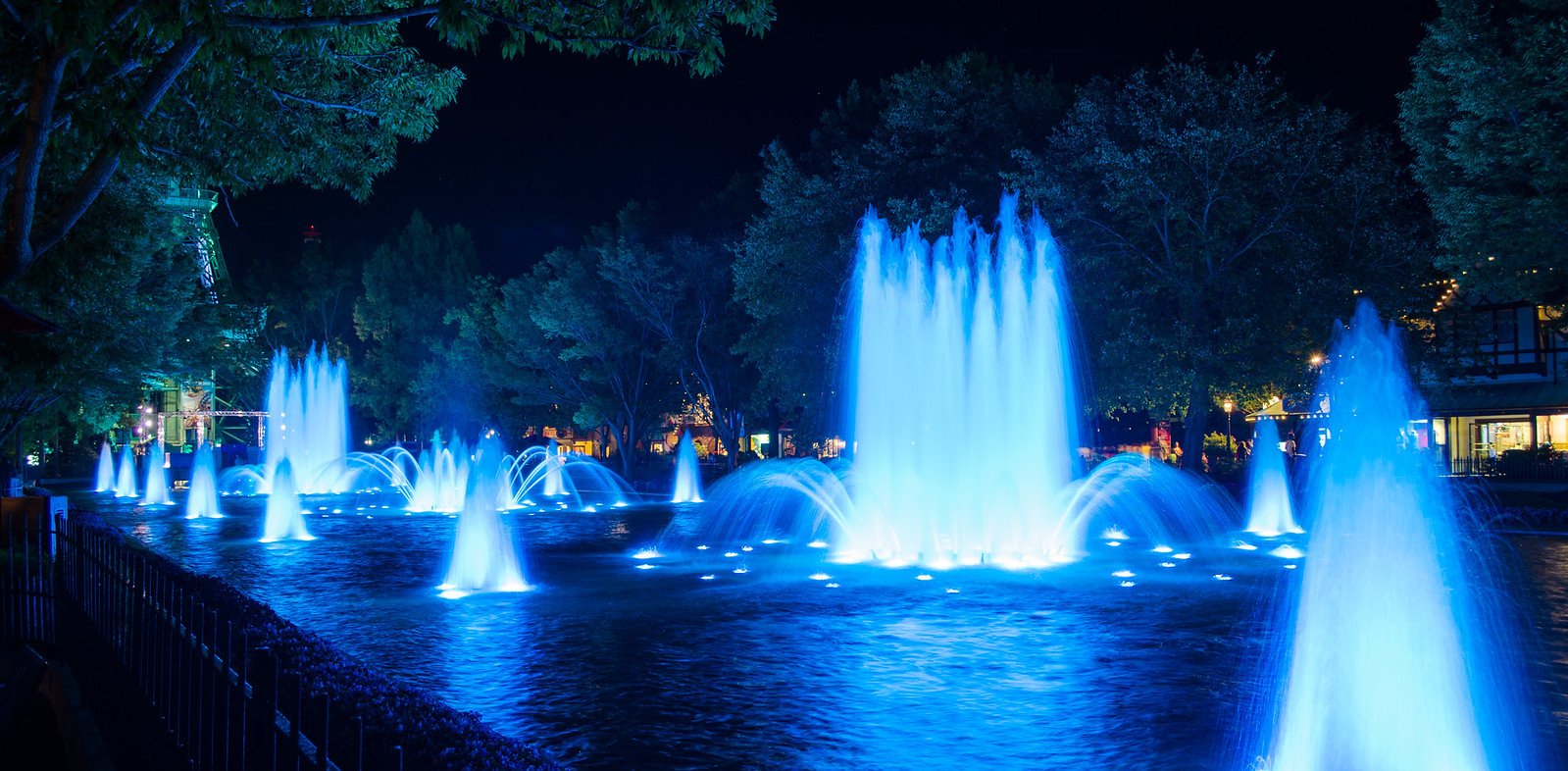
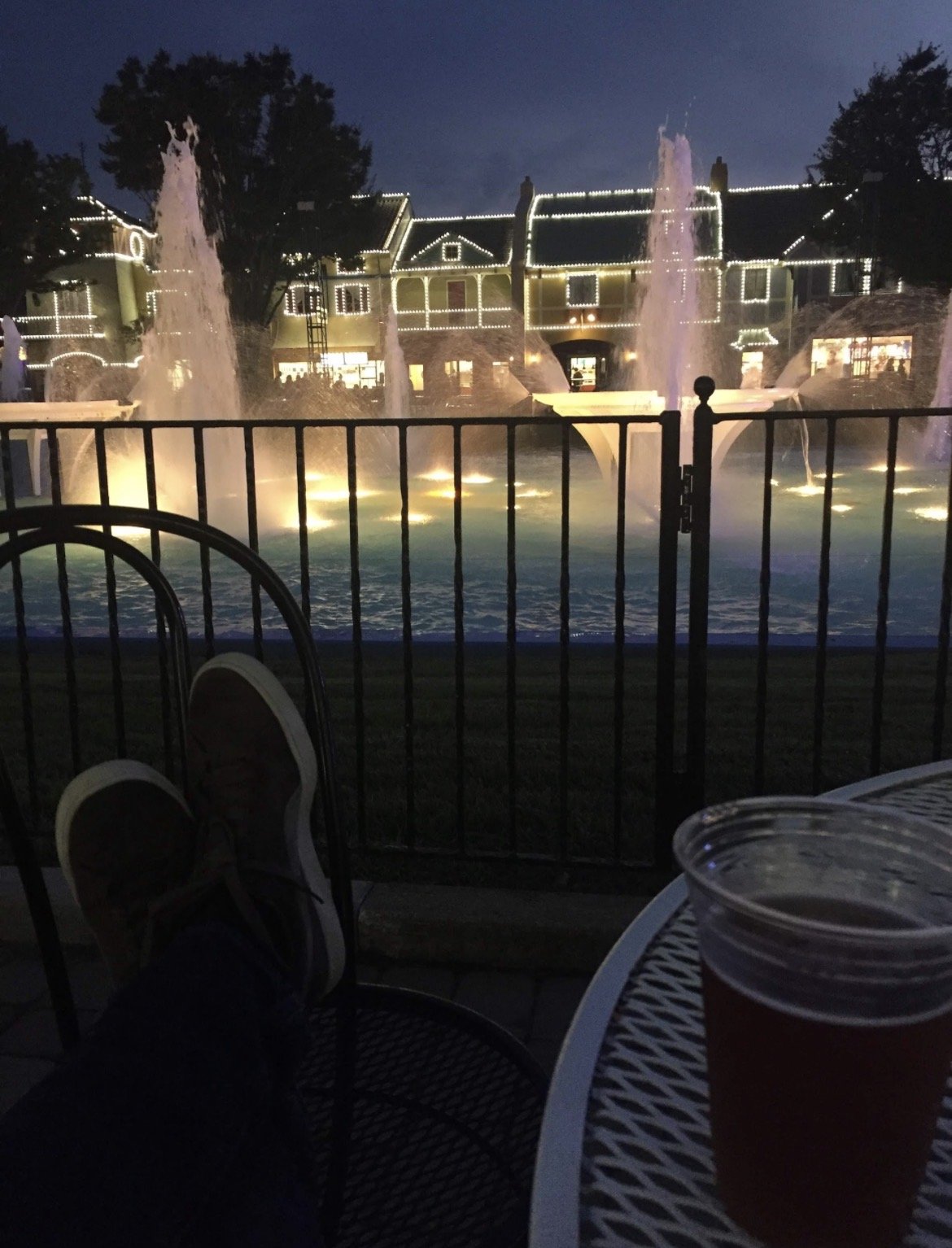
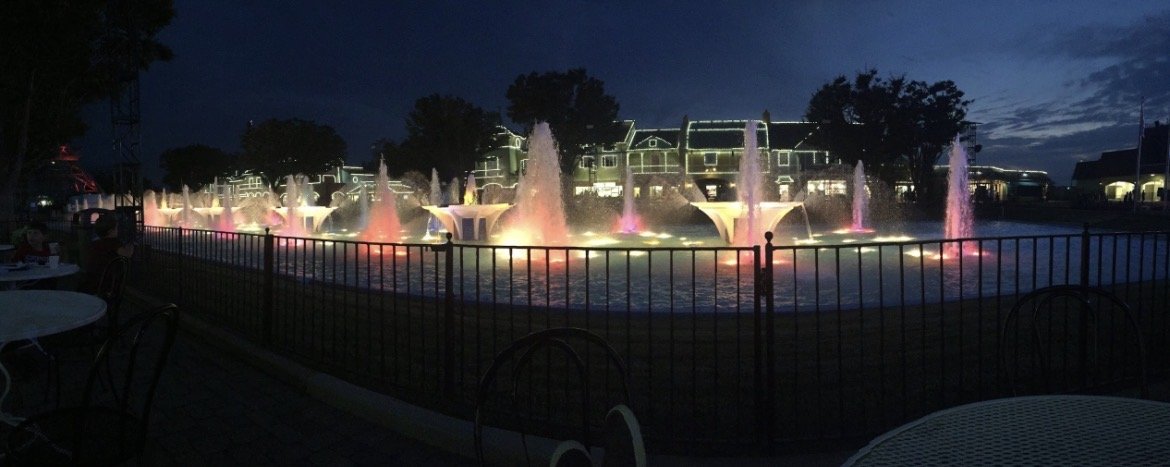
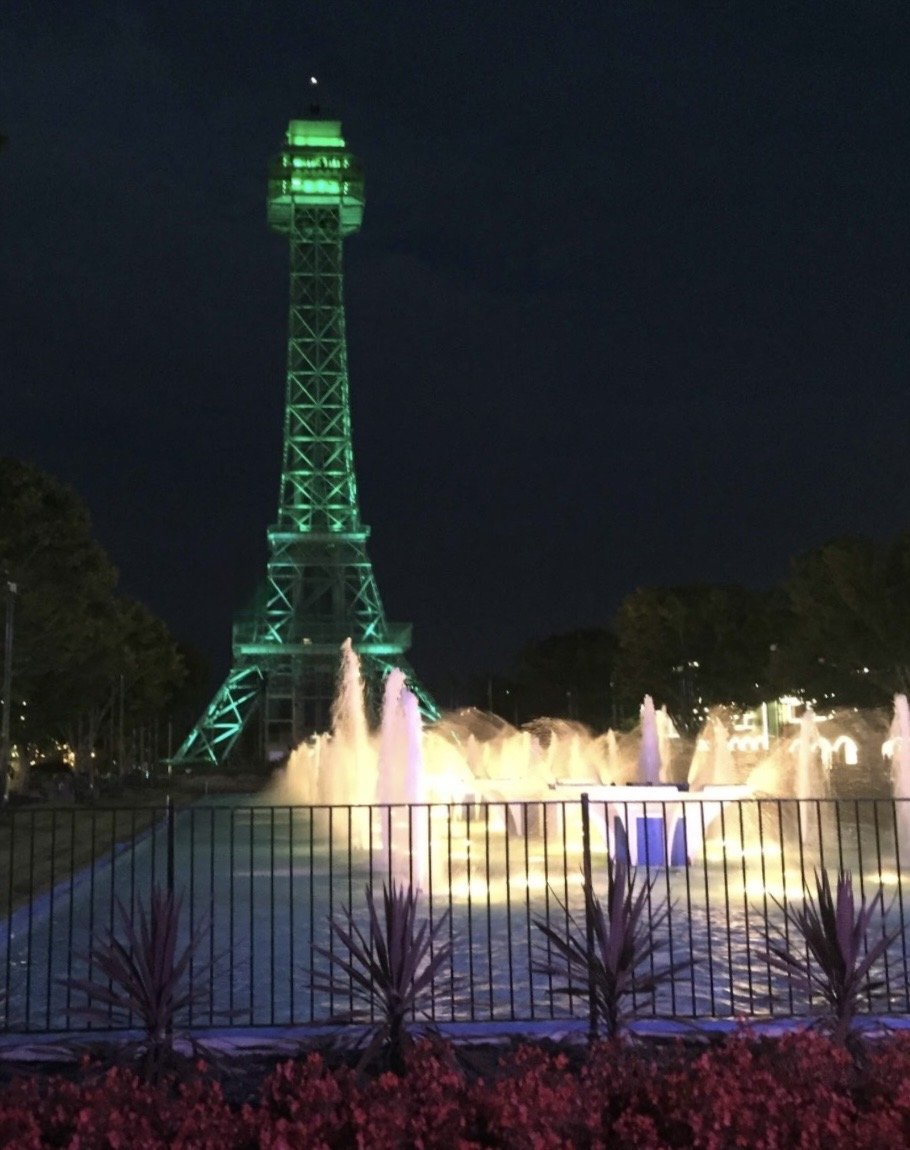
2 pointsAh, love the International Street refurb, minus the tree and fountain situations. Wish we could’ve had both. From one of my favorite zen, solo trips way back in 2018. Sure do miss this view. Just feels a bit open and empty still. Miss the coziness.

 2 points
 -
1 point
-
1 point
-
Cleanliness is part of the culture at Holiday World and other parks outside of Six Flags. They know you can have the best rides but if the park isn’t clean guests don’t return. I just got back from visiting Epic Universe and the Disney World parks. As busy as they are they keep the parks clean.1 point
This leaderboard is set to New York/GMT-04:00